App updates can sometimes shift puzzle order. If this level 71 walkthrough doesn’t match what’s on your screen, no stress! Flip through our All Levels directory to locate your exact puzzle using its screenshot.
Level Overview
What Makes This Puzzle Tricky
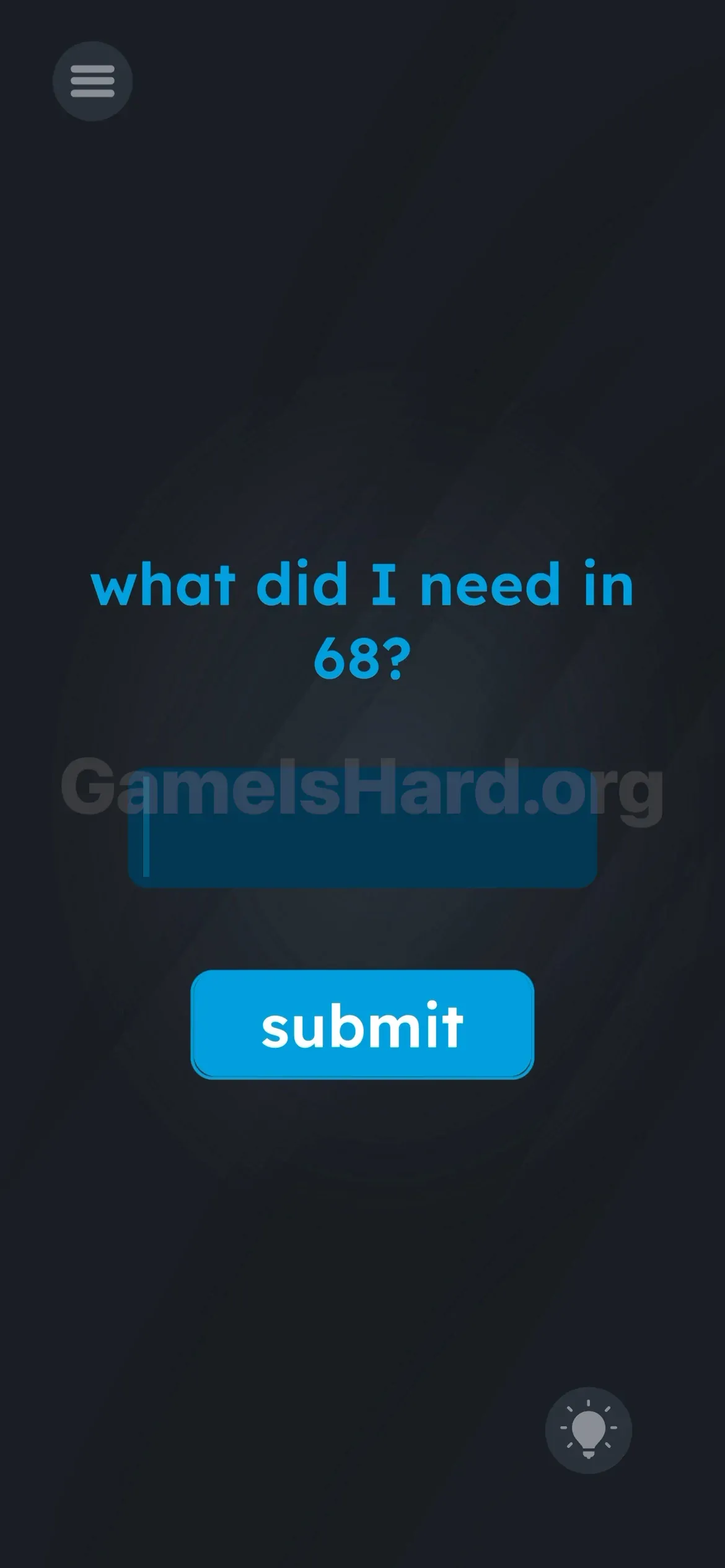
You land on the level and it hits like a surprise quiz — zero context, zero clues. Just one stark, loaded question at the top: "what did I need in 68?". If your memory’s fuzzy, you’re instantly frozen. The game expects you’ve been logging key details. Chances are, you haven’t.
Your Goal
No dragging, no tapping hidden zones, no device shaking. This is pure recall. You must retrieve a precise phrase from an earlier level — either by remembering it or revisiting it. Think of yourself as a puzzle investigator re-examining old evidence.
Key Mechanics
- Memory / Backtracking: The answer lives before this level — not on-screen.
- Text Input: You must enter the exact word — no variations, no typos.
- Meta-Puzzle: Levels are linked intentionally; none exist in isolation. It’s not cryptic wordplay — it’s a direct callback.
What Appears on Your Screen
The interface is stripped down to bare essentials.
- The Prompt: Top-center, plain blue text: what did I need in 68?
- The Input: A dark blue text field centered on screen, with a blinking cursor (or subtle placeholder).
- The Trigger: A vivid blue submit button positioned directly beneath the input.
- The Tools: A menu icon in the top-left corner and a hint bulb in the bottom-right. Zero hidden elements. Zero interactive fluff. What’s visible is the entire puzzle.
Common Mistakes to Avoid
The Trap
The real trap is skipping the work. Most players (myself included) instinctively toss in guesses like "hint", "key", "answer", or "money". We try to outsmart the puzzle instead of checking the source. We hunt under the text or behind buttons — but the answer isn’t buried there.
First Instincts That Fail
- Dragging the “68” from the question: Feels intuitive — but does nothing.
- Typing “68”: Logical at first glance — still wrong.
- Shaking the phone: A go-to move elsewhere — completely ineffective here.
Player Reactions
I stared blankly for over two minutes. Honestly couldn’t recall Level 68. Tried “help”, then “nothing”. Finally gave in, tapped the menu, and scrolled backward. Felt like surrender — but that scroll was the solve.
Step-by-Step Solution
Preparing the Move
You’ll need the exact wording from Level 68. If it’s fresh in your mind — perfect. If not, you’ll need to exit and revisit it.
Executing the Solution
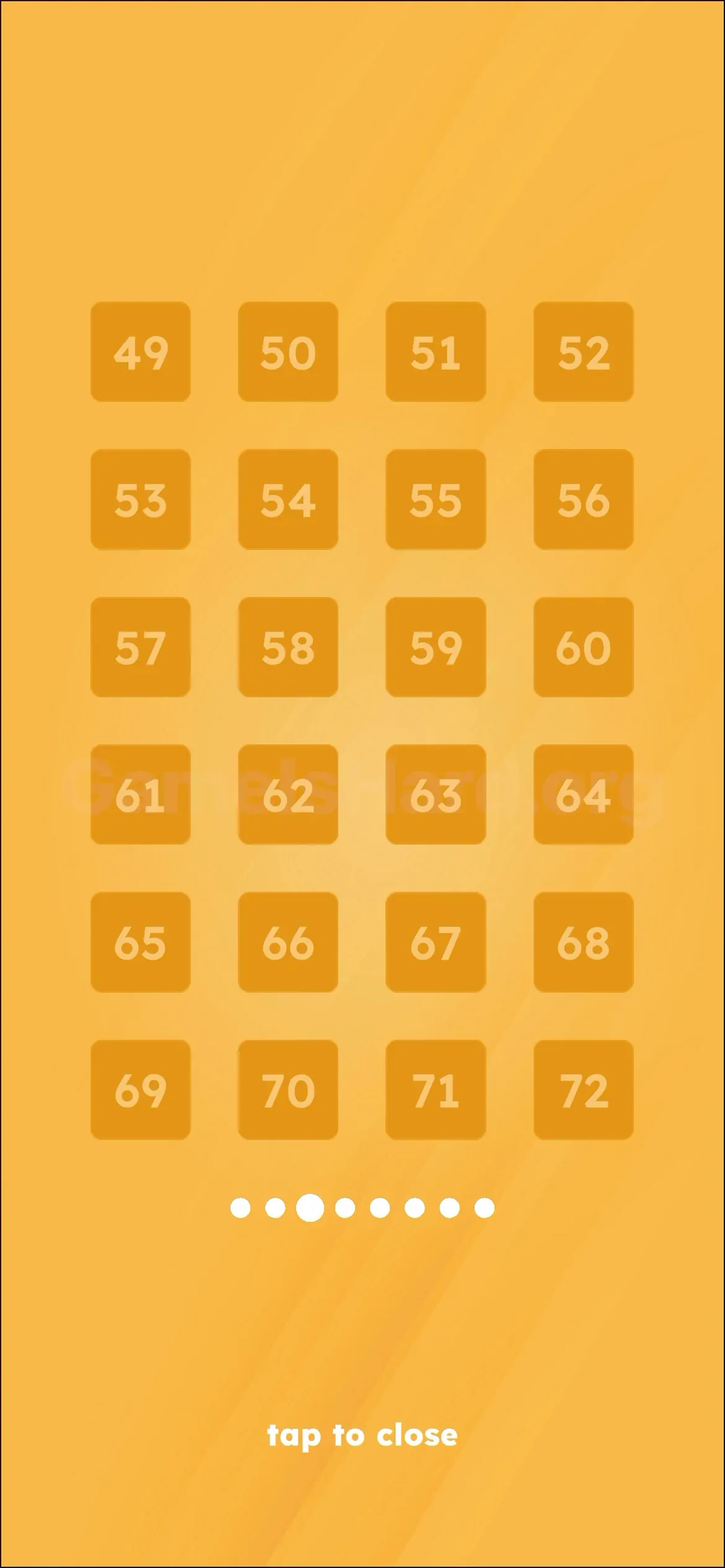
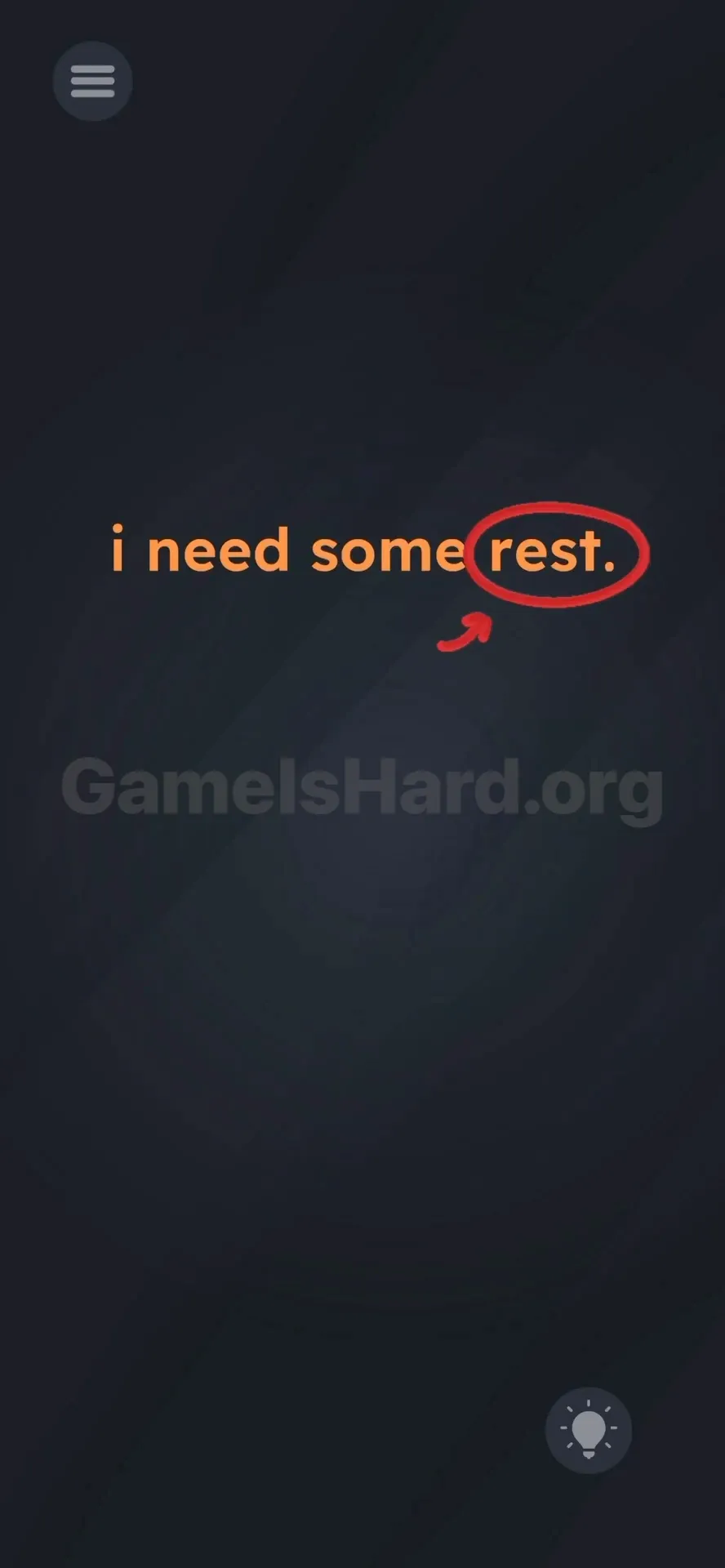
- Option A (The Hard Way): Tap the Menu icon (top left), navigate to Level 68 , and read the line: "i need some rest ."
- Option B (The Fast Way): Stay right on Level 71.
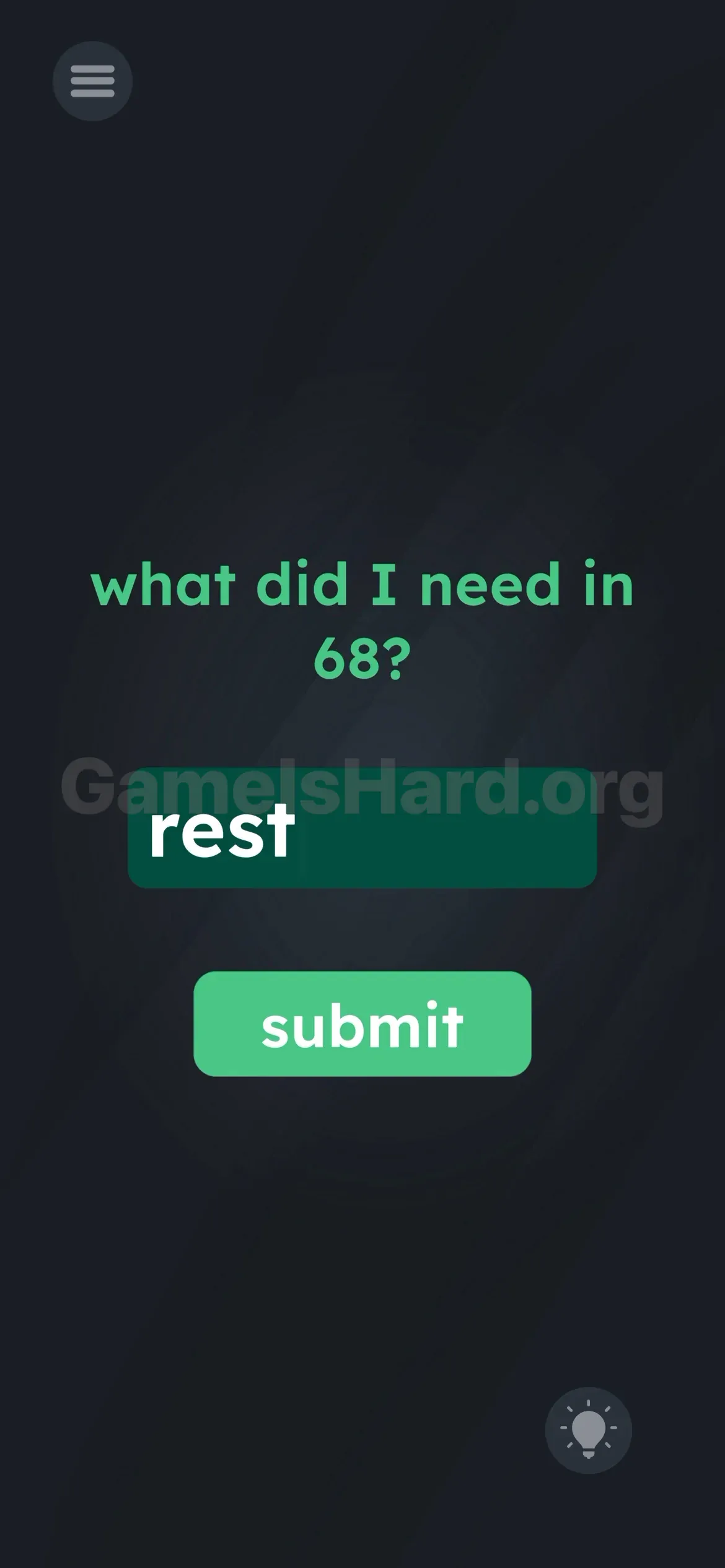
- Tap the center text box to launch your keyboard.
- Type the word rest .
- Tap the submit button.
If It Did Not Work
- Capitalization? The game usually accepts either, but “rest” in lowercase matches the original and avoids risk.
- Nothing happens? Make sure you tap the in-game submit button — hitting Enter on your keyboard won’t register.
Why This Solution Works
This level shatters the usual “level-as-standalone” mindset. In most mobile puzzlers, past levels vanish once solved. Game is hard treats the whole experience as one continuous document — where earlier content actively fuels later challenges.
By requiring you to loop back, the developers reinforce that every level holds usable intel. It’s a textbook meta-puzzle technique — think The Impossible Quiz — where answers live in memory, not pixels.
Bonus Tip
Speedrunners and casual players alike: skip the detour.
- No menu dive needed.
- No hint spent.
- Just type rest .
- Done.
Frequently Asked Questions
Q: Do I really have to go back to Level 68? A: Not if you already know the answer. This guide gives you the key — just type rest .
Q: What if I type "sleep" or "break" in Game is hard Level 71? A: It’ll reject those. The code checks for the exact string “rest”, pulled straight from Level 68’s line. Synonyms don’t unlock it.
Q: Is there anything hidden in the background at Game is hard Level 71? A: Absolutely not. This is strictly a text-entry test — stop swiping and tapping blindly.
Q: Does capitalization matter? A: Usually not — but if submission fails, default to lowercase “rest”.
More Game Is Hard Solutions
We keep these guides lean because we know you just want to beat the level and protect your streak. If this saved you from endlessly typing “money” into the box, share it with the friend currently stuck on this one. On to the next!