App updates can sometimes shuffle the order of puzzles. If this level 32 walkthrough doesn't match your screen, don't worry! You can browse our All Levels guide to find your exact puzzle by its picture.
Level Overview
What Makes This Puzzle Tricky
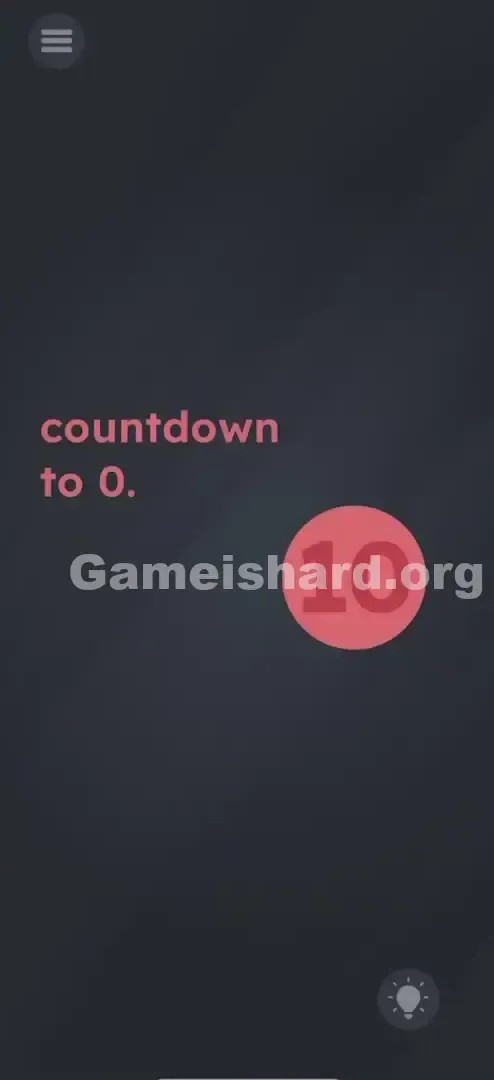
You’re met with a bold red circle and a single number—10. At first glance, it feels like a classic countdown puzzle: just sit back and wait for time to run out. But nothing happens. No animation. No ticking. No change. That stillness is intentional—and deeply misleading. Your brain expects motion, but the real action is entirely in your hands.
Your Goal
The prompt says “countdown to 0”—but there’s no automatic timer to rely on. Instead, you must create zero by physically altering what’s on screen. This isn’t about watching time pass; it’s about taking control and editing the display itself.
Key Mechanics
- UI Deconstruction: The digits inside the circle aren’t fused—they’re independent, draggable elements.
- Timing: Success hinges on acting precisely when “10” appears (whether static or cycling).
- Drag & Drop: You must move a digit—not tap, shake, or wait.
- State Change: Tapping the final “0” confirms completion—it’s not enough to just build it. It’s not a race against seconds. It’s a hands-on edit of the interface.
What Appears on Your Screen
Game is hard Level 32 greets you with minimalist design—every element serves to misdirect.
- Top Left: Standard three-line menu hamburger button.
- Center-Left: Instruction text—"countdown to 0."—in soft pink.
- Center-Right: A large red circle containing the number 10 in light pink/white.
- Bottom Right: Lightbulb hint icon.
- The Vibe: Clean, calm, deceptive. The dark slate background and static font suggest patience—but patience won’t solve this.
Common Mistakes to Avoid
The Trap
“Countdown” triggers automatic assumptions: numbers should decrease, seconds should tick, progress should feel inevitable. But here, nothing counts down unless you make it happen. The trap is passive waiting—the game banks on your instinct to watch instead of interact.
First Instincts That Fail
- Waiting it out: I timed myself—over 90 seconds staring at “10.” Zero movement. Zero reward.
- Tapping the number repeatedly: Hopes of triggering subtraction or decrementing—no response.
- Shaking or tilting the device: Tried gravity-based tricks. The phone bounced; the “10” didn’t budge.
Player Reactions
Frustration gave way to embarrassment—once I realized the “1” wasn’t locked in place. I’d been treating it like a printed sign, not a draggable asset. The moment my finger slid the “1” sideways, I laughed out loud: “Oh—that’s how it works.”
Step-by-Step Solution
Preparing the Move
Forget time-based logic. Focus only on the visual: “10” inside the red circle. Your mission is simple—to transform that visual into “0.”
Executing the Solution
- Wait (briefly): Watch the circle closely. If the number cycles, pause until “10” appears. (Some builds start and stay at 10; others loop—you only need that one frame.)
- The Grab: Touch only the vertical stroke of the “1”—not the whole number or the circle.
- The Drag: Pull the “1” decisively leftward, clear of the red circle’s edge.
- The Result: Only the “0” remains centered inside the circle.
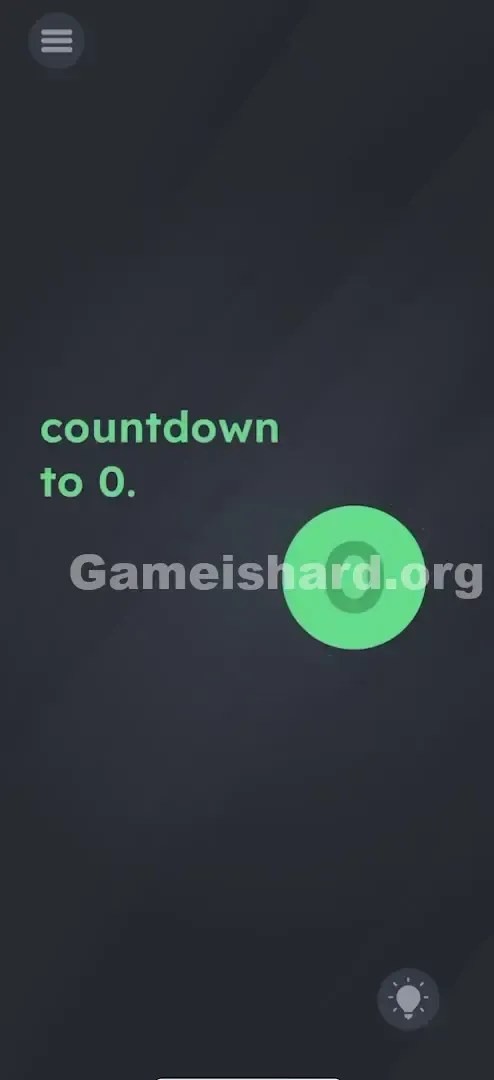
- The Confirmation: Tap the lone “0” to submit. Look for green feedback or the level-complete cue.
If It Did Not Work
- "I can't grab the 1": You’re likely tapping too high, too low, or between digits. Aim for the narrowest part of the “1.”
- "The number changed before I could move it": If it’s counting, act the instant “10” appears—don’t hesitate.
- "I dragged the 1 but nothing happened": You skipped the final tap. Creating “0” is step one; tapping it is step two.
Small Details That Matter
Success depends on subtle touch precision—not just intent.
- Separate Hitboxes: The “1” and “0” respond independently. Tap the gap between them, and nothing registers.
- Drag Distance: Don’t stop at the circle’s border—drag the “1” well beyond it. Leaving it near the edge may confuse the engine.
- The Tap: Release the “1” fully before tapping the “0.” Multi-touch (holding + tapping) won’t register—the game only accepts sequential actions. I fixed it by: Letting go of the “1,” pausing half a second, then tapping the “0.” Instant success.
Why This Solution Works
This level flips expectations: “10” isn’t a value—it’s a pair of characters. The puzzle isn’t arithmetic (“10 − 10 = 0”), it’s typographic (“10” minus “1” = “0”).
It’s a visual pun wrapped in UI deception. “Countdown to 0” doesn’t mean wait for zero—it means reduce the display to zero, manually. That disconnect—between language and interface—is the core challenge.
Bonus Tip
For speed or sanity, lock in this rhythm:
- Eyes on the “1”: Ignore the circle. Track the digit itself.
- Swipe left fast: No hesitation—drag as soon as “10” locks in.
- Tap twice: Once to confirm the “0,” a second time if the first doesn’t register. Don’t wait. Don’t overthink. Just act.
Alternative Attempts of Game Is Hard Level 32 (What Doesn’t Work, and Why)
Here’s what wastes time—and why it fails:
- Dragging the “0” from the instruction text into the circle. Why: That “0” is flat text, not interactive.
- Why: That “0” is flat text, not interactive.
- Tapping “10” ten times. Why: No tap counter—no hidden tally.
- Why: No tap counter—no hidden tally.
- Swiping the red circle itself. Why: The circle moves, but digits stay anchored inside.
- Why: The circle moves, but digits stay anchored inside.
- Waiting 60+ seconds. Why: No timeout or auto-solve—just silence.
- Why: No timeout or auto-solve—just silence.
- Pinching to zoom. Why: Zoom gestures are disabled here.
- Why: Zoom gestures are disabled here.
- Shaking the device. Why: Accelerometer input isn’t active for this level.
- Why: Accelerometer input isn’t active for this level.
Common Mistakes for Game Is Hard Level 32
- Treating “10” as one solid object. It’s two separate, movable digits—spot the tiny gap between them.
- Removing the wrong digit. Dragging the “0” leaves “1”—which violates “countdown to 0.”
- Dragging the “1” only partially. If it lingers near the circle, the game may still read “10.”
- Skipping the final tap. The level won’t advance until you actively select the “0.”
- Hunting for math symbols. There’s no minus button, no keypad—just direct manipulation.
- Missing the “10” window. If the number cycles, you’ll need to catch it again—no penalty, just delay.
Pattern Recognition: How to Spot This Trick in Future Game Is Hard Levels
The Tell
See any two-digit number (10, 20, 100) paired with a single-digit goal (0, 1, 5)? Suspect separable digits. Look for slight spacing—or even a barely visible seam—between numerals.
The Habit
When stuck on a number-based level, test each digit individually: press and hold the “1,” then the “0,” then wiggle gently. If one slides freely, you’ve found your entry point. Think of on-screen text as modular pieces—not fixed graphics.
Game Is Hard Level 32 FAQ (Short, Useful)
Q: Can I drag the 0 out instead of the 1 in Game is hard Level 32? A: No. The goal is “countdown to 0,” so zero must remain visible in the circle.
Q: Why isn't the timer moving in Game is hard Level 32? A: It’s not a timer at all—it’s a static image labeled “10” waiting for your input.
Q: Does it matter where I drop the 1 in Game is hard Level 32? A: As long as it’s fully outside the red circle, location doesn’t matter—even off-screen works.
Q: I dragged the 1 but nothing happened in Game is hard Level 32? A: You likely forgot to tap the remaining “0.” The level only advances after that final interaction.
More Game Is Hard Solutions
That’s the full breakdown for Game is hard Level 32 . If you're wrestling with other levels that hide mechanics in plain sight—or twist UI conventions—our guides cut straight to what works. No filler, just fixes. Share this with anyone frozen in front of that red circle!