App updates can occasionally reorder puzzles. If this level 35 guide doesn’t match what you’re seeing, no problem! Flip through our All Levels page to locate your exact puzzle by image.
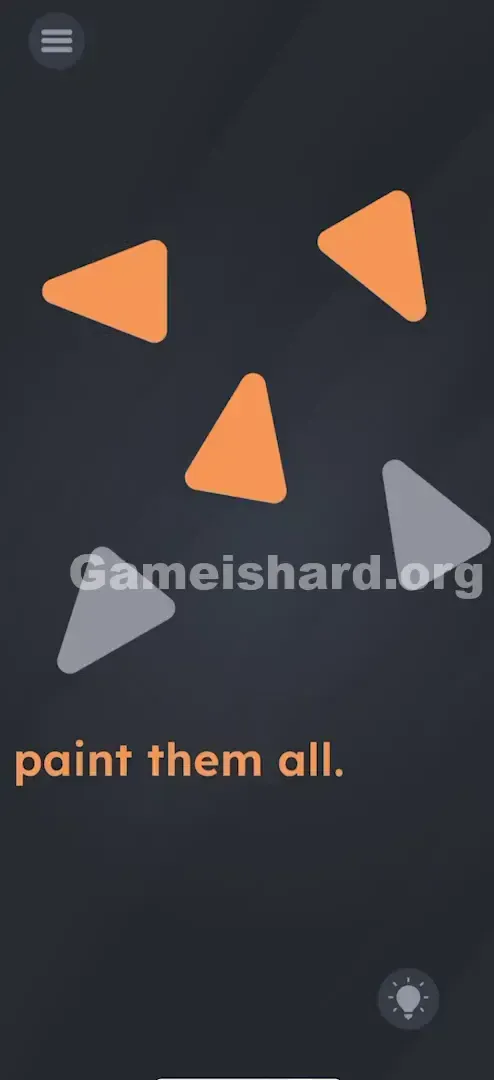
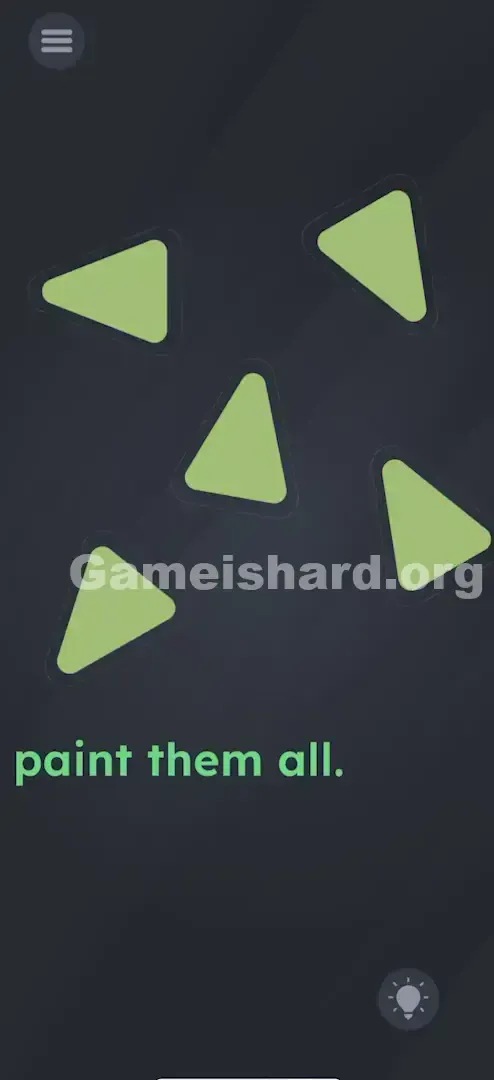
Do this for all five triangles until they are completely solid.
Level Overview
What Makes This Puzzle Tricky
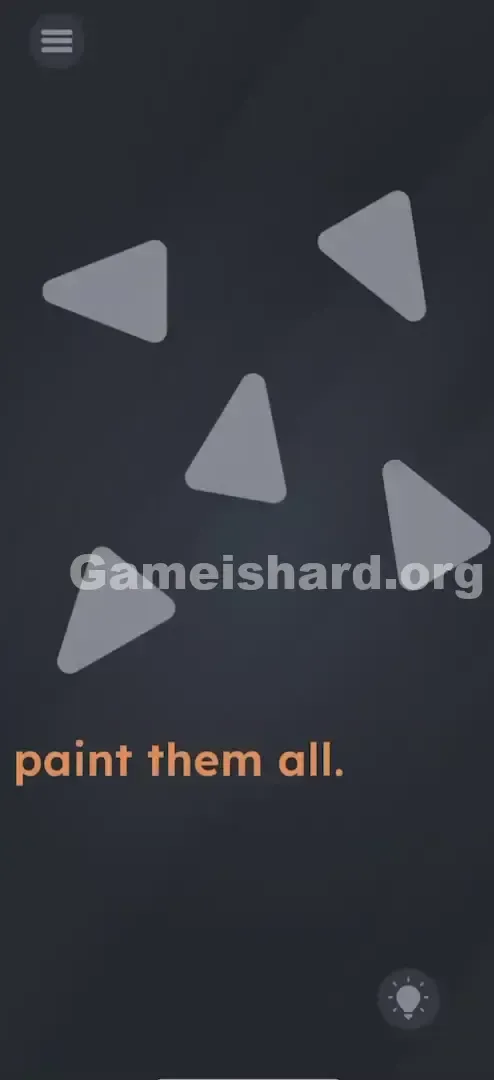
You’re met with a stark, empty screen holding five dull grey triangles floating in silence. The prompt reads simply: “paint them all.” No brush, no palette, no obvious controls—just tapping that goes nowhere. It feels broken or incomplete. But the truth? You’ve already got everything you need. Your finger is the tool.
Your Goal
On paper, the goal is straightforward: transform those grey triangles into vibrant ones. In practice, though, “paint” here isn’t about selecting colors—it’s about discovering the right gesture. This level skips logic entirely and zeroes in on how you physically interact with the screen. It’s not about clicking; it’s about swiping like you’re applying real paint.
Key Mechanics involved
- Multi-touch / Swipe gestures: Tapping does nothing.
- Directional input: The direction of your swipe matters more than speed or pressure.
- Object interaction: Each triangle behaves like a responsive surface—not static art, but an active element waiting for motion.
- Hidden UI: There are zero visible buttons or tools. The interface is your touch.
- Repetition: You must repeat the correct motion five times—proving you’ve cracked the pattern. It’s not a mistake. It’s intentional design. The shapes themselves are the puzzle.
What Appears on Your Screen
Picture opening a sleek, stripped-down drawing app—but with the toolbar missing. That’s exactly what greets you.
- The Background: A deep, neutral slate-grey void.
- The Objects: Five light grey triangles, scattered at different angles—some upright, some tilted, some pointing sideways. They resemble play icons or jagged shards.
- The Text: At the bottom, bold orange text commands: “paint them all.”
- The UI: Just the standard menu button (top-left) and hint lightbulb (bottom-right). No palette. No brush icon. Nothing else. The minimalism isn’t hiding complexity—it is the clue. With nothing to click or drag, your hands become the only interface.
Common Mistakes to Avoid
The Trap
“Paint” triggers strong mental associations—brushes, buckets, color pickers. Most players instinctively tap each triangle, expecting instant filling. When that fails, they try dragging shapes around, assuming they need to dip them somewhere. That’s classic UI bias—we default to familiar interactions and overlook subtle gesture cues.
First Instincts That Fail
- The Tapper: Taps each triangle repeatedly. Gets zero response.
- The Shaker: Gives the phone a quick shake, hoping for splash physics. Nothing happens.
- The Merger: Attempts to drag one triangle onto another. Shapes stay locked in place.
- The Text Dragger: Tries pulling the word “paint” onto the triangles. The text stays anchored.
Player Reactions
I spent over a minute dragging triangles off-screen, convinced the paint bucket lived in the margins. Felt ridiculous—until I accidentally swiped one and saw a flash of orange. Total facepalm moment. The answer wasn’t buried—it was literally under my fingertip the whole time.
Step-by-Step Solution
Preparing the Move
Stop searching for hidden items or secret menus. Pick any one triangle—orientation doesn’t matter yet—and identify its base (flat side) and tip (pointed end).
Executing the Solution
- Select a Triangle: Choose one of the five grey shapes.
- The Gesture: Place your finger near the flat base of the triangle.
- The Swipe: Swipe firmly and decisively toward the pointy tip. Imagine pushing paint upward from the base—or swipe inward from both outer edges toward the center.
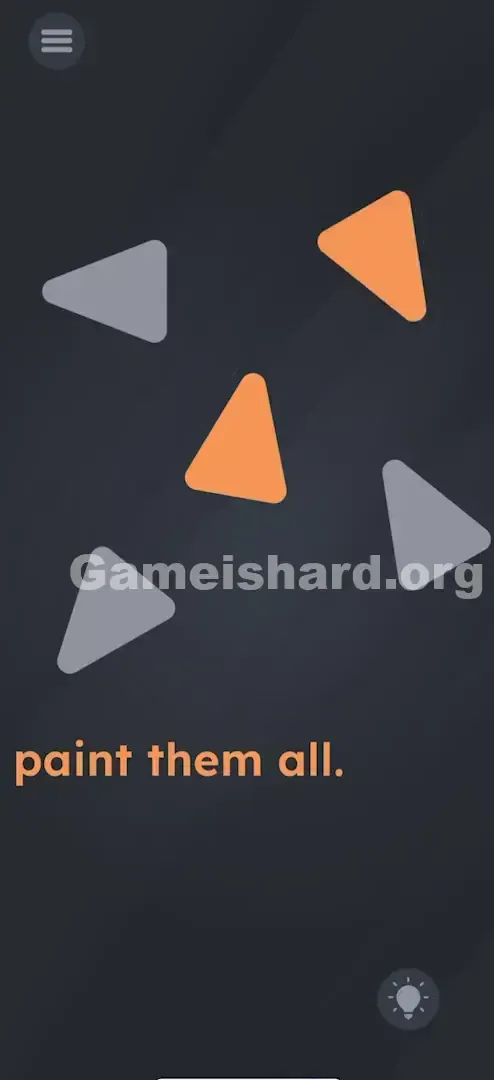
- Verification: The triangle instantly fills with bright orange/yellow.
- Repeat: Apply this same motion to each of the remaining four triangles.
If It Did Not Work
- It didn't color in: You likely swiped backward (tip to base) or at the wrong angle. Try again—aiming directly along the triangle’s natural direction—or use a pinch gesture instead.
- It only colored halfway: Your swipe may have been too short or hesitant. Go for a full, confident stroke across the entire shape.
- I can't reach the corner ones: Adjust your grip. On larger screens, swap your thumb for your index finger to improve accuracy.
Small Details That Matter
Small refinements make all the difference.
- The "Hit Box": You don’t need perfect precision inside the triangle’s outline. Starting slightly outside and dragging through it often works best.
- Direction Matters: Match your swipe to the triangle’s orientation. A left-facing triangle needs a right-to-left swipe—not up or down.
- Speed: A slow drag may register as a move attempt (which fails). A quick, snappy flick consistently triggers the paint action.
- My Fix: When swipes feel unresponsive, try pinching the triangle with thumb and index finger—like squeezing paint from a tube. It’s often more reliable.
Why This Solution Works
This level tests how well you translate verbs into physical gestures—not just abstract thinking.
- Metaphor: Treat each triangle like a paint tube or stencil. Your finger applies color through motion—not selection.
- Recurring Pattern: Game is hard frequently removes UI clutter to spotlight raw gesture control. Think of past levels where you “scratch” a surface or “wipe” a lens—the screen is the object, not just a window.
- The "Instruction as Bait": “Paint” tricks you into hunting for tools. The real trick? Realizing your finger is the brush.
Bonus Tip
For replays or speed runs:
- Skip tapping entirely.
- Scan all five triangles first to note their directions.
- Swipe rapidly—one after another—without waiting for animations.
- Channel Fruit Ninja energy: slice with the arrow, not against it.
Alternative Attempts on Game Is Hard Level 35 (What Doesn’t Work, and Why)
- Tapping repeatedly: Static taps register as button presses—not actions. This level ignores them.
- Shaking the device: While fun, shaking has no link to painting here (no spray-can mechanic).
- Dragging the text "paint": Text is purely instructional—locked in place, not interactive.
- Rubbing back and forth: That gesture fits “erasing” or “cleaning,” not directional painting.
- Holding down: Long-press usually opens system menus. Here, it triggers nothing.
- Tilting the phone: Gravity plays no role—the shapes are fixed in space.
- Multitouch all at once: Swiping all five simultaneously overwhelms touch detection—most won’t respond.
Common Mistakes for Game Is Hard Level 35
- Swiping the wrong way: Going against the triangle’s natural flow (e.g., tip-to-base). Follow its visual “arrow.”
- Tiny swipes: Small movements inside the shape rarely register. Cross its boundaries.
- Quitting after one try: First attempts often miss the angle—try 3–4 variations quickly.
- Blaming a bug: The silence after tapping isn’t a crash—it’s intentional feedback (or lack thereof).
- Ignoring rotation: A triangle pointing right needs a left-to-right swipe—not always upward.
- Over-analyzing corners: You don’t paint points—you fill the whole shape in one motion.
Pattern Recognition: How to Spot This Trick in Future Game Is Hard Levels
The Tell
When instructions use action verbs like “clean,” “paint,” “scratch,” or “shave”—and offer zero tools—assume gesture-based interaction is required. The verb is the clue.
The Habit
Before hunting for secrets, test these three core gestures:
- The Wipe: Back-and-forth motion (for cleaning/erasing).
- The Swipe: Directional flick (for moving/painting).
- The Pinch/Zoom: Two-finger convergence (for focusing/activating). No buttons? Your fingers are the controls.
Game Is Hard Level 35 FAQ (Short, Useful)
Q: Does it matter which order I paint them in on Game is hard Level 35? A: No. Paint them in any sequence—left to right, random, top to bottom. Just finish all five.
Q: My swipes aren't registering on Game is hard Level 35! A: Speed it up—and align your swipe with the triangle’s direction. Diagonal shapes need diagonal swipes.
Q: Can I use two fingers on Game is hard Level 35? A: Yes—pinching (thumb + index closing in) often fills triangles faster and more reliably than swiping.
Q: Is there a hidden paint bucket on Game is hard Level 35? A: Nope. Every element you need is visible from the start—no hidden objects, no secret tools.
More Game Is Hard Solutions
Stuck elsewhere? Our main index has every level—clear, searchable, and written without filler. Bookmark us for next time the game quietly challenges your assumptions. Share this guide if your friends are still frantically tapping triangles. Good luck with Game is hard Level 59 !