App updates can sometimes shift puzzle order. If this level 289 walkthrough doesn’t match what’s on your screen, no problem! Flip through our All Levels directory to locate your exact puzzle using its visual reference.
You’re using the on-screen instruction text as a functional, touch-sensitive keypad.
Level Overview
What Makes This Puzzle Tricky
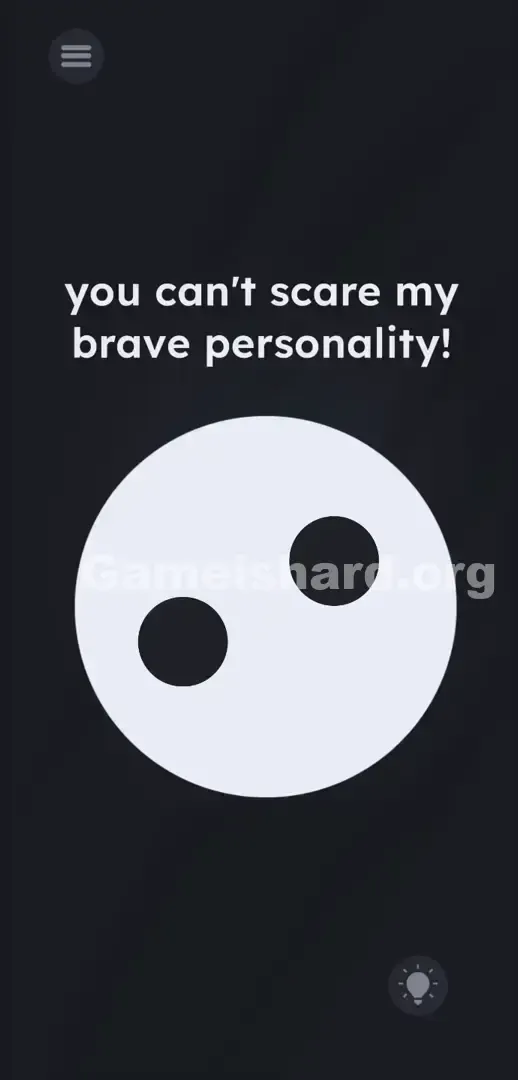
You enter the level and are met with a large white circle featuring two black dots — it resembles either a ghost or an oddly startled face. Above it, the game delivers its challenge outright: you can't scare my brave personality! . You instinctively tap the circle. Nothing happens. You swipe across its eyes. Still nothing. You even shake your phone — yet still zero response. The game deliberately misdirects you by hiding the real interaction zone outside the obvious focal point.
Your Goal
Your mission is clear: frighten that odd geometric figure. But the designers remove every conventional scare tool — no masks to drag, no sound triggers to press, no jump-scare elements lurking offscreen. Instead, you must construct your own fear-inducing word using only the letters embedded in the top-of-screen phrase.
- UI drag / Text tap: The instruction line is the interactive puzzle surface.
- Spelling trick: Isolating three precise characters from a string of ordinary words.
- Multi-step tap sequence: Hitting those letters in strict order.
- Cognitive misdirection: Training you to overlook the most visible element — the text itself. It’s not a mistake. It’s your weapon.
What Appears on Your Screen
Let’s map the layout. The background is pure black emptiness. Centered boldly is a huge white circle with two uneven black dots acting as eyes — calm, blank, almost mocking.
At the top, the prompt appears in clean, lowercase sans-serif font: you can't scare my brave personality! .
In the bottom-right corner sits the standard lightbulb hint icon; the hamburger menu rests in the top-left. That’s it — no draggable items, no sliders, no hidden toggles. The oversized white face dominates visually, pulling attention away from the subtle clue above it. Word spacing looks perfectly normal — nothing jumps out as intentionally off-kilter to signal the trick.
Common Mistakes to Avoid
The Trap
This level is built on “UI blindness” — a well-documented habit where users treat on-screen text as purely informational, not interactive. Your brain automatically dismisses the top line as static flavor text, not part of the puzzle field. You read you can't scare my brave personality! and instantly shift focus to the big white shape below, assuming the sentence is just developer banter. That assumption is exactly what the level exploits. We process sentences as meaning — not as physical, tappable objects.
First Instincts That Fail
Like most players, I tried everything else first. I dragged across the circle hoping to warp it into something eerie. I covered the front camera thinking darkness might trigger a reaction. I shouted into the mic expecting voice recognition. None of it registered. The level rewards linguistic awareness — not physical experimentation. Skip the shaking, tapping, or yelling.
Player Reactions
I wasted minutes trying to pinch-zoom the circle’s eyes until they looked terrified. Then, in frustration, I tapped wildly — and accidentally hit a letter. Instant facepalm moment.
Step-by-Step Solution
Preparing the Move
Stop staring at the white face. Shift your full attention to the top-line text. The phrase claims you can’t scare it — so what’s the simplest, most universal spooky word? BOO. You’ll build it directly from the taunt: you can't scare my brave personality! .
Executing the Solution
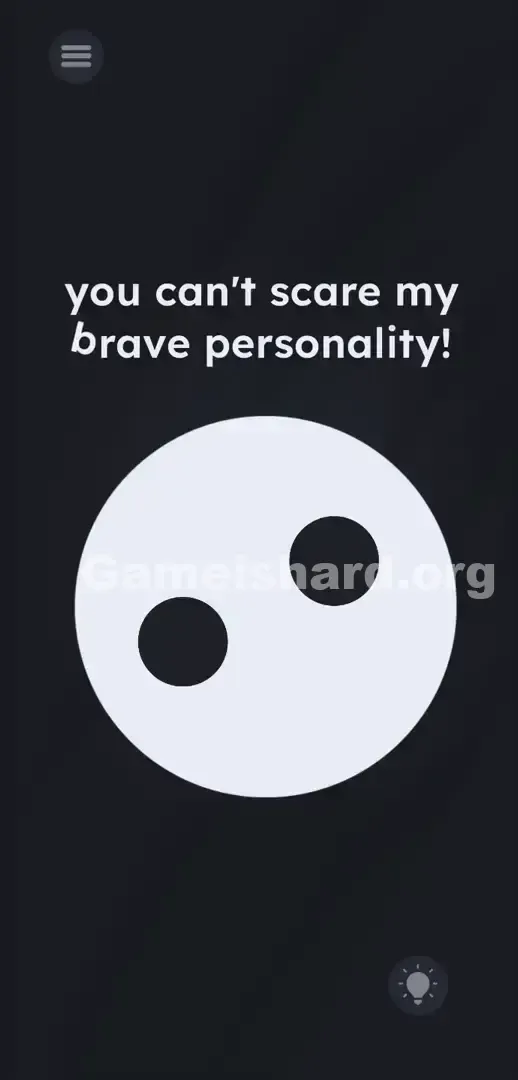
- Locate the word brave . Tap precisely on the letter b .
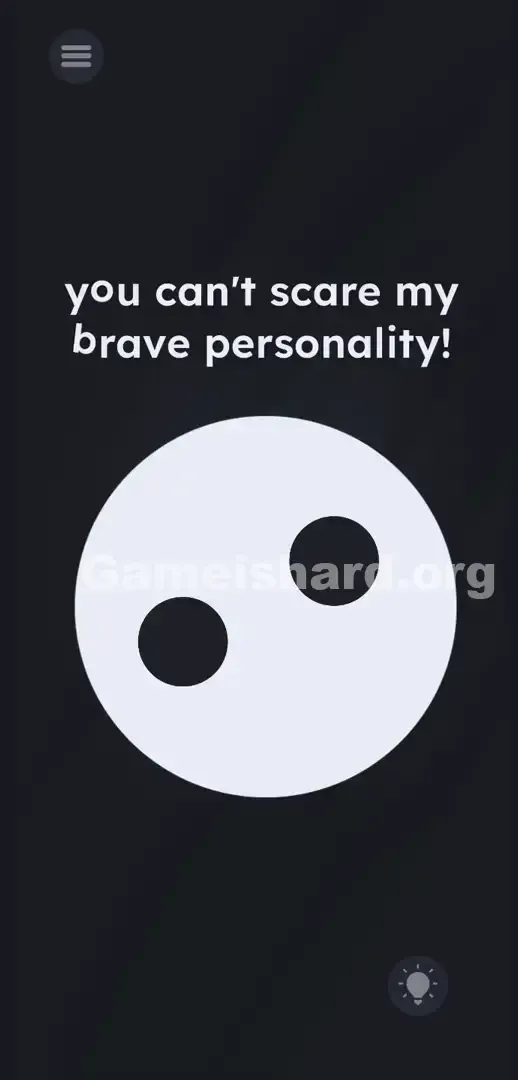
- Find the word you . Tap the letter o .
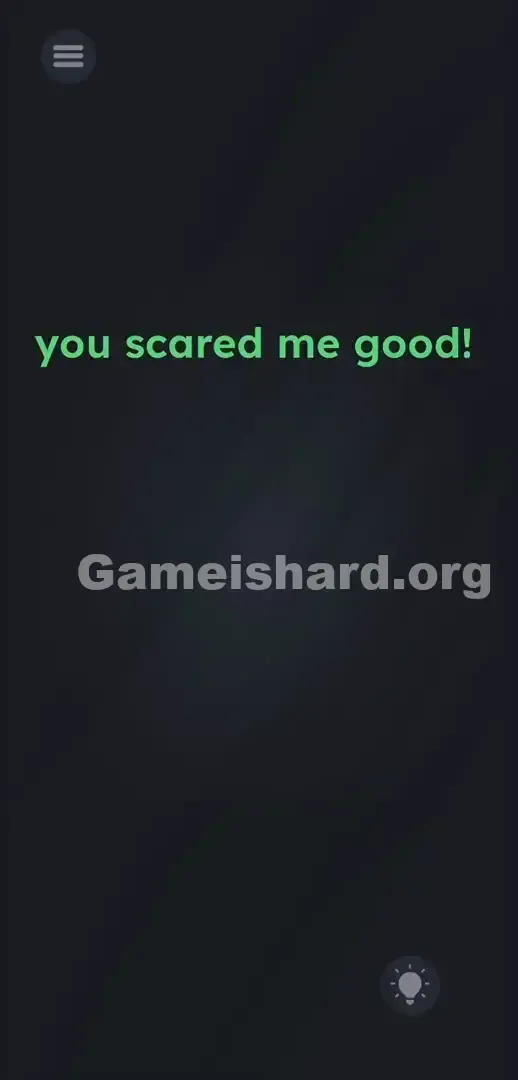
- Spot the word personality . Tap the letter o in that word. Watch closely after the third tap. If all three hits land correctly, the game confirms the sequence — you’ve typed your scare. The white circle reacts to BOO . Puzzle solved.
If It Did Not Work
Nothing happened after tapping? The letter hitboxes here are razor-thin. You must tap on the actual white pixels of each character — not the surrounding whitespace. If the sequence fails — whether from mistiming or mis-tapping — tap once on the dark background to reset. Then re-attempt b-o-o, ensuring you select the o in personality (not another vowel nearby). Accuracy is non-negotiable.
Why This Solution Works
This stage reinforces a core principle of modern mobile puzzlers: the fourth wall is broken by design. Instructions aren’t guidance — they’re components.
Game is hard Level 289 erases the line between “game content” and “interface.” Most puzzles confine interaction to a defined play area. Here, the instruction text exists inside that space — treated as tangible, manipulable objects. Once you accept that letters have weight and position, the whole experience pivots. You’re not answering a question — you’re deconstructing the question to craft your response. This pattern repeats often: when a level feels barren or a character’s boast seems impossible, check the menu, level number, or instructions — the answer lives there.
Bonus Tip
Speedrunners and repeat players — here’s your shortcut. Don’t glance at the center at all.
- Tap b in brave .
- Tap o in you .
- Tap o in personality . Don’t try dragging letters down to the ghost — dragging won’t register. Don’t yell “BOO” — voice input isn’t supported. Tapping is the only valid method here.
Frequently Asked Questions
Why do the letters seem unresponsive when I tap them? You probably missed the ultra-precise tap zone. In Game is hard Level 289, letter hitboxes are tiny. Use the very tip of your finger and aim dead center on the b and both o characters.
Can I drag the letters toward the ghost? No — dragging has no effect. Letters are fixed in place. Think of them as keys on an invisible keyboard.
Does it matter which 'o' I choose? Yes. While other o’s exist, the confirmed working combo uses the o in you and the o in personality . Stick to that exact pair — alternate vowels may not register.
Is there a hidden microphone mechanic? No. Shouting into your device won’t help — it’ll only drain battery and disturb others. This level responds only to precise taps.
What if my screen won’t respond at all? If you’ve tapped correctly ten times with no result, fully close the app. Aggressive swiping at the ghost earlier can occasionally glitch the touch layer. Restart the app, reload level 289, and tap carefully — avoid touching anything else before completing the sequence.
More Game Is Hard Solutions
These guides cut straight to what works — no filler, just the logic and exact inputs needed to conquer the toughest stages. Share this walkthrough when friends start yelling at that blank white face. Keep challenging assumptions — see you in the next level!