
App updates can occasionally shift puzzle order. If this level 285 walkthrough doesn’t match what you’re seeing, no stress! Flip through our All Levels directory to locate your exact puzzle using its visual layout.
Remove your fingers from the screen entirely—this challenge bypasses touch input and relies solely on your phone’s built-in motion sensors.
Level Overview
What Makes This Puzzle Tricky
You’re met with a lone purple circle and an enigmatic phrase. Nothing responds to taps. Nothing drags. Your touchscreen feels useless—and that’s by design. After hundreds of levels built around swipes, drags, and text manipulation, this one flips expectations entirely. The screen seems broken—but it’s actually a masterclass in misdirection.
Your Goal
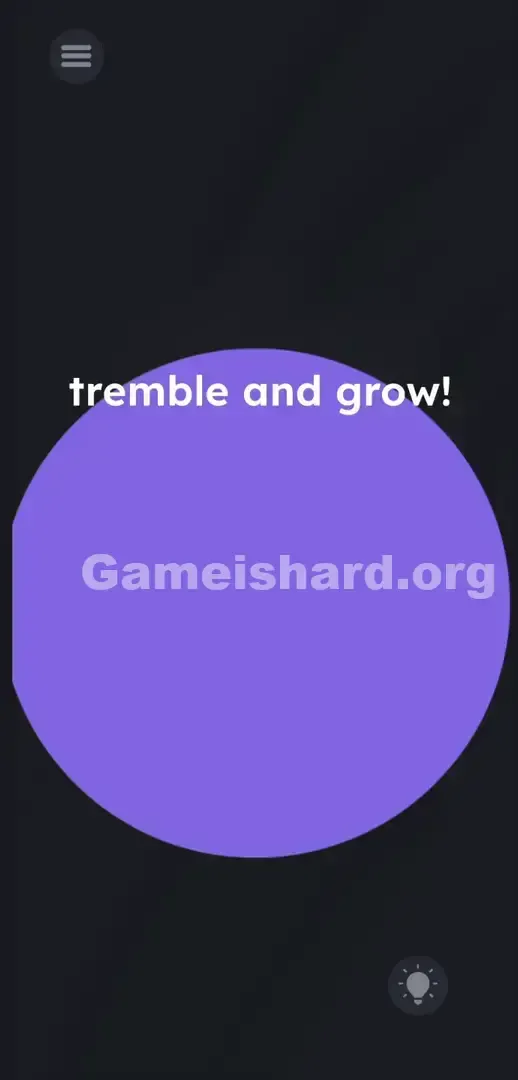
Your real task is to interpret the on-screen instruction literally, not digitally. You must cause the small purple shape to inflate until it fills the entire display, unlocking the win condition.
Under the surface, this puzzle leverages:
- Sensor mechanics
- Tilt / rotation
- Timing / waiting
- Hardware manipulation It’s not a mistake—it’s intentional design.
What Appears on Your Screen
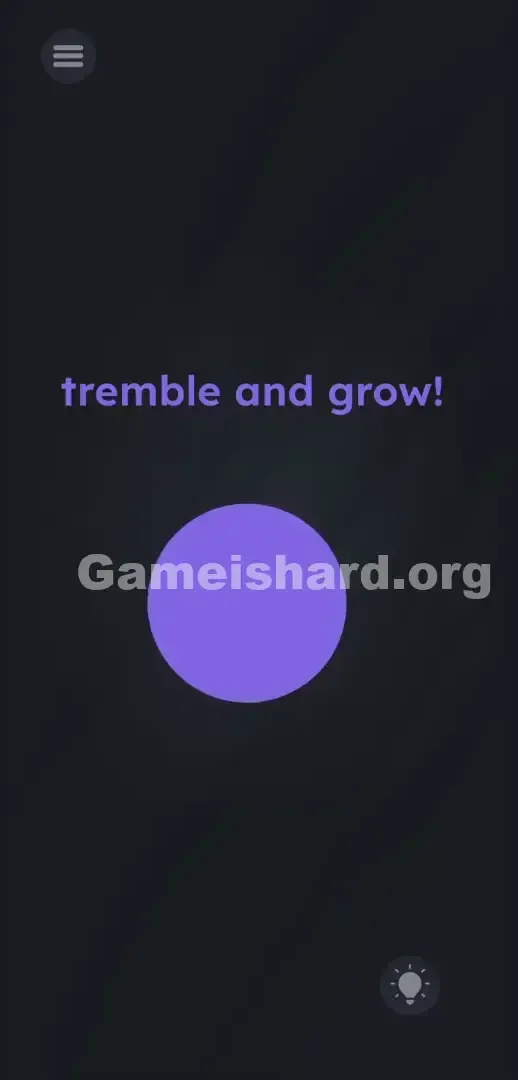
The interface is stripped down to bare essentials—intentionally so. Against a muted, subtly textured gray backdrop, a line of lowercase purple text floats near the top center: tremble and grow! .
A solid purple circle sits dead-center—its color matching the text exactly.
In the top-left corner rests the standard gray hamburger menu icon. In the bottom-right corner appears the familiar lightbulb hint button.
No hidden controls exist. Spacing between text and shape follows normal UI conventions. No letters are offset. No hidden equations lurk in the shadows. The entire challenge hinges on the absence of typical interactive cues—you’re looking at a still image that demands real-world movement.
Common Mistakes to Avoid
The Trap
We’re conditioned to tap glass instinctively. When “grow” appears on screen, our brains default to pinch-to-zoom—no second thought. That’s UI Blindness in full effect. You read the prompt as decorative text, not as direct mechanical instruction.
You try stretching the ball. Nothing happens. You attempt dragging “grow!” onto it. Still nothing. For 284 levels, you’ve treated the screen like a digital sandbox—so naturally, you assume this one works the same way. The trap is total silence where interaction should be.
First Instincts That Fail
I tried pulling the circle outward with two thumbs. I dragged the word “grow!” toward the shape like it was a power-up. Smacking the screen with multiple fingers? A classic last-resort move here—and it fails every time. Some even press volume buttons, thinking “tremble” hints at sound or vibration. Pressing harder just leaves smudges.
Player Reactions
Total facepalm moment. I spent three minutes frantically swiping. Tried double-taps. Held one finger on the ball while dragging another across the text. Eventually, I tossed my phone onto the bed in frustration. It bounced. The circle pulsed. That’s when it clicked—and I felt utterly ridiculous.
Step-by-Step Solution
Preparing the Move
Lift your hands fully off the screen. Stop all swiping. Hold your mobile device firmly—no part of your hand needs to contact the purple circle or the “tremble and grow!” text at any point.
Executing the Solution
- Grip your phone securely with one or both hands to prevent accidental drops.
- Shake the device vigorously back and forth in open air.
- Watch closely—the purple circle begins inflating instantly.
- Keep shaking without pause. If motion stops, expansion halts too.
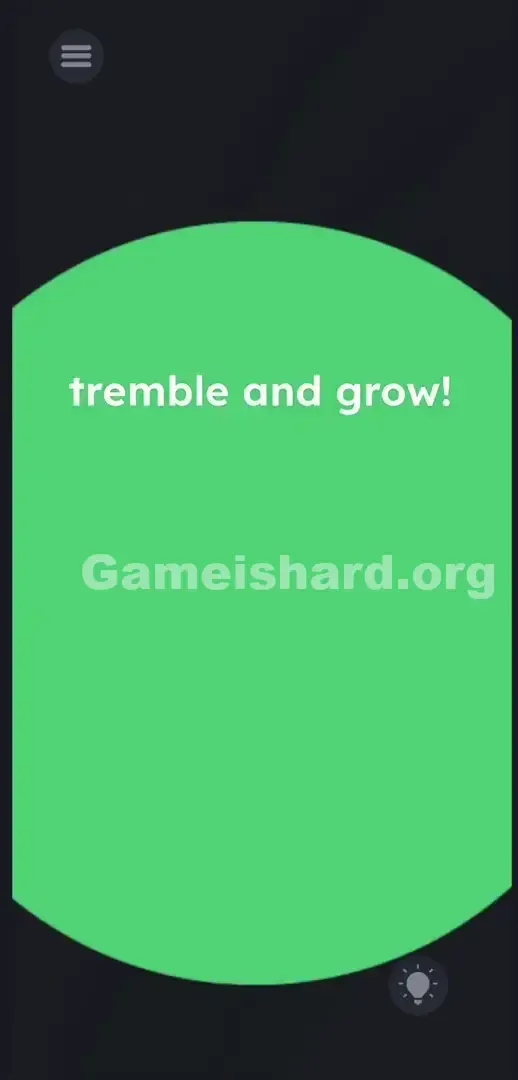
- Continue until the purple shape overtakes the entire screen and the victory banner appears.
If It Did Not Work
- If growth stalls mid-way, you paused shaking too early. The game requires steady, uninterrupted accelerometer data to sustain the animation.
- If shaking triggers zero response, check your phone’s sensor settings. Auto-rotate or motion permissions sometimes glitch. Close the app fully and relaunch to refresh hardware access.
- Avoid gripping near the power button—shaking too tightly can accidentally lock the screen and reset progress.
Why This Solution Works
This level tests your awareness of physical hardware—not just software logic. Mobile games aren’t confined to pixels; they tap into gyroscopes and accelerometers. The prompt is deliberate bait. The minimal UI is the real puzzle.
“Tremble” means shake your device. This fits Game is Hard’s signature style perfectly: real-world actions become puzzle mechanics. Developers know how deeply we rely on touch. By disabling it entirely, they force a mental pivot—from screen-based to body-based problem solving. The words are clues; the interface is the test.
Bonus Tip
Skip overcomplicated gestures. Pinch-to-zoom is intentionally locked out here. Don’t waste energy tapping or swiping.
- Treat the text prompt as a physical instruction—not a visual cue.
- Hold your phone by its outer edges for maximum control.
- Shake firmly for about 3–5 seconds straight.
- Only stop once the victory screen fully loads—don’t let up early.
Frequently Asked Questions
Why isn’t the ball growing when I pinch it? Touch input is deliberately disabled for the main object in this level. You must activate the phone’s motion sensor instead—touch won’t register.
How long do I need to shake the phone? Just a few steady seconds. Keep moving until the win banner appears—stopping early pauses the animation.
Can I drag the text onto the ball? No. The “tremble and grow!” text is purely static. Swiping, holding, or tapping it has zero effect. Its only role is to signal the shake mechanic.
What if I'm playing on a PC emulator? You’ll need to simulate shaking via keyboard macro or emulator tools. Most popular emulators—including BlueStacks and LDPlayer—include a dedicated “shake” button in their sidebar toolset. Click it repeatedly to mimic device motion.
Why did my progress reset? You likely hit the power button or triggered screen lock while shaking. Grip the top and bottom bezels to keep fingers clear of side controls.
More Game Is Hard Solutions
Our guides cut past fluff and deliver precise, actionable steps. We decode the toughest logic traps so you never spin your wheels. Share this with your Discord squad if they’re stuck endlessly swiping at unresponsive screens. Now go conquer the next level.