App updates occasionally reorder puzzles. If this level 25 guide doesn’t match what you’re seeing, no stress—check our All Levels directory to locate your exact puzzle by image.
Level Overview
What Makes This Puzzle Tricky
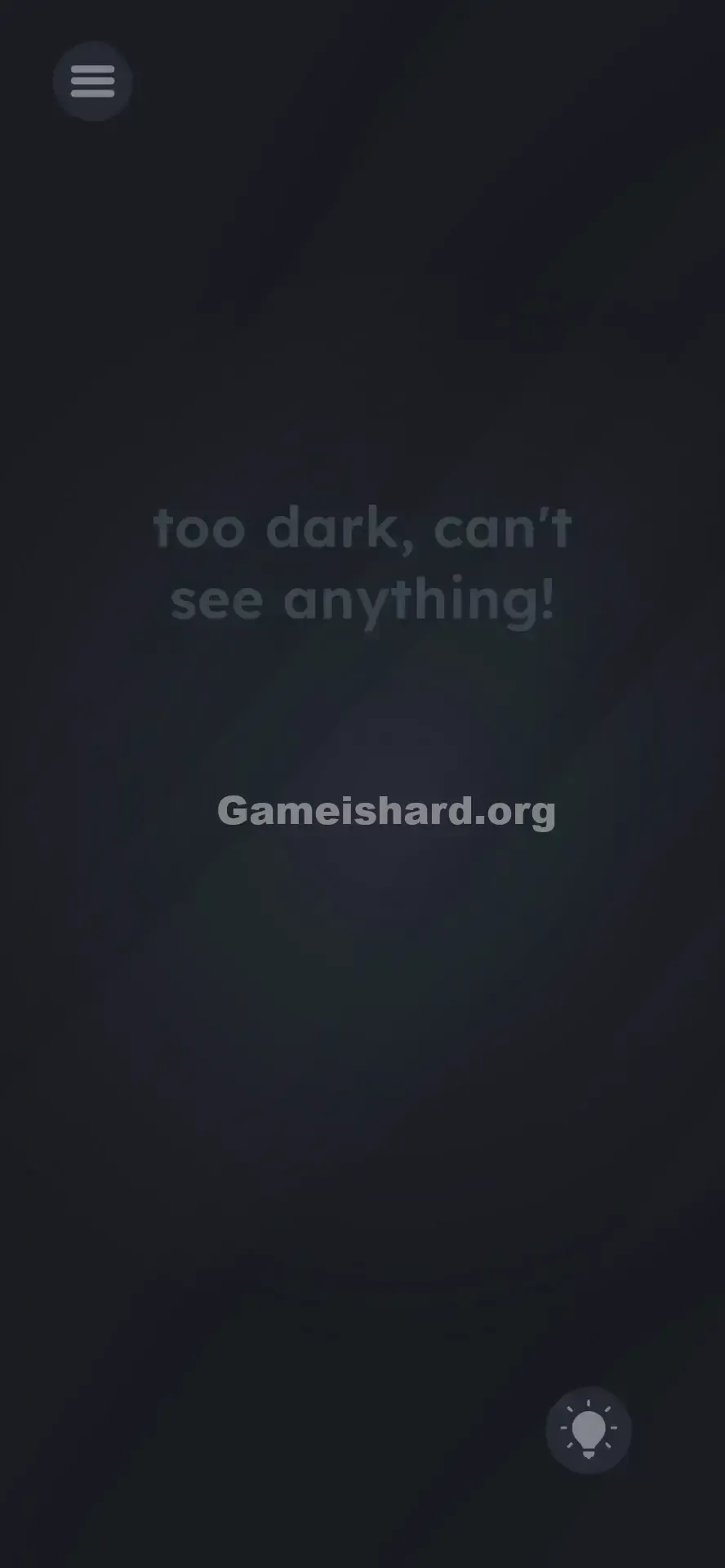
Your screen appears completely dead—dim, washed out, nearly black. You might catch a faint outline of letters if you lean in close, but otherwise it feels like a glitch or crash. You tap around, hoping for a hidden toggle or light switch. Nothing responds. This isn’t a puzzle inside the app—it’s asking you to interact with your actual device.
Your Goal
You must increase your phone’s real-world screen brightness. That message—"too dark, can't see anything!"—isn’t metaphorical. The game reads your device’s live brightness value and blocks progress until it hits maximum.
Key Mechanics
- Sensor Manipulation: The level checks your OS-level brightness setting.
- Hardware Interface: Solving it requires stepping outside the game interface entirely.
- Real-world Logic: It’s a physical adjustment—not a code, pattern, or in-app action. This isn’t cryptic wordplay. It’s a hardware verification test.
What Appears on Your Screen
The visuals are deliberately stripped down and oppressive.
- Background: A near-total black void.
- Faint Text: Centered, barely legible grey text reads: "too dark, can't see anything!"
- UI Elements: A dim menu button sits top-left; a ghostly hint bulb glows faintly bottom-right—both nearly invisible.
- The Trap: There are zero interactive elements—no sliders, switches, or toggles visible within the game window. The darkness is absolute—and intentional.
Common Mistakes to Avoid
The Trap
We’re conditioned to solve everything inside the app. When something’s too dark, we instinctively hunt for an in-game flashlight, brightness toggle, or gamma option. Level 25 breaks that expectation—it ignores the app’s boundaries and taps into your real-world device state. Players get stuck because they’re searching for digital tools when the answer lives in their phone’s settings.
First Instincts That Fail
- Tapping the barely visible text over and over.
- Shaking the phone to “activate” a hidden light source.
- Swiping or dragging the words to uncover a secret control.
- Cranking up volume (irrelevant sensor—won’t register).
Player Reactions
I spent nearly 90 seconds swiping across the black screen, convinced I needed to “clean” it like fogged glass. Felt ridiculous once I realized the game just wanted me to stop conserving battery and turn up the brightness.
Step-by-Step Solution
Preparing the Move
Stop interacting with the game screen. You’ll need to access your device’s quick settings or system controls instead.
Executing the Solution
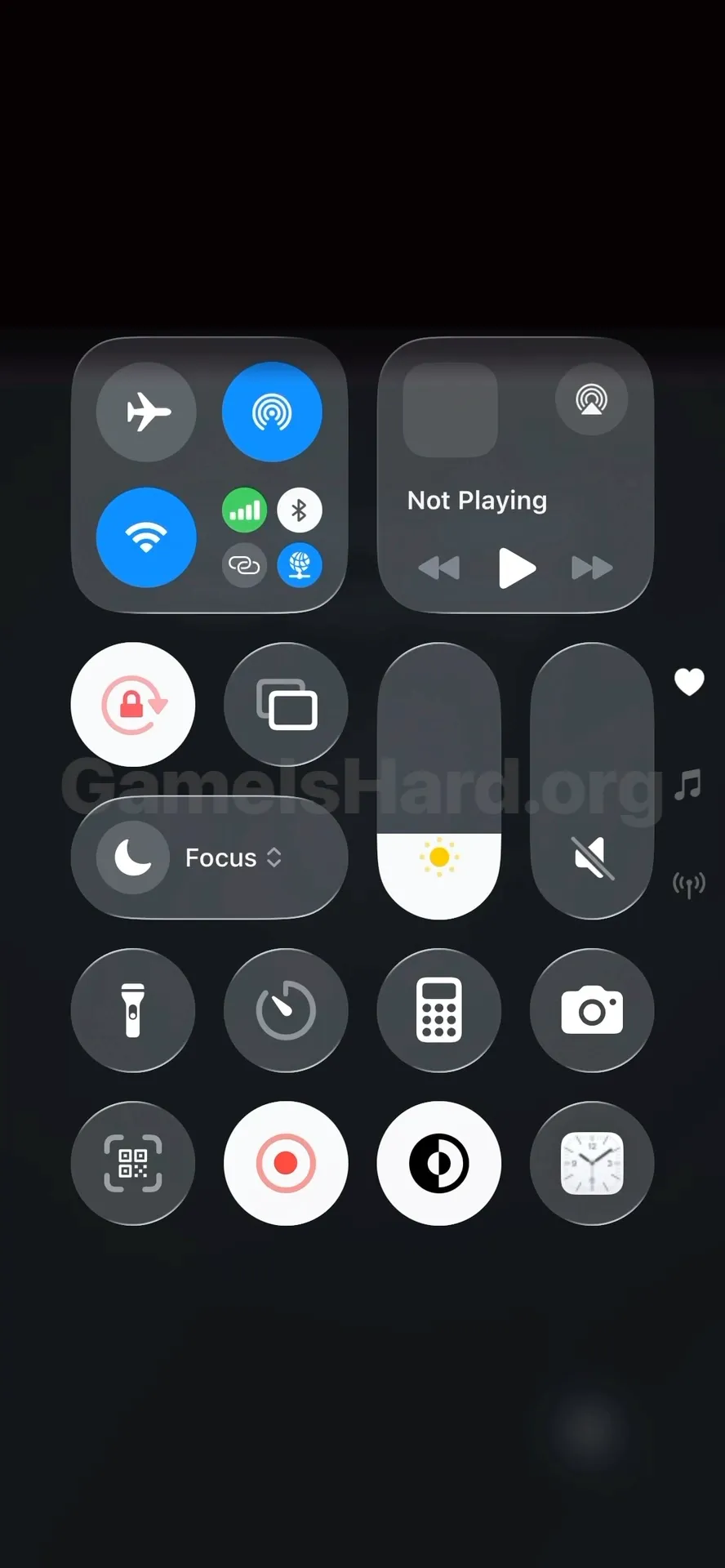
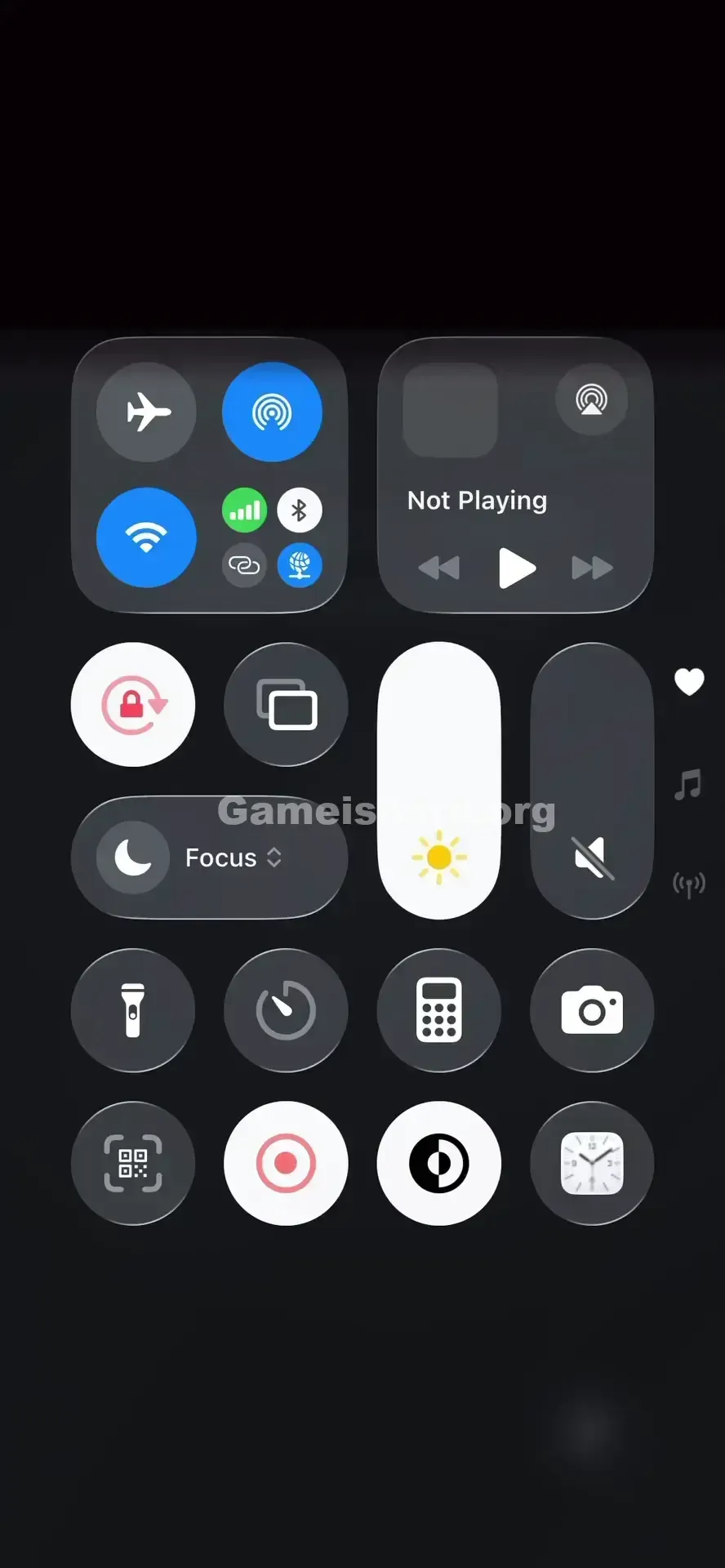
- Access Control Center: Swipe down from the top-right corner (iPhone) or top edge (Android) to open your quick settings panel.
- Locate Brightness: Find the sun-shaped slider—the one that adjusts screen brightness.
- Max It Out: Drag the slider fully upward until it hits 100% brightness.
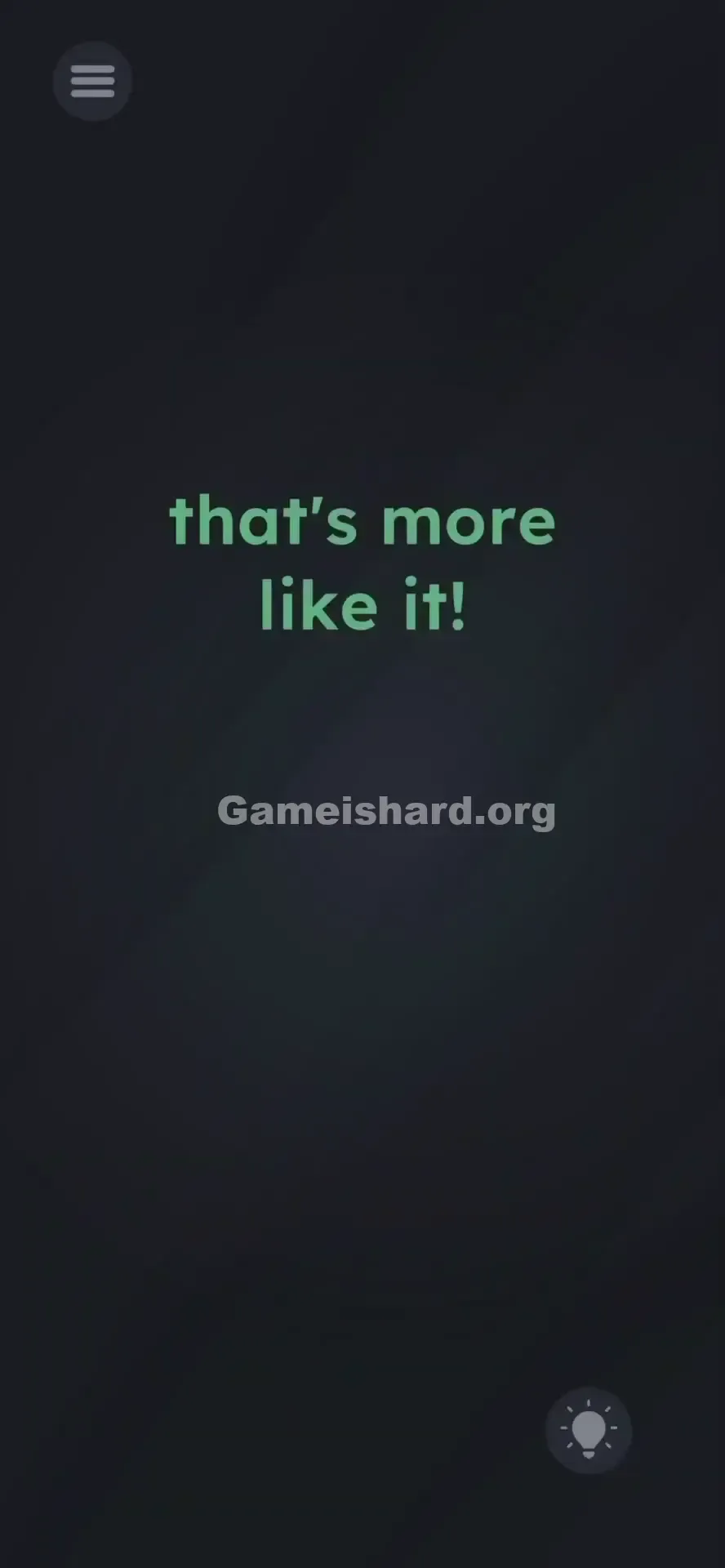
- Return to Game: As soon as brightness peaks, the level’s text will brighten instantly—and the level completes automatically.
If It Did Not Work
- Auto-Brightness: If enabled, it may override manual adjustments. Temporarily disable it if the level doesn’t unlock.
- Not Enough: Even 95% won’t cut it—push to the absolute maximum. The trigger often only fires at full brightness.
Why This Solution Works
This level uses direct OS sensor access—modern mobile games can read real-time device data like battery, orientation, volume, and yes, screen brightness.
Game is hard treats your phone as part of the puzzle itself.
- Earlier levels asked you to shake or tilt your device.
- This one asks you to change display output.
- The core idea is simple: “It’s too dark → make it brighter.” It feels deceptive only because most games don’t rely on system-level settings.
Bonus Tip
If you're speedrunning or replaying:
- Immediately swipe down to open quick settings.
- Slide brightness to max without hesitation.
- Swipe back up to resume gameplay.
- Crucial: Lower brightness again right after the “Level Cleared” message appears—to protect your battery and eyesight. Do NOT: Waste time scanning the black background for hidden objects. There’s nothing there.
Frequently Asked Questions of Game Is Hard Level 25 (Short, Useful)
Q: Do I really have to adjust my phone settings for Game is hard Level 25?
A: Yes—the game actively polls your device’s brightness value. Without hitting max, it won’t advance.
Q: My brightness is already high, but the level won’t unlock?
A: Try dropping it to minimum first, then quickly dragging it back to full max. Some devices require a clear change to register the update.
Q: Can I use volume buttons instead in Game is hard Level 25?
A: No. This level exclusively reads screen brightness—not audio or other sensors.
Q: Is there a hidden flashlight item in Game is hard Level 25?
A: Nope. The phrase “can't see anything” is the only clue—and it points directly to your device’s display, not the game world.
More Game Is Hard Solutions
Stuck on the next challenge? Our guides are built for speed, accuracy, and zero filler. If this saved you from staring into darkness, share it with friends so they skip the squinting—and save their eyes. On to the next level!