App updates occasionally reshuffle puzzle order. If this level 226 walkthrough doesn’t match what you’re seeing, no stress! Flip through our All Levels directory to spot your exact puzzle by image.
Pluck the shape straight from the equation and drop it like a puzzle tile over the question mark.
Level Overview
What Makes This Puzzle Tricky
You’re faced with what looks like a standard algebra quiz—but there’s no keyboard, no input field, and no obvious way to type anything. It feels like a test, but it’s really a tactile challenge disguised as math. Level 226 tricks you into overthinking—when what you need isn’t calculation, but interaction.
Your Goal
Solve the visual equation using substitution, then use one of the on-screen shapes as a physical answer piece. This isn’t about computing numbers—it’s about repositioning UI elements to reveal the solution.
- Text drag / UI drag
- Logic Traps
- Hidden object (hiding in plain sight as part of an equation) It’s not a mistake. It’s your tool.
What Appears on Your Screen
The screen mimics a classroom chalkboard—dark, textured, and intentionally academic.
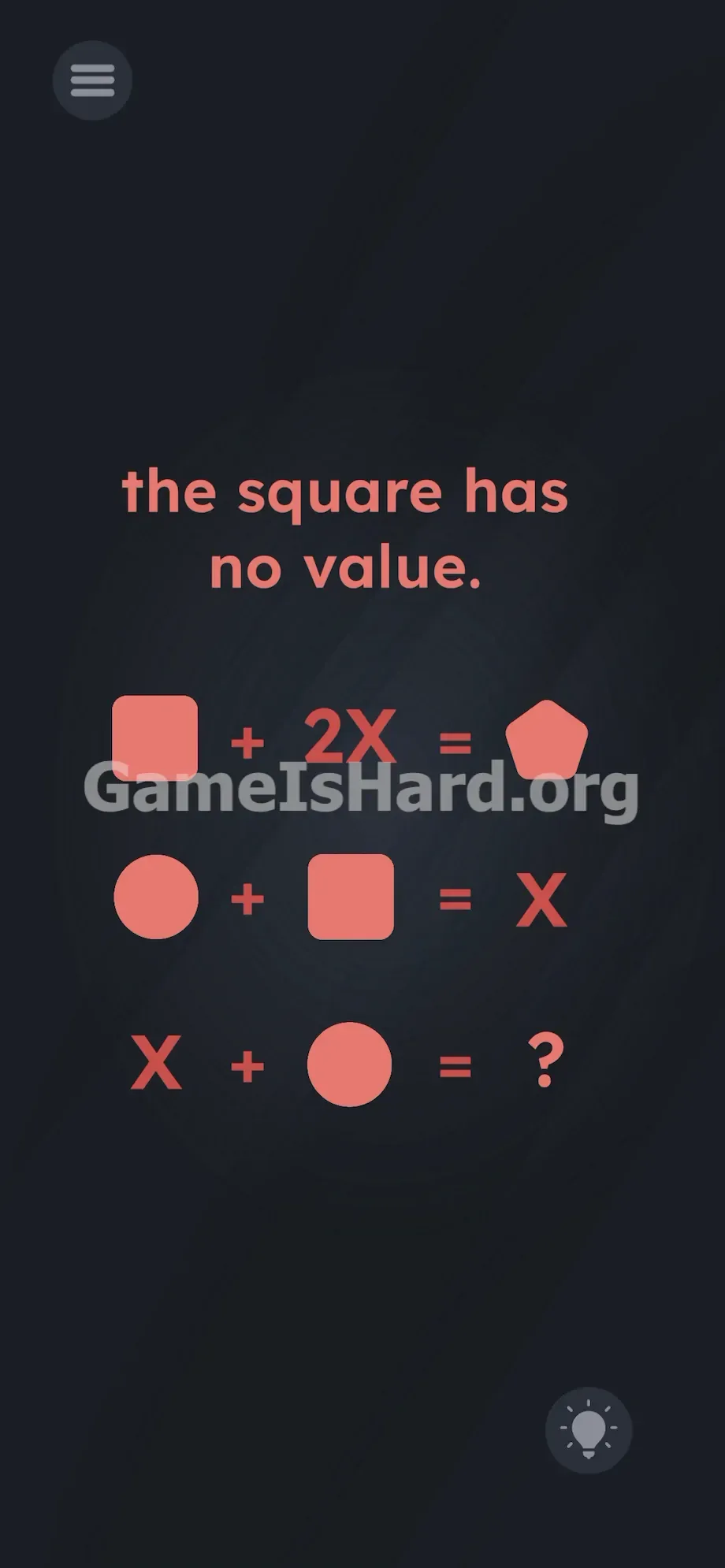
At the top, bold text declares: the square has no value.
Below, three stacked equations use pink geometric shapes, plus signs, equals signs, and the letter X:
- The top equation reads: [Square shape] + 2X = [Pentagon shape]
- The middle equation reads: [Circle shape] + [Square shape] = X
- The bottom equation reads: X + [Circle shape] = ? A hamburger menu sits in the top-left corner; a lightbulb hint icon rests in the bottom-right. The pink shapes stand out—they’re thick, dimensional, and clearly draggable—not just flat symbols.
Common Mistakes to Avoid
The Trap
UI blindness is the real villain here. Years of app design have trained us to read equations—not grab them. When we see a ?, instinct says type something. We wait for a keypad, assume we must solve for X numerically—and miss the actual mechanic entirely. That’s exactly what the devs counted on.
First Instincts That Fail
Tapping the ? does nothing. Tapping shapes yields flashes or silence. Some swipe wildly, double-tap X, or even tilt their phone. None of it works. There’s no number to enter. The puzzle rewards spatial intuition—not arithmetic speed.
Player Reactions
I spent nearly five minutes solving for X in my head before realizing the answer was already on screen—just waiting to be moved. The math isn’t the puzzle; the interface is.
Step-by-Step Solution
Preparing the Move
Pause, breathe, and study the logic—not the numbers. This is pure visual substitution.
The top line gives the key: the square has no value → [Square shape] = 0.
First equation: [Square shape] + 2X = [Pentagon shape]
Substitute 0: 0 + 2X = [Pentagon shape] → 2X = [Pentagon shape].
Second equation: [Circle shape] + [Square shape] = X
Substitute 0: [Circle shape] + 0 = X → [Circle shape] = X.
Third equation: X + [Circle shape] = ?
We know [Circle shape] = X, so replace it: X + X = ? → 2X = ?
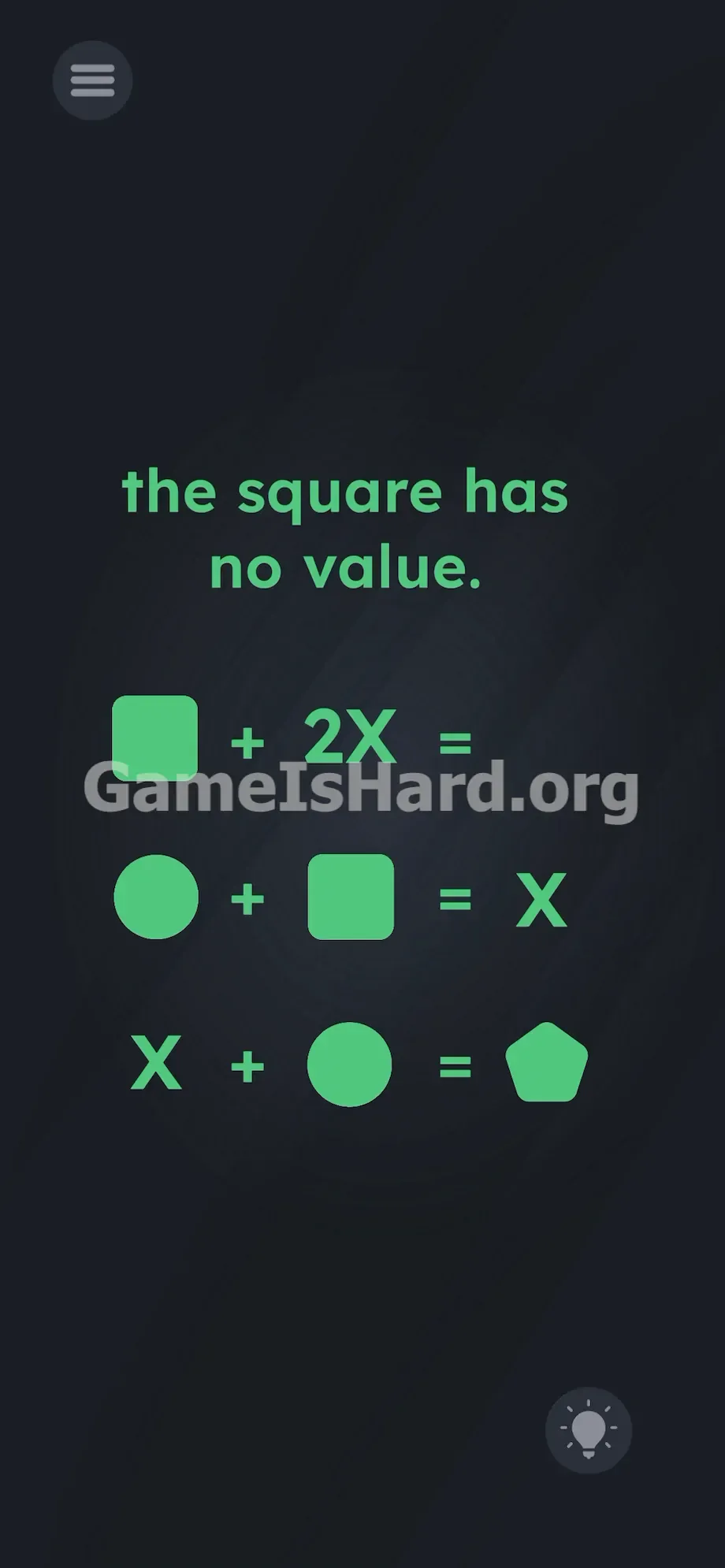
From earlier, 2X = [Pentagon shape]. So the answer is the pentagon—no number needed. Just its shape.
Executing the Solution
- Press and hold your finger firmly on the pink [Pentagon shape] located at the end of the very first equation.
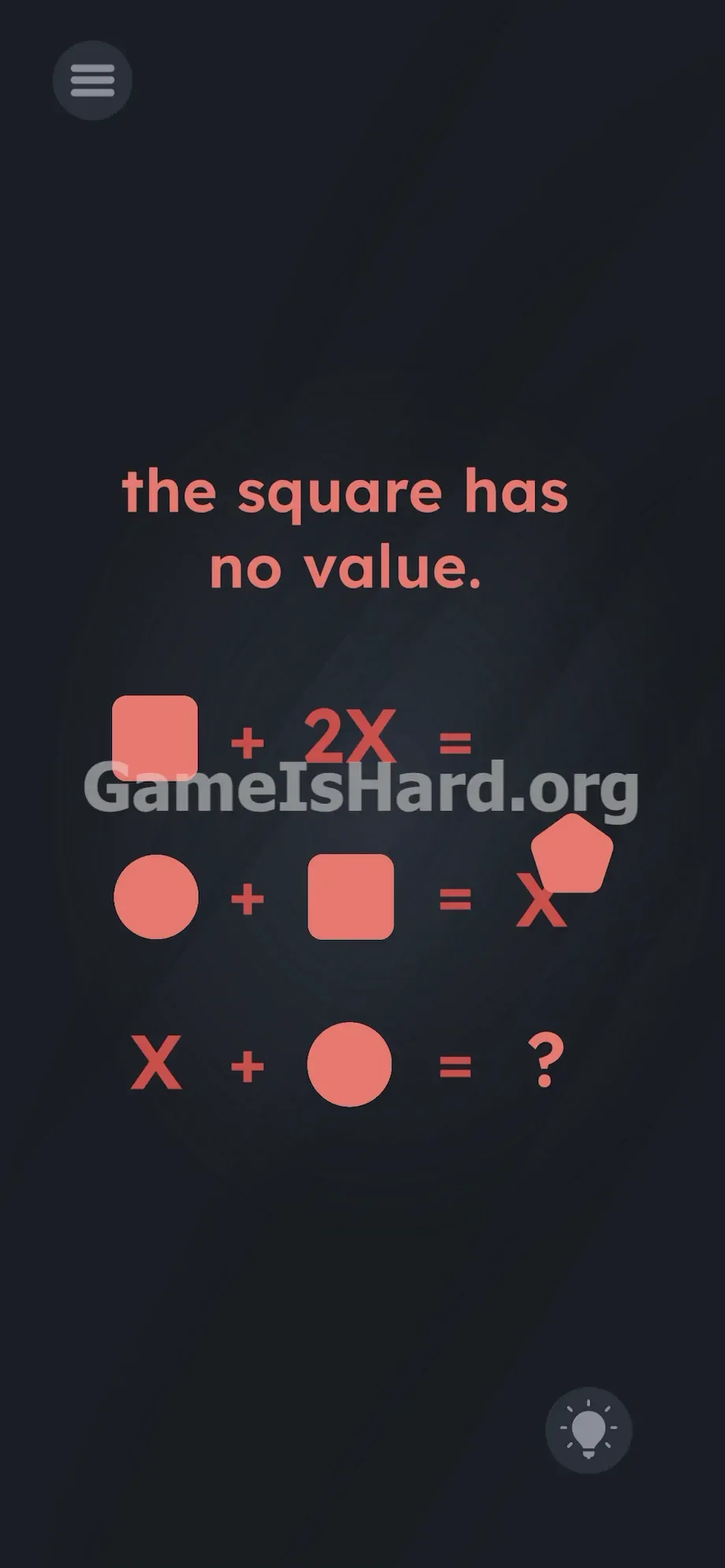
- Drag the [Pentagon shape] downward across the screen. It will peel off the text line.
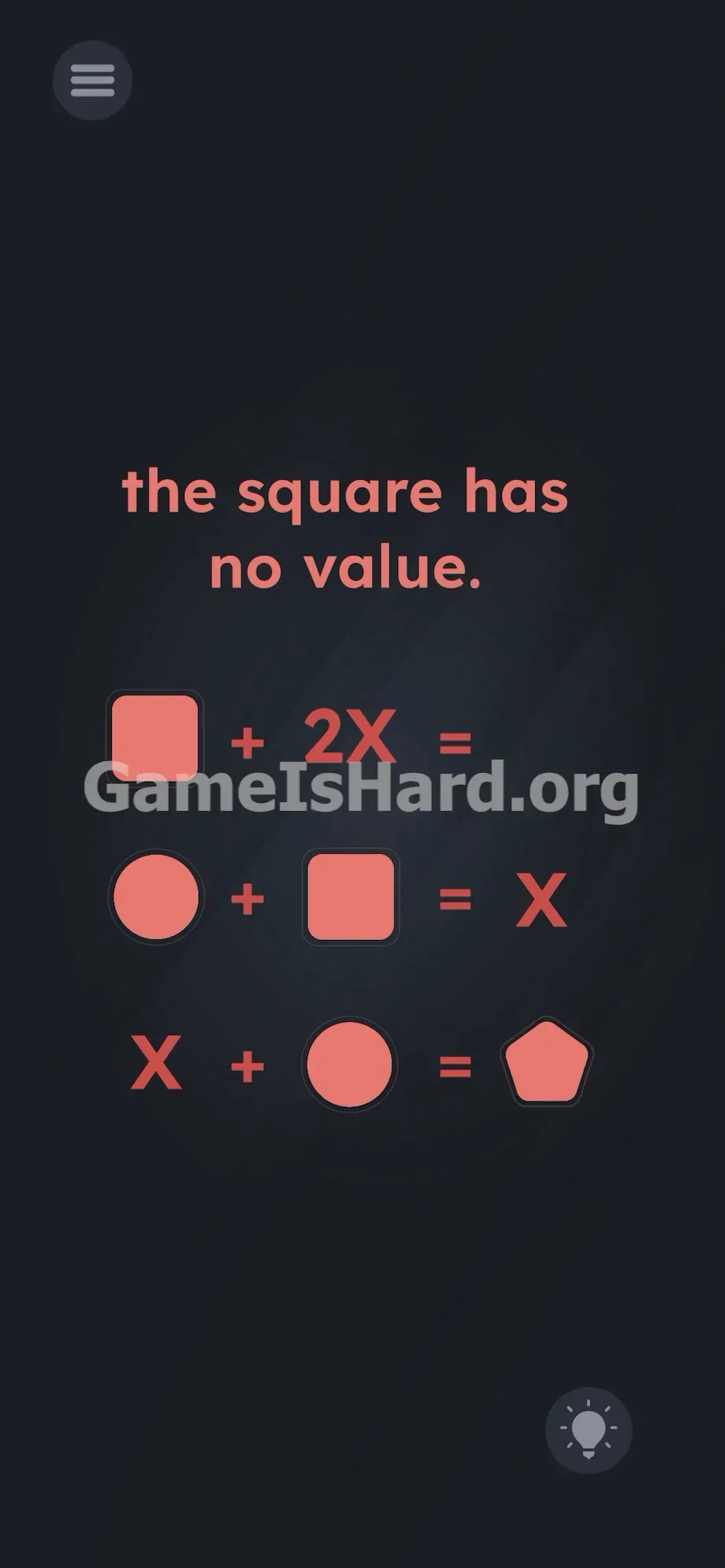
- Hover it directly over the pink ? symbol at the end of the bottom equation.
- Release your finger to drop the shape into place.
If It Did Not Work
- The shape snaps back: You missed the drop zone. Mobile hitboxes can be finicky. Grab the [Pentagon shape] again and aim dead center over the ? before releasing.
- The shape won't move: Make sure you’re tapping the five-sided pink shape—not the X or surrounding text. Hold for a split second before dragging to trigger the grab.
- Screen is frozen: If nothing responds, force-close the app and relaunch Game is hard Level 226. Drag-and-drop sometimes fails to initialize on first load.
Why This Solution Works
Letters and shapes aren’t abstract symbols here—they’re interactive objects. This mirrors classic Brain Test-style design, built on “Linguistic Deconstruction”: instructions mislead, while the UI holds the truth.
Your brain sees an equation and reads information. The game sees it as Object ID #4, ready to be dragged. Beating UI blindness means shifting from passive reading to active testing—if logic and typing fail, start moving what’s visible. This level tests whether you’ll treat math like a calculator problem—or like a hands-on puzzle.
Bonus Tip
For speed or clarity, follow this simple loop on similar stages:
- Scan for the shape that visually represents the answer.
- Tap and hold any suspicious element to confirm it’s draggable.
- Drag that verified shape straight onto the prompt (usually ? or blank space). Skip corner taps, voice input, or device tilting. This is purely touch-and-drag logic.
Frequently Asked Questions
Why won't the keyboard open on Game is hard Level 226? No keyboard is used here—the answer lives on-screen as a movable object. Interaction—not typing—is the intended path.
What specific number is X supposed to be? X has no numeric value in this context. It’s a placeholder in a visual equation. Treat all letters and shapes as physical blocks—not variables to assign numbers to.
I dragged the pentagon but nothing happened. What gives? Your finger likely landed slightly off-center. Move slowly, align precisely over the ? symbol, and release fully. If it still refuses, restart the app to reset drag detection.
Do I need to move the circle or the square? No—only the pentagon moves to solve this level. The other shapes are static red herrings meant to distract. Leave them untouched.
More Game Is Hard Solutions
Our guides cut straight to action—no filler, no delays. Hit a wall? We hand you the exact tool you need to break through.
Share this guide with your Discord squad if they’re stuck on visual algebra. Keep grinding—you’re closer than you think.