
App updates can sometimes shuffle the order of puzzles. If this level 225 walkthrough doesn't match your screen, don't worry! You can browse our All Levels guide to find your exact puzzle by its picture.
Do not touch the screen at all; you must repeat this hardware trick to position the ball and fire a wave at every single target.
Level Overview
What Makes This Puzzle Tricky
You’re frantically swiping — nothing responds. You tap, drag, pinch, restart — still no reaction. The screen feels frozen, broken, or glitched. But it’s not malfunctioning. This level deliberately discards standard mobile interaction rules. You’re stuck because you’re playing correctly — just not the way this level demands.
Your Goal
The prompt — “Destroy the boxes with sonic waves” — is literal. You are the sound source. Your phone’s mic and physical buttons become your controls. You’re transforming your device into a voice-triggered targeting system — no taps, no swipes, just real-world input.
This stage tests four precise mechanics:
- Audio / mic
- Button trick (volume/mute)
- Timing / waiting
- Hidden object It’s not a mistake. It’s intentional ammunition.
What Appears on Your Screen
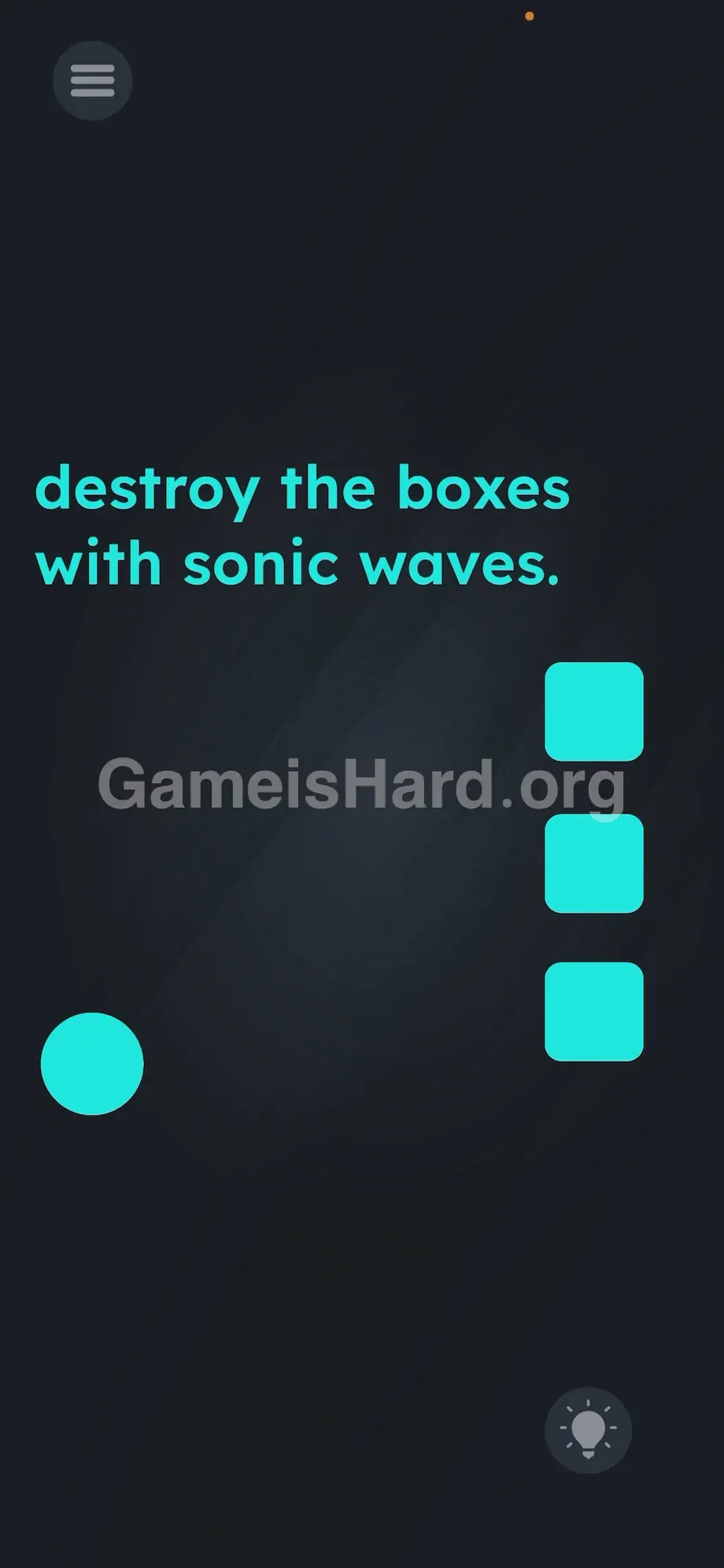
The screen is deceptively minimal. A dark, smoky background fills most of the view. In the top-left corner, plain white text reads: destroy the boxes with sonic waves.
A lone teal circle sits in the bottom-left area. On the right side, three stacked teal boxes line up vertically.
No sliders, no icons, no hidden menus — just empty space and silence. It looks inert, but the game is actively listening — and waiting for you to realize the action happens outside the touchscreen.
Common Mistakes to Avoid
The Trap
This is classic UI blindness — where years of muscle memory work against you. Seeing that bright teal circle triggers an automatic urge to drag or tap it. The developers leaned hard into that instinct — then disabled all touch input on the main play area. You’re not failing the puzzle — you’re failing to unlearn what your fingers think they know.
First Instincts That Fail
Most players burn time repeating the same dead-end moves: dragging the circle toward the boxes (no response), tapping the boxes (nothing breaks), even trying to pull the word sonic from the instructions onto the targets (a trick that works elsewhere — not here). Some catch on to the sound clue and shout — but miss entirely because the circle hasn’t been moved into firing position yet.
Player Reactions
I rubbed my thumb raw trying to drag that circle. Thought my screen was cracked. Reopened the app twice. Then — while re-gripping my phone — I accidentally hit the volume rocker. The circle jumped. Instant realization: the answer wasn’t on-screen. It was in my hands.
Step-by-Step Solution
Preparing the Move
Stop touching the screen — now. Put your thumbs on the edges of your phone instead. Rest your fingers naturally over the physical volume buttons. Locate your phone’s microphone (usually a tiny hole near the bottom edge or charging port). Get ready to produce sharp, focused sound.
Executing the Solution
- Press the physical volume up button on the side of your phone.
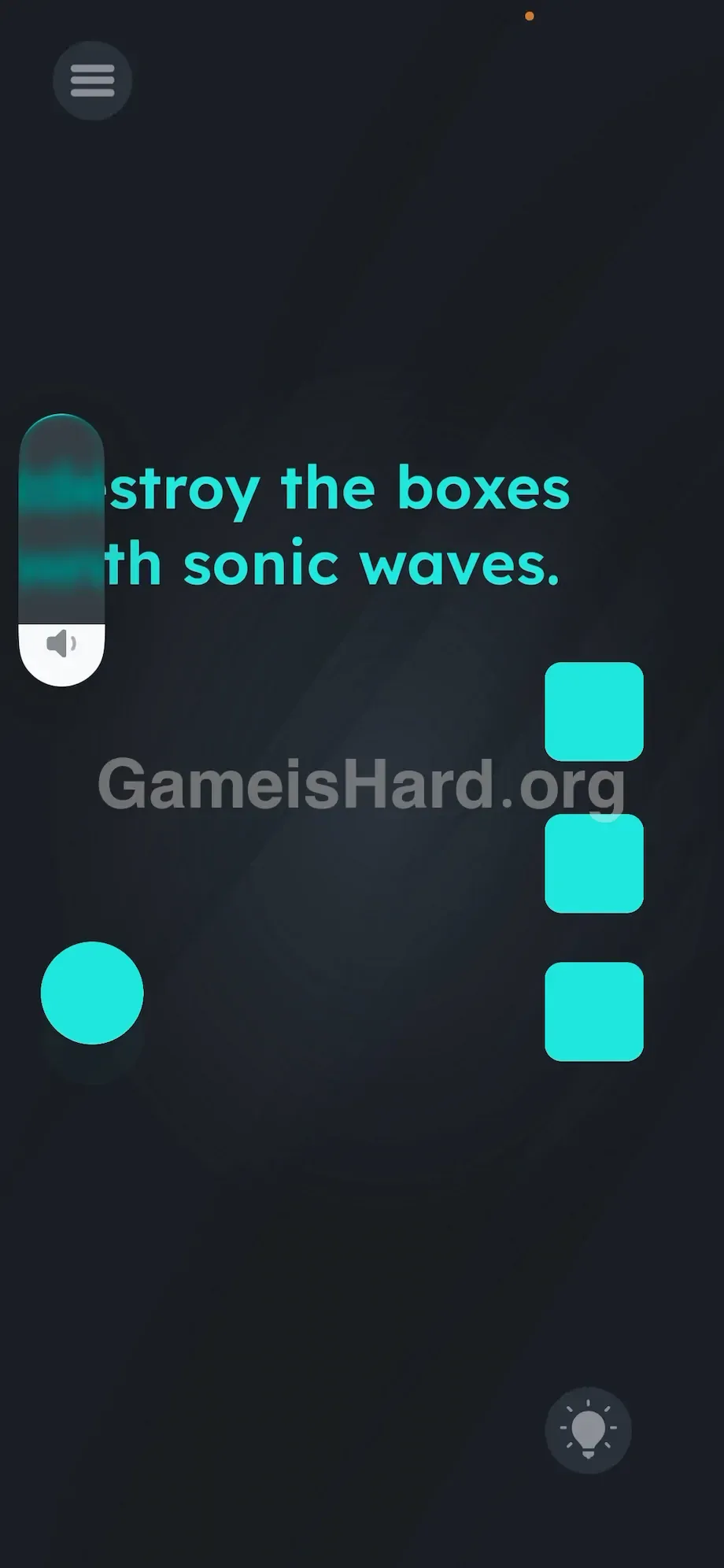
- Watch the teal circle instantly jump upward on the screen.
- Use the volume down and volume up buttons to position the teal circle directly across from the bottom teal box .
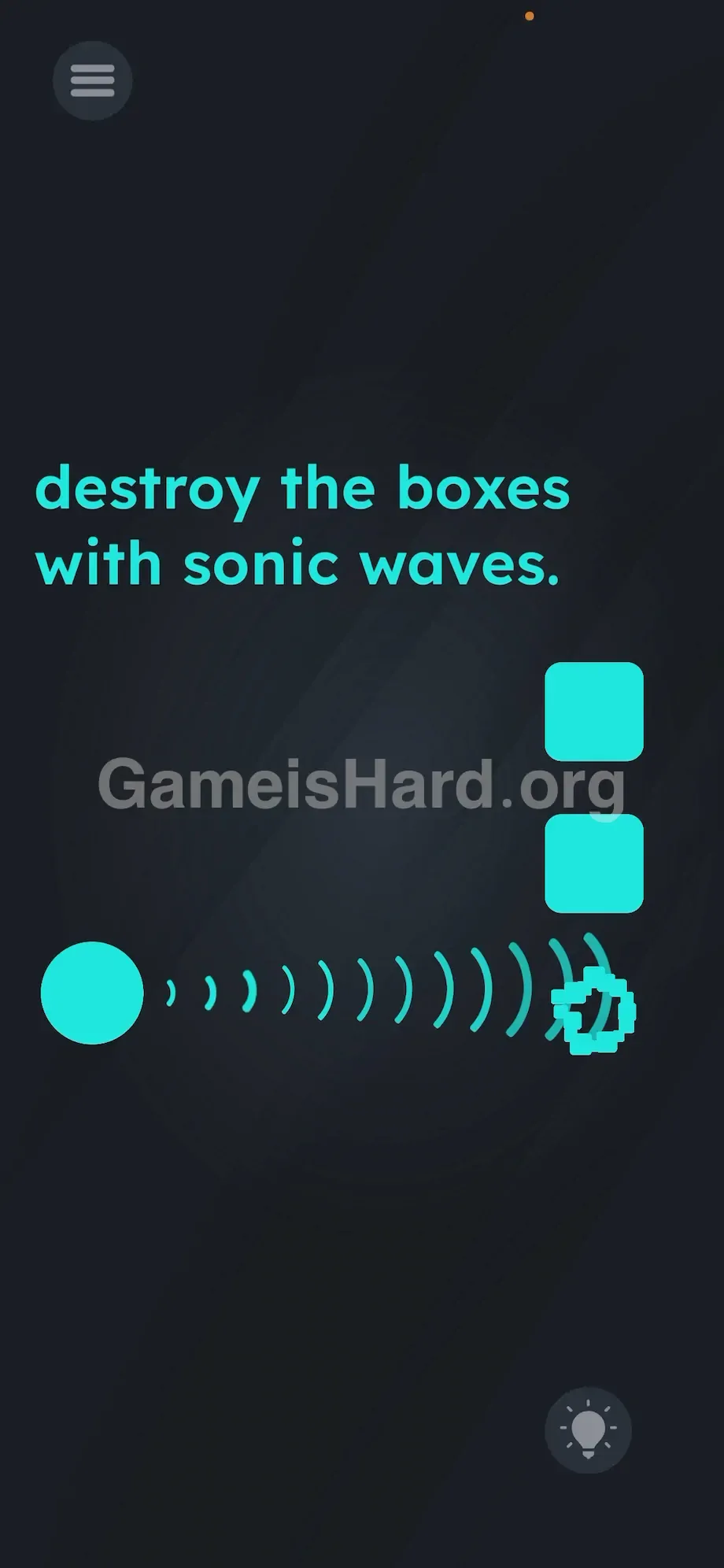
- Blow sharply into the bottom of your phone, right into the microphone hole. A loud shout or a hard finger-tap on the mic also works.
- Watch the sonic wave shoot out from the right side of the teal circle and shatter the first box.
- Press the volume up button again to raise the circle to the middle box.
- Blow into the microphone again to fire.
- Repeat this process for the final, top box to clear the stage.
If It Did Not Work
Sometimes the OS fights back. When you press the volume buttons, your phone's native volume slider UI might pop up on the screen and block your view. Just ignore it and wait a second for it to fade, or keep pressing the buttons anyway. The game still registers the input.
If you are making noise and the ball isn't firing, your microphone permissions are blocked. You must go into your phone's native Settings app, find the game, and toggle the microphone permission to "Allow." The game physically cannot hear you otherwise. If you are in a loud room, the mic might constantly trigger. Move to a quiet space so you can control exactly when the ball shoots.
Why This Solution Works
This puzzle shatters the illusion of the interface. Under the hood, the game ignores touch events entirely — instead polling hardware inputs in real time. Mobile OSes expose APIs for mics, accelerometers, cameras, and physical buttons. Here, volume keys map directly to vertical movement (VolumeUp = Y+10), and the mic acts as a simple decibel threshold trigger.
That reinforces the game’s core theme: the instructions are the first clue — the UI is the real puzzle. You’re meant to forget you’re holding a physical device. Solving it means stepping out of the screen — and back into reality.
Bonus Tip
Speedrun this level by mastering hardware efficiency. Don’t try to hit all three boxes from one spot — horizontal alignment is strict.
- Lower your media volume to zero before aiming to avoid ear-splitting feedback.
- Position your mouth close to the bottom edge of the phone.
- Tap volume up until aligned with a target.
- Scratch your fingernail sharply over the mic hole instead of yelling — it spikes decibels instantly and fires reliably.
- Move up. Scratch again. Done. Skip dragging. Skip tapping. Just use the hardware.
Frequently Asked Questions
Why isn't the teal circle moving when I press volume? Your phone case might be blocking the button, or another app (like an active call) is hijacking audio controls. Close background apps and press firmly.
I am screaming at my phone but no wave shoots out. What gives? Microphone access was denied during install — and the game can’t override system privacy. Go to Settings > Apps > Game Is Hard > Permissions > Microphone → enable.
Can I destroy all three boxes with one loud noise? No. The sonic wave travels straight, horizontally. You must reposition the teal circle vertically and fire three separate times.
I am in a public place. Do I really have to shout? Not at all. The mic only measures volume — not speech. A firm puff of air, a quick scratch over the mic, or even a sharp finger-tap works perfectly — and keeps you discreet.
Why does my screen go dark when I hold the phone near my face to blow into it? You’re activating the proximity sensor near the front camera. Keep your face and fingers away from the top bezel. Aim your breath toward the bottom edge instead.
More Game Is Hard Solutions
We build these guides to cut through the frustration — fast. No fluff, no lore, just the exact actions needed to beat the toughest stages. Bookmark thegameishard.org for when the next mind-bending level drops. Share this guide when friends start yelling at their phones. Keep gaming. Keep winning.