App updates can occasionally reorder puzzles. If this level 84 walkthrough doesn’t match what you’re seeing, no stress! Flip through our All Levels guide and locate your exact puzzle using its visual layout.
Level Overview
What Makes This Puzzle Tricky
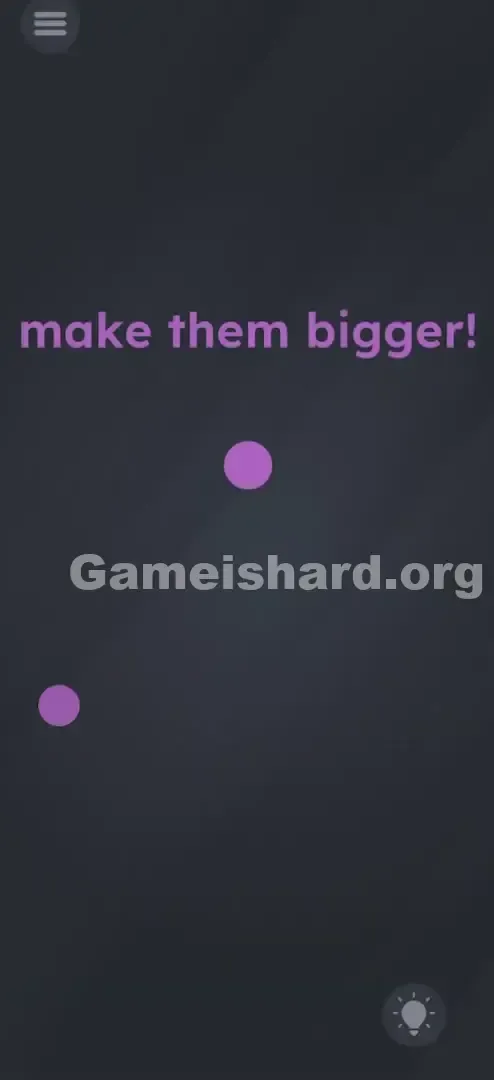
You’re greeted by three tiny purple dots—and a bold command: “make them bigger!” Instinct kicks in: you pinch, drag, tap, swipe… nothing responds. Your fingers work overtime while the dots stay stubbornly small. That’s the trick—the game isn’t broken, it’s just asking you to use your device differently. It doesn’t tell you the controls have shifted—it waits for you to notice the hardware itself is part of the puzzle.
Your Goal
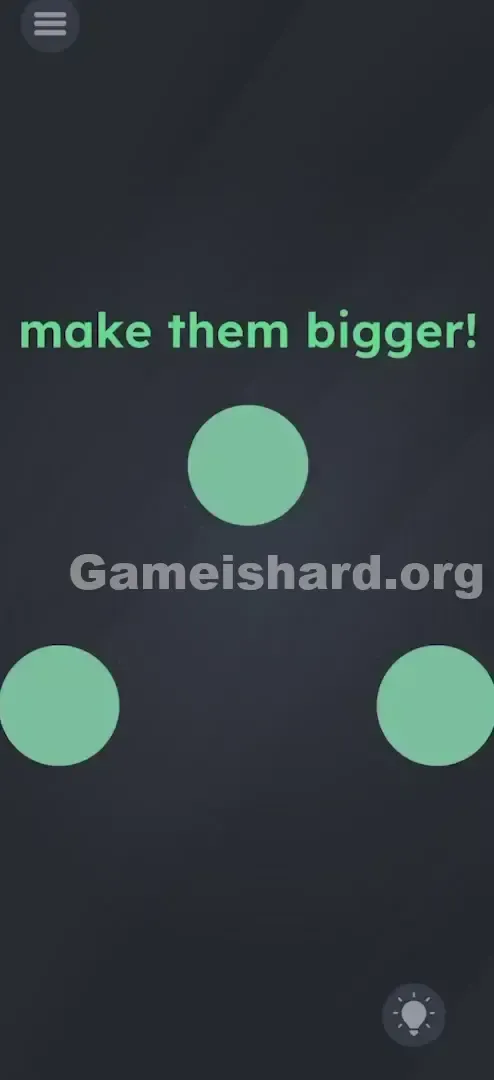
Your mission is straightforward: expand all three purple dots into large, fully inflated circles. No combining, no popping, no tapping—just pure, sustained growth. The real challenge? Finding the invisible “pump.”
How the Game Responds
- Gyroscope / Accelerometer: The game reads your phone’s real-world orientation.
- Gravity Physics: Dots react as if pulled or pushed by directional force.
- Time/Duration: Growth isn’t instant—you must hold the tilt long enough.
- No Touch: This puzzle relies entirely on motion, not screen contact. It’s not a bug—it’s intentional physics.
What Appears on Your Screen
Let’s walk through the layout for anyone staring at this level, puzzled.
The backdrop is a clean, dark grey. At the top third of the screen, bold purple text reads: make them bigger!
Below it, floating in open space, sit three identical purple dots arranged loosely in a triangle—one slightly left, one slightly right, and one centered near the top. They look exactly like the dots from earlier levels where tapping or dragging worked—making their unresponsiveness extra misleading.
No sliders. No +/– buttons. No visible tools or levers. Just text—and silence.
Common Mistakes to Avoid
The Trap
The biggest hurdle is “touchscreen muscle memory.” Years of smartphone use have wired us to assume: if it’s on screen, touch it. So when told to “make them bigger,” your first move is almost always pinch-to-zoom—even though the game ignores it completely.
First Instincts That Fail
One player tried stacking the dots like tiles in 2048, hoping merging would trigger growth. Nope—they slid past each other or didn’t budge. Others tapped the word bigger repeatedly, treating it like an interactive button. It’s just text—no hidden function.
Player Reactions
I honestly thought my phone froze. I dragged my finger across the screen so hard I worried about screen burn-in. Then—by accident—I set the phone down sideways on my couch, and one dot swelled slightly. That’s when it clicked: the problem wasn’t the app—it was me.
Step-by-Step Solution
Preparing the Move
Stop touching the screen. Grip your phone firmly by its edges—like steering a race car or guiding a marble through a maze. Sit upright or stand; lying flat makes precise tilting much harder.
Executing the Solution
- Identify the Targets: Spot the three dots—left, right, and top-center.
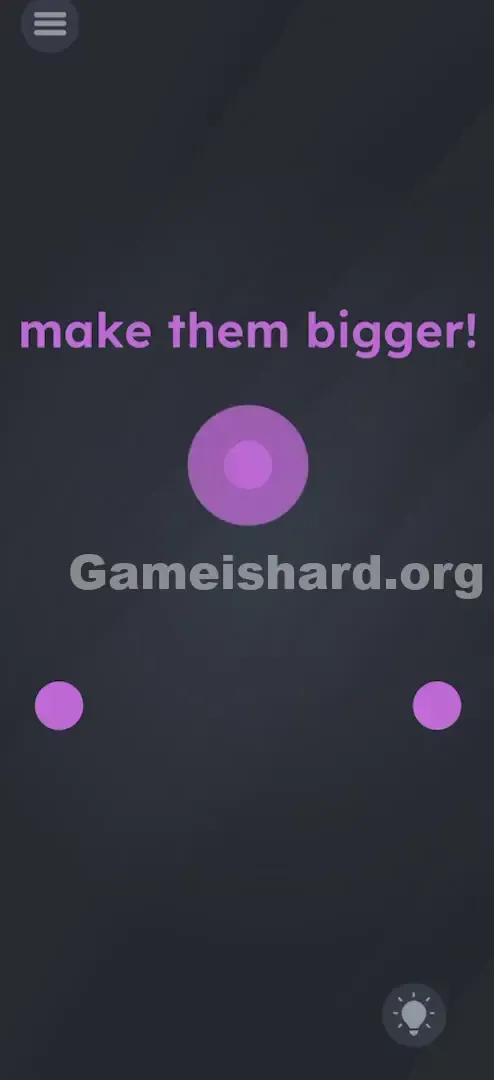
- Tilt Left: Tip your phone sharply left, as if pouring water onto the left dot. Hold steady. Watch it swell—and keep holding until it reaches max size and “pops” visually.
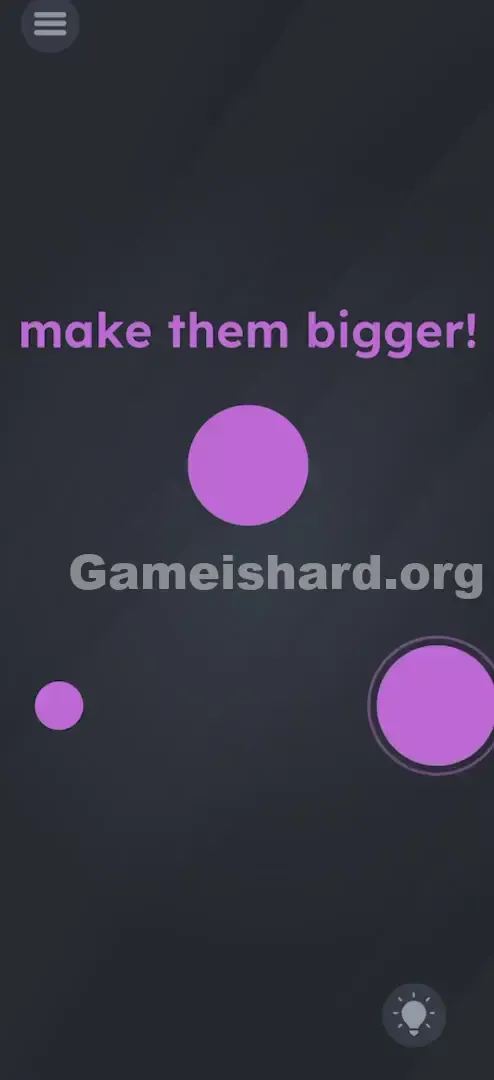
- Tilt Right: Now tip sharply right. Gravity shifts, and the right dot expands. Hold until it fully inflates.
- Tilt Up: Finally, tilt the top of your phone upward (toward the ceiling or away from you—whichever triggers growth). The top dot will inflate.
If It Did Not Work
If dots aren’t growing:
- Tilt Harder: A subtle lean often won’t cut it. Aim for a solid 45-degree angle.
- Check Orientation Lock: Though rare here, system-level rotation locks can interfere with gyro input.
- Reset Position: Return your phone to flat between tilts—this helps the sensor re-establish neutral.
Small Details That Matter
Even knowing the solution, players get tripped up by sensor sensitivity.
- The "Pouring" Metaphor: Think of the dots as thirsty plants—and your phone, a watering can. You must tilt toward each dot’s location. Tilting away does nothing—or shrinks them.
- Sequential vs. Simultaneous: Wobbling wildly might trigger partial growth—but focusing on one dot at a time gives cleaner, faster results.
- The Pop: There’s a clear visual endpoint—a final “pop” or size lock. Once hit, that dot stays big. No need to guard it while working on others. I fixed it by: Gentle tilts failed. I had to jerk the phone decisively—almost aggressively—to wake up the physics engine. Commit to the motion.
Why This Solution Works
This level tests whether you treat your phone as a physical object—not just a glass window into software. Most puzzles live entirely inside the UI. Level 84 breaks that illusion, forcing you to engage with hardware: gravity, motion, orientation. It’s a textbook lateral-thinking challenge—if touch fails, look beyond the screen.
Bonus Tip
For speed runs or replays, try this streamlined approach:
- Keep hands off the screen—no wasted taps.
- Use both hands for stable, controlled tilts.
- Try the “U” motion: tilt left → smoothly arc down and right → lift up. With practice, all three dots inflate in one fluid motion.
- Skip reading the text—the visual cue (tiny dots) is all you need once you know the mechanic.
Alternative Attempts of Game Is Hard Level 84 (What Doesn’t Work, and Why)
Here’s what won’t solve it—so you skip the trial-and-error:
- Pinching the dots: Multi-touch gestures are disabled here—no zoom response.
- Dragging dots to the word bigger: A clever idea, but the text has zero interactivity.
- Shaking the phone: Causes jitter, not growth—physics needs sustained direction, not chaos.
- Volume buttons: Pressing volume up only raises audio—it won’t scale anything.
- Waiting: Time alone does nothing. Growth requires active, directional input.
Common Mistakes for Game Is Hard Level 84
- The "Lazy Tilt": A slight angle rarely registers—go bold and decisive.
- Touching while tilting: Some devices misread gyro data when the screen is touched—keep fingers clear.
- Moving on too soon: A dot may swell halfway, then shrink back if you release early. Hold until it’s fully inflated.
- Blaming the app: On emulators (like BlueStacks), tilt mapping is clunky—but on a real phone, it works flawlessly.
Pattern Recognition: How to Spot This Trick in Future Game Is Hard Levels
The Tell
Watch for floating, circular, or liquid-like objects—not locked to grids or menus. Bubbles, spheres, or loose items suspended in void space? That’s your gyroscope clue.
The Habit
If tapping does nothing within 2 seconds, shift to Step 2 automatically: The Wiggle. Give your phone a quick tilt or shake. If anything slides, wobbles, or reacts—bingo. You’re in a physics-driven level. Make this instinctive.
Game Is Hard Level 84 FAQ (Short, Useful)
Q: I'm tilting my phone but nothing is moving in Game is hard Level 84? A: Confirm your phone’s auto-rotate and motion sensors are enabled in settings. Restarting the app can also recalibrate sensor input.
Q: Can I solve Game is hard Level 84 without tilting? A: No—accelerometer input is mandatory. Touch-based resizing is blocked.
Q: Do I have to do them in a specific order in Game is hard Level 84? A: Order doesn’t matter—but tackling one dot at a time avoids confusion and ensures full inflation.
Q: Why does the dot shrink when I look away in Game is hard Level 84? A: It shouldn’t—once fully grown, it locks in place. Make sure you hold the tilt until growth stops completely and the “pop” animation finishes.
More Game Is Hard Solutions
That’s how you beat the physics twist in Game is hard Level 84. If this walkthrough saved you time and frustration, explore our full collection—we deliver fast, no-nonsense solutions for gamers who value clarity over clutter. Share this guide with friends still tilting their heads instead of their phones. Happy gaming—and good luck on Game is hard Level 29 !