App updates can sometimes shuffle the order of puzzles. If this level 41 walkthrough doesn't match your screen, don't worry! You can browse our All Levels guide to find your exact puzzle by its picture.
Level Overview
What Makes This Puzzle Tricky
You land on a screen that feels suspiciously bare. No flashy distractions, no hidden panels—just an instruction and one solitary shape. That simplicity is the first red flag. In most Game is hard levels, clutter means chaos; here, emptiness means something’s off. Your brain immediately starts scanning for invisible traps.
Your Goal
The prompt says “find the blue box.” But there’s no blue box visible—only a purple one. This isn’t about hunting down a hidden object behind layers or under text. It’s about creating what you need using what’s already there. You’re not solving a riddle—you’re triggering a reaction.
Key Mechanics involved
- Object State Change: Objects in this game often hide alternate forms behind repeated taps.
- Repetition: One tap does nothing. Two taps do nothing. Three taps? That’s the magic number.
- Color Logic: Purple isn’t random—it’s the starting point for the blue you’re asked to locate. This level isn’t testing observation. It’s testing persistence.
What Appears on Your Screen
Let’s map out exactly what’s in front of you.
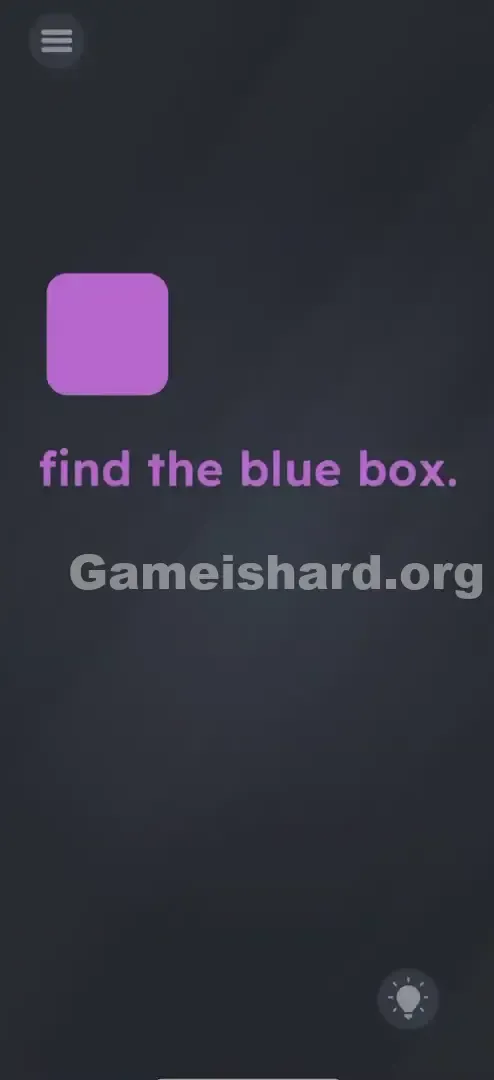
- Center-Left: A smooth, rounded square—boldly purple.
- Center-Text: The phrase "find the blue box." appears in matching purple font.
- Background: Deep grey or black—no texture, no noise.
- Corners: Standard UI elements—the hamburger menu (top left) and hint bulb (bottom right). What’s missing tells the story: no secondary shapes, no sliders, no draggable zones. That single purple box is the puzzle—and the solution.
Common Mistakes to Avoid
The Trap
Most players fall into “search mode”: eyes darting, fingers swiping corners, expecting the blue box to be camouflaged or tucked away. But this level flips the script—it’s not hiding anything. It’s waiting for you to act, not observe. The real trap is assuming the answer must already exist on screen.
First Instincts That Fail
- The "Drag Everything" Panic: Trying to yank the purple box off-screen, convinced the blue one is hiding underneath.
- The Color Theory Nerd: Attempting to “mix” colors digitally—like combining purple with something else—even though no tools exist.
- The Waiter: Sitting still, hoping the box cycles colors on its own. Spoiler: it won’t.
Player Reactions
I tried dragging the word “blue” onto the purple box like it was a label. Felt brilliant—until nothing happened. Then I tapped it three times, watched it flip to blue, and facepalmed. It’s basically poking a stubborn vending machine until your snack drops.
Step-by-Step Solution
Preparing the Move
Pause the instructions for a second. Zero in on the purple box. Place your finger directly over it—no fancy angles needed. One hand, one target, zero hesitation.
Executing the Solution
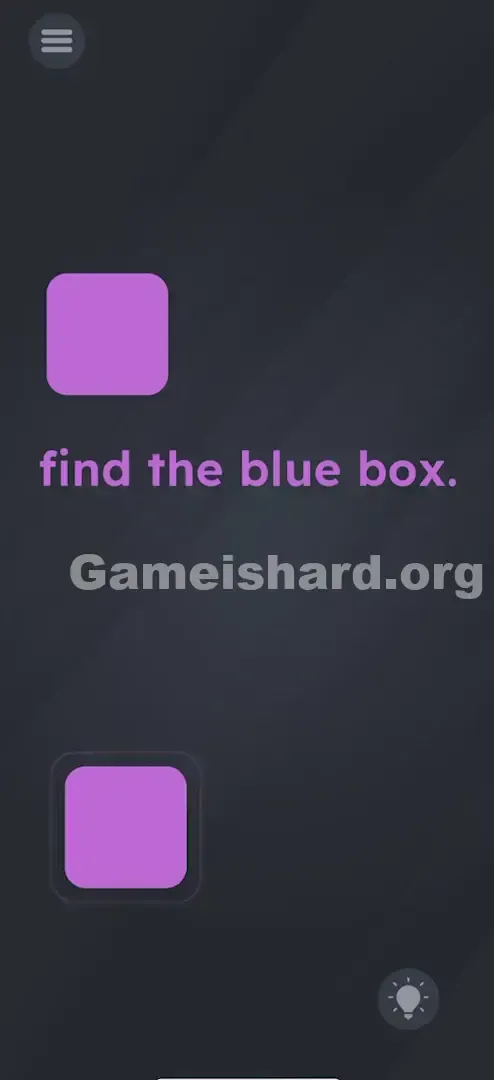
- Tap the Purple Box: A firm, clean tap. You might hear a sound or see a micro-bounce—but likely no big change yet.
- Tap It Again: Still static? Perfect. Keep going.
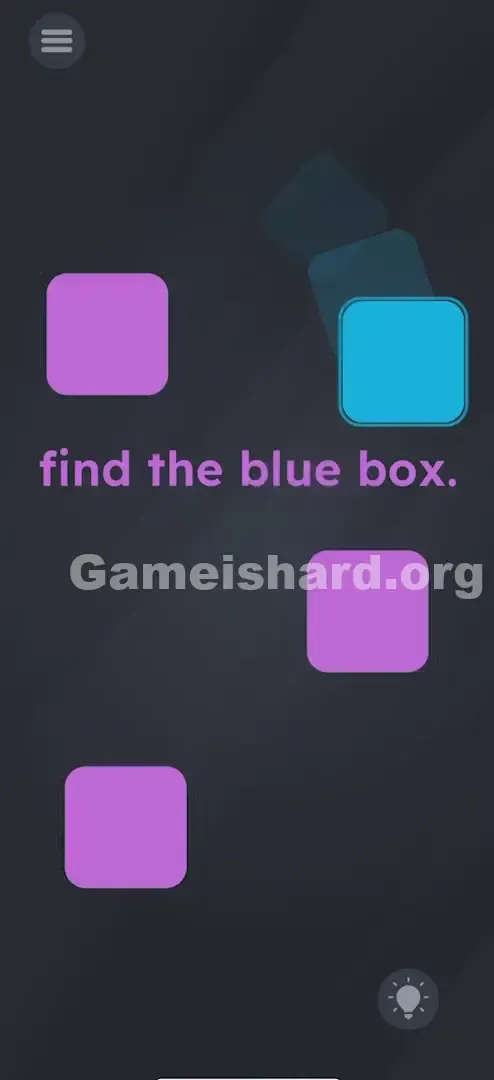
- Tap It a Third Time: Watch closely—the purple box vanishes or morphs instantly.
- The Reveal: A blue box appears where the purple one was (or very close).
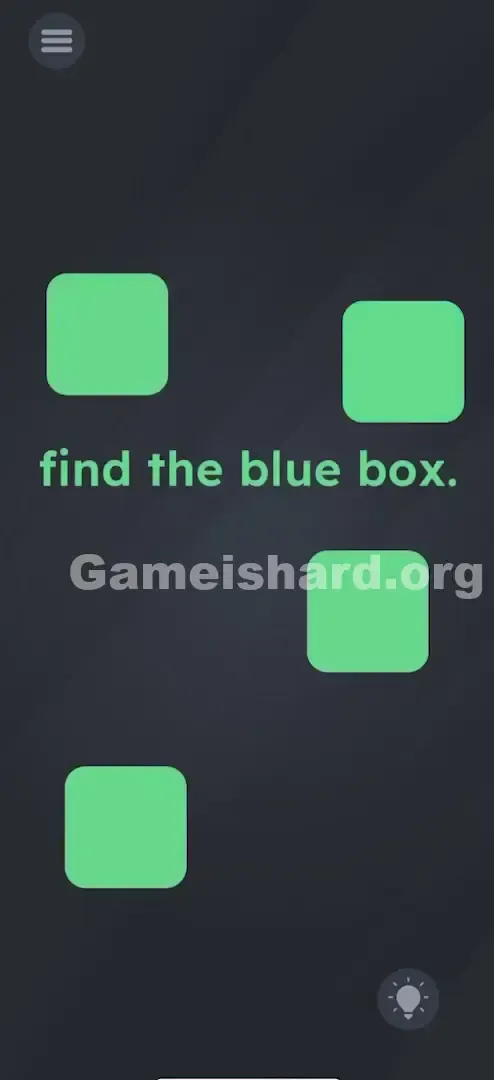
- The Final Tap: Tap that blue box without delay.
If It Did Not Work
- Did you tap too slow? The game registers distinct taps—not rhythm. Just avoid long pauses between them.
- Did it bounce but not change? You haven’t hit the third tap yet. Stay focused and keep tapping.
- Is your sound on? Audio feedback helps confirm your taps are landing on the box—not empty space.
Small Details That Matter
Precision isn’t strict, but touch accuracy matters more than you’d think.
- Target the Center: The hitbox covers most of the square, but center-taps are safest—especially if your fingers run large.
- Don’t Drag: Lift your finger cleanly after each tap. Even a tiny slide tricks the game into reading it as drag input instead of a tap.
- I fixed it by… wiping my screen. A fingerprint smudge was blocking part of the touch zone. One quick clean—and the triple-tap worked flawlessly.
Why This Solution Works
This level rewards action over analysis—especially when feedback is delayed.
You’re not just tapping randomly. You’re advancing through hidden states:
- State 1: Purple Box (Start)
- State 2: Purple Box (Tap 1 - Hidden counter = 1)
- State 3: Purple Box (Tap 2 - Hidden counter = 2)
- State 4: Blue Box (Tap 3 - Trigger transformation) It’s a classic multi-hit mechanic—disguised as a visual puzzle.
Bonus Tip
Here’s how to blast through it like a pro:
Skip the text entirely.
Triple-tap the purple shape on sight.
Tap the blue box the moment it appears. Done in under two seconds. Save time by skipping:
Tilting your device.
Hunting for secret menus.
Moving or dragging the instruction text.
Alternative Attempts of Game Is Hard Level 41 (What Doesn’t Work, and Why)
Here’s what players try—and why it fails:
- Dragging "Blue" onto the box: Feels clever, but text is locked down. Not interactive here.
- Shaking the phone: Works in other levels, but this one ignores motion sensors.
- Holding the box: Long-press triggers menus elsewhere—not color shifts.
- Waiting for a timer: The purple box stays put forever unless you tap it.
- Tapping the word "Blue": It’s pure instruction—not a button.
- Looking for a paint bucket: No inventory system exists in this level.
Common Mistakes for Game Is Hard Level 41
- Quitting after one tap: “It didn’t work”—but it wasn’t supposed to. Three is the key.
- Swiping instead of tapping: Even slight finger movement cancels the tap count.
- Treating it like Simon Says: No sequence lights up. Just tap. Tap. Tap.
- Over-focusing on the text: It tells you what to find—not how to get it.
- Tapping blank space: The background is inert. Only the purple box responds.
- Over-engineering color theory: No mixing, no blending—just one simple transformation.
Pattern Recognition: How to Spot This Trick in Future Game Is Hard Levels
The Tell
A lone, centered, non-draggable object? That’s your cue. If it doesn’t react to one tap, it’s almost certainly waiting for multiple taps to unlock its next state.
The Habit
ABC: Always Be Clicking. When you enter any new level, before diving into riddles or wordplay, rapidly tap every visible object 3–4 times. Brute-force interaction uncovers hidden mechanics far more often than you’d expect. Make it your go-to first move.
Game Is Hard Level 41 FAQ (Short, Useful)
Q: Is there a specific rhythm I need to tap in Game is hard Level 41? A: No. You can tap fast or slow. As long as you register three distinct taps on the purple box, it will trigger the change.
Q: The box disappeared but I didn't see a blue one? A: Did your finger cover it? Sometimes the blue box spawns exactly where the purple one was. Lift your finger after the third tap to see the change.
Q: Can I skip the purple box in Game is hard Level 41? A: No. The blue box does not exist in the game world until the purple box has been tapped enough times to spawn it.
Q: Does the text color matter in Game is hard Level 41? A: The text is purple to match the starting box, hinting at the connection, but you don't need to interact with the text itself.
More Game Is Hard Solutions
Stuck on the next one? We’ve got the full breakdown for every single headache this game throws at you. These guides cut the fluff so you can get back to feeling smart. Send this to your friend who is currently throwing their phone across the room because of a purple box.
Good luck, and keep tapping!