App updates can sometimes shuffle the order of puzzles. If this level 40 walkthrough doesn't match your screen, don't worry! You can browse our All Levels guide to find your exact puzzle by its picture.
Level Overview
What Makes This Puzzle Tricky
You’re faced with a blue ball and a solid blue bar. Your instinct? Tap or drag. But dragging feels sluggish—like pushing a boulder uphill. The ball nudges against the wall and stops dead. No bounce. No crack. Just silence. That’s when it clicks: this isn’t about finger speed—it’s about physics you control with your hands.
Your Goal
The prompt says it plainly: break down the wall! But there’s no tool, no button, no hidden lever. This is pure force-based problem solving—you’ve got to generate real impact.
Key Mechanics
- Accelerometer (Tilt Control): The ball responds to gravity—and gravity shifts as you move your device.
- Momentum/Physics: Gentle nudges won’t cut it. The game calculates velocity, angle, and collision strength.
- Repetition: One hit rarely finishes it. Consistent, forceful impacts are key.
- Screen Orientation: You’re not just playing a game—you’re piloting a miniature demolition rig inside your phone. It’s not a logic puzzle. It’s physics in action.
What Appears on Your Screen
Let’s map out exactly what’s on screen—so you know we’re tackling the same challenge.
- Top Left: Standard Menu icon. Leave it alone.
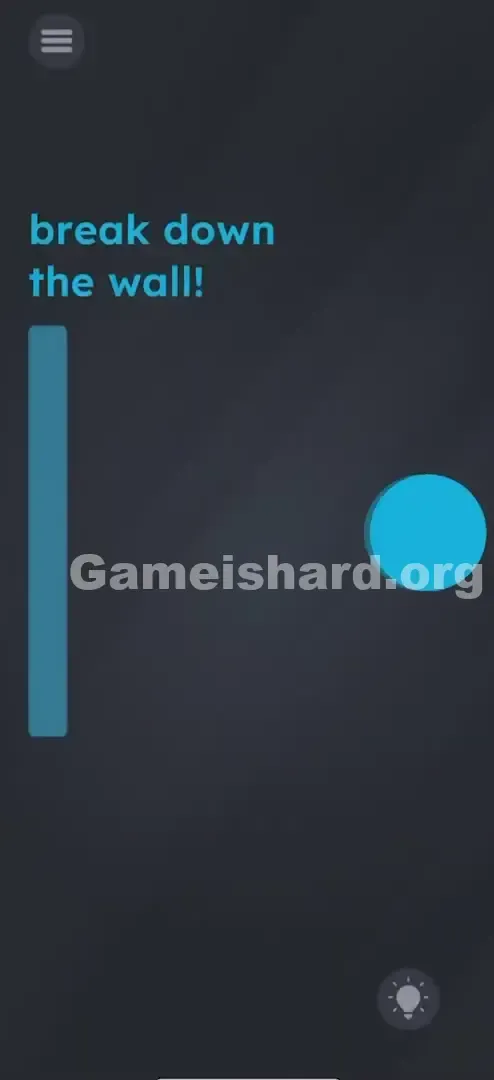
- Top Center: Bold blue text: "break down the wall!"
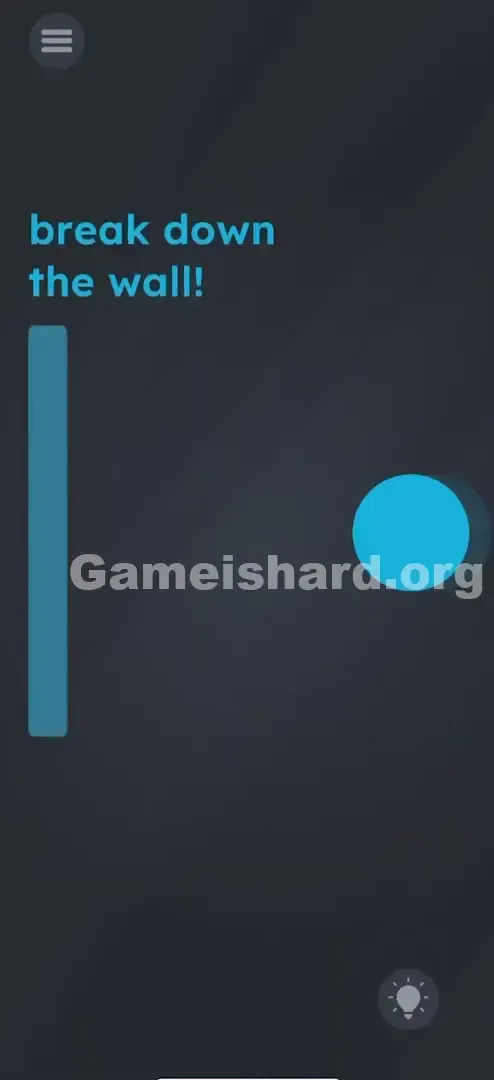
- Left Side: A tall, vertical blue rectangle—the wall. Looks unbreakable at first glance.
- Right Side: A large, round blue circle—the ball. Your only weapon.
- Background: Clean, dark grey void—no distractions, no extras.
- Bottom Right: Hint bulb. Skip it—you’ve got this. No hidden elements. No UI clutter. Just two objects and one goal.
Common Mistakes to Avoid
The Trap
Most players fall into “touch-first thinking.” We’re trained to swipe, drag, and tap—but here, those moves weaken your output. Swiping the ball fast feels right… until you realize tilt delivers far more raw power. Your fingers hold the ball back; gravity sets it free.
First Instincts That Fail
- Dragging the wall: It’s locked in place—won’t budge.
- Tapping the wall: No response—taps aren’t registered as force.
- Shaking the phone randomly: Causes chaos, not direction. You need controlled acceleration.
- Dragging the word “break”: In earlier levels, text interacted physically—but not here. It’s purely instructional.
Player Reactions
I wasted minutes flinging that ball with my thumb—like launching a slingshot without tension. Each hit was soft, each bounce weak. Frustration built until I dropped the touch input entirely, tilted sharply left… and bam—the ball rocketed across the screen. Suddenly, I wasn’t playing on the phone—I was the gravity engine.
Step-by-Step Solution
Preparing the Move
Grip your phone securely with both hands. You’ll need quick, confident movement—so make sure screen rotation is enabled (though the game usually handles this automatically).
Executing the Solution
- Center the ball: Tilt your phone slightly to the right to roll the blue ball as far from the wall as possible—maximizing acceleration distance.
- The Strike: In one swift, decisive motion, tilt your phone hard to the left.
- The Impact: The ball should accelerate across the screen and collide head-on with the blue wall.
- Repeat: If the wall cracks but holds, tilt right to reset position, then strike left again. Two or three strong hits usually do it.
If It Did Not Work
- The ball is moving too slow: You’re tilting too gradually. Think “snap,” not “lean.”
- The ball gets stuck: Gently shake the device to recenter it—then try horizontal tilting again.
- Nothing happens: Verify your phone’s gyroscope works—test screen rotation in YouTube or Maps. If it’s disabled or glitching, restart your device.
Small Details That Matter
Speed matters more than precision—but small tweaks help land clean hits.
- Direct Hit: Aim for the middle of the wall. Edge hits often glance off without registering full damage.
- The “Snap”: Like flicking a light switch—wind up (tilt right), then snap through (tilt left).
- Don’t Touch: Remove your fingers completely. Touch input overrides tilt—even light contact can freeze the ball mid-motion.
Why This Solution Works
This level tests how well you use your device—not just its screen, but its sensors. Game is hard constantly challenges the idea that games live only in software. Here, the answer lives in your wrist, your grip, and your physical input. It’s a deliberate break from digital-only interaction—a reminder that your phone is hardware first, interface second.
Bonus Tip
For speed runs or replays:
- Start tilting right the moment the level loads—don’t wait for animation.
- Use the ball’s natural bounce to build momentum faster.
- Keep thumbs off the screen—every millisecond counts.
- One sharp, powerful tilt beats ten timid ones.
Alternative Attempts on Game Is Hard Level 40 (What Doesn’t Work, and Why)
Here’s what others tried—and why it failed:
- Pinching the wall: No scaling function active here.
- Swiping the wall right: Wall coordinates are fixed—no lateral movement allowed.
- Dragging “break” onto the wall: Text is static instruction—not a draggable object in this level.
- Tapping the ball repeatedly: Stops motion instead of building it.
- Screaming “Open Sesame”: Mic isn’t active for this puzzle (though it is used elsewhere).
- Turning phone upside down: Gravity works—but the wall’s on the side, not above.
Common Mistakes for Game Is Hard Level 40
- Touching while tilting: #1 error. Even light contact cancels tilt physics.
- Tilting too gently: Slow rolls lack the kinetic energy needed to trigger break logic.
- Quitting after one hit: The wall has durability—it cracks before collapsing. Persist.
- Holding phone flat: Zero horizontal acceleration possible without tilt angle.
- Mixing up left/right: Wall is on the LEFT—tilt LEFT to drive the ball into it.
Pattern Recognition: How to Spot This Trick in Future Game Is Hard Levels
The tell
If an object slides, rolls, or wobbles when you shift your grip—even slightly—it’s accelerometer-controlled. When weight feels real, not just visual, tilt is almost always the solution.
The habit
Next time dragging feels unusually sluggish or heavy, pause. Lift your fingers. Rotate your device slowly. If the object responds, let go—and steer with your wrists instead.
Frequently Asked Questions of Game Is Hard Level 40 (Short, Useful)
Q: Why won't the ball move when I tilt on Game is hard Level 40? A: Check if screen rotation is locked in system settings—or if your case blocks sensors. Also, ensure no part of your hand touches the screen during tilt.
Q: Can I just drag the ball really fast on Game is hard Level 40? A: Yes—but it’s inefficient. The engine limits touch velocity. Tilt bypasses that cap entirely.
Q: The wall cracked but didn't break. Is it bugged in Game is hard Level 40? A: Nope—cracking means you’re on track. Two or three more solid hits will finish it.
Q: Does the ball have to be blue in Game is hard Level 40? A: Color is cosmetic. Physics depend only on motion—not hue.
More Game Is Hard Solutions
Stuck on the next puzzle? We’ve got fast, fluff-free guides for every single level of Game is hard . Don’t let a tricky physics engine ruin your streak. Bookmark our page and tell your friends where you found the answer when they get stuck on Game is hard Level 61 ! Game on.