App updates can sometimes shift puzzle order. If this level 267 walkthrough doesn’t match what you’re seeing, no stress! Flip through our All Levels directory to locate your exact puzzle using its screenshot.
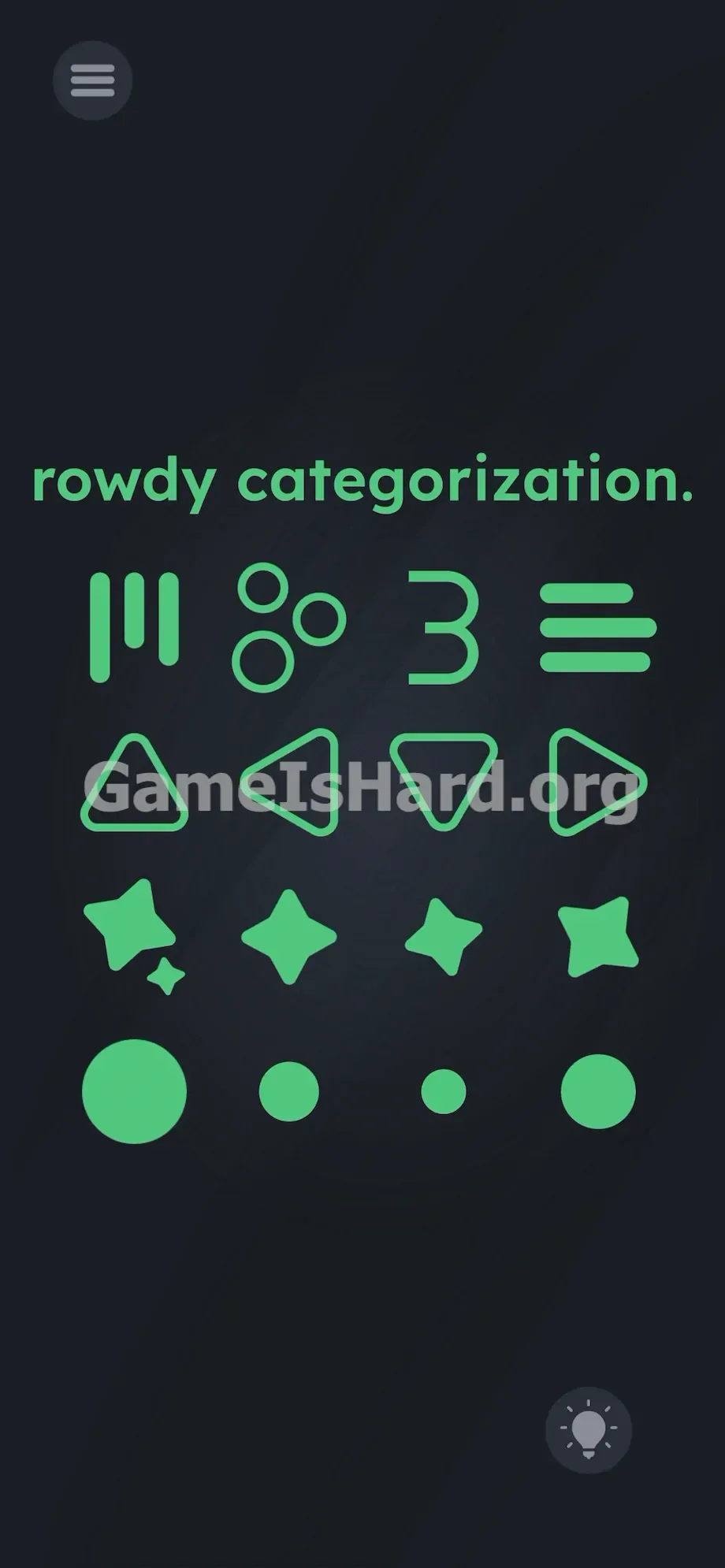
Position these groups roughly into straight horizontal lines across the screen to trigger the win.
Level Overview
What Makes This Puzzle Tricky
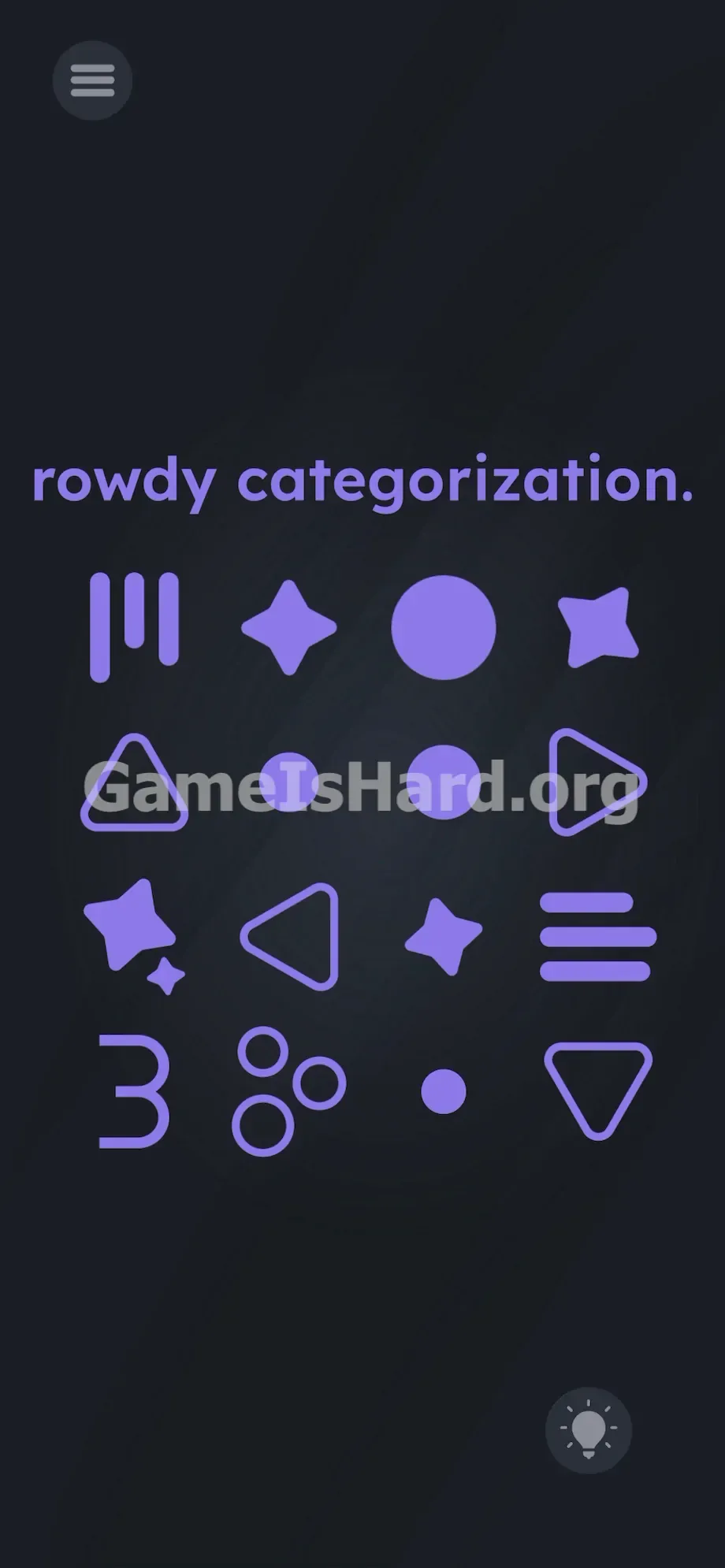
You’re greeted with a jumble of purple symbols scattered across a dark screen. The top banner reads rowdy categorization. You instinctively try dragging a circle beside another circle—hoping for a snap-to-grid response. Nothing registers. The game isn’t just testing shape recognition—it’s hiding a conceptual logic test behind playful visuals. This isn’t preschool sorting. It’s a semantic puzzle disguised as one.
Your Goal
Your mission is to uncover the hidden logic linking sixteen seemingly random symbols—and then drag them into four clearly separated groups. Sorting isn’t just about outlines; it’s about meaning: geometry and numeracy.
- UI drag: You manually lift and reposition each icon.
- Abstract logic: Triangles and stars are grouped by form—but “three” symbols are grouped by quantity.
- Linguistic trick: “Rowdy” is a direct nudge toward building rows, not clusters or stacks.
- Multi-touch: Drag multiple shapes at once to save time.
- Gridless UI: No drop zones, no outlines—just clean horizontal alignment. The instructions aren’t misleading—they’re clues. The interface is the puzzle.
What Appears on Your Screen
The layout feels minimal at first glance. A deep black backdrop. Bold white text at the top: rowdy categorization.
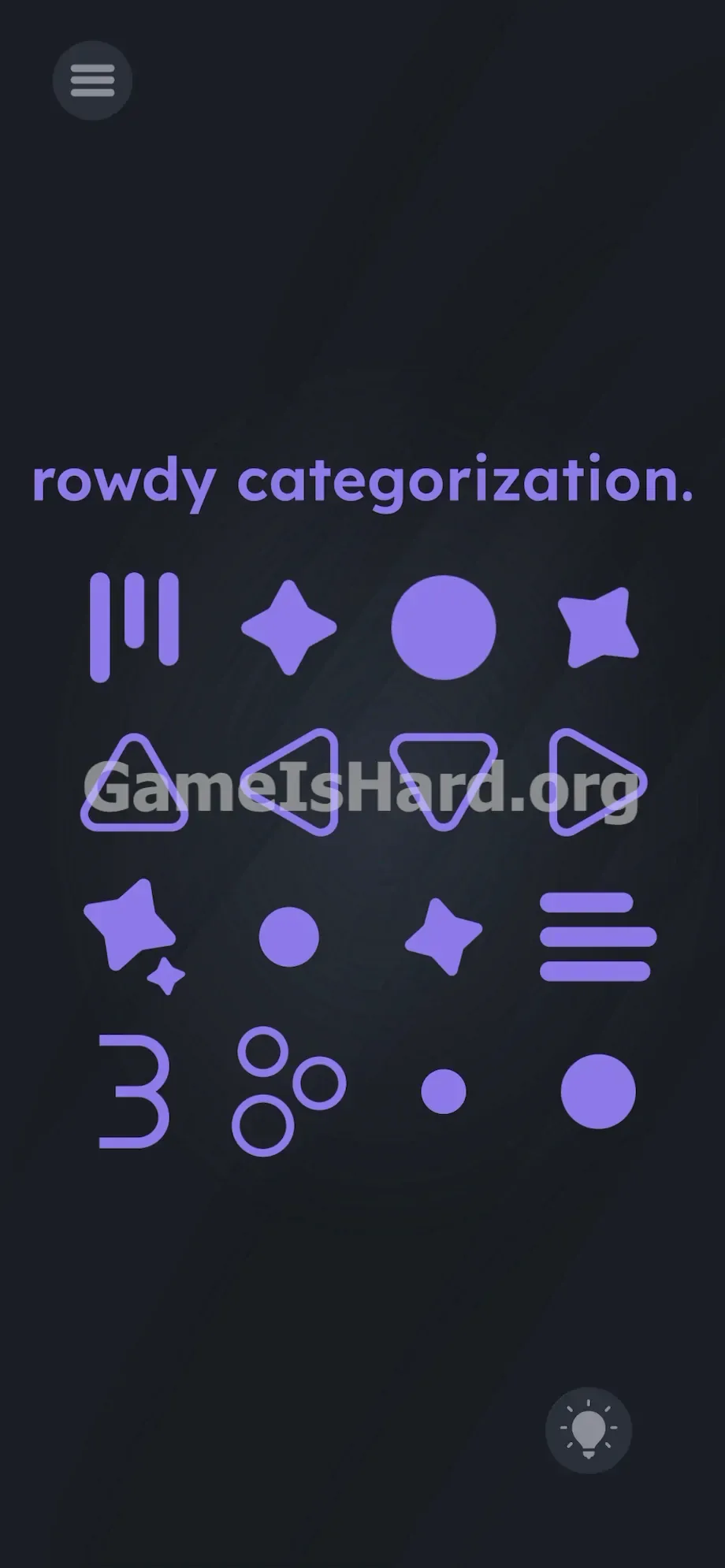
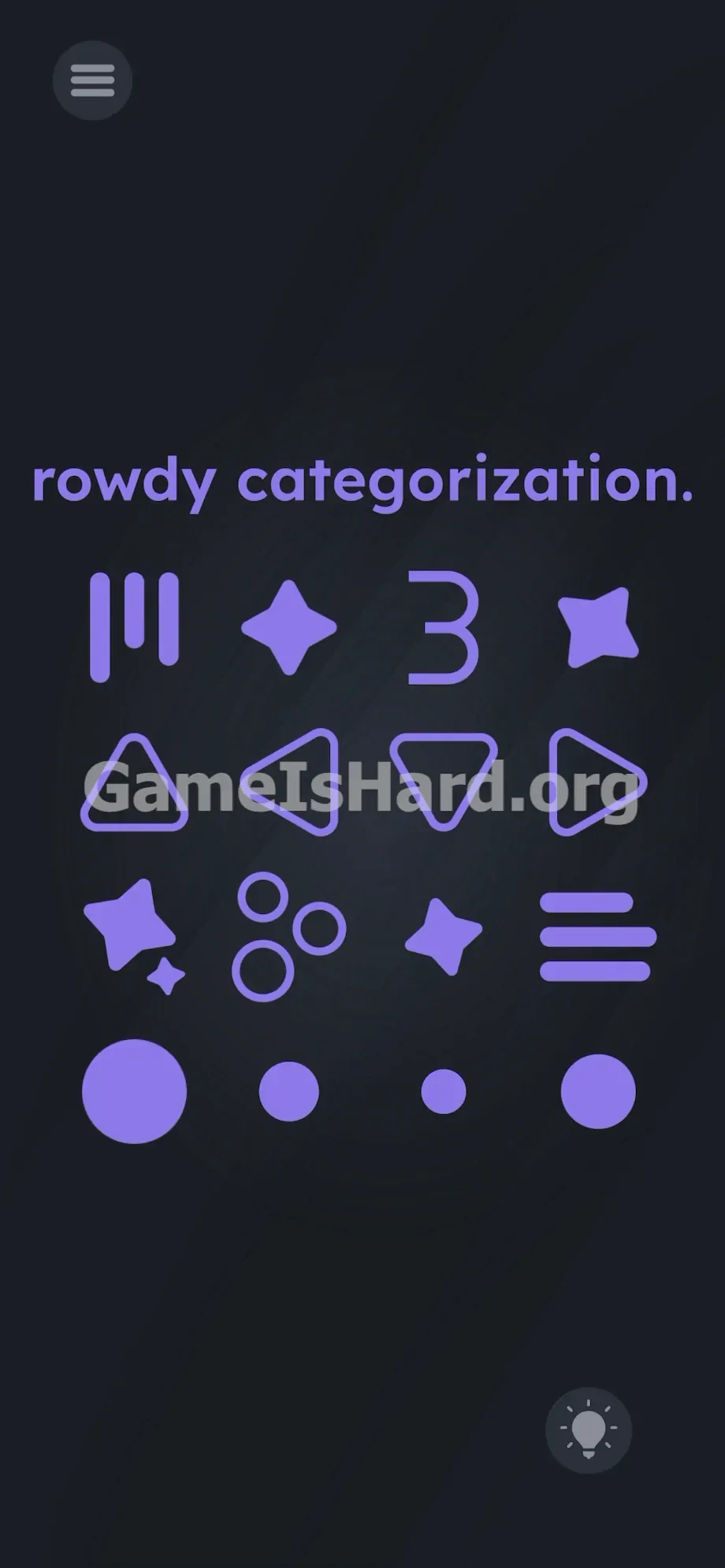
Beneath it sits a chaotic 4x4 arrangement of purple icons—like a cryptic symbol set. You’ll recognize classic shapes: a bold solid circle, a tiny filled dot, hollow triangles pointing in various directions, and crisp four-pointed stars.
Then things get subtle. There’s the digit 3, a set of three parallel horizontal bars, three small open circles arranged side-by-side, and three vertical lines stacked neatly.
All icons are fully draggable. No boundaries, no targets, no submit button. The level completes the instant your four groups lock into correct horizontal alignment.
Common Mistakes to Avoid
The Trap
Most players stall here due to UI Blindness—a habit formed from years of match-3 reflexes. We expect visual sameness: circle → circle, star → star. But this level breaks that expectation.
That big circle and tiny dot? They belong together—not because they’re identical, but because both are circles. Hollow triangle vs. filled star? Irrelevant. Then comes the 3, throwing off logic entirely. Players waste minutes trying to assemble shapes into bigger forms—or even spell words with symbols.
First Instincts That Fail
We see folks stacking icons on top of each other, hoping for fusion. Nope. Others tap the prompt rowdy categorization, searching for hidden menus. Silence. Shaking the device? Zero effect. Even the uniform purple hue is intentional—it tricks your brain into assuming everything belongs to one category.
Player Reactions
I spent over two minutes stacking all sixteen icons into a single tall column, convinced I had to build some kind of purple obelisk. Facepalm moment when I realized the 3, the triple lines, and the trio of dots were all just “things that equal three.” Instant clarity.
Step-by-Step Solution
Preparing the Move
Ignore color. Ignore size. Ignore orientation. Scan the sixteen icons and mentally split them into four clear families: Triangles. Stars. Circles. The concept of “three.”
Executing the Solution
- Isolate the Triangles: Grab every three-sided shape. Filled or hollow, upright or tilted—it doesn’t matter. Drag them to the top of the screen and line them up horizontally.
- Gather the Stars: Hunt down all four-pointed stars—some plain, some with sparkle accents. Place them just below your triangle row, aligned side-by-side.
- Collect the Circles: Grab the large orb, the tiny dot, and any other round shapes. Line them up beneath the stars to form your third horizontal row.
- Build the "Threes" Row: Now gather the leftovers—the 3, the three horizontal bars, the three vertical bars, and the three small hollow circles. Drag them to the bottom edge and arrange them in a clean horizontal line.
- Adjust the Rows: Victory triggers only when rows are cleanly separated and horizontal. If nothing happens, check spacing. Ensure no triangle drifts into star territory. Add breathing room between rows—clear dark space is key.
If It Did Not Work
If the win screen won’t appear, your layout is likely too cramped or misaligned. The game checks for approximate horizontal grouping—not pixel-perfect placement—but overlapping rows will fail. Pull them further apart. If the 3 gets stuck under the top text, force-close the app—the physics engine occasionally glitches during rapid drags.
Why This Solution Works
This level sharpens linguistic agility and lateral reasoning. It treats ideas—like “triangle” or “three”—as physical puzzle pieces.
While many Game Is Hard levels trick you by making nonfunctional UI feel interactive, this one flips the script: the UI works exactly as intended—but your assumptions about what to group don’t. You must pivot mid-puzzle from visual matching (“this looks like that”) to semantic matching (“this means that”).
It follows a core Game Is Hard pattern: the outlier reveals the rule. Spotting that the 3 belongs with the triple lines—not with other numbers or shapes—unlocks everything. And yes—rowdy is a pun. It’s telling you, plainly, to make rows.
Bonus Tip
Skip over-analysis. Move fast and trust the categories.
- Immediately drag all obvious geometric shapes (triangles, stars, circles) to the outer edges of the screen.
- Focus on the remaining center cluster—it’ll be the 3, triple horizontal lines, triple vertical lines, and triple hollow circles.
- Assemble that group into a horizontal row first—it’s your anchor.
- Stack the other three rows above or below it.
- Leave generous gaps between rows—no crowding. Vertical arrangements won’t register. Only horizontal rows count.
Frequently Asked Questions (Short, Useful)
Why isn't the level finishing even though my shapes are grouped? You’ve probably built columns instead of rows. Rowdy categorization means horizontal alignment—drag items side-by-side, not top-to-bottom.
Does the order of the rows matter? Not at all. Circles can go on top, bottom, or anywhere—as long as each family stays isolated and horizontal.
What do the three tiny circles belong to? They’re part of the “three” group—not the “circle” group. Quantity overrides shape here.
Do I need to interact with the text at the top? No. rowdy categorization is a linguistic hint—not an interactive element. Leave it untouched.
Can I drag multiple items at once? Yes. Use two fingers to move several icons simultaneously—especially helpful if you're racing the clock.
More Game Is Hard Solutions
Stop wrestling with cleverly designed logic traps. Our guides skip the fluff and tell you exactly where to tap, drag, and pause. Explore more walkthroughs at thegameishard.org to power through the toughest stages. Share this guide on Discord when your friends hit the same wall on this shape-and-number puzzle. Keep gaming.