App updates can occasionally reorder puzzles. If this level 252 walkthrough doesn’t match what you’re seeing, don’t panic! Flip through our All Levels directory to locate your exact puzzle by image.
You do not need to move the red blocks at all; the solution targets the actual game interface itself.
Level Overview
What Makes This Puzzle Tricky
You enter the level—and three bold red blocks fill your view. You instinctively drag them, rotate them, stack them. Nothing responds. You tap the text. Swipe it. Shake your device. Still nothing. Level 252 delivers one of mobile gaming’s most clever misdirections—it turns your UI habits into the trap.
Your Goal
The mission is straightforward: locate the missing key. But the real challenge lies in resisting the obvious. That big, bright puzzle area? It’s smoke and mirrors. The answer lives outside the play zone—in the game’s own interface. This level demands breaking the fourth wall and using the built-in Hint system as part of the puzzle.
Here’s precisely what this level evaluates:
- Hidden object recognition disguised by interface elements.
- Button-as-puzzle-piece mechanics—where UI controls become active components.
- Decoy resistance—learning to ignore flashy, attention-grabbing distractions.
- Textual literalism—following instructions word-for-word, not interpretation. It’s not a mistake. It’s intentional design.
What Appears on Your Screen
Let’s align on visuals—so there’s zero confusion.
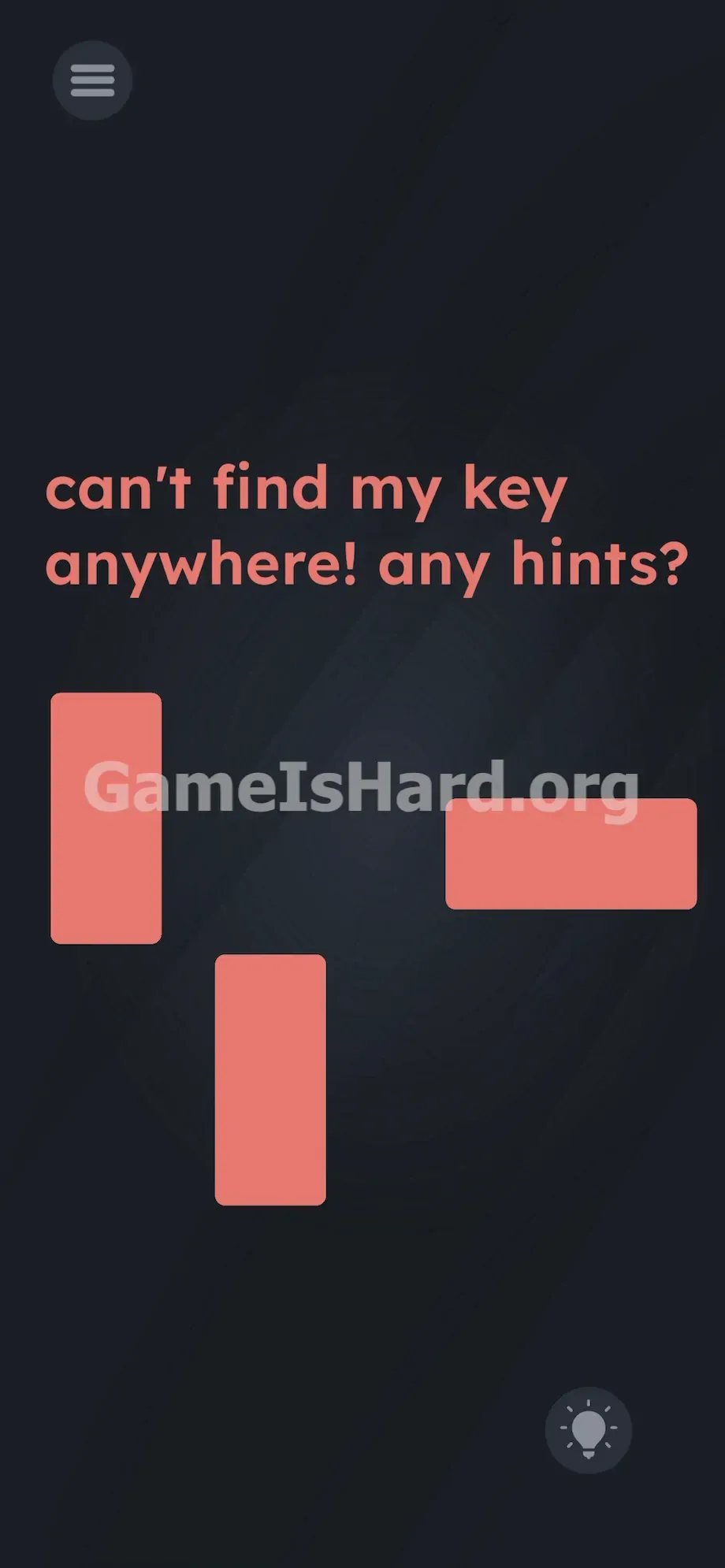
At the top sits the standard hamburger menu icon. Directly beneath it, the prompt reads: can't find my key anywhere! any hints? Its salmon-colored text is slightly softened—not bold, but unmistakable.
Centered on-screen are three large red rectangles. Two stand upright. One lies flat. They resemble discarded Tetris pieces—chunky, saturated, impossible to miss. They command your focus.
In the bottom right corner—quiet, unassuming, easy to overlook—is the familiar lightbulb Hint button. You’ve tapped it dozens of times before, likely skipping it to avoid ads or preserve coins.
That’s the entire layout. No secret sliders. No pixel-thin outlines. No subtle font quirks. Just clean, minimal, and deliberately misleading.
Common Mistakes to Avoid
The Trap
UI blindness is the culprit here. After years of app use, our brains automatically filter out menus, buttons, and status bars—they’re “outside” the game world. We scan the center, expecting action there. But level 252 flips that script. It hides the solution inside the one button we’re conditioned to bypass—the Hint icon itself.
First Instincts That Fail
Chances are, you tried exactly what most players do first: dragging those red blocks. Maybe lining them up like a key shape—vertical shaft, horizontal teeth? Nope. They snap back, unresponsive. Then you probably tapped the prompt, rubbed the screen, even tilted your phone. None of it works—because the red blocks aren’t interactive. They’re pure visual camouflage.
Player Reactions
I spent over four minutes trying to slide the horizontal block snugly between the two vertical ones—convinced it was a sliding tile puzzle missing its final piece. Only when I tapped the lightbulb out of sheer frustration did the yellow key burst onto screen. Instant forehead slap. The puzzle ended the second I interacted with the UI—not the board.
Step-by-Step Solution
Preparing the Move
Stop engaging with the red blocks entirely. Lift your finger from the center. Reread the prompt—it literally asks for hints. Take that seriously. Shift your gaze—and your thumb—to the bottom right corner.
Executing the Solution
- Tap the lightbulb Hint icon in the bottom right corner of the UI. Just one quick tap—no hold, no double-tap.
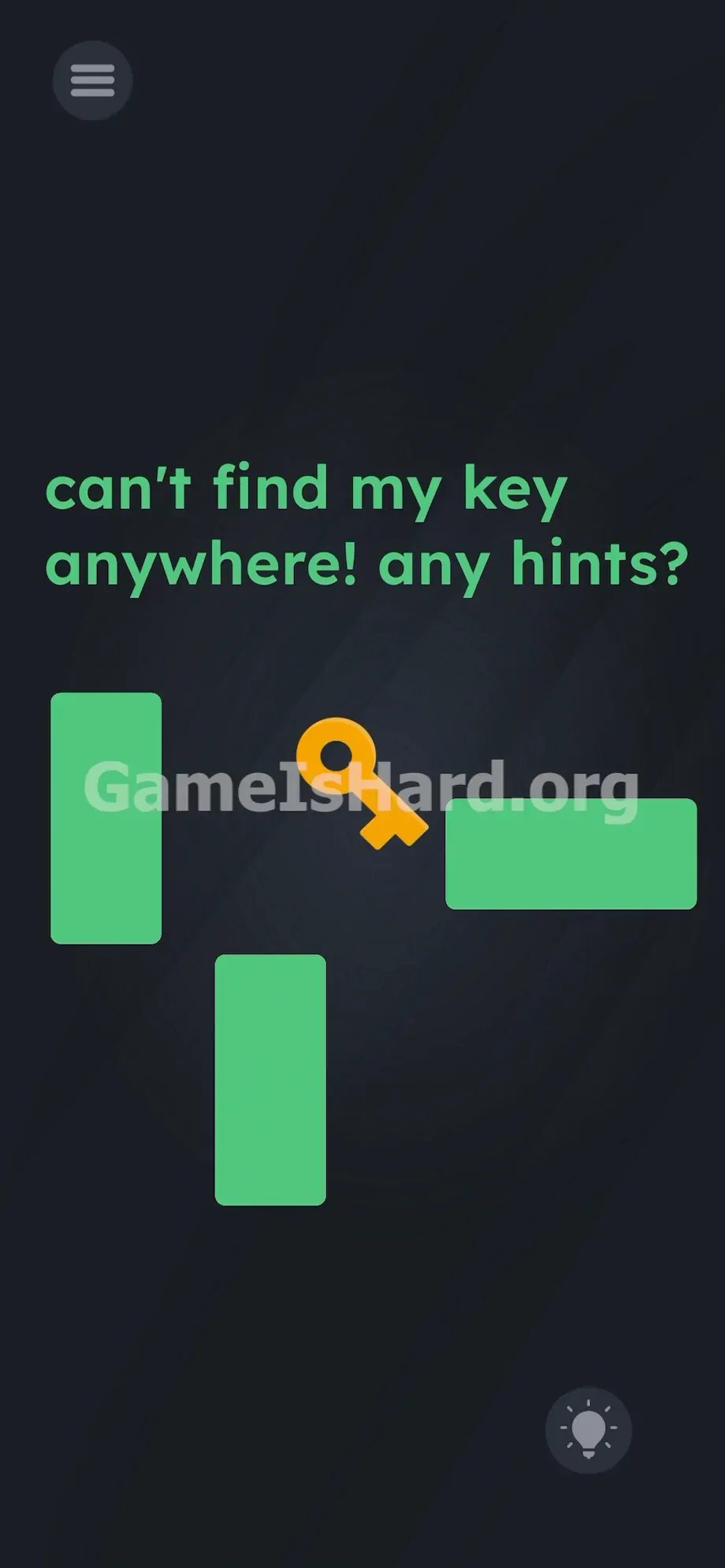
- Watch the center of the screen. A yellow key will emerge directly from the lightbulb and land cleanly amid the red blocks.
- Notice the red blocks instantly shift to bright green. That’s your confirmation the puzzle state has updated.
- Tap the yellow key now sitting front-and-center on the screen.
If It Did Not Work
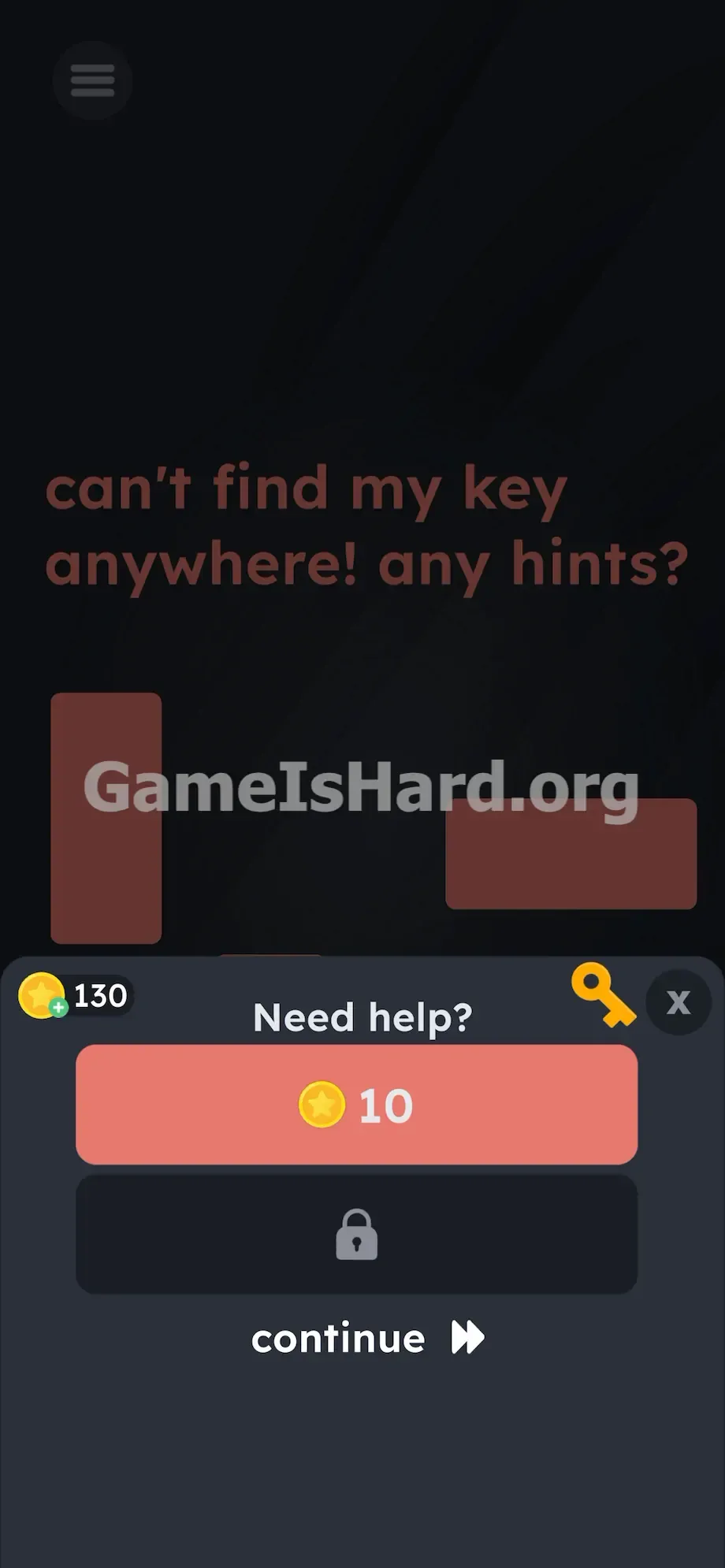
If tapping the lightbulb opens an ad menu instead, you tapped the wrong spot. You need to hit the bulb icon on the main gameplay screen, not inside a popup. Close any menu that appears—then tap the bulb again. The key emerges from the icon itself, landing on the board.
If the blocks turn green but the level doesn’t complete, you missed the final tap. The key must be tapped—not just observed—to trigger victory.
Why This Solution Works
This level is built on ruthless literalism. The prompt says: can't find my key anywhere! any hints?
In everyday language, “any hints?” means “give me a clue.” In Game Is Hard’s warped logic, it means use the Hint button. The game treats its own UI as physical space—part of the puzzle’s environment.
This is a pattern worth remembering. Whenever prompts include words like “pause,” “menu,” “help,” or “hint,” pause your board-solving instinct. Scan your UI instead. The devs know you’ve trained yourself to ignore screen edges—and they weaponize that habit. The prompt isn’t guidance—it’s misdirection. The real puzzle lives in the borders. The red blocks? Just eye candy designed to keep you looking away from the corner.
Bonus Tip
Speedrunners and repeat players should lock in this mental checklist:
- Read the prompt aloud—every word matters.
- Cross-reference those words with visible UI buttons.
- Ignore oversized, colorful objects unless they react immediately to touch.
- Tap the Hint button before interacting with anything else on screen. Skip shape-building attempts entirely. If something refuses to move, it’s not part of the solution—drop it and pivot.
Frequently Asked Questions
Why did the red blocks turn green? It’s immediate visual feedback—the color shift signals the puzzle transitioned from “unsolved” (red) to “active solution phase” (green) the moment the key appeared. It confirms your tap worked.
Does tapping the Hint button deduct from my hint count? No. In level 252, that tap is a core gameplay input—not a menu request. Your hint balance remains untouched.
Can I drag the key to the text to unlock something? No. Dragging does nothing. The level only requires a single tap on the key once it lands.
What if I move the red blocks first? Absolutely nothing changes. They’re completely inert—no connection to the key-spawn trigger. You can disregard them the second the level loads.
More Game Is Hard Solutions
Baffled by upcoming levels? We break them down the same way—clear, precise, no filler. Just the exact taps, swipes, and timing you need to clear each stage.
Share this guide with your Discord squad if they’re stuck on these sneaky UI-based traps. Keep going—you’re closer than you think.