App updates can sometimes shift puzzle order. If this level 247 guide doesn’t match what’s on your screen, no stress! Flip through our All Levels directory to spot your exact puzzle by image.
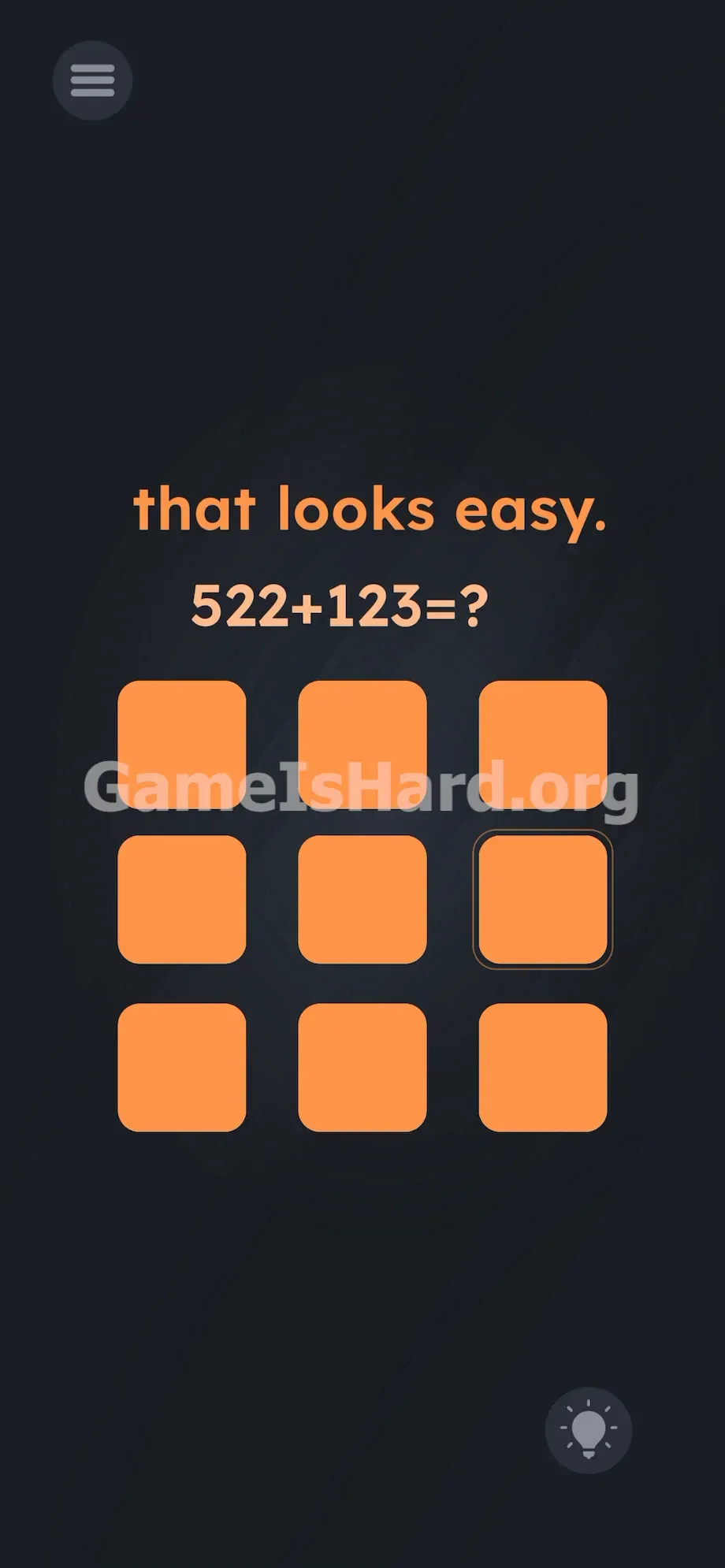
Tap the middle-right square for the six, the middle-left square for the four, and the dead-center square for the five.
Level Overview
What Makes This Puzzle Tricky
You enter the level and see a simple arithmetic question—and a grid of completely empty orange tiles. Where are the numbers? The game deliberately hides the interface you expect, leaving you facing nine identical, unlabeled squares. It doesn’t mislead with false info—it misleads by leaving things out. You know the answer instantly. The game knows you do. The real challenge isn’t math—it’s figuring out how to type that answer without visible keys.
Your Goal
Solving the equation itself is effortless. Your true goal is inputting the numeric result into a space that refuses to show you a keyboard. You must mentally reconstruct a familiar real-world interface—right onto those blank tiles—to move forward.
- Hidden UI
- Invisible buttons
- Logic trap
- Memory recall
- Multi-touch (avoidance) It’s not a mistake. It’s intentional design.
What Appears on Your Screen
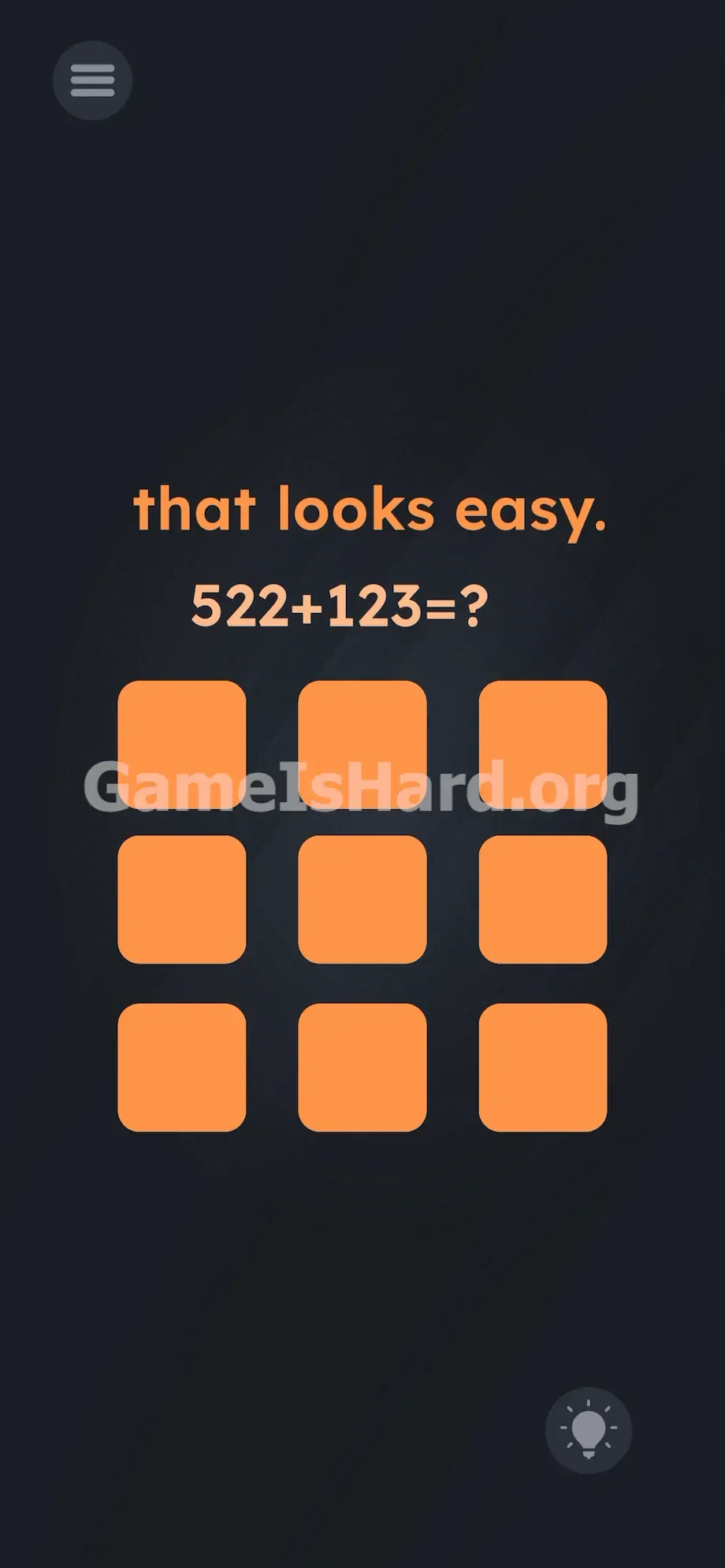
Let’s map the layout. The background is a soft, dark slate gray. At the very top center, the phrase “that looks easy.” appears in lowercase orange text.
Directly beneath it sits the equation: 522+123=?
The bottom half of your screen is filled entirely by a 3×3 grid—nine uniform, rounded-corner orange squares, totally blank and unlabeled. No submit button. No backspace. No visual cues at all—except the lone ? at the end of the equation, silently signaling that input is expected. The spacing between tiles is precise and symmetrical—mirroring the classic phone keypad arrangement.
Common Mistakes to Avoid
The Trap
This level exploits “UI blindness”—a common reflex where players hesitate to interact with anything unmarked. When confronted with blank tiles, many assume something’s broken or loading. They wait for numbers to appear. They refresh or restart, convinced it’s a glitch. The real trap? Your own reluctance to tap an unlabeled button. We’re wired to respond to text—not to invent it.
First Instincts That Fail
I wasted way too long trying to drag digits from the equation down into the grid. I held my finger on the “5” in 522 and tried sliding it onto a tile—nothing. I rubbed the orange squares like they were touchscreen scratch-offs. I tapped the ? hoping it’d summon a keyboard. I even shook my phone, half-expecting numbers to shake loose. None of it works.
Player Reactions
I stared at this screen for over five minutes. I knew the answer was 645—but the blank grid froze me. The second my brain overlaid a phone dial pad onto those tiles, it hit me: facepalm moment. The clue isn’t in the text—it’s in the shape of the grid itself.
Step-by-Step Solution
Preparing the Move
Read the equation at the top: 522+123=? . Do the addition in your head—it’s 645. Lock that number in. Now ignore the text entirely. Focus only on the 3×3 grid of orange tiles. Picture a standard phone keypad: top row = 1, 2, 3; middle row = 4, 5, 6; bottom row = 7, 8, 9.
Executing the Solution
- Locate the middle row of the orange grid. Target the button on the far right side.
- Tap that middle-right button once. This inputs your hidden 6 .
- Stay on the middle row. Target the button on the far left side.
- Tap that middle-left button once. This inputs your hidden 4 .
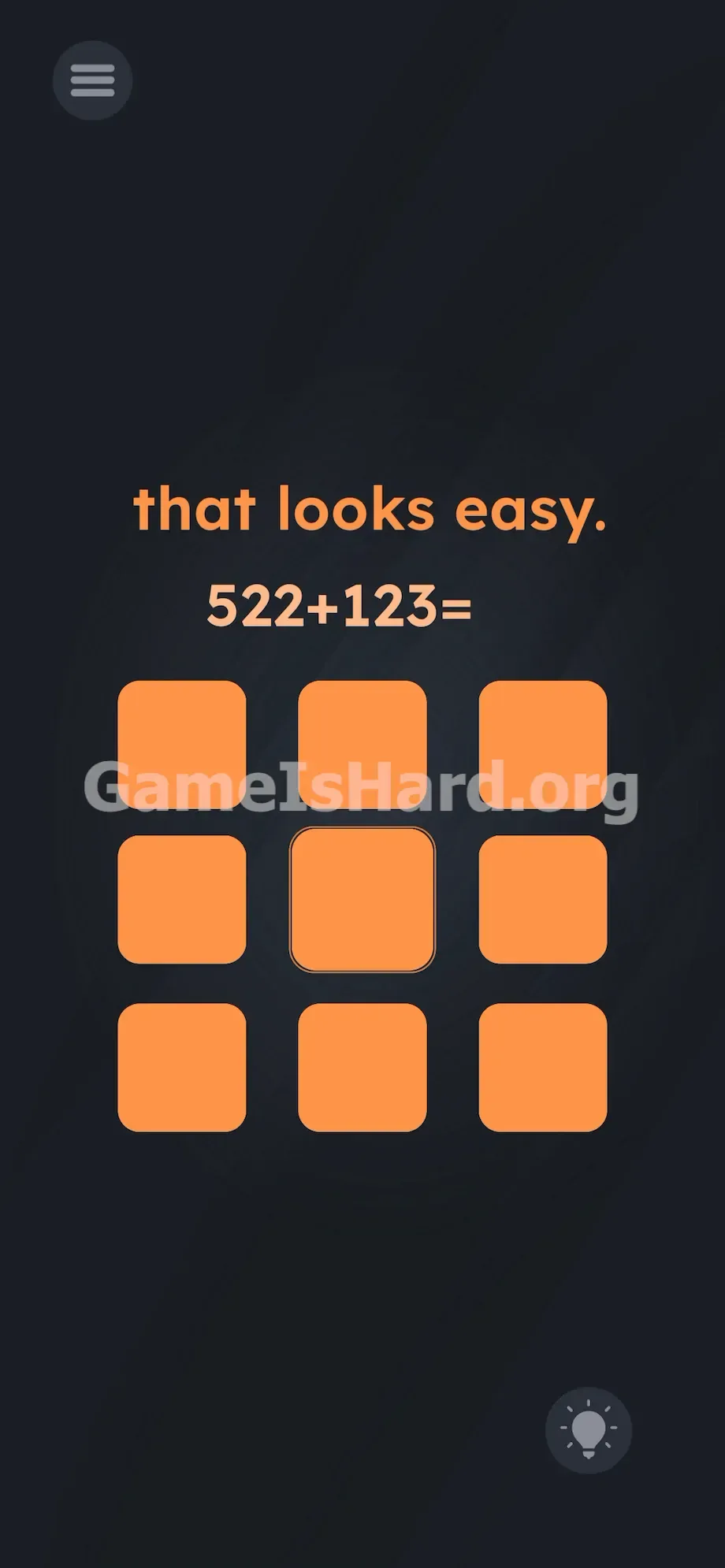
- Target the dead center button of the entire 3x3 grid.
- Tap that center button once. This inputs your hidden 5 .
If It Did Not Work
- Nothing is happening after I tap: You may be flipping the keypad orientation. Some players default to a PC numpad layout (where 7–9 sit on top), but this level uses a smartphone dial pad—so 1–3 go on top. Reset your mental model.
- The level won't clear: A stray double-tap or accidental brush across two tiles likely registered an incorrect digit. Use the retry/reset option and re-enter 6 → 4 → 5 cleanly.
- I lost my place: There’s no delete or undo. One wrong tap means restarting. Tap deliberately—aim for the center of each tile, not the edge.
Why This Solution Works
This level zeroes in on how deeply we rely on visible UI cues—even when we don’t realize it. Think about how often you unlock your phone or dial a contact without glancing at the keypad. That muscle memory is exactly what the game tests. It strips away labels and forces you to trust spatial intuition over sight.
The math is just misdirection—the real puzzle lives in the grid. You solved the equation in seconds. The devs counted on that. They gave you an easy calculation to shift your focus away from numbers and toward context. The real skill here? Translating real-world interface logic into a stripped-down digital environment. The keypad isn’t missing—it’s waiting for you to rebuild it in your mind.
Bonus Tip
For speedruns—or just skipping the frustration—follow this flow without pausing:
- Skip the top text entirely.
- Calculate 522+123=? → 645 .
- Shift focus straight to the 3×3 orange grid.
- Tap middle-right.
- Tap middle-left.
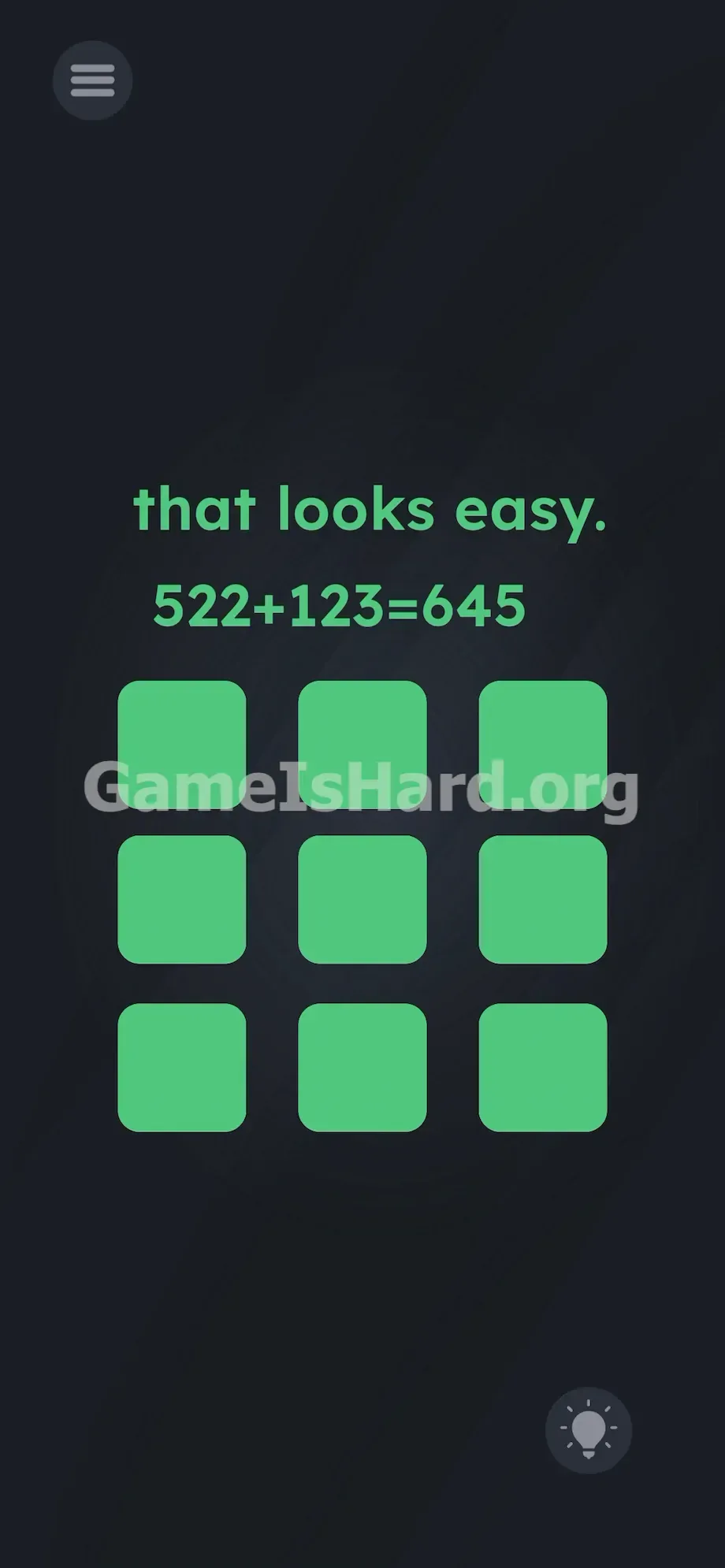
- Tap center. No hesitation. No extra taps. The level advances the instant your third tap registers.
Frequently Asked Questions
Why isn't my code working when I tap the squares? You’re likely visualizing a PC numpad (7–9 on top) instead of a mobile dial pad (1–3 on top). Stick with the phone layout: middle row = 4, 5, 6.
Can I drag the numbers from the equation down into the grid? Nope—the top text is static and non-interactive. Touching any digit there does nothing. Only the nine orange squares respond.
What is the actual answer to the math problem? It’s 645. The equation 522+123=? is straightforward addition. The difficulty lies entirely in how you deliver that answer—not in finding it.
Do I need to hit a submit or enter button after I type the numbers? No submit button exists. The game monitors every tap in real time. As soon as your third tap lands on the center tile (the hidden 5), success triggers immediately. If it doesn’t, an earlier tap was off-target—restart and try again.
More Game Is Hard Solutions
Our guides cut straight to what works—no filler, no guesswork. Just the clean, actionable mechanics you need to beat each level fast. Share this page with friends on Discord the next time they’re frozen in front of a sea of blank orange tiles. Keep going—you’ve got this.