App updates can occasionally shift puzzle order. If this level 246 guide doesn’t match what you’re seeing, no stress! Flip through our All Levels directory to spot your exact puzzle by its visual layout.
You’ll need to physically drag and layer all floating shapes into a single pile — that’s how you fulfill the on-screen prompt.
Level Overview
What Makes This Puzzle Tricky
You’re greeted with a jumble of colorful squares scattered across the screen. A short, ambiguous phrase hints at the goal. You tap — nothing responds. You try dragging boxes off-screen — invisible walls stop you cold. Classic misdirection. This puzzle isn’t about clever deduction — it’s about taking instructions exactly as written.
Your Goal
The phrase “we need only one” seems to invite elimination — but there’s no delete function here. Instead, you must merge all shapes visually into a single, unified object. You’re constructing the answer, not selecting it.
- UI drag: Each box behaves like a movable physical object.
- Hidden object: Extra shapes vanish behind the topmost layer.
- Multi-touch: Not needed — just steady, precise finger control.
- Logic trap: The wording suggests removal; the solution demands layering. It’s not a mistake — it’s intentional design.
What Appears on Your Screen
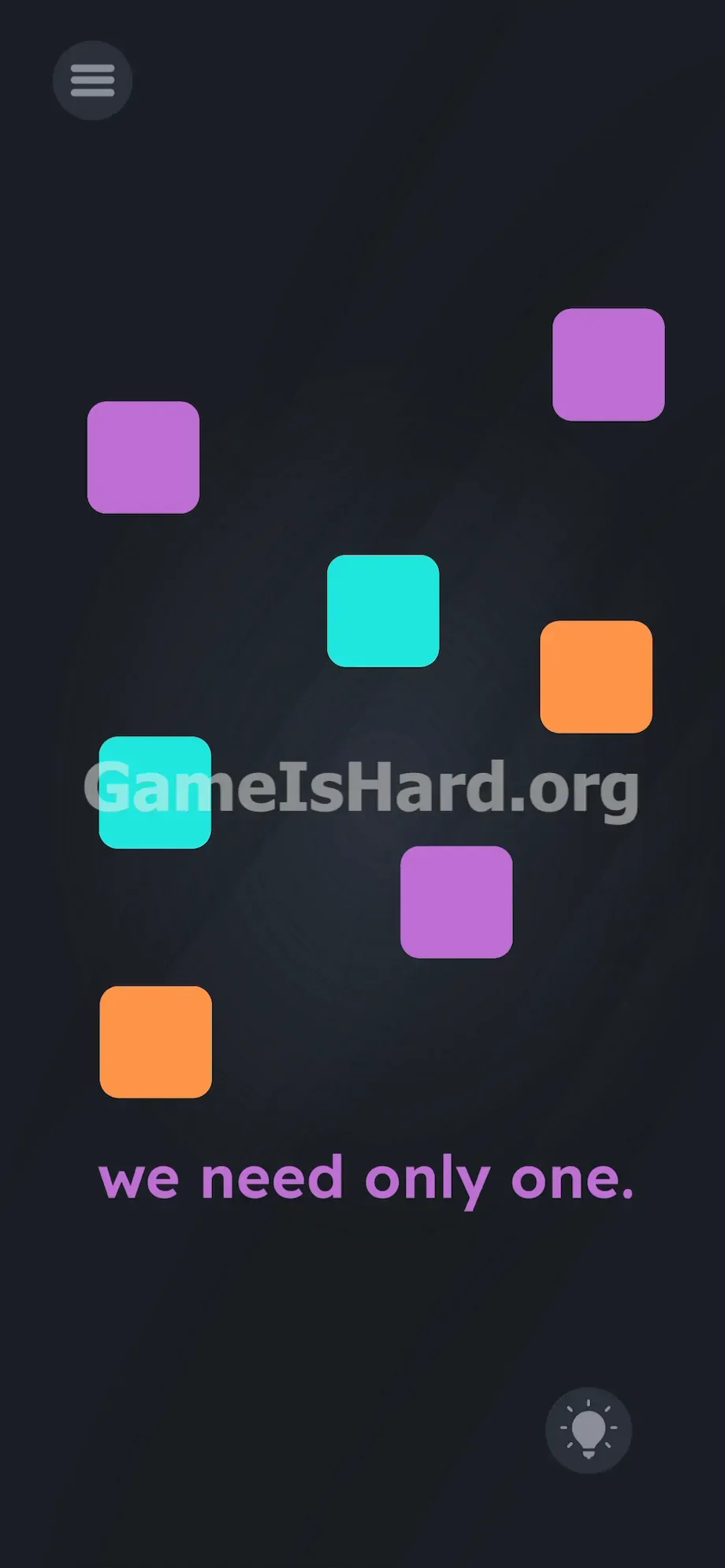
The layout feels intentionally chaotic — meant to spark your instinct to tidy things up. Seven rounded squares hover in the upper two-thirds of the display, resembling app icons without labels.
You’ll spot two purple squares, two teal ones, and two orange ones — plus a third purple near the bottom right. That’s seven total.
At the bottom, the phrase we need only one. appears in soft purple type. In the top-left corner sits the standard hamburger menu icon. A dim lightbulb hint icon rests in the bottom-right. No trash can. No submit button. Just a smooth, dark gray chalkboard-style background.
Common Mistakes to Avoid
The Trap
UI conditioning trips you up again. Phrases like “only one” instantly trigger test-taking reflexes — scanning for outliers, counting, hunting patterns. Your brain assumes logic or selection is involved.
That’s exactly what the devs want. They’ve built this level to bait overthinking — and reward simple, literal action instead.
First Instincts That Fail
Swiping boxes off-screen fails — they rebound from unseen boundaries. Tapping does nothing. Shaking your device has zero effect. You might even try dragging the text itself onto the squares — a trick that works elsewhere, but not here. This time, the phrase is locked to the background.
Player Reactions
I spent nearly three minutes trying to flick orange squares off the edges — convinced I wasn’t swiping hard enough. Then I tried grouping them by color. Total forehead-slap moment when I accidentally dropped a teal square directly over a purple one — and watched it fully obscure it. This isn’t math. It’s digital stacking.
Step-by-Step Solution
Preparing the Move
Set aside the text we need only one. entirely. Focus solely on the scattered colored squares. Choose any box as your base — let’s pick the topmost purple one. Leave it where it is.
Executing the Solution
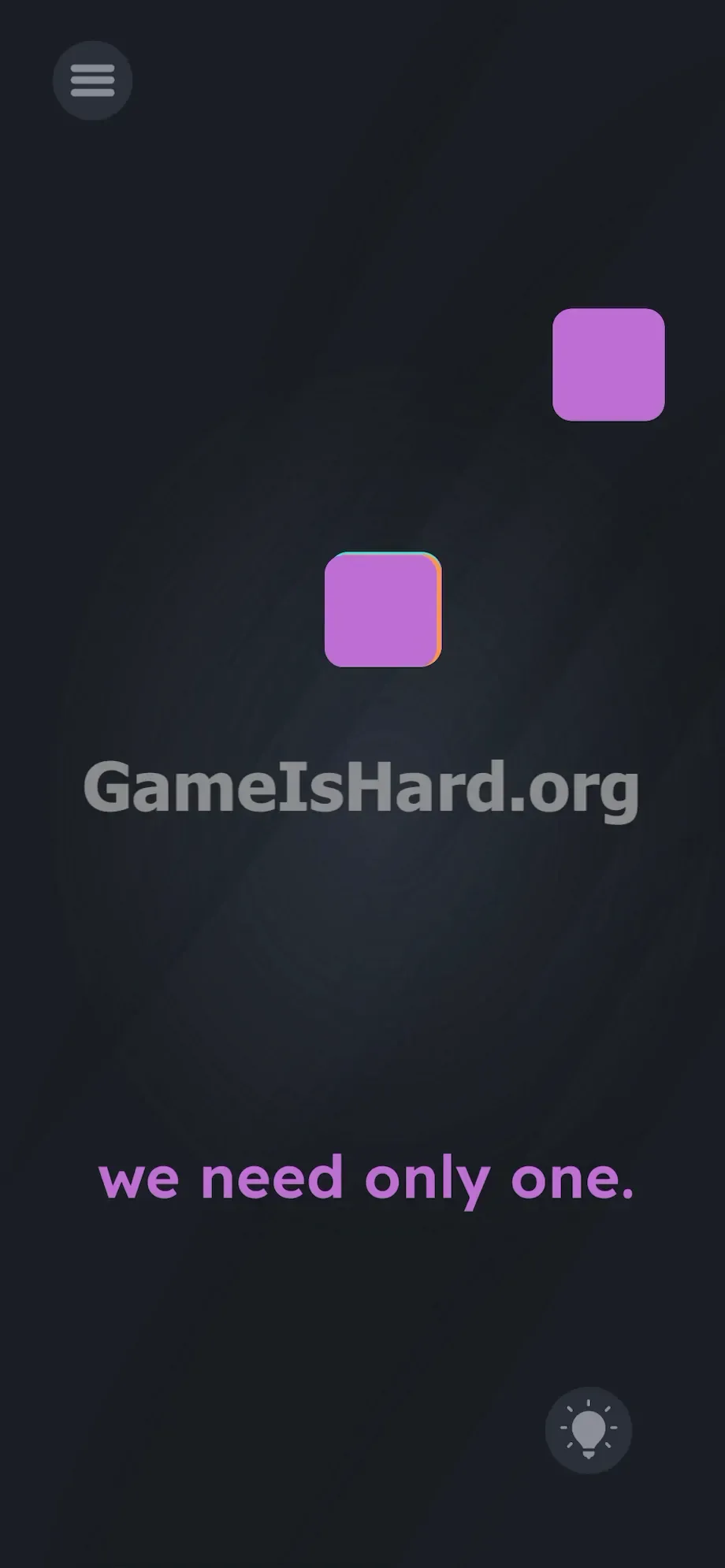
- Tap and hold the teal box near the center of the screen.
- Drag it straight over your anchor purple box .
- Line them up edge-to-edge. Release. The teal should fully cover the purple underneath.
- Grab the next shape — say, the orange box on the far right.
- Drag it onto your growing stack. Drop it.
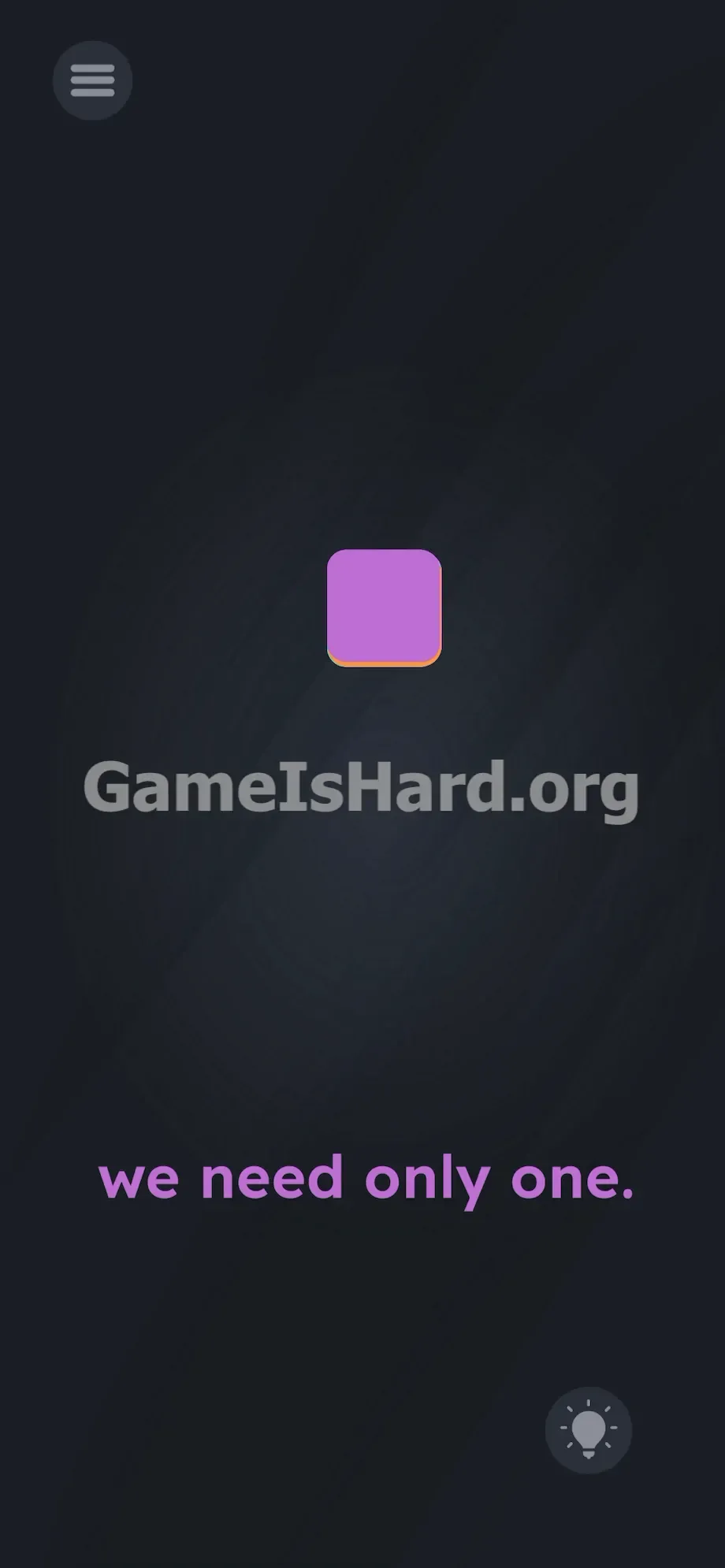
- Repeat this process for the remaining four colored boxes . Pull them from the lower and left areas of the screen. Stack each one onto the same pile.
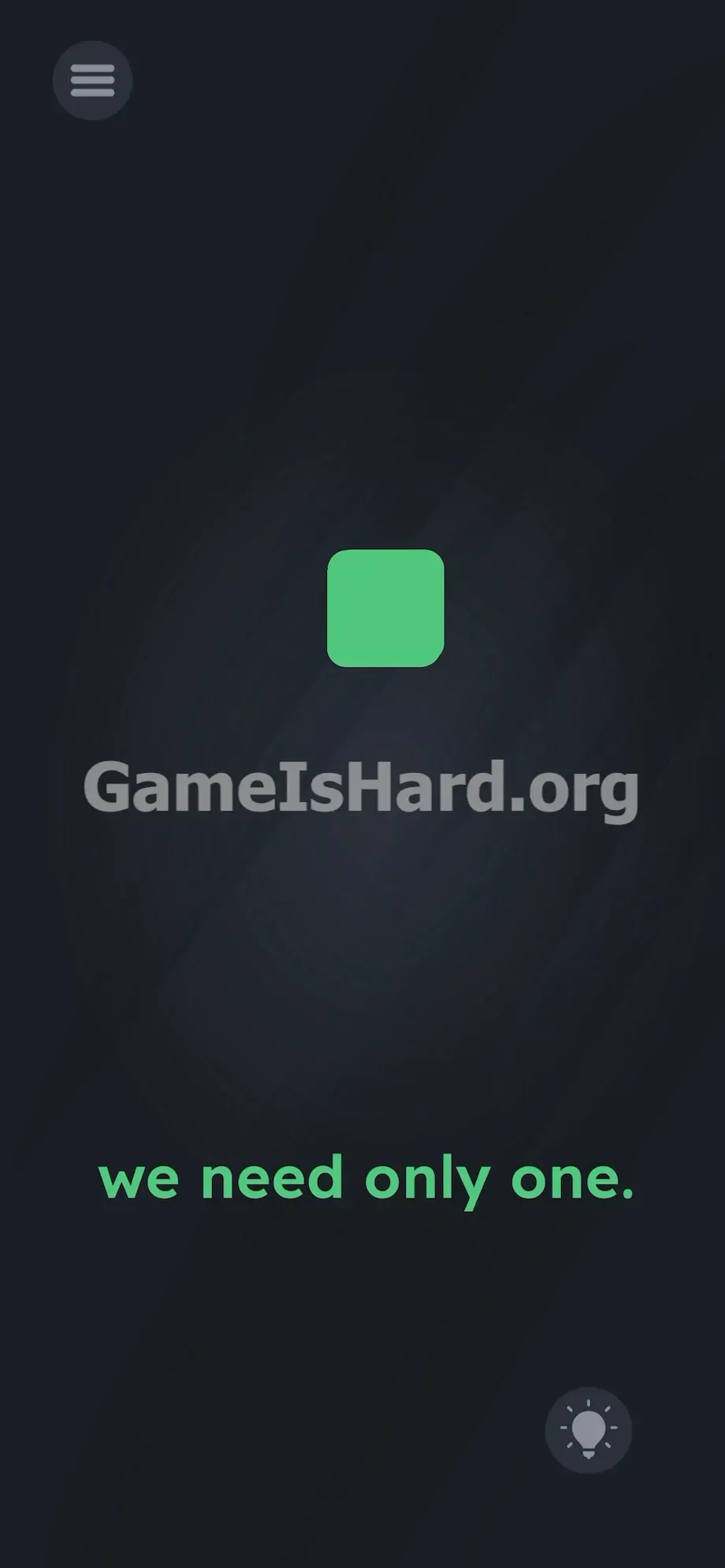
- Place the final box on top. The level-complete screen will appear immediately.
If It Did Not Work
Hitboxes in this level can be extremely strict. If stacking doesn’t trigger completion, your pile isn’t tight enough. Zoom in — do you see even a sliver of teal or orange peeking out? That means the game still detects multiple objects.
Tap the stack and gently reposition the top layers. Nudge them inward until edges align perfectly. If a box drifts too far and won’t budge, force-close the app, relaunch, and rebuild your stack — this time keeping it centered on screen.
Why This Solution Works
This level tests how literally you interpret instructions. The team at thegameishard.org specializes in linguistic precision.
“We need only one.” doesn’t mean “remove six.” It doesn’t mean “choose one.” It describes a visual condition: one box visible — and only one.
The game treats these elements like tangible puzzle pieces. When identical-sized shapes overlap completely in 2D space, they appear as a single unit. You’re using perspective to create that illusion. The prompt is misdirection — the real challenge is pure touch interaction. Move the pieces until the screen matches the words — literally.
Bonus Tip
Skip the search for hidden mechanics. Power through this level with focused, efficient movement.
- Select any box positioned dead-center on screen as your anchor.
- Quickly drag every other square onto that central point.
- Ignore color order — stacking sequence makes no difference.
- If victory doesn’t trigger, nudge the top square slightly to perfect alignment. Don’t tap the we need only one. text. Don’t press the lightbulb. Keep your fingers on the squares.
Frequently Asked Questions
Can I swipe the boxes off the screen? No. Invisible borders prevent removal. You must use all seven shapes within the visible frame.
Does the color of the boxes matter? Not at all. Teal, orange, and purple squares can be layered in any sequence — only the final stacked appearance counts.
Why won’t the level complete even though they’re stacked? Misalignment. Even a tiny edge showing tells the engine there’s more than one object. Reposition loose squares until the stack forms a clean, single silhouette.
Can I interact with the prompt text at the bottom? No — it’s static decoration on this level. Your focus stays entirely on dragging the squares.
Do I need to tilt or shake my phone? Zero motion sensors are active here. This is purely a tap-and-drag challenge. Keep your device steady and flat.
More Game Is Hard Solutions
These guides are built for speed and clarity — no filler, no guesswork. When you hit a deceptive UI element or a finicky physics puzzle, return here for the precise sequence of moves to finish it. Share this page with friends stuck on the same wall. Stop swiping blindly. Study the layout. Move the right pieces. Solve the level.