App updates can sometimes shuffle the order of puzzles. If this level 220 walkthrough doesn't match your screen, don't worry! You can browse our All Levels guide to find your exact puzzle by its picture.
Level Overview
What Makes This Puzzle Tricky
The level starts — and chaos begins instantly. Gravity pulls hard. Before you even register the words on screen, the ball is already speeding toward the edge. You tap frantically. Swipe desperately. Nothing responds. You crash out. This game constantly misleads you about how to engage with its challenges — and here, it turns your natural instincts into your biggest obstacle.
Your Goal
The goal sounds straightforward — but the execution flips everything you know about mobile gaming. Keep the ball safely on the platform. Don’t let it vanish into the void. To win, you need to recognize which mechanics are live — and which ones have been deliberately shut off.
- Sensor activation (Gyroscope)
- Physics manipulation
- Timing / waiting
- Touch interface disabled (Trap) This isn’t a tap-and-drag puzzle. It’s a real-world balancing challenge.
What Appears on Your Screen
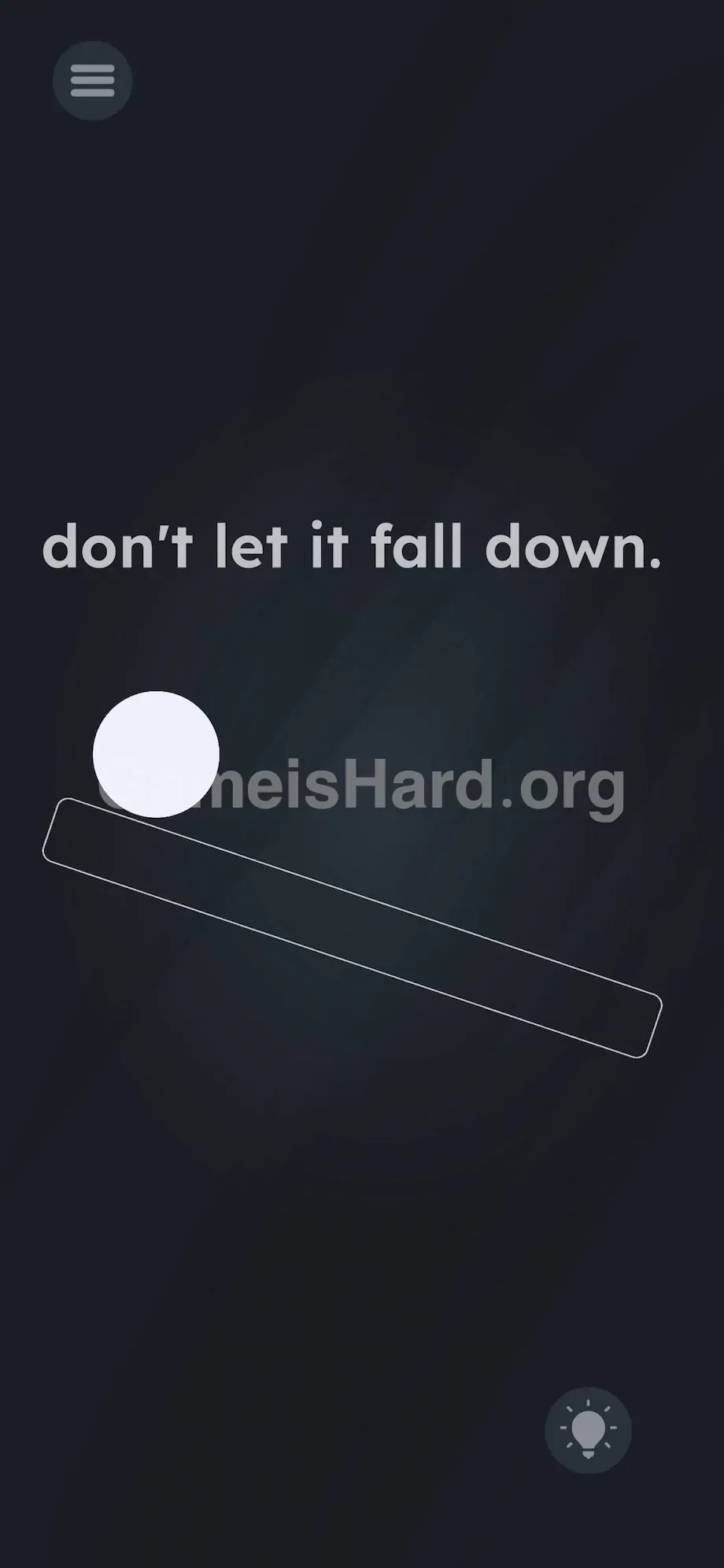
Picture this: a stark, high-pressure visual setup built to rattle your nerves. Centered — just slightly off-center — sits a pure white ball resting on a thin, hollow rectangular stick outline.
The phrase don't let it fall down hangs ominously near the top.
The stick tilts sharply downward toward the bottom right corner. A standard menu icon sits top-left; a lightbulb hint button rests bottom-right. For a split second, it looks frozen — then the physics engine fires up. Instantly, the white ball obeys the slope and rockets toward the right edge.
No arrows. No sliders. No buttons. Just you, a rolling ball, a slanted platform, and empty space below.
Common Mistakes to Avoid
The Trap
We’re deeply conditioned to touch first, think later. See something moving? Tap it. See something falling? Grab it. Level 220 weaponizes that reflex. You’re staring at glass — so your brain screams interact with the screen. But the screen isn’t the tool here. It’s just a window. The game triggers “Touch Blindness” — we’re so wired to swipe that we forget our phones contain motion sensors capable of solving this puzzle.
First Instincts That Fail
I tried dragging the ball backward. Swiped furiously uphill, hoping momentum would reverse. I attempted rotating the stick by pulling its ends like a lever. Even tried dragging the text don't let it fall down to physically block the ramp’s exit. Pure instinct-driven panic. Every tap and drag failed — because touch input is completely ignored by the ball’s movement.
Player Reactions
After five straight fails, I slammed my phone onto the desk in frustration. And — ironically — the moment it landed flat, the ball froze mid-roll. Total forehead-slap moment. I wasn’t playing a touchscreen game. I was holding a modern version of those classic 90s marble mazes.
Step-by-Step Solution
Preparing the Move
Stop touching the screen. Wipe away smudges and grip your device firmly with both hands — like holding a steering wheel. Sit up straight if you’ve slouched; your posture directly impacts how your phone reads tilt.
Executing the Solution
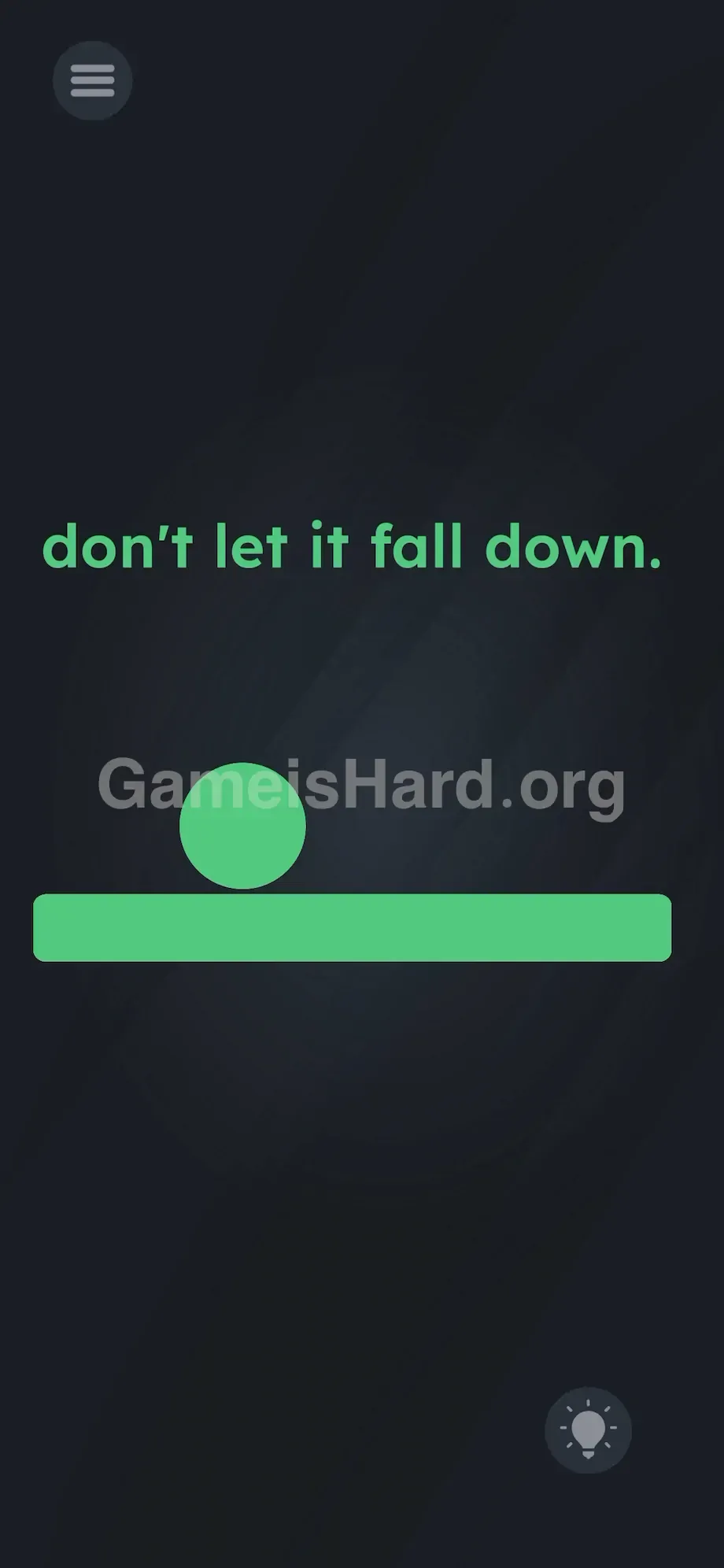
- Hold your phone perfectly horizontal the instant the level loads.
- Gently lift the right side of your phone upward in real life — countering the on-screen stick’s downward angle.
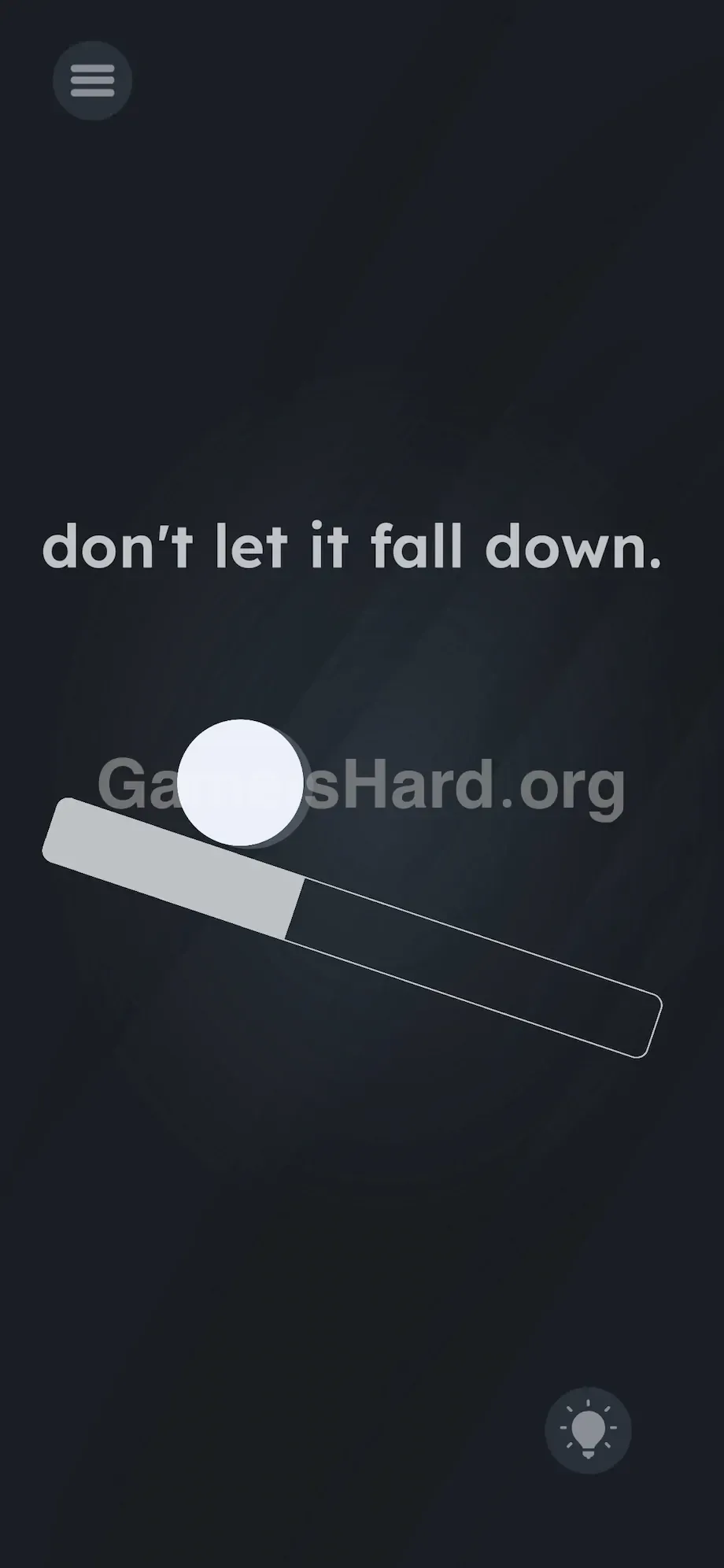
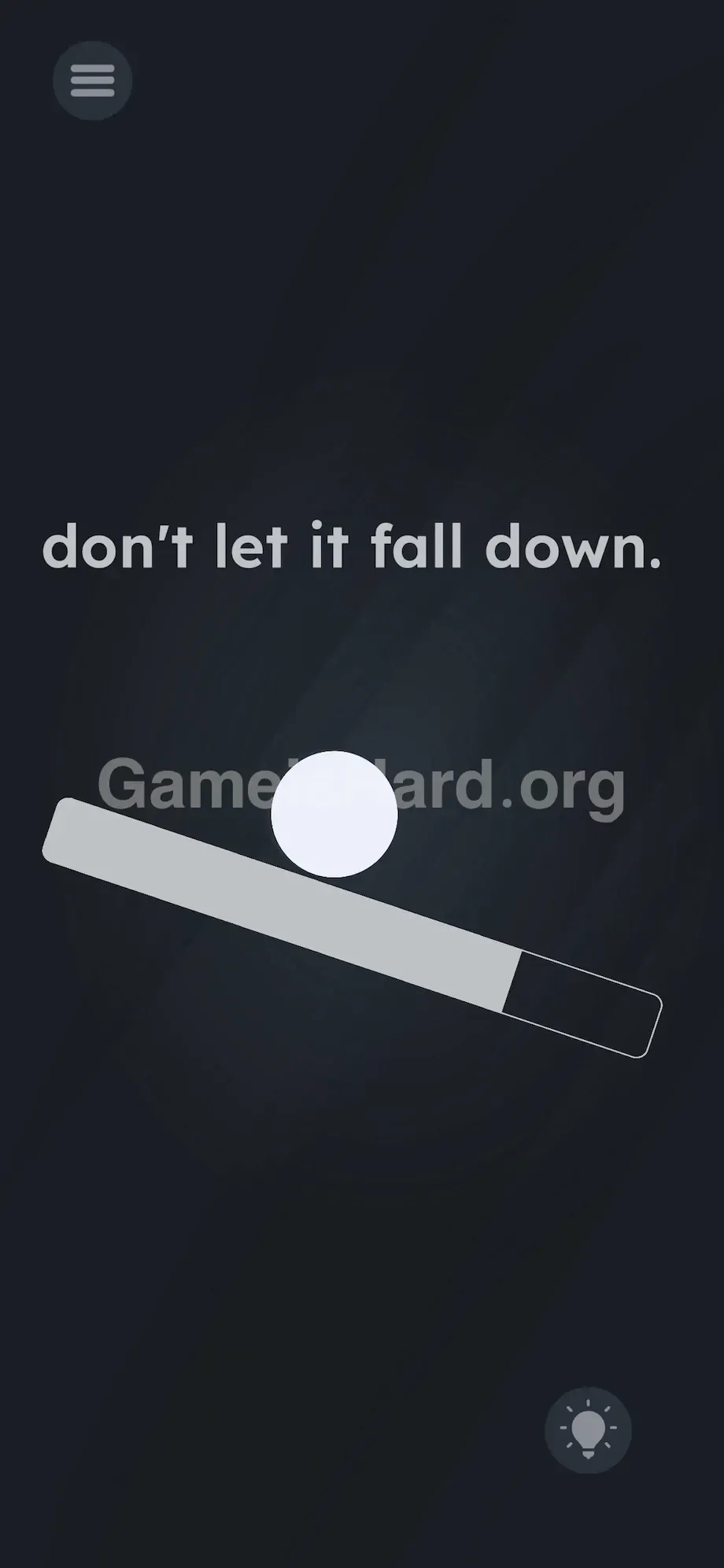
- Use small, precise wrist rotations to keep the white ball hovering near the center of the stick.
- Hold that balanced position steadily for three to five seconds until success registers.
If It Did Not Work
- If the ball ignores your tilting entirely, your gyroscope or accelerometer may be unresponsive. Close the app fully and relaunch to reset sensor calibration.
- Avoid slamming your phone flat onto a surface — sudden shifts often send the ball flying off the opposite end.
- Tiny adjustments win here. Overcorrecting is the #1 reason players lose at the final second. Imagine the ball is dense, heavy, and gliding without friction — momentum builds fast.
- Double-check auto-rotate settings. If your screen flips to landscape while you tilt sideways, your inputs break instantly. Lock orientation before starting.
Why This Solution Works
This level is a raw test of hardware awareness. Developers know you’ll assume software controls are the answer — so they force you to use physical sensors instead, shattering the usual player-device contract.
The screen isn’t a control panel — it’s a viewport into a real-world box. The instructions are misdirection. The UI is just a visual cue for actual physics. Tilt a wooden ramp in reality, and a marble rolls down it. Here, your smartphone is that ramp — expensive, fragile, and suddenly very analog.
It fits the game’s DNA perfectly: break expectations. If tapping doesn’t work, stop tapping. Change the world’s orientation instead. They’re not punishing you — they’re rewarding you for stepping outside the digital frame.
Bonus Tip
Don’t wait for gravity to take over. The physics engine gives zero grace period — slow reactions guarantee failure.
- Hold your phone completely flat and parallel to the floor before tapping “Next Level” on level 219.
- Watch the stick closely as the screen fades in.
- Make immediate, subtle tilt corrections to pin the white ball exactly where it spawns.
- Keep your fingers off the screen. Your wrists — not your thumbs — are in charge now.
Frequently Asked Questions
Why is the white ball rolling right through the stick? You may have triggered a physics glitch by shaking the phone too aggressively during balancing. Smooth, controlled tilts only. Restart the level to reset collision detection.
Can I just drag the prompt text to block the ball? No. While dragging text solves many other puzzles in this game, level 220 disables all touch interaction with both the ball and the platform.
My phone screen rotated sideways and I failed. What happened? Auto-rotate interfered. Switching from portrait to landscape scrambles gyroscope data mid-balance. Enable orientation lock via your phone’s quick settings before launching the level.
How long do I need to keep the ball balanced? Just three to five seconds — steady and centered over the stick. Once the hidden timer expires, the completion screen appears automatically. Don’t relax your grip until you see the victory message.
More Game Is Hard Solutions
We skip fluff and filler — just clean, actionable help to get you past the wall and back into the game.
If Game is Hard Level 220 left you questioning reality, share this guide with your Discord squad to spare them the same meltdown. Every solution is ready and waiting. Keep playing. Keep bending the rules. And check back when the game inevitably lies to you again — you’re ready for it.