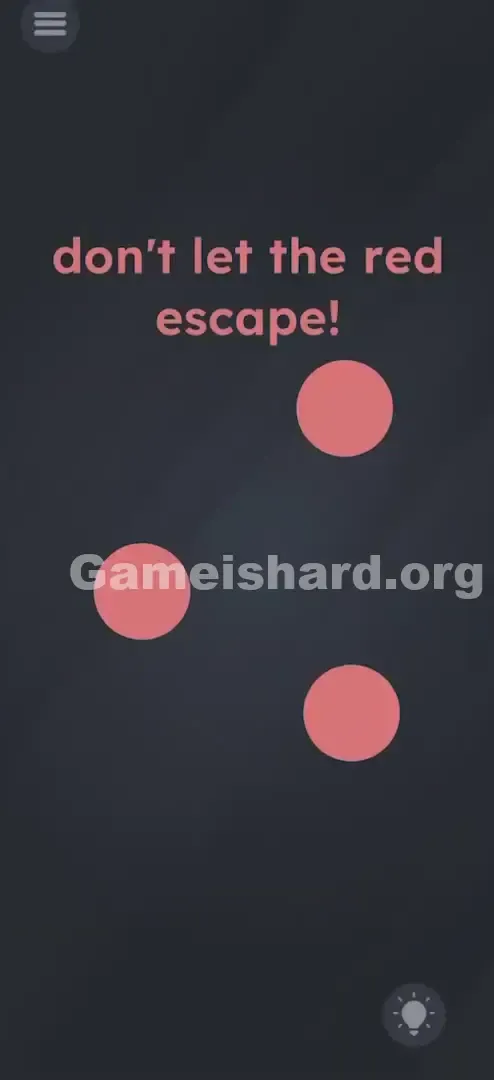
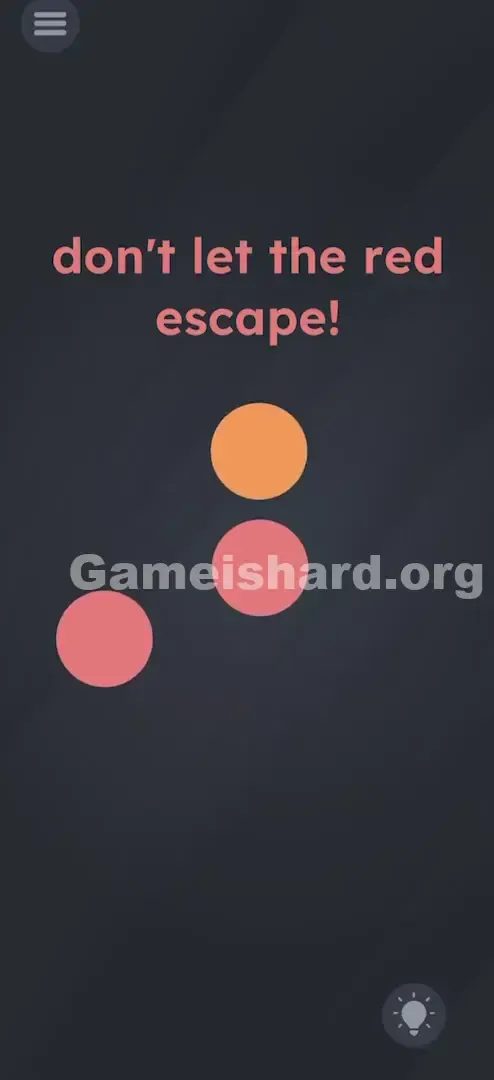
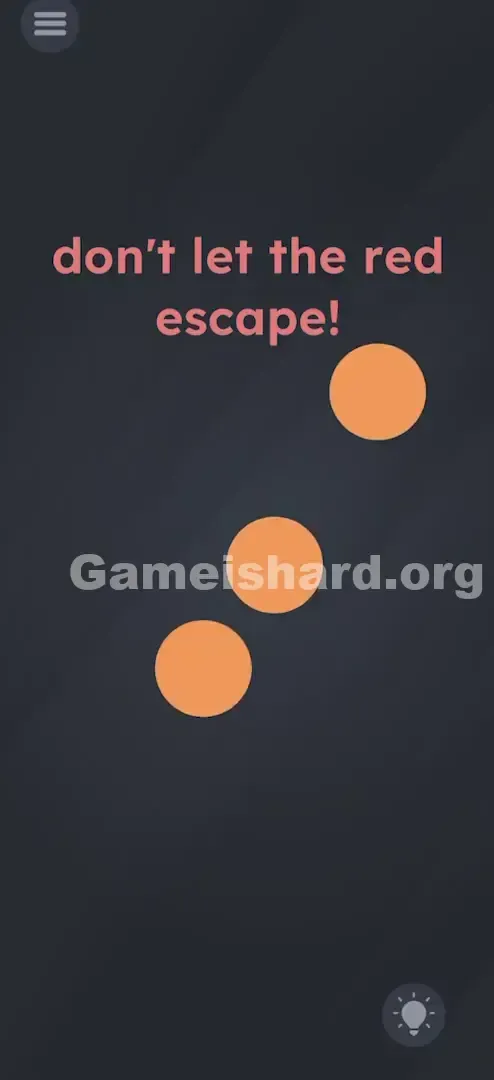
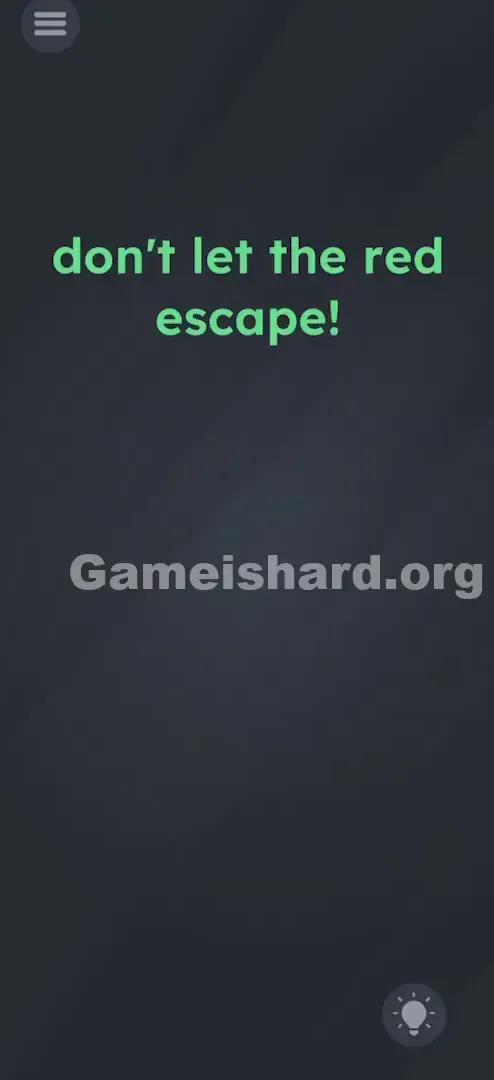
App updates can sometimes shuffle the order of puzzles. If this level 14 walkthrough doesn't match your screen, don't worry! You can browse our All Levels guide to find your exact puzzle by its picture.
Tap the moving balls quickly to keep them contained until the color change happens.
Level Overview
What Makes This Puzzle Tricky
You jump into the level—and chaos hits instantly. Red circles zoom across the screen while the bold prompt shouts, “don’t let the red escape!” Your instinct kicks in: block, trap, contain. You tap frantically, trying to corral them like digital pinballs. But no matter how sharp your reflexes, they always slip away. That’s the point—the level isn’t testing speed or stamina. It’s testing whether you’ll question the instruction itself.
Your Goal
The real goal isn’t permanent containment—it’s transformation. You’re not supposed to stop the circles from leaving; you’re supposed to make them not red anymore. Once they’re yellow, the rule no longer applies. You’re not breaking the rules—you’re redefining what the rules even mean.
Key Mechanics Involved in Game is hard Level 14:
- Active Tapping: You must interact directly with each moving target.
- State Change: Each tap alters the object’s core property—its color—and that shift unlocks progress.
- Logic Trap: The prompt frames the challenge as defensive, but the solution is strategic release.
- Color coding: “Red” isn’t just a visual detail—it’s the active condition in the win/lose rule. This isn’t about quick fingers. It’s about reading carefully—and thinking one step ahead.
What Appears on Your Screen
At first glance, it feels bare-bones—which is often the biggest warning sign.
- The Prompt: Centered at the top in bold pinkish-red text: “don’t let the red escape!” That word—red—isn’t decorative. It’s the key.
- The Actors: Three large, smooth red circles, already drifting toward screen edges the moment you start.
- The Background: A neutral dark grey void. No walls. No barriers. No way to physically cage them.
- UI Elements: A menu icon (top-left) and hint button (bottom-right)—standard navigation, not part of the puzzle. Everything looks straightforward—except there’s literally nothing to do… unless you realize the action isn’t about stopping motion—but changing meaning.
Common Mistakes to Avoid
The Trap
It’s the classic “defensive loop”: you see “don’t let X happen,” so you double down on preventing X. You tap, bounce, redirect—feeling like you’re gaining control. But the level never rewards endurance. There’s no timer, no victory pop-up, no gradual slowdown. You could tap for hours and still lose the second a red circle touches the edge. The game leans hard on your assumption that persistence = progress.
First Instincts That Fail
- Dragging: Many try dragging circles toward the center and holding them there. But multitouch won’t lock them in place—and they’ll slide right out from under your finger.
- Barriers: Some attempt to use the on-screen text as an invisible wall. The circles ignore it completely—they pass through or behind it without pause.
- Shaking: A go-to move in physics-based puzzlers, but here it does absolutely nothing except drain your battery and your dignity.
- Speed: You think faster tapping = faster win. Not true. Consistent, intentional taps—not raw velocity—trigger the color shift.
Player Reactions
I played goalie for nearly four minutes—tapping like a metronome, keeping all three perfectly centered, convinced I was mastering it. Then one slipped past my thumb, hit the edge, and boom: failure. That’s when it clicked—I wasn’t failing at containment. I was ignoring the actual task: stop being red, not stop moving.
Step-by-Step Solution
Preparing the Move
No fancy prep needed—just position your fingers comfortably. You don’t need pinpoint accuracy, but steady rhythm helps. Focus on one circle at a time if multitasking feels overwhelming. Quantity of taps matters more than perfect placement.
Executing the Solution
- Tap any one of the red circles . Watch closely—you’ll see it reverse course or rebound sharply from your touch.
- Keep tapping that same circle . Just enough to steer it away from the edge—not to hold it still.
- After 3–5 clean taps, it’ll flash and shift from Red to Yellow .
- Repeat for the other two circles. Tap each until it turns yellow—no need to rush them all at once.
- As soon as a circle becomes Yellow , stop touching it. Let it drift freely off-screen. Its color change means it’s now exempt from the rule.
- The level completes the moment the last yellow circle exits the frame.
If It Did Not Work
- "I can't keep them all on screen!" Prioritize turning one yellow first. Freeing up mental space makes managing the remaining red ones much easier.
- "They aren't turning yellow." Make sure you're tapping the circle itself, not empty space nearby. Glancing taps won’t register—the game needs direct contact.
- "I turned one yellow but failed." Remember: only red circles trigger failure. But if any red one escapes while you’re focused on another, the level ends. Stay aware of all three until all are yellow.
Small Details That Matter
- Hitbox Precision: The circles have forgiving tap zones—no need for pixel-perfect aim. But wild, sweeping taps risk hitting a yellow one and accidentally pushing it back in.
- The "Bounce" Logic: Every tap acts like a tiny force field—it repels the circle away from where you tapped. Tap its right side → it flies left. Use that to gently nudge it back toward center while building tap count.
- Yellow Behavior: Physically, yellow circles behave exactly like red ones—they just don’t set off the fail condition when they exit.
- I fixed it by: Focusing all taps on one circle while letting the other two hover near the edges. Removing even one red threat cuts the workload in half—and makes the rest feel effortless.
Why This Solution Works
This level thrives on literal interpretation over implied intent.
What the prompt says: “Don’t let the red escape.”
What it means: “Don’t let anything currently red escape.”
The developers treat adjectives—not nouns—as the core rule. Earlier levels might ask you to open a door or move a box. Here, the constraint lives in the word red—and that attribute is mutable. You don’t defeat the rule—you dissolve it by altering the subject. It’s a quiet lesson: in Game Is Hard, winning often means rewriting the problem—not solving it harder.
Bonus Tip
For speedruns or showing off:
- Go full multitouch: use three fingers, one per circle.
- Tap rapidly and simultaneously—three taps in under a second usually flips all three to yellow at once.
- Then lift your hands and watch them sail off-screen.
- Resist the urge to herd them. Keep them loosely grouped until the color swap—then let go.
Alternative Attempts of Game Is Hard Level 14 (What Doesn’t Work, and Why)
- Covering screen edges with fingers: The game checks ball position—not finger coverage. Your hand isn’t a wall.
- Dragging the word “red” off-screen: The prompt text is static decoration, not interactive content.
- Long-pressing to freeze balls: Holding does nothing. They’ll keep drifting, often slipping sideways under your finger.
- Doing nothing: Balls launch with momentum. Wait-and-see = instant loss.
- Swiping: Swipes register as single taps at their origin point—less reliable than deliberate taps for directional control.
- Tapping the word “red” in the prompt: Zero effect. Only the circles respond to input.
Common Mistakes for Game Is Hard Level 14
- Holding onto yellow circles: Once yellow, they’re safe to leave. Keeping them on-screen wastes focus and delays completion.
- Panic-tapping: Frantic, uncontrolled taps send circles flying before they’ve registered enough hits. Steady beats frantic.
- Overlooking the red text: That highlighted word isn’t styling—it’s the entire puzzle’s hinge. Miss it, and you’re stuck in defense mode forever.
- Assuming a bug: When circles turn yellow, some restart thinking it’s a glitch. It’s not—it’s the win condition activating.
- Trying to pop or burst them: Taps don’t destroy. They transform. Look for the color shift—not an explosion.
Pattern Recognition: How to Spot This Trick in Future Game Is Hard Levels
The tell
If a level commands “Don’t let [X] happen”—and X is a descriptive trait (color, number, size, shape)—ask: Can I change X? Traits are almost always the lever.
The habit
When you catch yourself repeating the same action endlessly (juggling, blocking, swiping), pause. Try interacting differently: tap repeatedly, drag onto text, combine objects. If defending the edge never ends, you’re likely missing a state-change mechanic—not a timing one.
Frequently Asked Questions of Game Is Hard Level 14 (Short, Useful)
Q: How many times do I have to tap the circle in Game is hard Level 14? A: It varies slightly, but usually around 3 to 5 distinct taps will trigger the color change.
Q: Can I turn them back to red in Game is hard Level 14? A: No, once they are yellow, they stay yellow. You are safe to let them go.
Q: Does the order matter in Game is hard Level 14? A: No. You can transform them in any order, or all at once if you have good multitouch skills.
Q: What happens if a yellow ball stays on screen? in Game is hard Level 14 A: The level won't end. The win condition requires the screen to be empty of "red" things. Usually, this means the yellow ones must leave to clear the stage fully.
More Game Is Hard Solutions
That’s how you solve Game is hard Level 14 . We write these guides to be quick, searchable, and devoid of the usual fluff because we know you just want to get back to the game. If this helped you stop juggling red balls for eternity, share the link with a friend who is probably stuck on the same screen. Good luck with Game is hard Level 15 !