App updates can sometimes shuffle the order of puzzles. If this level 65 walkthrough doesn't match your screen, don't worry! You can browse our All Levels guide to find your exact puzzle by its picture.
Level Overview
What Makes This Puzzle Tricky
You’re greeted with a grey dot, a tall grey rectangle, and the phrase “raise it up the wall.” Your first instinct? Tap, drag, or swipe—and nothing responds. That’s the clue: this puzzle doesn’t live in your fingers—it lives in your phone’s motion sensors.
Your Goal
Your job is to move the vertical grey bar—the “wall”—upward and off-screen. But touch controls are disabled here. Instead, you’ll use your device’s real-world movement to trigger the action described in the prompt.
Key Mechanics
- Gyroscope / Accelerometer: The game monitors your phone’s vertical motion—not screen taps.
- Physical Action: This level demands arm movement, not thumb dexterity.
- Literal Interpretation: “Raise it up” means you raise your phone, not an on-screen element. It’s not a bug. It’s intentional—and yes, it’s a mini upper-body workout.
What Appears on Your Screen
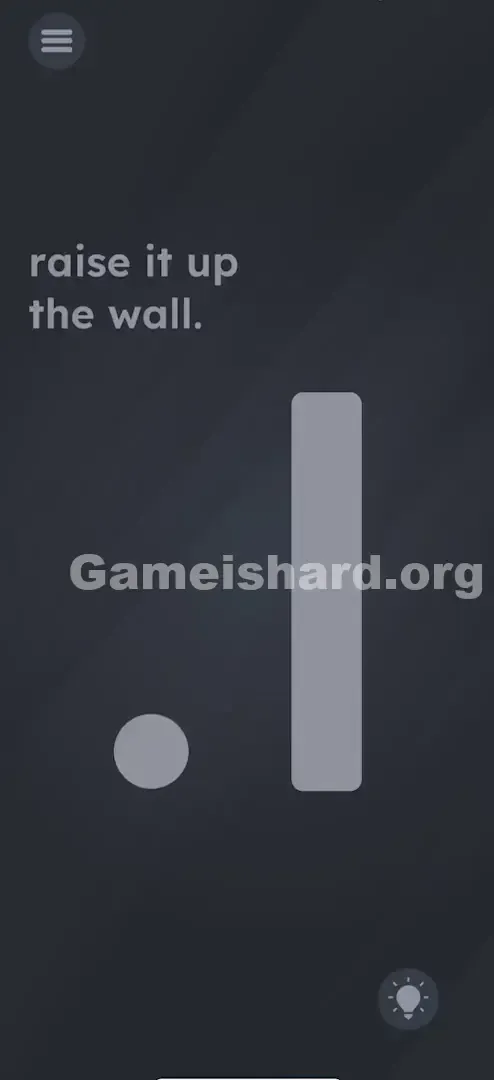
Level 65 opens with stark minimalism against a dark grey background.
- The Text: In the top-left corner, the instruction reads: “raise it up the wall.” Its lowercase styling hints at casual, real-world language—not UI commands.
- The Objects: A small light-grey circle (like a ball or dot) rests near the bottom-left. To its right stands a tall, vertical light-grey rectangle—the “wall”—blocking the path to the screen’s right side.
- A small, light grey Circle (looks like a ball or a dot) sits near the bottom left.
- A tall, vertical light grey Rectangle (the "wall") stands to the right of the circle. It blocks the path to the right side of the screen.
- The UI: Standard menu button (top left) and hint bulb (bottom right). No sliders, arrows, or interactive text—just still shapes that ignore every tap and drag.
Common Mistakes to Avoid
The Trap
The biggest mental hurdle is “screen tunnel vision.” We’re conditioned to interact only within the display. So when the prompt says “raise it up,” our brain defaults to “swipe up”—even though the answer lives outside the glass.
First Instincts That Fail
- Swiping the bar: You’ll likely try flinging or dragging that rectangle upward—repeatedly.
- Dragging the ball: Some attempt to “jump” the dot over the wall, but it bounces back.
- Tilting: Players often tilt left/right expecting gravity-based movement—but the sensor isn’t listening for pitch or roll.
- Shaking: The universal sign of frustration. But shaking introduces noise—not the clean upward acceleration the level needs.
Player Reactions
I swiped upward so many times my thumb went numb. I even tried dragging the word “it” out of the sentence. Then it clicked—I just had to lift my arm like I was volunteering in class.
Step-by-Step Solution
Preparing the Move
Clear space above you. If you’re lying down, sit up. If you’re under low ceilings or furniture, step aside. You’ll need roughly two to three feet of unobstructed vertical room.
Executing the Solution
- Hold your phone flat or upright: Orientation matters less than motion—but keep a secure grip.
- Lift the device physically: Raise your phone smoothly from chest height straight up overhead.
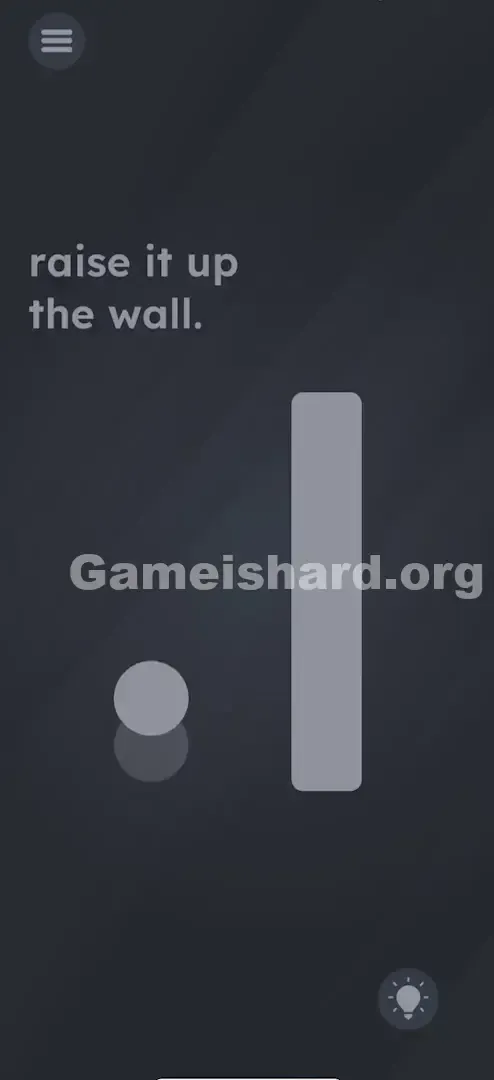
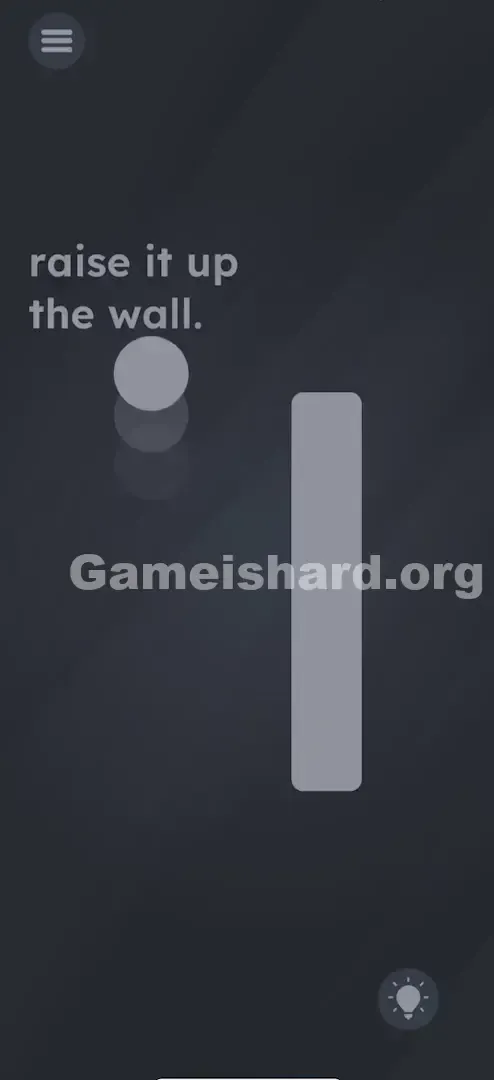
- Watch the bar: As your phone ascends, the grey bar will rise in sync—no tapping required.
- Hold it there: Continue lifting until the bar vanishes entirely off the top edge of the screen.
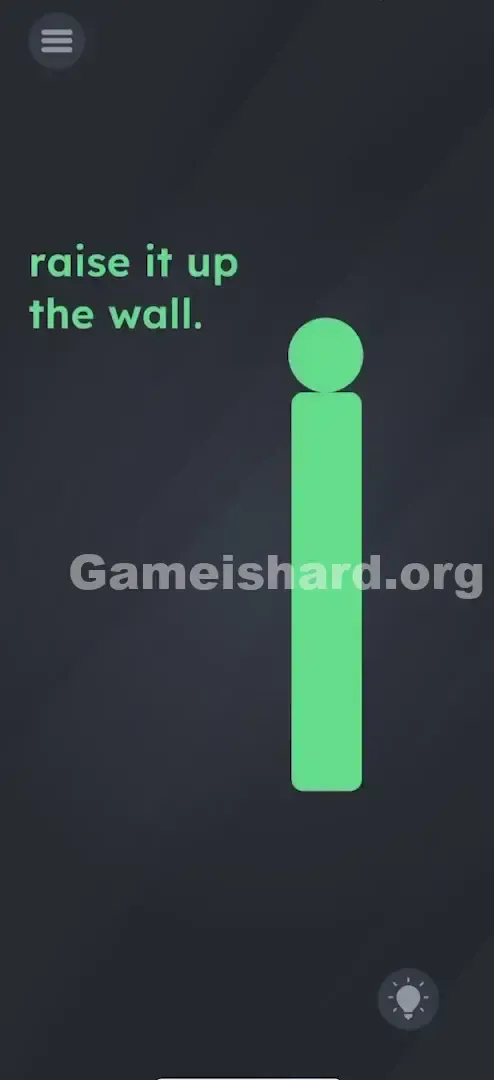
- Success: Once the wall disappears, the level completes automatically (or the dot rolls freely through).
If It Did Not Work
- It’s not moving: Bring the phone back down to rest, then lift again with slower, more controlled motion.
- I’m laying down: Horizontal starting positions confuse the accelerometer. Sit or stand upright before trying.
- Calibration issues: Force-close the app and relaunch to reset the sensor baseline.
Small Details That Matter
The game detects precise Y-axis acceleration changes. Nail it with these tips:
- Speed matters: Too slow = ignored as hand drift. Too fast = noisy data. Aim for steady, elevator-like motion.
- Range of Motion: Lifting just six inches rarely triggers it. You’ll typically need 0.5–1 meter (1.5–3 feet) of vertical travel.
- Resetting: Pausing mid-lift causes the bar to slide back down. Commit to full arm extension. I solved it by standing—my seated position simply didn’t give enough height to hit the “pass” threshold.
Why This Solution Works
This level breaks the invisible barrier between screen and reality—a hallmark of Game Is Hard’s cleverest puzzles.
- The Metaphor: The “wall” isn’t just visual—it represents the divide between digital interface and physical device.
- The Command: “Raise it up” addresses you, the player—not the touchscreen.
- Sensor Integration: Like levels requiring charging or microphone cover, this one treats your phone as an object in space—not just a display.
Bonus Tip
If you feel self-conscious lifting your phone in public:
- Start low—near your knees or waist.
- Lift in one smooth, vertical arc—no jerking or tilting.
- Keep the screen facing you throughout; don’t rotate or angle it mid-motion. Skip tapping the text entirely. It’s purely descriptive—not interactive.
Alternative Attempts on Game Is Hard Level 65 (What Doesn’t Work, and Why)
Here’s what won’t solve it—so you can skip the trial-and-error:
- Dragging the word “wall” upwards: Text is static here—even though it’s often interactive elsewhere.
- Swiping with two fingers: Multi-touch won’t override the sensor-driven logic.
- Turning the phone upside down: Gravity-based tricks don’t apply—the prompt asks for lifting, not flipping.
- Throwing the phone (even gently): Freefall disrupts sensor input. Steady motion wins.
- Yelling “Up” into the mic: Voice control isn’t active in this level—save that for others.
Common Mistakes for Game Is Hard Level 65
- Under-lifting: A slight wrist flick won’t cut it—you need real vertical reach.
- Tilting instead of lifting: Pitching the phone backward mimics “looking up,” but the sensor needs actual upward translation.
- Holding flat like a tray: Portrait orientation (phone upright, facing you) tends to register more reliably than landscape or horizontal holds.
- Quitting early: The bar rises slowly. Don’t stop lifting until your arm is fully extended—and the wall is gone.
Pattern Recognition: How to Spot This Trick in Future Game Is Hard Levels
The Tell
When an object refuses all touch input—no drag, no tap, no swipe—pause. Read the verb in the prompt aloud.
The Habit
If the instruction implies physical motion (“shake,” “turn,” “raise,” “drop”), treat it as a hardware puzzle. Try shaking first, then tilting, then moving your phone through space. The answer usually lives in your wrist—or your whole arm—not your fingertip.
Game Is Hard Level 65 FAQ (Short, Useful)
Q: Does screen rotation need to be on in Game is Hard Level 65? A: No. The game reads raw sensor data, so system-level auto-rotate settings won’t interfere—but keeping your phone upright helps.
Q: Can I skip the lifting part in Game is Hard Level 65? A: Not without using a “Skip Level” token. The accelerometer trigger is mandatory—no workarounds exist.
Q: Why does the bar fall back down in Game is Hard Level 65? A: You likely paused or lowered your phone before the bar fully exited the screen. Maintain height until completion.
Q: Is it safe to play this level on a bus? A: Not really—unless you want to bonk the ceiling or bump a fellow passenger. Save level 65 for open, private spaces.
More Game Is Hard Solutions
Game is hard Level 65 is just one of hundreds of mind-bending puzzles designed to challenge your assumptions—not just your reflexes. If the next level has you scratching your head, jump to our full walkthrough library. We cut the filler and deliver clear, actionable answers—so you stay unstuck and keep winning. Share this guide if your friends are still frantically swiping at an immovable wall!
Good luck, and keep lifting!