App updates can sometimes shuffle the order of puzzles. If this level 60 walkthrough doesn't match your screen, don't worry! You can browse our All Levels guide to find your exact puzzle by its picture.
Level Overview
What Makes This Puzzle Tricky
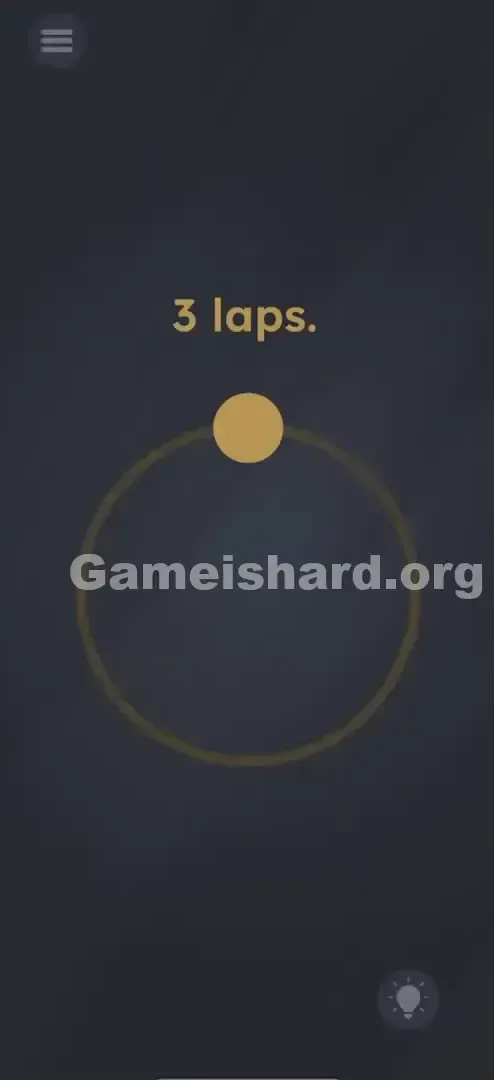
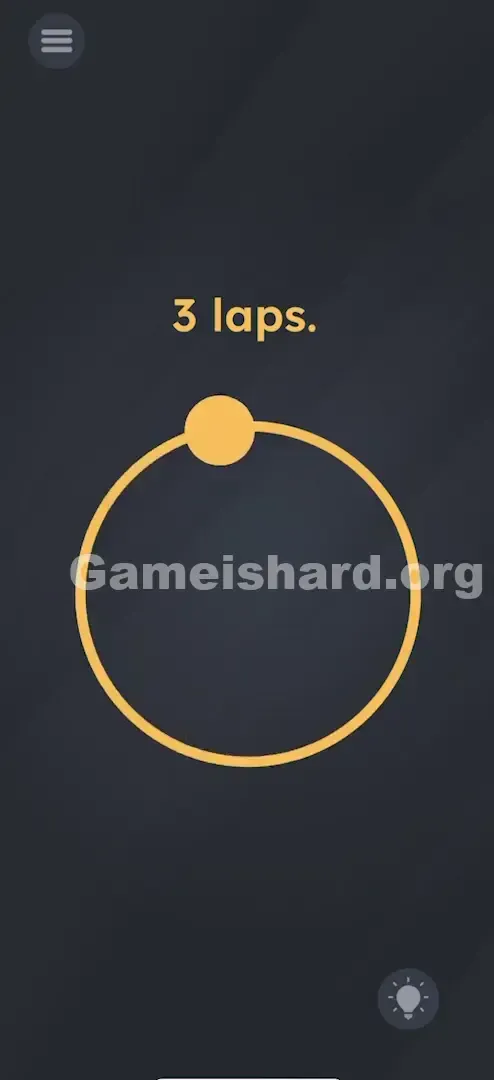
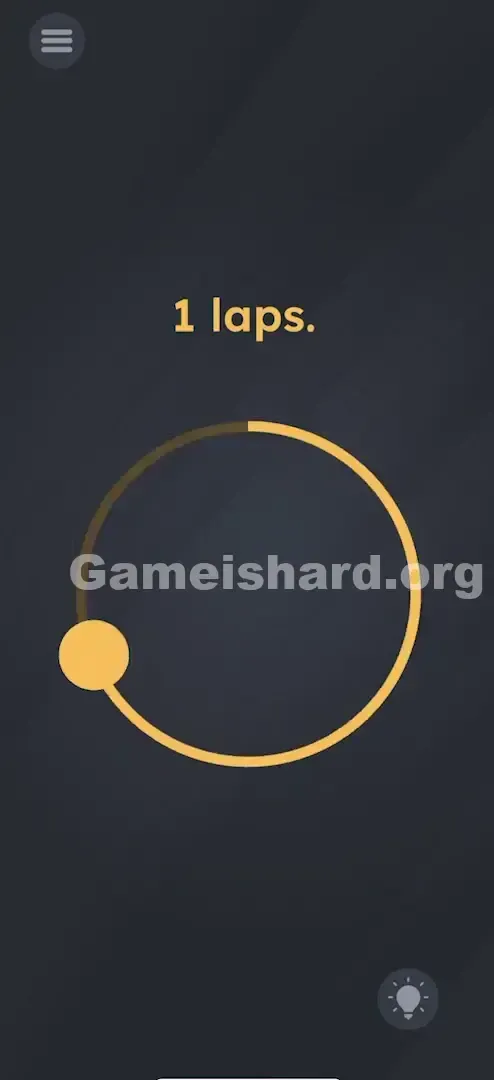
You land on the screen and see just three things: a bold yellow “3 laps” prompt, a thin yellow circle, and a solid yellow dot sitting at the top. Instinct says drag it. So you do — carefully tracing the circle once, twice, three times. Nothing registers. You try again — faster, slower, backward — but the game stays silent. The dot moves smoothly under your finger, yet the level refuses to budge.
Your Goal
Your goal is to complete “3 laps” — but not with your finger. The real player here isn’t the dot — it’s your phone. This is a motion-based challenge, not a touch-based one. The answer lives in how you move the device itself.
Key Mechanics
- Motion Sensors / Gyroscope: The level reads real-world physical rotation via your phone’s built-in sensors.
- UI Misdirection: That draggable dot is intentionally placed and responsive — not to help you solve it, but to keep you focused on the wrong interaction.
- Physical Rotation: You must rotate your entire phone through 360 degrees, exactly three times. It’s not a mistake — it’s literally asking your device to run three laps.
What Appears on Your Screen
Level 60 greets you with stark minimalism — almost like a visual test.
- Top Center: Bold, yellow text reads “3 laps.”
- Center Screen: A large, thin yellow circle outlines an empty space.
- The Decoy: A small, solid yellow dot rests precisely at the circle’s topmost point (12 o’clock), styled like a handle or slider knob.
- Background: The familiar dark, textured chalkboard backdrop remains unchanged. No hints. No arrows. No animation. Just that dot, waiting — and misleading you.
Common Mistakes to Avoid
The Trap
This is textbook “interface deception.” Years of mobile gaming train us to assume: track + movable object = drag it. The developers leaned into that reflex — coding the dot to follow your finger flawlessly, so you’ll waste minutes believing precision is the issue. But no amount of dragging will ever trigger completion.
First Instincts That Fail
- Dragging the dot: Nearly everyone tries this first — and keeps trying, convinced better technique will crack it.
- Flicking the dot: Some hope momentum will carry it around autonomously.
- Shaking the phone: A common fallback in puzzlers, but here it’s too unstructured — the code needs clean rotational input, not vibration.
Player Reactions
I traced that circle for over four minutes — adjusting speed, cleaning my screen, even switching fingers. Then, frustrated, I swung my arm while holding the phone mid-air… and boom — victory screen. Instant facepalm moment.
Step-by-Step Solution
Preparing the Move
Put your finger down — no tapping, no swiping. Grip your phone securely by the edges. Clear space around you so you don’t bump furniture or drop it mid-spin.
Executing the Solution
- Hold the phone upright or flat — orientation doesn’t affect detection, only motion does.
- Rotate the entire device smoothly through one full 360-degree turn. Picture spinning a coin on its edge or twirling a pen.
- Repeat two more times — three clean, uninterrupted rotations total.
- Verification: You don’t need to watch the screen while spinning. After the third lap, pause and check — the success animation should appear instantly.
If It Did Not Work
- If nothing happens: Your spin may be too sluggish. The gyroscope needs clear motion — aim for ~1 second per rotation.
- Axis matters: If horizontal spinning fails, try flipping the phone end-over-end (like a forward somersault) — some devices register that axis more reliably.
- Case interference: Heavy or magnetic cases can occasionally dampen sensor accuracy. Remove it temporarily if you’re truly stuck.
Small Details That Matter
Success hinges on real-world motion — not pixel-perfect inputs.
- Speed: Lethargic spins often go unnoticed. Commit to brisk, intentional turns — not lazy wobbles.
- The "Reset": Dropping the phone, pausing too long, or losing momentum between spins usually resets the internal counter. Three clean laps are required.
- Screen Orientation: Locking rotation won’t break the puzzle (the game reads raw sensor data), but disabling auto-rotate helps avoid visual disorientation mid-spin. I solved it by standing up — seated, my arm hit the armrest and cut my rotation short. Standing gave me full range, and the game responded instantly.
Why This Solution Works
This level tests hardware literacy, not logic puzzles.
While most Game Is Hard levels challenge pattern recognition or language tricks, level 60 asks: Do you remember your phone is more than a touchscreen? It’s packed with sensors — and here, your device is the character. “3 laps” means your phone takes three full rotations. The UI — circle, dot, text — is pure misdirection. The real action happens off-screen, in the physics of your hand and wrist.
Bonus Tip
For speedrunners or replays:
- Skip the dot entirely. Don’t even glance at it.
- Use wrist flicks — not big arm swings — for tighter, safer control.
- Count aloud: “One… two… three.” Ensures you finish each full rotation without cutting corners. Do NOT waste time: Perfecting your drag path. Touch input has zero effect on solving this level.
Alternative Attempts on Game Is Hard Level 60 (What Doesn’t Work, and Why)
These common attempts feel logical — but none trigger completion:
- Tracing with two fingers. (Multi-touch offers no advantage — the puzzle ignores all touch.)
- Tapping or rubbing the “3 laps” text. (It’s static labeling — not interactive.)
- Spinning the phone flat on a table. (Can work, but flat-axis rotation sometimes fails to register cleanly — air spins are more consistent.)
- Drawing circles anywhere on screen. (No gesture recognition here — only gyro data counts.)
- Shaking aggressively. (Shake = linear acceleration; the level checks for angular velocity.)
- Waiting passively. (No timer, no auto-solve — it waits for your movement.)
Common Mistakes for Game Is Hard Level 60
- Mistaking the dot for the protagonist. Your phone is the actor — the dot is scenery.
- Stopping at 2.9 laps. You must complete the full 360° for lap three — overshoot slightly to be safe.
- Swinging the phone sideways instead of rotating it. Moving left-to-right is translation — not rotation. The phone must pivot around its own center.
- Touching the screen during spins. Risky — could pause gameplay or trigger ads. Keep fingers on the bezel only.
- Quitting after three tries. Sensor lag happens — try four or five spins if the first set doesn’t register.
Pattern Recognition: How to Spot This Trick in Future Game Is Hard Levels
The tell
If an on-screen element behaves exactly like a functional control (a slider that slides, a button that depresses) but produces zero result — pause. That’s not a broken feature. It’s bait.
The habit
When taps fail, shift to physical input:
- Does tilting change anything?
- Does shaking trigger feedback?
- Does flipping or spinning the device produce response? Always test these three before re-reading clues. And if you see wheels, balls, compasses, or pendulums on screen — bet on motion sensors.
Game Is Hard Level 60 FAQ (Short, Useful)
Q: Does it matter which way I spin the phone in Game is hard Level 60? A: No. Clockwise or counter-clockwise both count — the sensor tracks total rotation, not direction.
Q: Can I spin the phone on a flat surface in Game is hard Level 60? A: Yes — spinning it like a bottle on a desk often works, as long as the back isn’t overly slick or scratched.
Q: I’m spinning it but nothing is happening in Game is hard Level 60! A: Try flipping it end-over-end (forward/backward flips) instead of top-like spinning. Axis sensitivity varies by device.
Q: Do I need to hold the dot while I spin in Game is hard Level 60? A: Absolutely not — holding it makes spinning harder and risks accidental taps. Keep hands clear of the display.
More Game Is Hard Solutions
If this guide saved your phone from an angry toss across the room, we’ve got walkthroughs for all 100+ levels — zero fluff, just solutions. We know you’re here to win and move on. Share this with friends hitting the same wall — nobody should spin alone!
Good luck with Game is hard Level 76 !