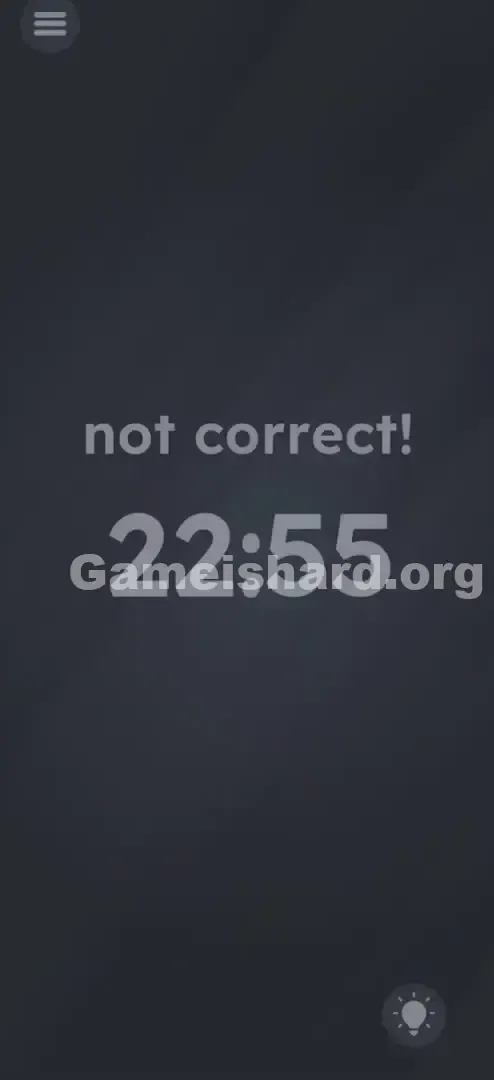
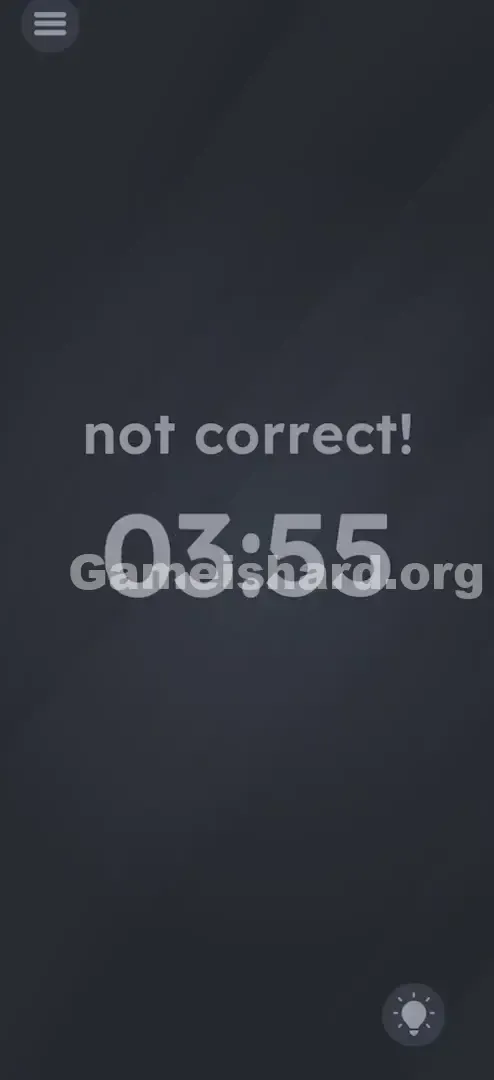
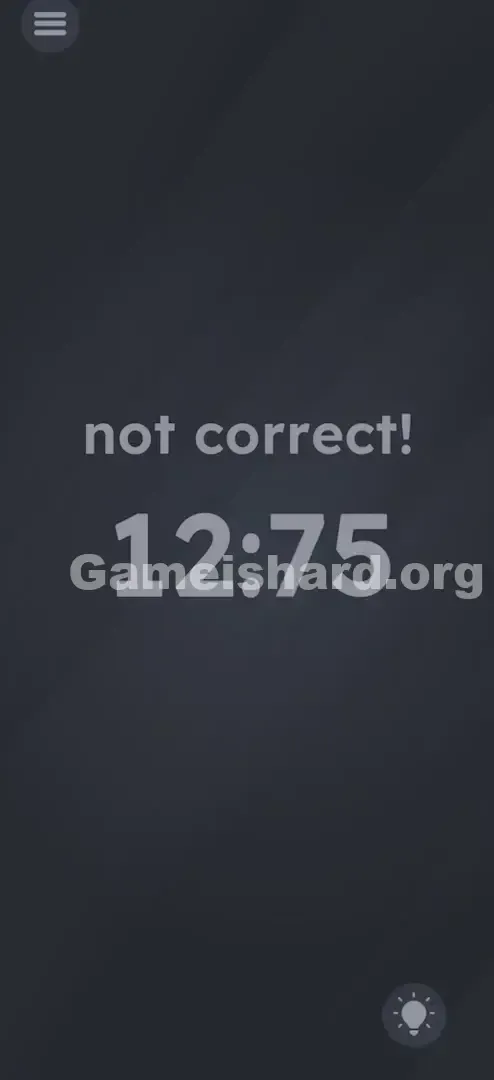
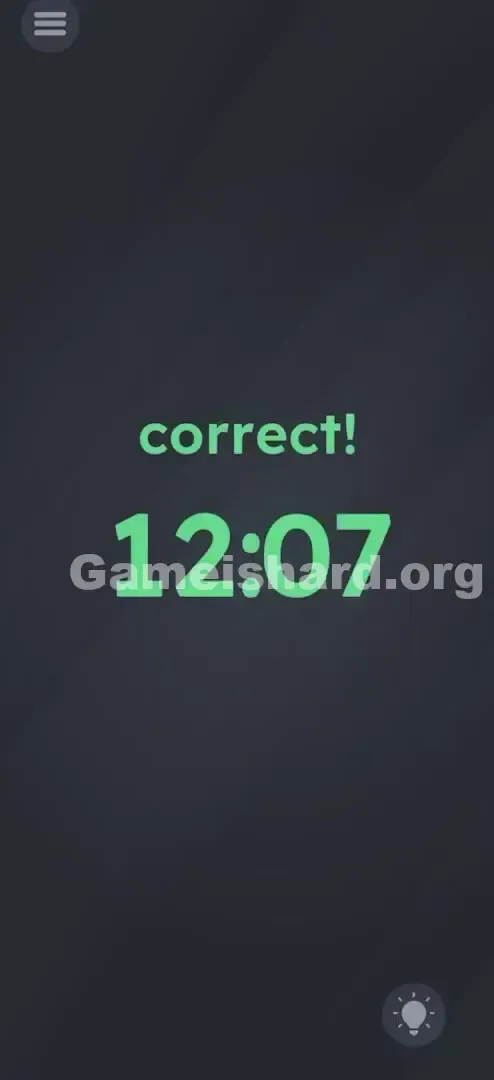
App updates can occasionally reorder puzzles. If this level 53 walkthrough doesn’t match what’s on your screen, no stress! Use our All Levels index to locate your exact puzzle by image.
Check your phone’s status bar clock and adjust the game’s display to match it precisely.
Level Overview
What Makes This Puzzle Tricky
You launch the level—and get instantly rebuffed. A blunt “not correct!” fills the top of the screen, with a random digital time hovering in the center. No prompt. No hint. No question mark—just pure, unfiltered rejection before you’ve even interacted. It’s like walking into a room and hearing “WRONG!” before you’ve taken a breath.
Your Goal
The game plays mind games here—not with math or logic puzzles, but with presence. You’re not aiming for a symbolic time like midnight or noon. You’re syncing reality: the in-game clock must mirror your device’s live system time.
Key Mechanics
- Interactive Digits: Each number functions as a tap-sensitive button—not just decoration.
- Real-time Logic: The correct answer shifts every minute. Literally.
- Observation Outside the App: The solution lives outside the game—in your phone’s status bar.
- It’s not a typo. It’s ammo.
What Appears on Your Screen
The interface is deliberately minimal—and quietly infuriating. Here’s exactly what’s displayed:
- Top Center: The phrase "not correct!" in clean, sans-serif type. It’s static text—not interactive.
- Dead Center: A large digital time readout showing a random time like 22:55 or 10:00.
- The Colon: A blinking ":" between hours and minutes.
- Background: The signature dark, muted gray backdrop.
- Menu/Hint Icons: Standard burger menu (top-left) and lightbulb icon (bottom-right). No sliders. No submit button. No rotating dial—just those digits, staring back at you.
Common Mistakes to Avoid
The Trap
Most players overthink it—searching for hidden patterns in the numbers themselves. They try “gamer times” like 13:37 or 04:20, or assume it should match prior levels. But the answer isn’t buried in the game—it’s on your device, in your pocket, or glowing faintly in your status bar.
First Instincts That Fail
- Waiting: Some freeze, hoping the clock auto-updates. It won’t.
- Shaking the device: A classic reflex when stuck—but zero effect here.
- Tapping "not correct!": We’re conditioned to dismiss errors by tapping them. Not this time—it’s purely visual feedback.
- Swiping: It feels natural to scroll digits like an alarm app, but the input method is simpler: tap only.
Player Reactions
I wasted two full minutes forcing the clock to 12:00—convinced it needed a reset. Then I tried 00:00. Nothing. By accident, I tapped the hour digit, saw it jump, glanced at my phone—and it clicked. “Oh—it wants now.” Instant facepalm.
Step-by-Step Solution
Preparing the Move
Pause for half a second. Pull down your notification shade—or glance at your phone’s top status bar. Note the exact time right now.
Executing the Solution
- Identify the Target: Look at the center digital clock (e.g., 22:55).
- Adjust the Hours: Tap the left-side digits (hours) repeatedly. Each tap advances the hour by one. Keep going until it matches your real-world hour.
- Adjust the Minutes: Tap the right-side digits (minutes) repeatedly. Each tap moves the minute forward. Stop when it matches your real-world minute.
- Verification: As soon as the in-game time locks in with your system clock, “not correct!” disappears—and the level completes instantly.
If It Did Not Work
- The Minute Changed: If you start at 4:59 PM and the clock ticks to 5:00 PM mid-tap, you’ll miss the window. Match the time at the moment you finish—speed matters.
- 24-hour vs 12-hour: The game typically follows your phone’s format—or defaults to 24-hour. If 02:00 fails at 2 PM, try 14:00 instead.
Small Details That Matter
Precision isn’t the priority—timing is.
- Hitbox Size: Tap zones are forgiving. You don’t need pixel-perfect accuracy—just aim generally left for hours, right for minutes.
- Tap Speed: Rapid taps work fine. No penalty for speed—only for overshooting.
- Lag: None. Input registers instantly. Overshoot, and you’ll cycle all the way around (0–23 for hours, 0–59 for minutes). Avoid it—it’s exhausting to tap 59 times just to correct one digit.
- I fixed it by… pausing briefly as the minute neared change. When my phone hit 10:42 exactly, I quickly tapped the game to lock in 10:42—no chasing.
Why This Solution Works
This level tests Metadata Awareness.
Most games live in their own bubble—ignoring real-world context. Game is hard shatters that illusion. It pulls your device’s live system clock and uses it as the key.
It forces you to recognize: the “game” isn’t just the app—it’s the entire device in your hands. It’s a mental trap built on the assumption that answers live inside the screen. By requiring you to glance at your status bar, it breaks immersion to solve the puzzle.
Bonus Tip
For speedrunners or impatient players, use this flow:
- Glance at your real time first—don’t guess.
- Tap hours first (bigger number, fewer cycles).
- Tap minutes second.
- Don’t overshoot—if you pass the target, you’ll loop the full range.
- Skip dragging entirely. Only taps register.
Alternative Attempts of Game Is Hard Level 53 (What Doesn’t Work, and Why)
- Tapping "not correct!": It’s a passive label—not interactive.
- Swiping Up/Down on Numbers: Feels intuitive (like iOS alarms), but the engine only reads discrete taps—not scroll gestures.
- Setting to 12:00: Classic default-clock guess—but irrelevant here.
- Matching Level Number (e.g., 15:00): Clever, but this puzzle isn’t meta about level IDs.
- Waiting for alignment: Yes, the random start time will eventually match reality—but that could take up to 24 hours.
- Shaking the phone: No physical components to jostle—pure logic.
- Yelling at the Mic: Voice commands aren’t supported.
Common Mistakes for Game Is Hard Level 53
- Chasing the Minute: Starting at XX:59 means you’ll likely land on YY:00—missing the target.
- Overshooting: Frantic tapping pushes you past the minute—forcing a full 60-tap correction.
- Confusing AM/PM: Entering 02:00 instead of 14:00 for 2 PM.
- Ignoring the Status Bar: Guessing the time or assuming it’s static.
- Treating it as Math: Adding digits from “22:55” or searching for sums.
- Trying to move the colon: It’s fixed decoration—untouchable.
Pattern Recognition: How to Spot This Trick in Future Game Is Hard Levels
The tell
Any time you see realistic system-style icons—digital clocks, battery bars, Wi-Fi symbols—the game is likely pulling live device data.
The habit
When puzzles feature “status” elements (time, battery %, date), always check your real phone’s status bar first. The answer is usually a direct reflection of reality. Clock shown? Check your time. Battery icon? Check your charge.
Game Is Hard Level 53 FAQ (Short, Useful)
Q: What if the minute changes while I'm tapping in Game is hard Level 53? A: The game checks continuously—so if reality shifts, your target shifts too. Update accordingly.
Q: Does it use 12-hour or 24-hour format in Game is hard Level 53? A: Usually 24-hour (e.g., 14:00 for 2 PM). If 02:00 fails in afternoon, try 14:00.
Q: Can I just change my phone's time settings in Game is hard Level 53? A: Technically possible—but adjusting the game manually takes far less time than fiddling with system settings.
Q: I matched the time exactly but it didn't work! A: Double-check 24-hour format (AM/PM confusion). Also verify you didn’t tap once too many times on the minute.
More Game Is Hard Solutions
That’s how you sync your way out of Game is hard Level 53. We craft these guides to be quick, accurate, and clutter-free—because you’re here to play, not scroll. If this got you past the clock, share it with friends or drop it in your Discord server. Good luck on the next one!