App updates can occasionally shift puzzle order. If this level 300 walkthrough doesn’t match what you’re seeing, don’t panic! Flip through our All Levels directory to locate your exact puzzle by image.
You must trigger your phone’s native system screenshot feature precisely when the shapes align perfectly in the center of your screen.
Level Overview
What Makes This Puzzle Tricky
You stare at the screen. You tap the pink circles — nothing responds. You try dragging them, but they ignore your touch completely. The prompt hints at “capturing” something, yet there’s no camera icon, no shutter button, no visible controls anywhere. You swipe every edge of your screen searching for hidden UI. Total standstill. Level 300 deliberately blurs the boundary between the app and your device — it wants you flustered. It wants you tapping blindly.
Your Goal
This isn’t about arranging anything manually. Your role here is that of a photographer. You need to wait for the game’s built-in animation to naturally produce the right visual configuration. Once the alignment occurs, you skip the app entirely and use your phone’s OS-level screenshot function to lock the frame.
- Timing / waiting
- Button trick (volume/mute/power)
- No-touch logic
It’s not a mistake. It’s intentional design.
What Appears on Your Screen
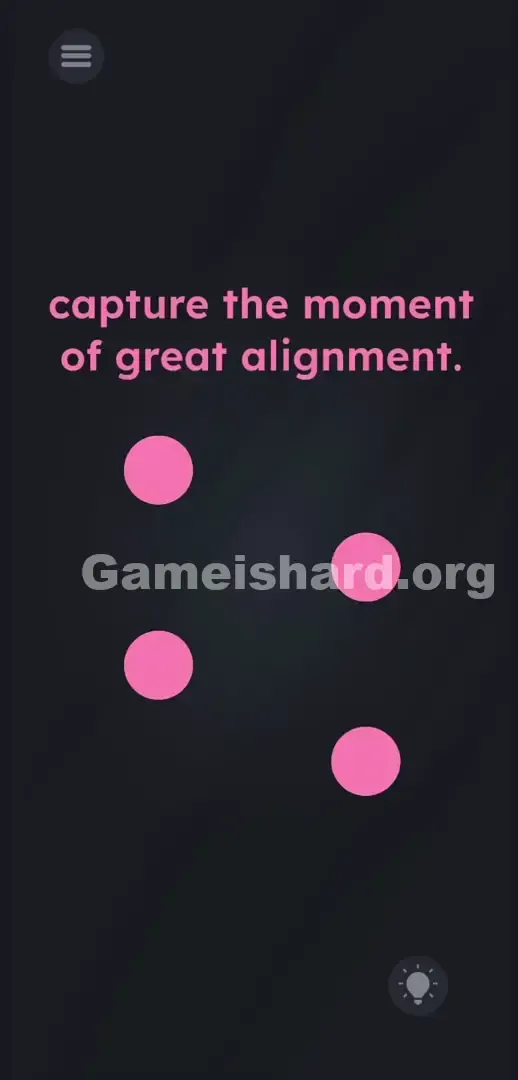
The interface is stripped down to bare essentials — and that emptiness is deliberate. At the top, two plain lines of text deliver the instruction: capture the moment of great alignment.
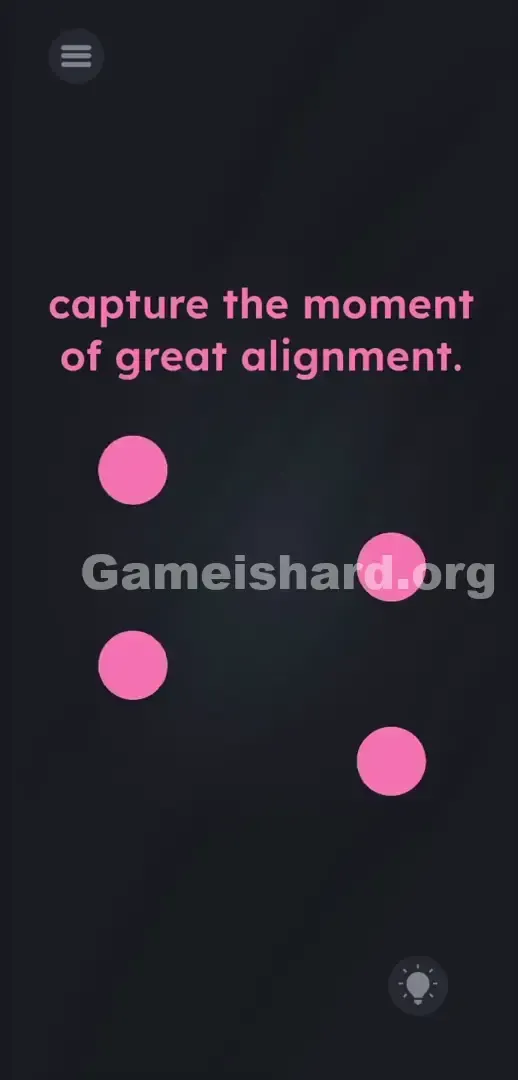
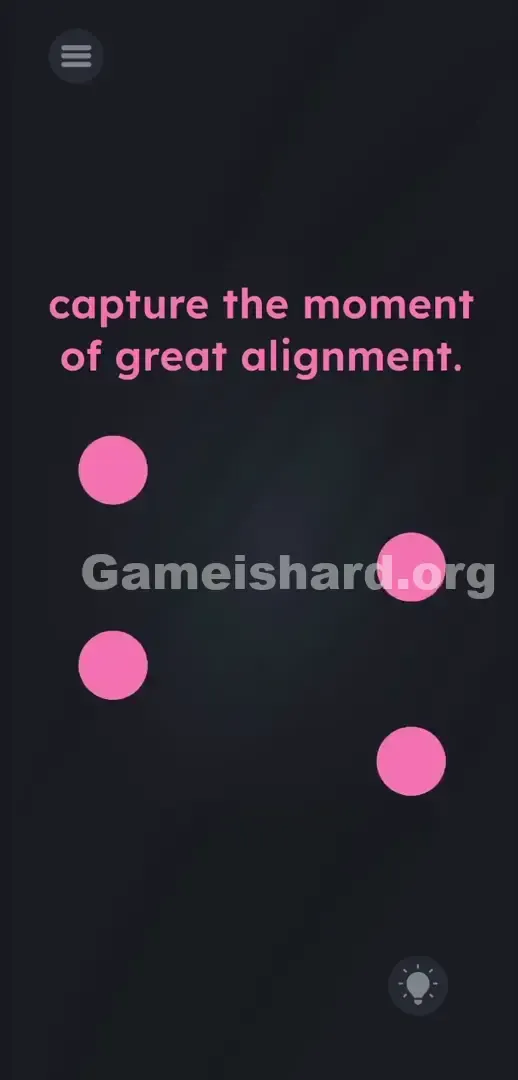
Beneath that, four pink balls drift freely against a deep charcoal-gray backdrop. They move independently, crossing paths without snapping or locking into place.
In the top-left corner sits the standard three-line hamburger menu. In the bottom-right, a circular lightbulb icon offers hints for purchase. There are no hidden sliders lurking in the dark space. No clickable text fragments. The screen feels inert — just four drifting shapes that refuse to respond to your touch.
Common Mistakes to Avoid
The Trap
Most players fail because of UI Blindness — a learned reflex where we assume all answers live inside the app’s visual boundaries. When the game says “capture,” our brain scans for an on-screen shutter button. We overlook that this puzzle actually listens for a hardware-level command. We assume finger-based manipulation is required. It isn’t.
First Instincts That Fail
I did exactly what the level seemed to demand: I dragged the pink balls, hoping to force them into alignment. They didn’t budge. I tried pulling the word capture from the prompt onto the shapes. Nothing. I even pinched to zoom out, convinced a hidden camera interface was tucked off-screen. Still nothing.
Player Reactions
I wasted way too long holding down the menu button, half-hoping it would morph into a camera toggle. Then came the classic facepalm moment — realizing “capture” meant taking a real screenshot, not interacting with any in-app element.
Step-by-Step Solution
Preparing the Move
Lift your fingers off the screen. Stop tapping the pink balls. Position your hands comfortably over the physical buttons on your phone’s frame — you’ll need them for a system-level screenshot.
Executing the Solution
- Watch the four pink balls closely as they glide across the dark background. Note their individual speeds and paths.
- Wait calmly. Don’t touch the screen. Let the physics carry them naturally.
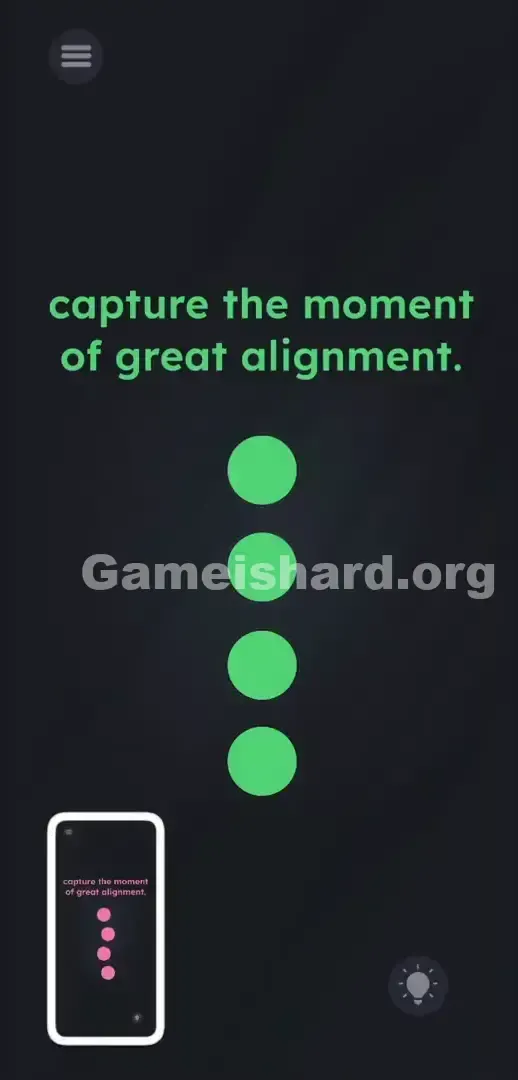
- Predict the precise moment they line up into a flawless vertical column centered on your display.
- The second they snap into that perfect stack, press your device’s Power Button and Volume Up (or Volume Down) together — capture a true screenshot.
- A quick white flash confirms success. The game registers the screenshot event and immediately displays the “level cleared” animation.
If It Did Not Work
- Missed the window? No stress — the animation loops endlessly. Just wait for the next cycle.
- If your screenshot shortcut minimizes the app, try an alternate method. Many devices support a three-finger swipe down to capture. As long as your OS logs the capture, the game accepts it.
- Keep your fingers away from the screen while waiting. Accidentally tapping the menu or lightbulb icon will pull up overlays and throw off your timing.
Why This Solution Works
This level challenges your willingness to break the fourth wall. Your physical phone isn’t just a display — it’s part of the puzzle. “Capture” means exactly what it says: photographing your screen.
The instructions are misdirection; the UI is the real test. Game is Hard constantly merges the digital experience with your real-world device. Under the surface, the app runs a listener waiting for your OS to emit a “screenshot saved” signal. When a level gives you zero interactive elements and asks you to watch an animation, the answer almost always lives outside the app — in your hardware or OS features.
Bonus Tip
Stop scrolling or swiping the prompt text — get your hardware ready early. The success window is razor-thin.
- Hover your fingers over your Power and Volume keys before the balls start converging.
- Focus on the slowest-moving pink ball — it sets the rhythm for the full stack.
- Press the buttons just before perfect alignment. Hardware inputs often have minor latency, so aim slightly early.
Frequently Asked Questions
Why won’t the balls move when I drag them? Level 300 is purely observational — not interactive. You can’t control the objects. Your job is simply to wait for the physics engine to bring them into position.
What if my phone uses a different screenshot method? Use whatever native shortcut your OS supports. Double-tap the back, palm-swipe, voice command — it doesn’t matter how you trigger it, only that your device logs a successful capture.
I pressed the buttons but the level didn’t unlock. Your timing was off by a fraction. The four pink balls must form a clean, straight, vertical line — no deviation left or right. Even slight misalignment fails the check. Just reset and try again.
Does tapping the lightbulb icon help here? No. It spends your hint currency to repeat the same hardware tip you already know. Save those points for the complex logic puzzles ahead. Ignore the bulb — take the screenshot.
More Game Is Hard Solutions
We skip filler, skip fluff, skip rambling. Our guides are built for speed, accuracy, and zero distractions. Share this Game is Hard Level 300 walkthrough with friends stuck on Discord. Keep grinding — you’re closer than you think.