App updates occasionally reshuffle puzzle order. If this level 298 guide doesn’t match what you’re seeing, no stress! Jump to our All Levels page and locate your exact puzzle by image.
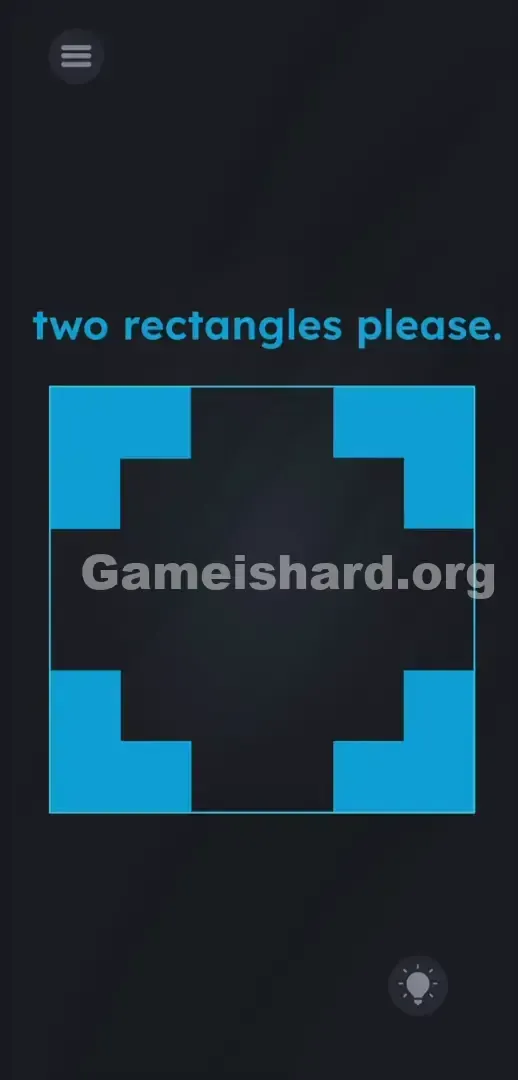
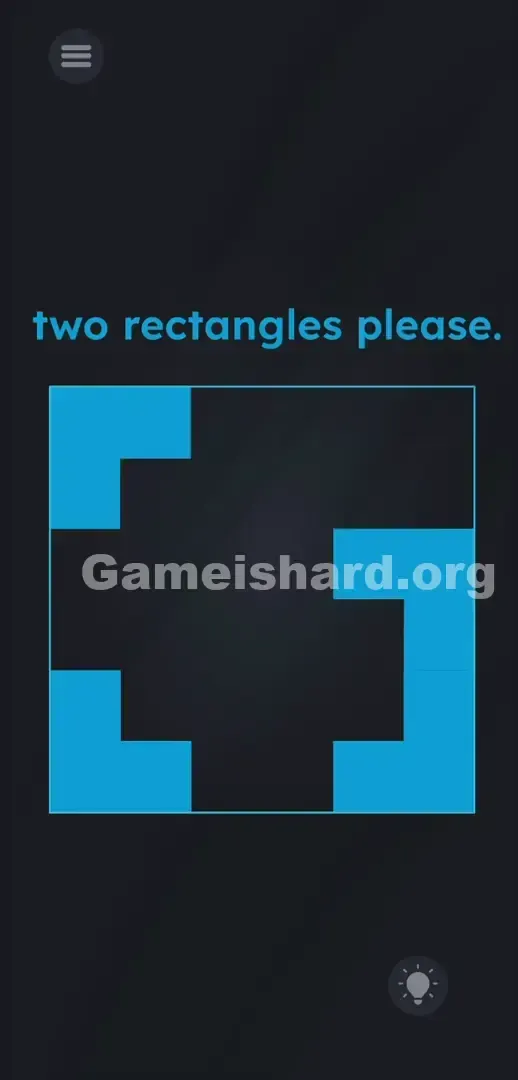
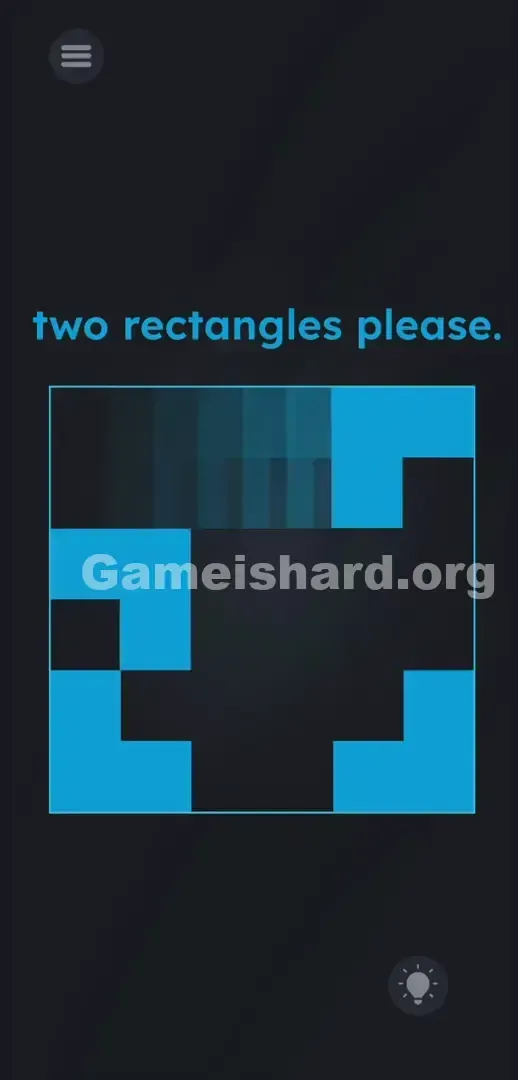
Grab the top-right block and drag it into the top-left block, then repeat the exact same motion with the bottom blocks to clear the stage.
Level Overview
What Makes This Puzzle Tricky
You launch the level and instantly face a jarring, fragmented layout—like a glitched UI or an unfinished design. The instruction “two rectangles please” feels ironic when all you see are disconnected shapes. You might tap the text, swipe aimlessly, or even try sketching on screen. Nothing responds. The game deliberately misleads you about how its interface behaves.
Your Goal
The prompt means exactly what it says: deliver two rectangles. But instead of pre-built shapes, you’re given four isolated L-shaped blue corner pieces. This isn’t a riddle or hidden-object hunt—it’s a hands-on manipulation challenge. Your goal is to physically merge those corners into the required forms by reconfiguring the layout itself.
Here’s what the level actually tests:
- UI drag / shape sliding: Every visible element is interactive.
- Gestalt psychology: Your brain instinctively sees the corners as one frame—not separate parts.
- Multi-touch logic: Pieces snap together on contact.
- Lateral thinking: Overlooking the large black void in the center is key. It’s not a mistake—it’s intentional design.
What Appears on Your Screen
Let’s map out the screen. The background is pitch black. At the top, bright cyan text reads two rectangles please.
Beneath it sits a large square outline. Inside that boundary lies a thick black cross—or plus-sign—cutting through the center.
At each corner of that square sit four light blue, L-shaped blocks—similar to photo crop guides or camera viewfinder markers. They align perfectly to frame the black space.
A standard gray hamburger menu appears top-left; a circular lightbulb hint icon rests bottom-right. Everything seems locked in place—the blue corners look like permanent, decorative framing around empty space.
Common Mistakes to Avoid
The Trap
UI blindness hits hard here. Years of app use train us to treat borders and margins as untouchable. When four blue corners line up cleanly on a grid, your brain labels them as fixed structure—not puzzle elements. Level 298 exploits that assumption. You read “two rectangles please” and instinctively search inside the frame—overlooking the corners themselves.
First Instincts That Fail
Many players—including me—first treat the black cross as the puzzle. We pinch-zoom it, double-tap blank areas, tilt the device hoping pieces shift, or even try dragging the text down into the box. None work. The level demands literal, physical construction—not interpretation.
Player Reactions
I spent over two minutes treating those blue corners like immovable walls. Then, in frustration, I swiped sideways—and one corner slid freely across the screen. That moment revealed the truth: the frame wasn’t a cage. It was the solution.
Step-by-Step Solution
Preparing the Move
Stop reading the prompt. Stop analyzing the black cross. Focus solely on the four blue L-shaped corner pieces—as if they’re tangible puzzle tiles resting on a table.
Executing the Solution
- Press and hold your finger firmly on the top-right blue L-shape.
- Drag that blue shape directly to the left, straight toward the top-left blue shape.
- Smash them together. The two L-shapes will instantly snap into a single, solid blue rectangle.
- Now, press and hold the bottom-right blue L-shape.
- Drag it left, slamming it directly into the bottom-left piece.
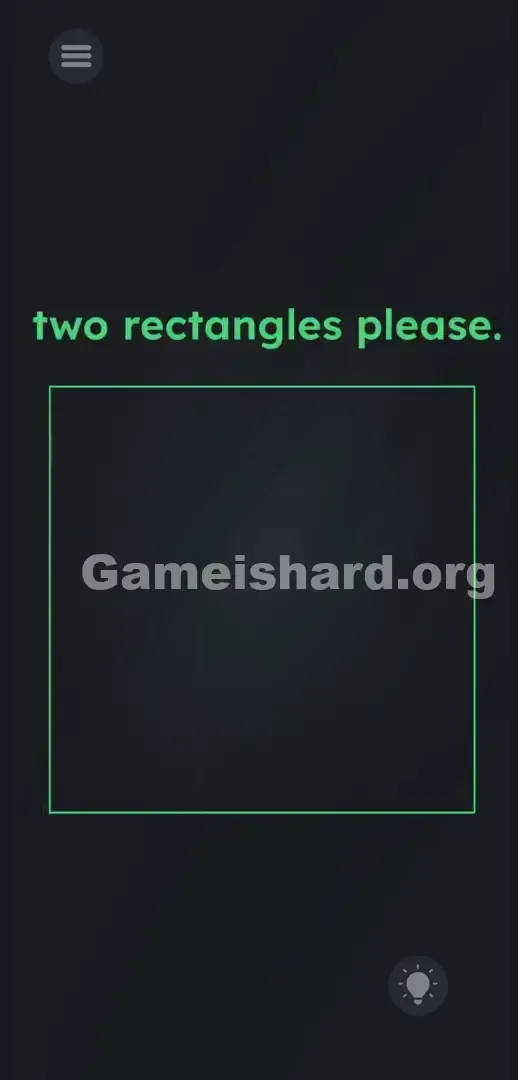
- The second solid blue rectangle is formed. The level immediately clears.
If It Did Not Work
If nothing happens when you swipe, check your starting point—you must press directly on the blue pixels. Grabbing adjacent black space won’t register. Move decisively: drag all the way until the pieces collide. If a block stalls mid-slide, lift and restart the drag. Avoid diagonal movement—horizontal swipes are most reliable.
Why This Solution Works
This level leans on a classic perceptual illusion: mistaking UI framing for static background. The core rule is pure physics-based interaction. The developers bank on pattern recognition—we see a border and assume it’s decorative. By making that border draggable, Level 298 flips expectations: every visual element is fair game. The instructions are literal—but the presentation is designed to misdirect. The puzzle exists to prove that what looks like a cage is actually the key.
Bonus Tip
Racing against time or competing with friends? Skip the overanalysis.
- Ignore the prompt completely.
- Target the right-side blocks the second the level loads.
- Swipe left with confidence.
- Keep your thumb on the right side—no need to touch the left blocks at all.
- Don’t waste a single tap on the black void.
Frequently Asked Questions
Why won't the blue blocks move when I tap them? Tapping has zero effect here. You must press, hold, and drag—like sliding heavy cabinet doors across a floor.
Do I need to combine all four pieces into one giant rectangle? No. The prompt asks for two rectangles. Merging the top pair creates one; merging the bottom pair creates the second. Completion triggers the instant the second rectangle locks in.
Does it matter which block I drag? Not technically—you could drag left pieces right or right pieces left. But moving top-right → top-left, then bottom-right → bottom-left is the fastest, most natural flow.
Can I drag the text in this specific level? Nope. While other levels rely on moving words or letters, the text in Level 298 is purely decorative. Only the blue corners respond to touch.
More Game Is Hard Solutions
Our guides cut past vague clues and deliver precise, actionable steps. We know how frustrating it is when a game breaks its own patterns—so we focus only on what works. Share this page with your Discord squad if they’re stuck swiping at dead space. Keep going. Break the interface. Next level.