App updates can occasionally shift puzzle order. If this level 240 walkthrough doesn’t match what you’re seeing, no stress! Flip through our All Levels hub to locate your exact puzzle using its visual layout.
You must physically step away from the app to activate the next stage.
Level Overview
What Makes This Puzzle Tricky
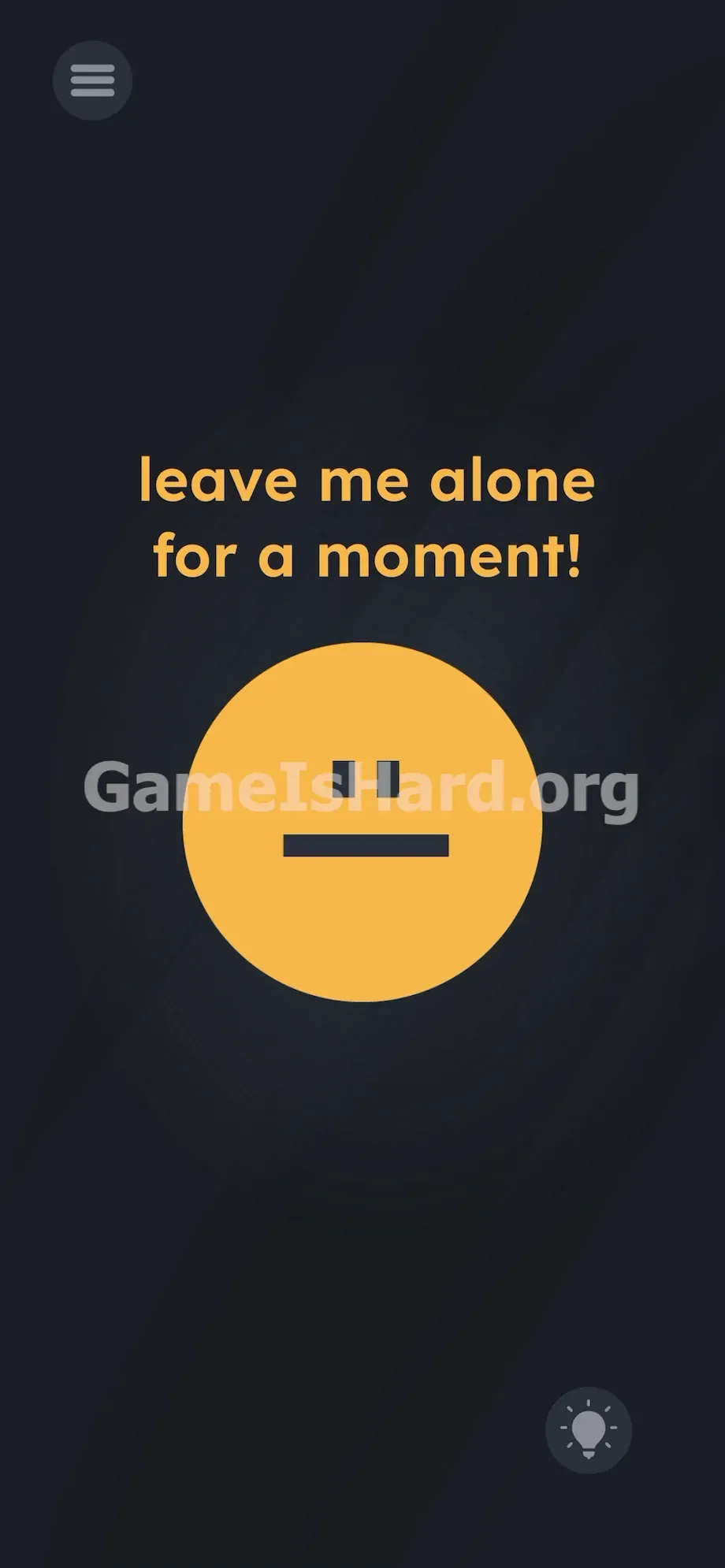
A blank, unblinking yellow face stares back at you—visibly irritated. The text above it bluntly demands space. Most players instinctively try reverse psychology: swiping, tapping eyes, jabbing the center. Nothing responds. The interface locks up completely, making this feel uniquely frustrating compared to earlier levels that rewarded rapid interaction.
Your Goal
Your mission is to honor the request literally: grant the on-screen character solitude. Instead of manipulating elements within the game, you need to alter your device’s real-world state. This level tests whether you recognize that your phone’s OS controls—not just the app’s UI—are part of the puzzle.
- Timing / waiting
- Device state manipulation (backgrounding the app)
- Hidden UI
- Literal instructions
It’s not a mistake—it’s intentional design.
What Appears on Your Screen
Let’s examine the layout. It’s stripped down to the bare essentials. Dominating the center is a large yellow circle serving as a face—two small black squares for eyes, one straight black line for a mouth. Pure, unrelenting indifference.
Above the face, bold orange text reads: leave me alone for a moment!
In the bottom-right corner sits the standard hint bulb. Top-left holds the pause menu icon. That’s everything. No hidden letters, no spacing tricks, no misaligned shapes to fix. Just an empty, demanding interface telling you to stop playing.
Common Mistakes to Avoid
The Trap
Players stall here due to “UI tunnel vision.” Mobile gaming trains us to touch the screen constantly—if a level loads, we assume interaction is required. Some attempt to drag “alone” offscreen; others try stretching the mouth into a smile or mashing the yellow face. None of it registers. The trap lies in believing the answer lives inside the visible app window.
First Instincts That Fail
I tried pulling words apart with two fingers. I shook my phone hard, hoping to jolt the face into expression. I even held both eyes and shouted into the mic. Zero effect. Every gesture on the screen directly contradicts the instruction staring back at you.
Player Reactions
Total facepalm moment. I stared at that flat yellow face for over five minutes. Then—completely by accident—I locked my phone to grab water… and the level solved itself. Getting outsmarted by a simple sleep command is equal parts embarrassing and oddly satisfying.
Step-by-Step Solution
Preparing the Move
Stop all screen contact. Lift your fingers entirely. The yellow face isn’t asking for attention—it wants you gone, so you must remove the app from active focus.
Executing the Solution
- Press your phone’s power button to black out the screen, OR swipe up / press the home button to send the app to the background.
- Wait three to five seconds—give the game its actual “moment” of silence.
- Wake your phone or tap the Game Is Hard icon to relaunch the app.
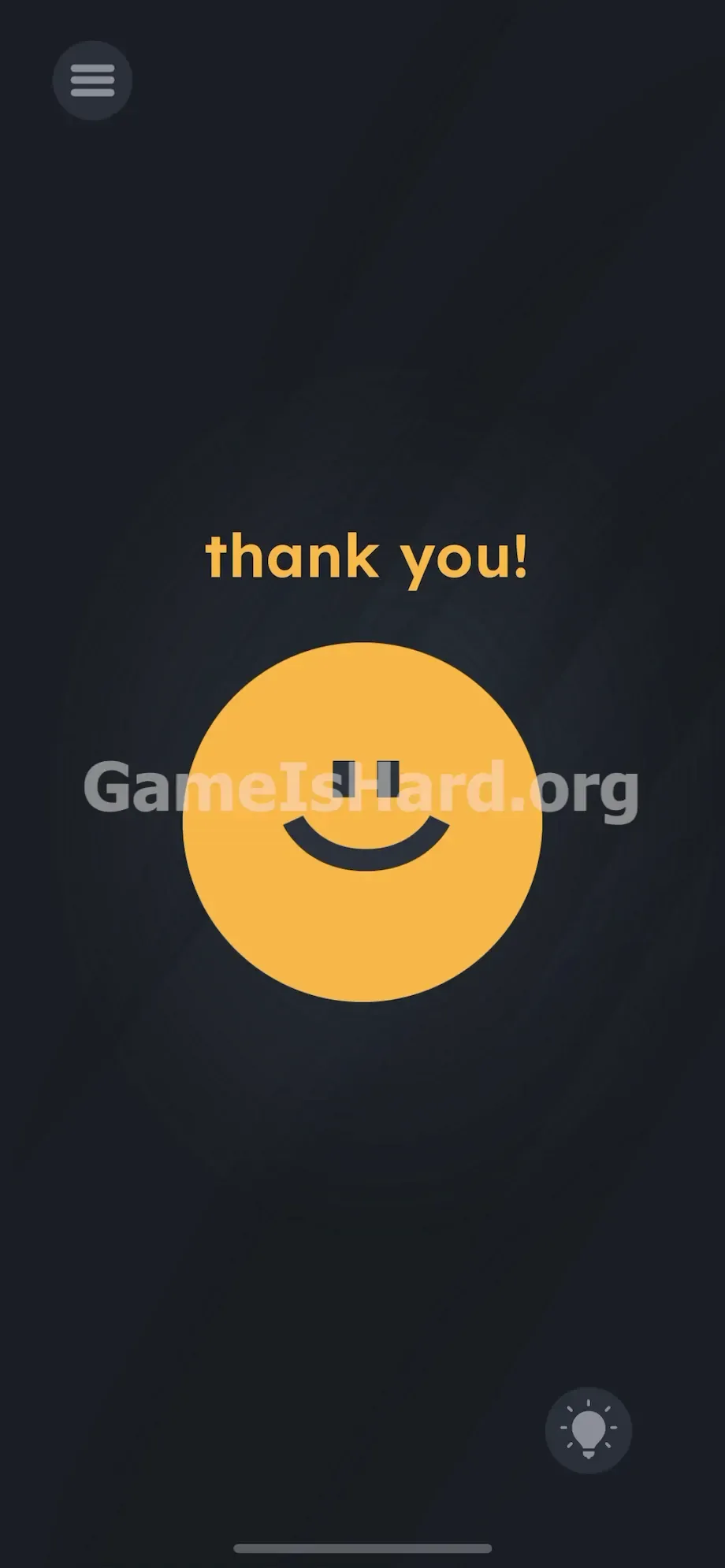
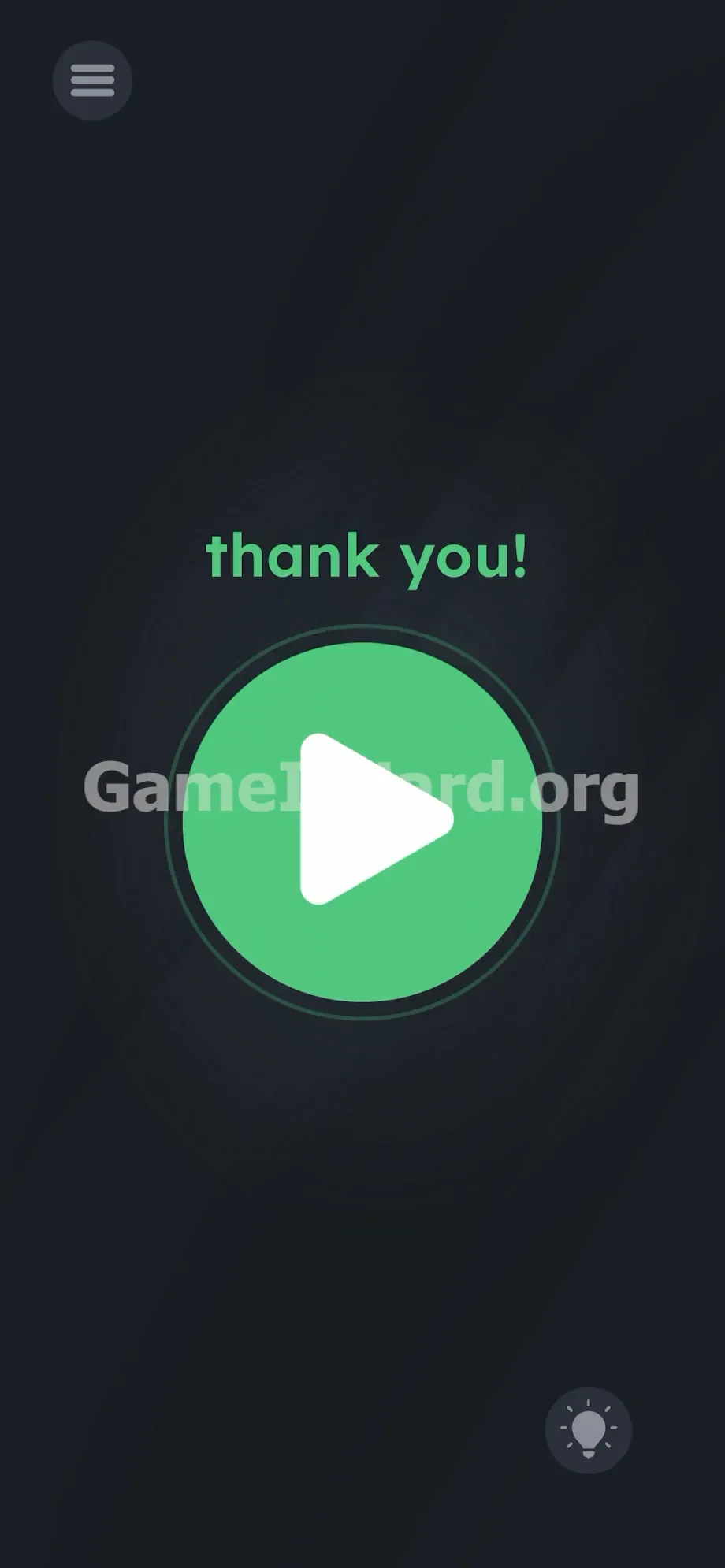
- The grumpy yellow face vanishes. The text now reads bright green thank you!
- Tap the large green play button centered on screen to complete the level.
If It Did Not Work
- If you lock and immediately unlock, the level may not register the break. Pause for a full three seconds while the screen stays dark before waking your device.
- Avoid force-quitting or swiping the app from recent tasks. That resets progress—you only need to minimize it.
- Pulling down notifications usually won’t trigger the state change on most devices. Navigate fully to your home screen for reliability.
Why This Solution Works
This level breaks the fourth wall intentionally. It shifts focus from in-app visuals to your phone’s operating system behavior.
Under the hood, mobile apps detect when they enter an “OnPause” state (e.g., when backgrounded) and an “OnResume” state (when reopened). Level 240 listens specifically for those signals. The prompt isn’t metaphorical—the UI is the puzzle. Your power button and home screen become essential tools. When it says “leave me alone,” it’s requesting that exact OnPause command.
Bonus Tip
Skip the guesswork. Treat this like a hardware test—not a logic puzzle. Speedrunners and repeat players use this precise flow to beat the level in under five seconds.
- Swipe to your home screen the instant the yellow face appears.
- Count silently to three.
- Tap the Game Is Hard icon to jump straight back in.
- Hit the green play button instantly.
Don’t waste time dragging punctuation or dissecting the word “moment.”
Frequently Asked Questions
Why doesn’t the face change when I look away? The game doesn’t track eye movement—it monitors software-level activity. You must lock the device or background the app to trigger the transition.
Can I just close the app to “leave it alone”? No. Force-quitting wipes your progress and restarts the level. Never swipe it from recent apps—just minimize.
Does lowering screen brightness help? No. Dimming has no effect. The screen must fully lock—or the app must drop to background OS priority.
I locked my screen but nothing changed when I reopened. Likely too quick. The game needs a measurable gap—hold it dark for at least three full seconds before unlocking.
More Game Is Hard Solutions
We craft these guides to cut through the grind and get you back to having fun with your phone. Fast, no-fluff, zero filler. Share this with your Discord squad if they’re stuck wrestling with a stubborn yellow circle.