App updates occasionally reorder puzzles. If this level 212 walkthrough doesn’t match what’s on your screen, no problem! Check our All Levels directory to locate your exact puzzle using its visual reference.
Dragging it straight upward through the center won’t work—the sentence itself functions as an impenetrable barrier.
Level Overview
What Makes This Puzzle Tricky
At first glance, it seems straightforward: grab the object and lift it up. But the moment you try, it halts—no matter how hard you swipe. The game isn’t just playing with romance—it’s manipulating physics behind a clean, minimalist interface. We’re trained to treat on-screen text as passive instruction. Here, it’s a tangible, unyielding obstacle.
Your Goal
The goal is simple and literal: place the heart into the “air”—meaning the top portion of your screen. But pulling it off demands realizing that the UI itself is actively resisting your movement.
Mechanics you’re working with:
- UI drag
- Hidden physical hitboxes
- Pathing / bypassing
- Logic traps The phrase isn’t just guidance—it’s a structural wall.
What Appears on Your Screen
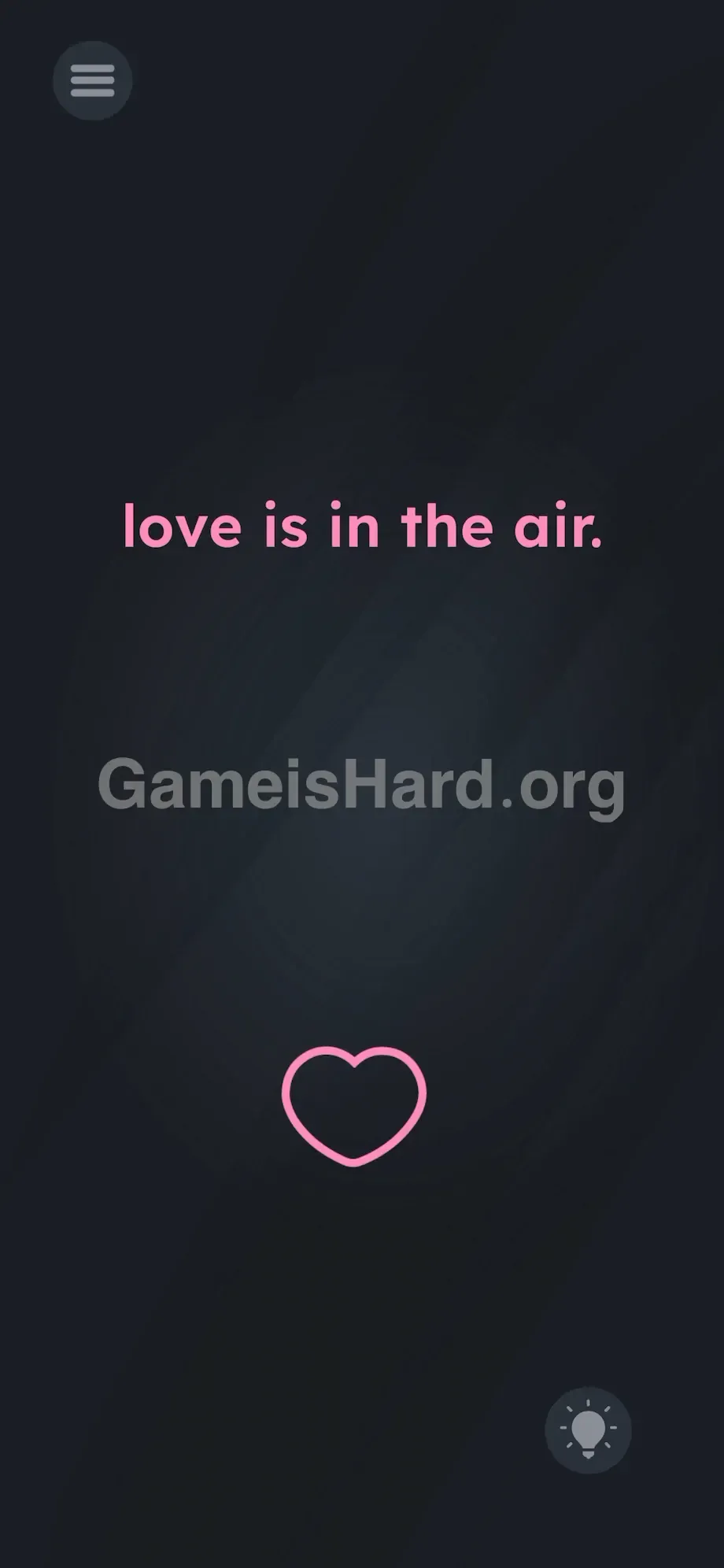
The layout appears deceptively minimal. A dark, empty background. Centered, bold pink lowercase letters spell out: love is in the air.
A faint pink heart outline rests at the bottom edge. The standard hamburger menu sits top-left; the hint lightbulb occupies bottom-right. That’s all—no timers, no moving parts, no distractions. Just words and one shape.
But spacing is the real challenge. The wide vertical gap between the heart and the centered phrase looks like a clear path. It tempts you toward the most direct route. Resist that instinct—the screen is designed to punish the obvious move.
Common Mistakes to Avoid
The Trap
UI blindness hits hard here. Years of app and game experience teach us to skim text, absorb meaning, then ignore its physical presence. In this engine, every letter carries collision data—it’s solid. Players fail because they don’t treat the prompt as a real-world object occupying space.
First Instincts That Fail
You tap the heart. You drag upward—only to hit a dead stop at the base of “the.” You assume something’s broken. You tap the words repeatedly. You tilt or shake your phone, hoping gravity will help. You even try dragging the word “love” down toward the heart. None of it works. You’re essentially jamming a puzzle piece into an invisible ceiling.
Player Reactions
Total facepalm moment. I spent over two minutes swiping straight up, convinced my touchscreen was glitching or my finger wasn’t registering. I retraced the same line again and again. Once I realized the phrase itself was blocking me, I had to set the phone down for a breath. It’s clever—and deeply frustrating.
Step-by-Step Solution
Preparing the Move
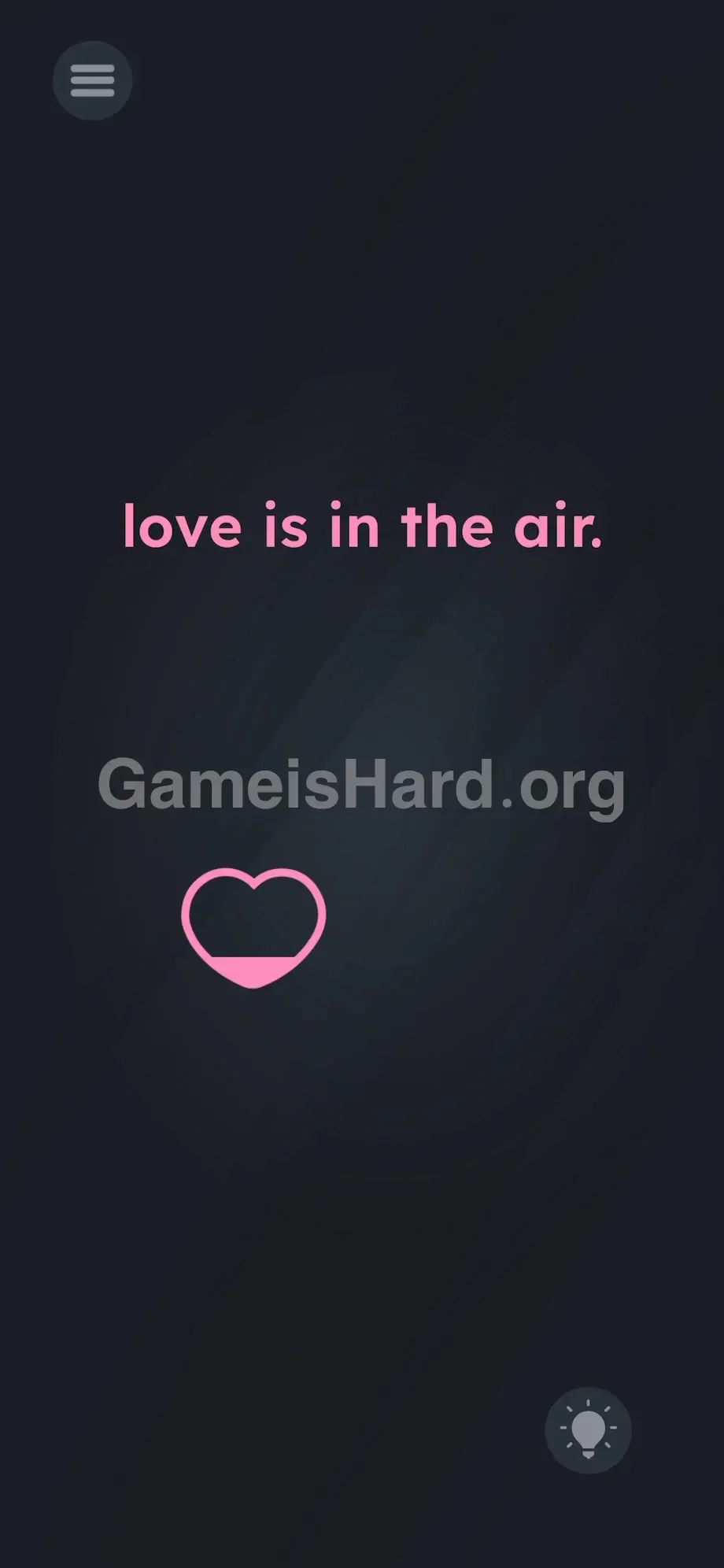
Forget the direct route. Think of the screen’s center as off-limits. Place your finger on the heart outline at the bottom. Press and hold until it responds visually. Don’t flick—keep your finger steady and grounded.
Executing the Solution
- Drag the heart horizontally all the way to the extreme left side of your screen.
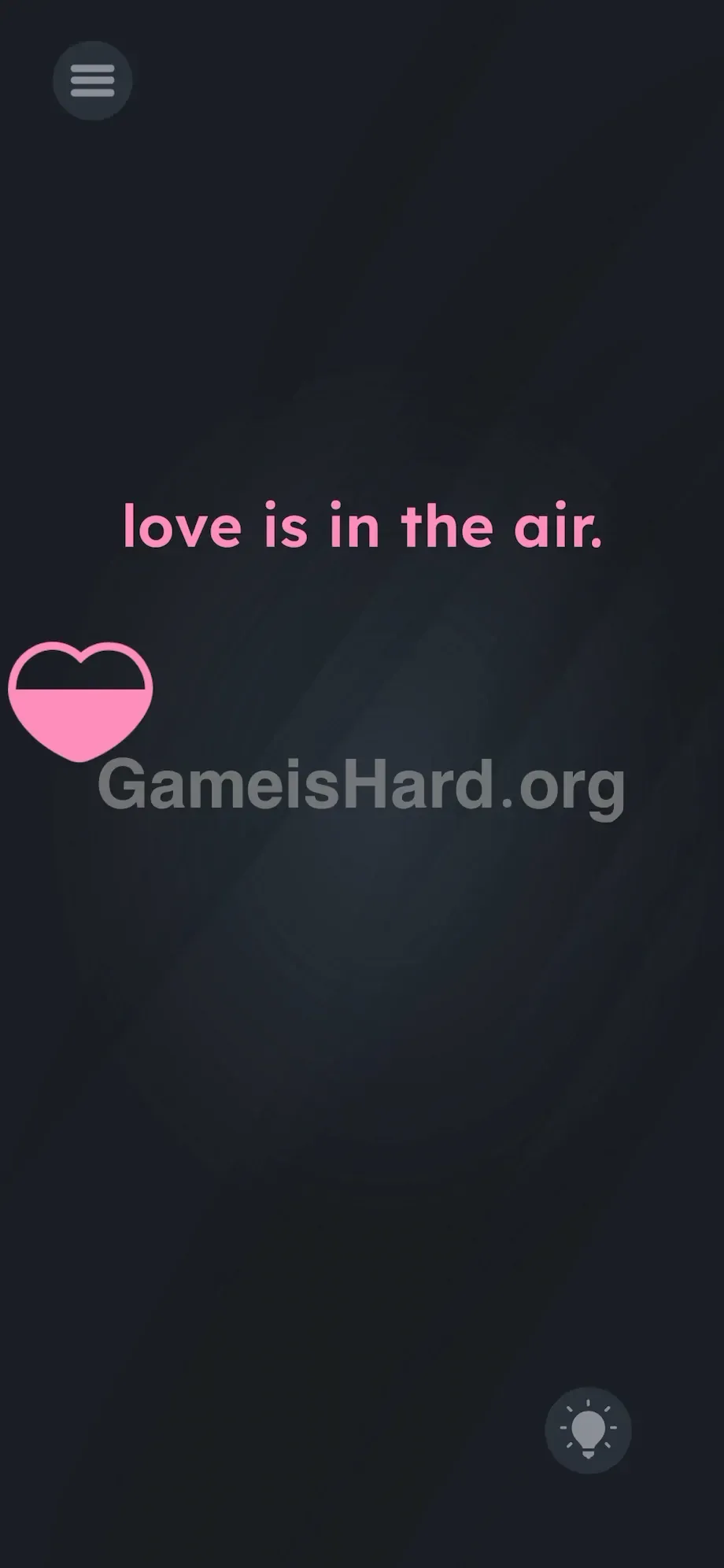
- Keep your finger pressed down and move straight up along the side bezel—fully clearing the “love is in the air.” text.
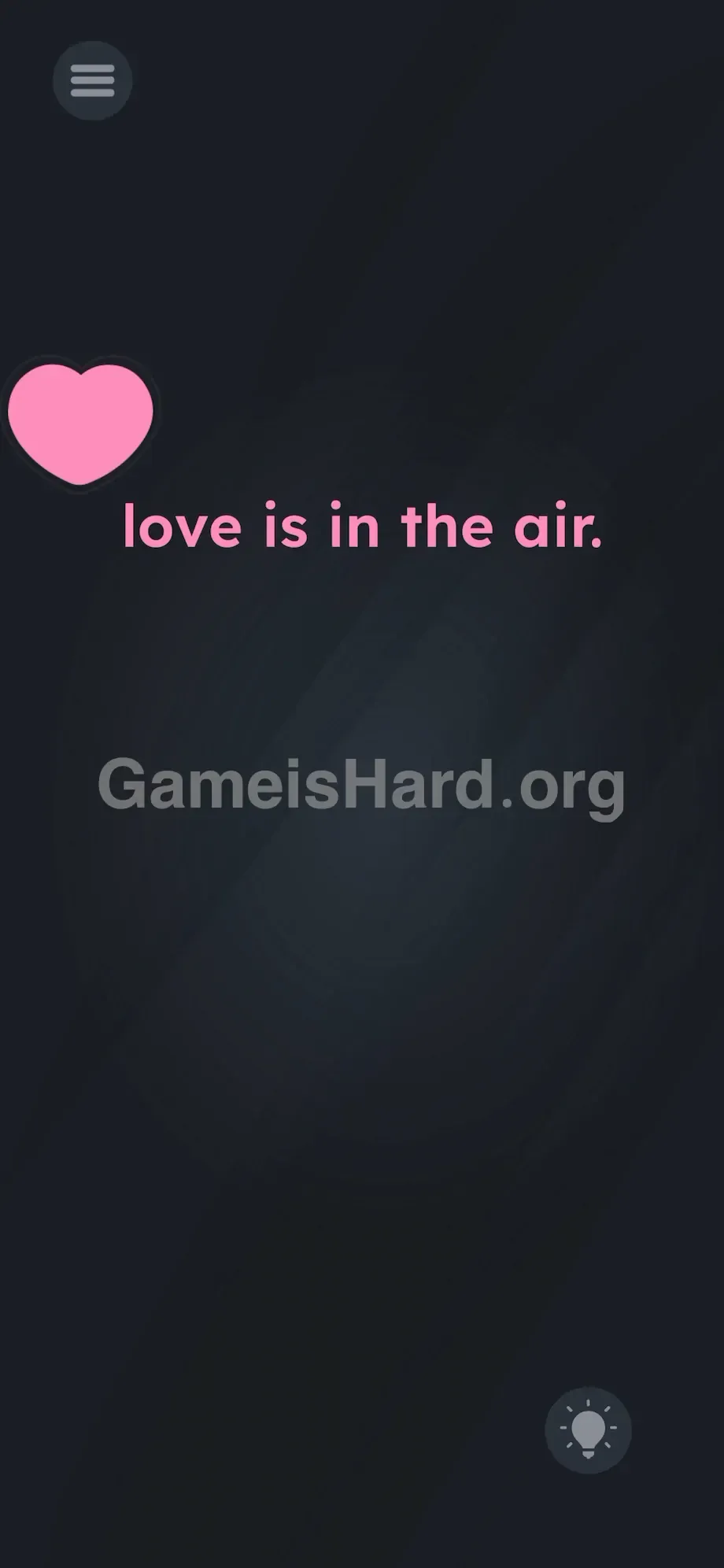
- Once you’re above the entire phrase, guide the heart back toward the center.
- Release it precisely at the top edge of the screen to solve the level.
If It Did Not Work
Dropping too soon may reset the heart to the bottom. Maintain firm pressure. Brushing against the “l” or final period will cause it to recoil and stall. Go wider—imagine the phrase surrounded by an invisible buffer zone extending beyond the visible letters. Stick to the absolute edge of your device. If the heart gets permanently lodged inside the text, close and restart the app.
Why This Solution Works
This level hinges entirely on the “text-as-objects” principle—a staple in lateral-thinking puzzle design. Letters aren’t decoration; they’re functional elements—like walls or platforms.
The instruction is both clue and misdirection; the interface is the puzzle. You’re meant to interpret “love is in the air” literally—the top half of your screen is the air. But the deeper test is spatial awareness: recognizing that the prompt occupies real, interactive space in the game world. When an object stops mid-drag in a puzzle, it’s hitting a boundary. Your job is to navigate around that boundary—even when it’s made of typography.
Bonus Tip
Stop trying to push through immovable objects. For speedruns or replays, use this precise motion:
- Press and hold the heart .
- Slide decisively left to the screen’s outer edge.
- Drag vertically up to the top border.
- Center and release. Skip tapping the words. Skip shaking the device. Precise movement and smart pathing are your only tools.
Frequently Asked Questions
Why does the shape freeze halfway up the screen? It’s colliding with the text. The phrase in Game is hard Level 212 has a fixed, solid hitbox—you can’t drag anything through it.
Can I shift the words out of the way? No. The text is locked to the background. Only the heart at the bottom is movable.
Does left vs. right make a difference? Either side works equally well—you just need to fully skirt the width of the phrase to avoid collision detection.
Why does the heart fill with color while I move it? It’s a visual feedback cue confirming you’ve successfully grabbed and are interacting with the object. It becomes fully colored once you reach the top.
What happens if I drag it downward? Nothing triggers. The success zone is strictly the top screen border—matching the “in the air” requirement.
More Game Is Hard Solutions
Guides on thegameishard.org are built for speed, accuracy, and zero filler. We map out exact hitboxes and expose logic traps so you can get back to solving—not scrolling. Share this walkthrough with your Discord squad the next time they’re wrestling with invisible text barriers. Keep grinding through the levels—you’ve got the right approach now.