App updates can sometimes shuffle the order of puzzles. If this level 210 walkthrough doesn't match your screen, don't worry! You can browse our All Levels guide to find your exact puzzle by its picture.
Level Overview
What Makes This Puzzle Tricky
At first glance, it’s just a maze and a ball — so you instinctively reach for your finger to drag it toward the exit. But nothing responds. Swiping? No reaction. This level ditches touch controls entirely and turns your phone itself into the controller — using its built-in motion sensors.
Your Goal
The goal seems straightforward: “get the ball out.” But there’s more to it. First, you won’t be tapping or swiping — movement comes only from tilting. Second, the main ball starts too small to exit; you must collect the smaller dots first to grow (or clear the path). Think of it as Snake meets a physics-based maze — collect all targets without hitting any walls.
How the Game Responds
- Tilt / Rotation Sensors: Your phone’s gyroscope is the only way to control movement.
- Precision Control: A slight over-tilt sends the ball careening — accuracy matters more than speed.
- Collection: You can’t exit until you’ve gathered every small dot. It’s not optional — it’s required.
This isn’t logic-based — it’s pure hand-eye coordination.
What Appears on Your Screen
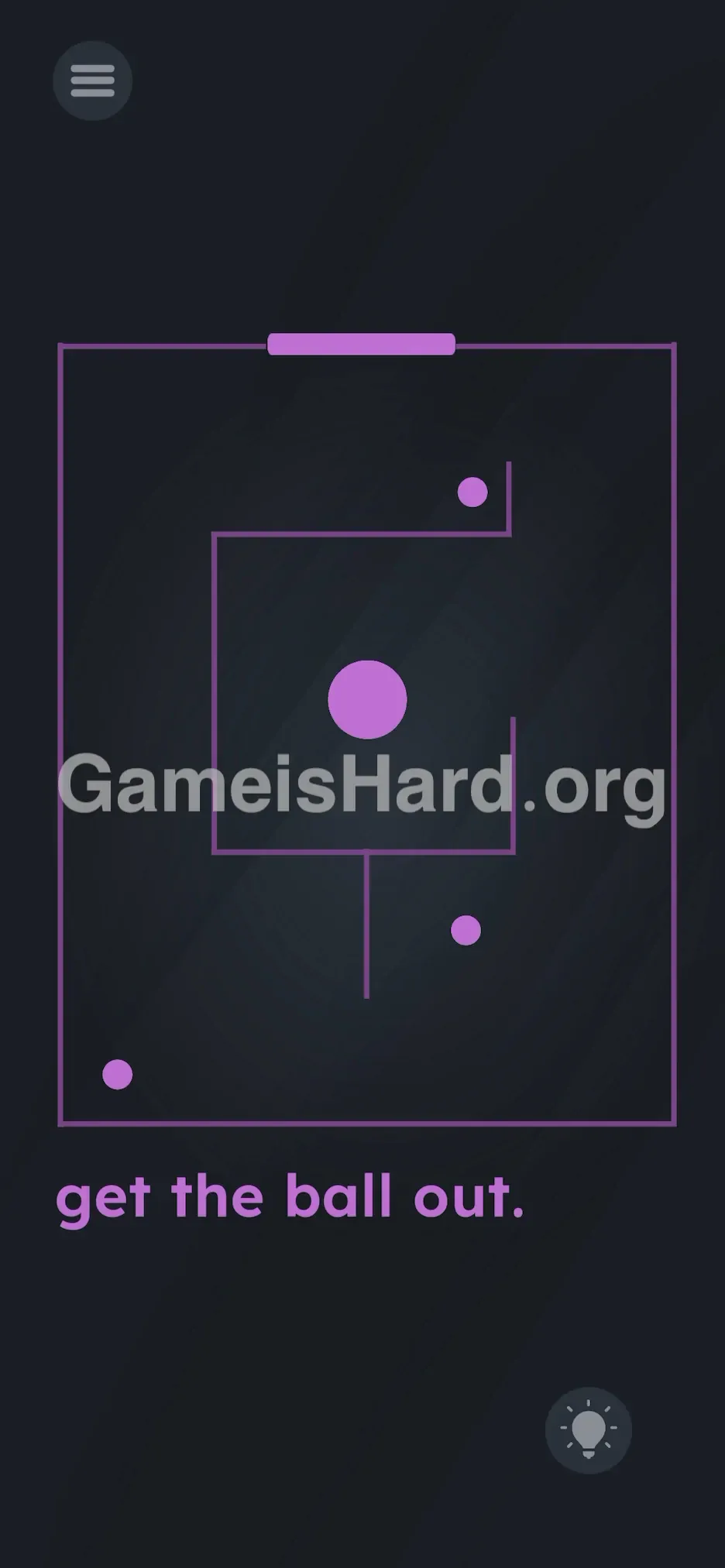
A stark black background with glowing purple neon elements forms a square maze.
- The Player: A medium-sized purple ball sits centered inside the frame.
- The Targets: Three tiny purple dots sit in the bottom-left, bottom-right, and top-right corners.
- The Obstacles: Curving inner walls create a loose spiral pattern — tight but navigable.
- The Exit: A clean, open gap sits at the very top edge of the square border.
- The Text: Minimalist instruction at the bottom reads “ get the ball out. ”
The retro-futuristic aesthetic feels like an arcade cabinet from the early '80s.
Common Mistakes to Avoid
The Trap
Speed is the silent enemy. Because tilt responsiveness varies across devices, many players tilt too aggressively — especially when aiming for distant dots. That extra momentum often leads straight into a wall before they can correct course. One collision usually ends the attempt.
First Instincts That Fail
Most people try dragging the ball or even the maze itself. Others rush straight for the top exit — only to discover it won’t register as complete unless all three small balls are collected first. Skipping collection means no win — regardless of size or position.
Player Reactions
I spent nearly 60 seconds tapping and swiping like I was trying to wake up a frozen app. Then, shifting my grip made the ball drift left — and it clicked. “Oh — that’s how it works.” My first real attempt ended with a loud thud against the wall. Classic.
Step-by-Step Solution
Preparing the Move
Stabilize your device — place it flat on a table if your hands tend to shake, or hold it securely with both palms. Wait for the ball to settle completely before starting. Consistency beats speed here.
Executing the Solution
- Tilt your phone gently to nudge the central ball — no screen touches allowed.
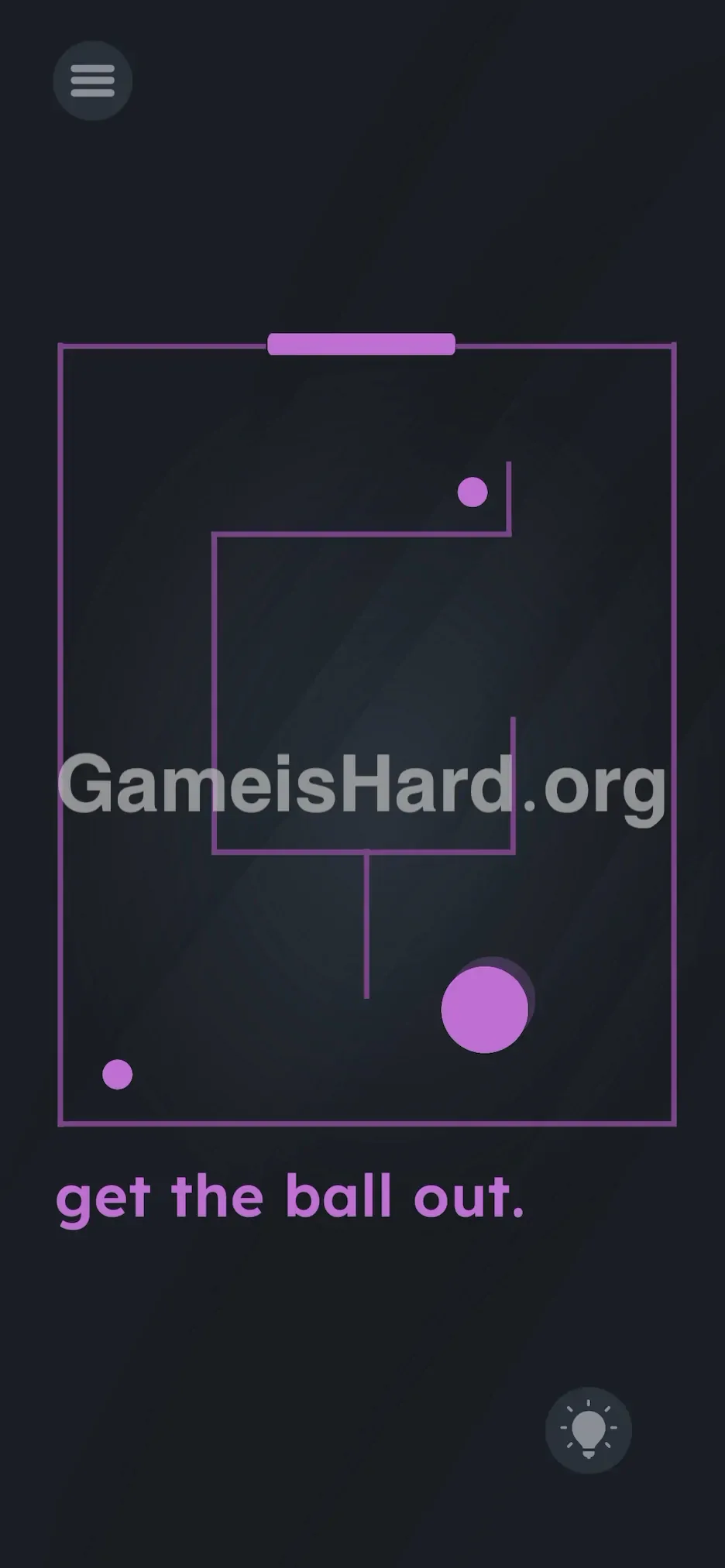
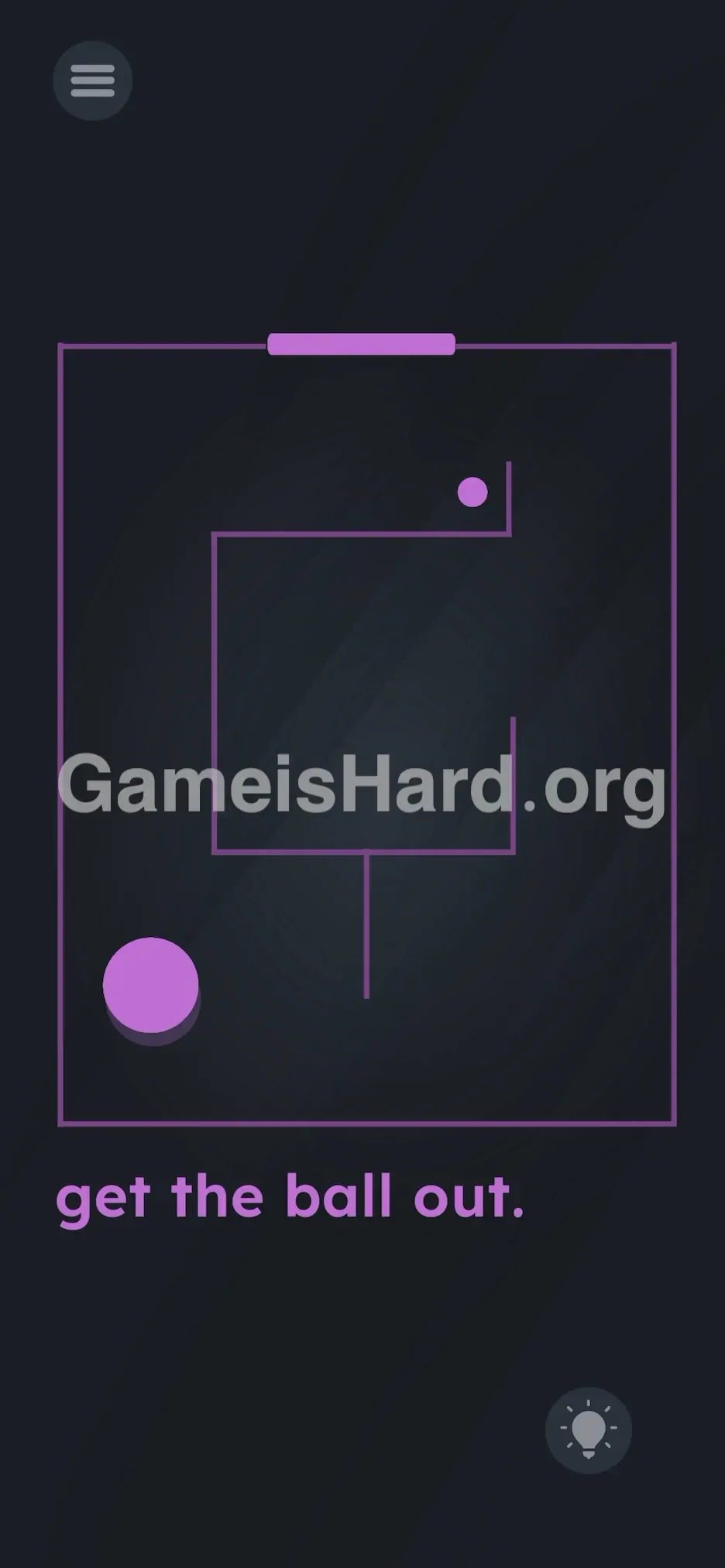
- Navigate the maze and collect all three small purple balls . While order isn’t locked, grabbing the bottom two first keeps you lower in the maze and sets you up for the final climb.
- Monitor your pace — if the ball accelerates too much, tilt slightly in the opposite direction to slow down.
- Keep clear of all purple walls — contact triggers instant reset.
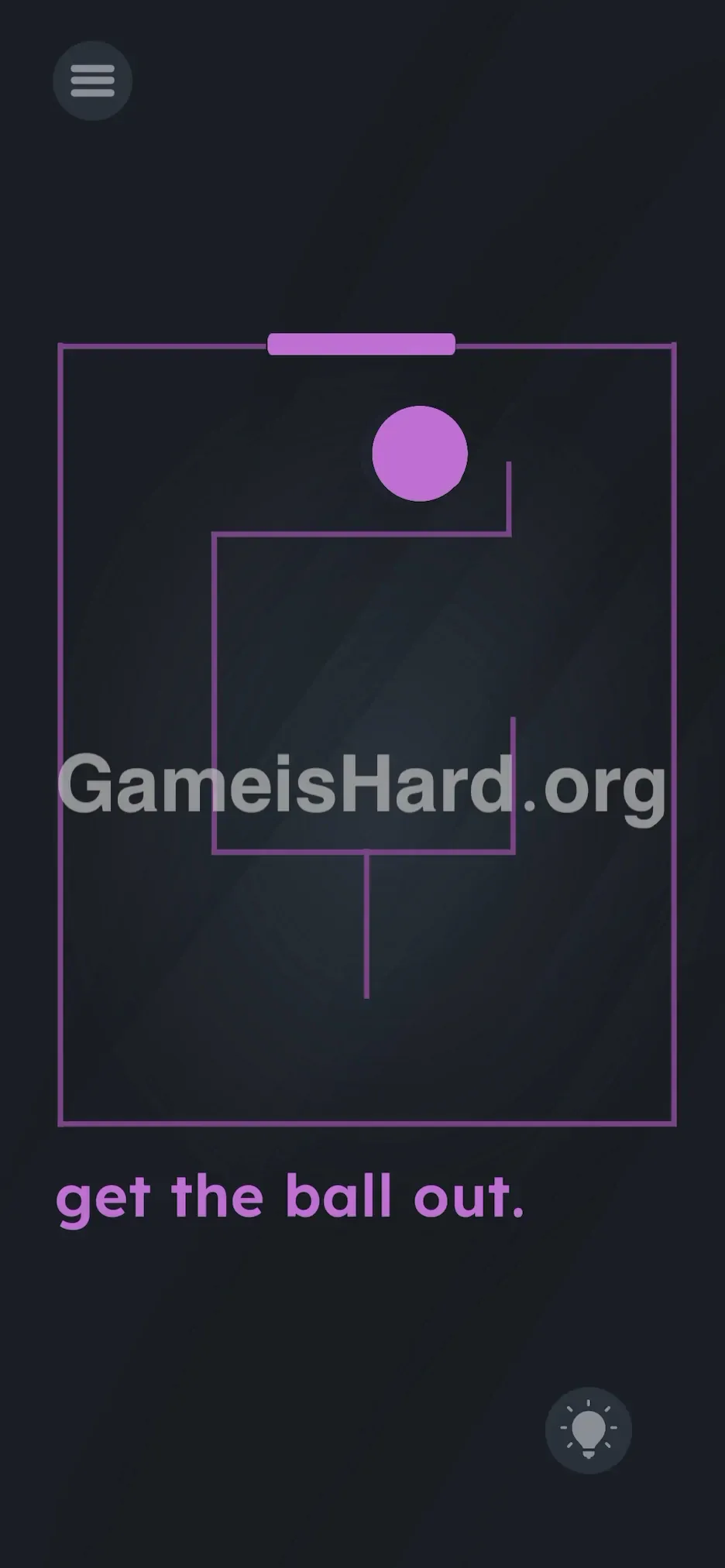
- After absorbing all three dots, steer steadily toward the top gap and roll the enlarged ball cleanly out of the frame.
If It Did Not Work
- The ball is stuck: If pinned but not failed, try a quick, sharp tilt away from the wall to break free.
- Sensors not working: Confirm auto-rotate isn’t disabled — though most games override that setting. If still unresponsive, restart the app.
- Too sensitive: Play with your phone nearly flat and use micro-tilts — think millimeters, not degrees.
Why This Solution Works
This is a deliberate “sensor awareness” checkpoint — testing whether you recognize when the game shifts from tap-to-solve to move-your-device.
- Hardware integration: It breaks immersion intentionally — your physical world becomes part of the puzzle.
- Skill check: Forget deduction — this level rewards steady hands, patience, and fine motor control.
Bonus Tip
- Keep your phone horizontal — upright angles exaggerate movement.
- Brake before reaching your target — overshooting is the #1 cause of wall hits.
- Optimal route: Bottom-Left → Bottom-Right → Top-Right → Exit. Smooth, clockwise flow.
- Ignore the text — it’s static and irrelevant to gameplay.
Frequently Asked Questions
Q: Can I tap the screen to pause or stop the ball? A: No — taps do nothing or may pause the game. Only tilt works.
Q: Is collecting all three small balls mandatory? A: Yes. The exit only activates after full absorption — skipping even one prevents completion.
Q: Why does the ball feel slippery? A: The physics engine mimics low-friction surfaces — treat every tilt like steering on ice.
Q: I brushed a wall but didn’t fail? A: Hitboxes sometimes allow minor grazing. Don’t push your luck — back off immediately and regroup.
More Game Is Hard Solutions
We keep these guides short and actionable — because nobody wants paragraphs when they’re mid-frustration. If this helped you set down your phone instead of shaking it, share it with someone else stuck on level 210. Onward to the next challenge!