App updates occasionally rearrange puzzle order. If this level 110 walkthrough doesn’t match what’s on your screen, no stress! Flip through our All Levels directory to spot your exact puzzle by image.
Don’t try dragging the ball with your finger—it only reacts to real-world gravity via your device’s gyroscope.
Level Overview
What Makes This Puzzle Tricky
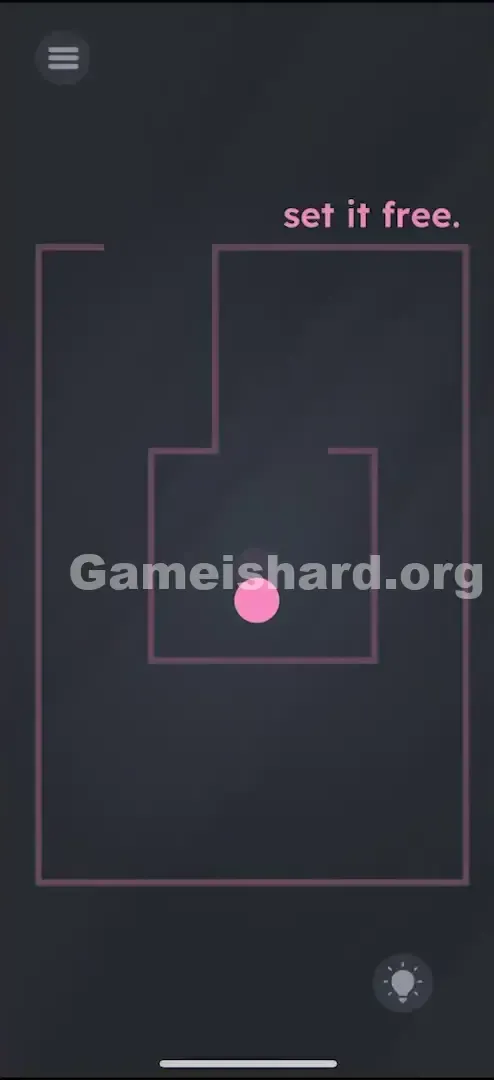
You’re boxed in—literally. As soon as level 110 loads, you see a pink ball caged inside a maze. Your natural reaction? Swipe, tap, or drag it. But nothing happens. The screen feels unresponsive. It’s maddening—especially since the clue “set it free” is right there, yet the controls seem broken.
Your Goal
Your mission is straightforward: escape the maze. But this isn’t a standard touch-based challenge—it’s a physics-driven test. You must steer the ball from its starting chamber all the way out past the outer boundary, fully removing it from the maze layout.
Key Mechanics
- Tilt Control / Gyroscope: Input comes entirely from your phone’s motion sensors—not the touchscreen.
- Physics Simulation: The ball behaves with realistic weight, inertia, and bounce.
- Maze Navigation: Walls are solid—you can’t push through them or warp past them. It’s not broken—it’s gravity in action.
What Appears on Your Screen
The interface is sleek and minimal—mostly dark grey.
- The Prompt: Top-right corner displays “set it free” in soft pink text.
- The Maze: Pink line art forms a clean, angular maze—featuring an inner square (where the ball begins) and an outer path leading toward the exit.
- The Ball: A vibrant pink sphere sits motionless at the center.
- The Exit: Look closely—the inner box opens upward, while the outer wall has a clear gap at the top-left corner. That’s your only way out.
Common Mistakes to Avoid
The Trap
The main pitfall? “Touchscreen autopilot.” We’re trained to interact with mobile games using taps and swipes—so players instinctively scrub their fingers across the screen, convinced the ball is glitchy or misaligned.
First Instincts That Fail
- Dragging the ball: It won’t respond at all.
- ** Tapping the exit:** That gap isn’t interactive—it’s just an opening.
- Swiping the prompt text: Moving “set it free” does nothing here.
- Shaking the phone: Though sensor-based, jerky motions usually just make the ball ricochet off walls instead of guiding it cleanly.
Player Reactions
I wasted nearly a minute trying to pull apart the maze walls manually, thinking maybe they were draggable. Then I shifted in my seat—and saw the ball drift left ever so slightly. Instant facepalm. The game didn’t spell out the new rules; it just waited patiently for me to notice reality.
Step-by-Step Solution
Preparing the Move
Hold your phone steadily—either upright or flat—whichever feels most comfortable. Double-check that screen rotation isn’t locked (though most games override this setting anyway). Spot the pink ball centered inside the maze.
Executing the Solution
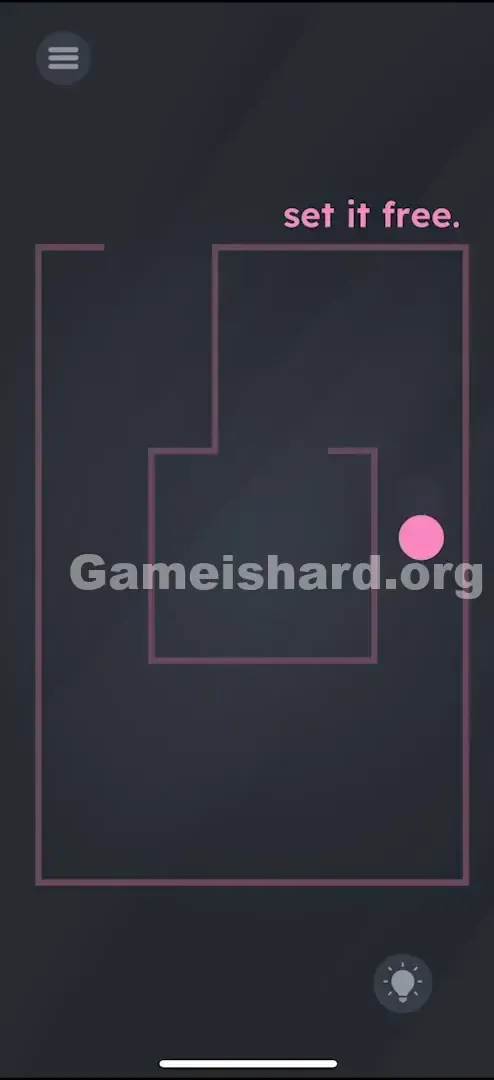
- Tilt your phone forward (or upward) to roll the ball up and out of the inner square.
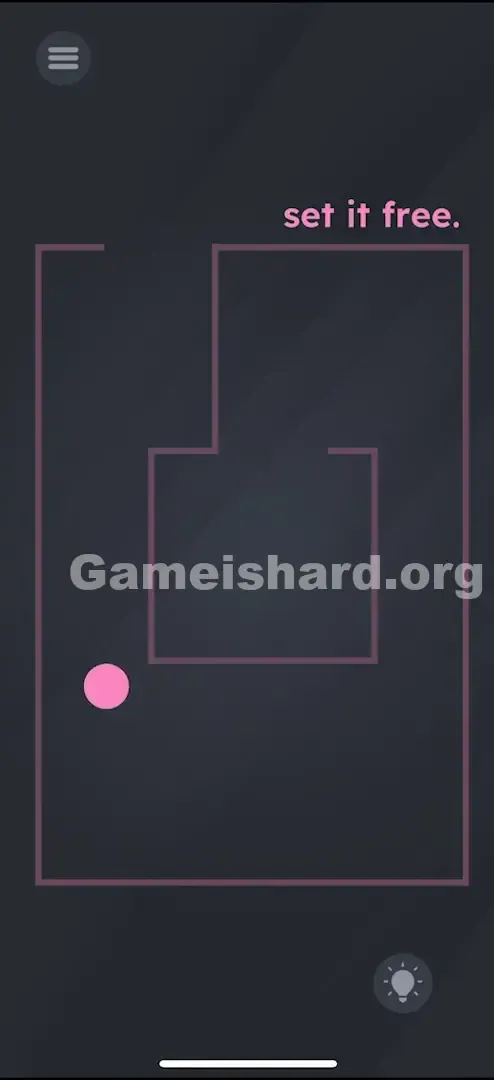
- Tilt your phone leftward to guide the ball into the corridor along the left edge.
- Tilt upward again to send the ball climbing toward the top-left exit gap.
- Combine left and upward tilt decisively to nudge the ball fully past the outer wall and into the open space.
Confirming It Worked
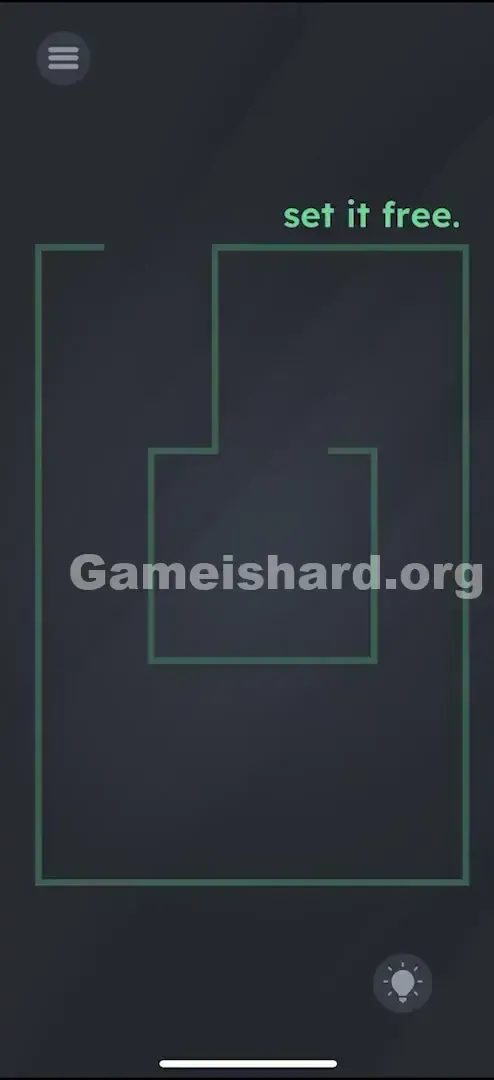
As soon as the ball crosses the outer wall’s gap threshold, the level ends instantly. If it catches on a corner, gently tilt the opposite direction to recenter it—then retry with smoother motion.
If It Did Not Work
- Ball not moving? Your gyroscope may need recalibrating—or the app might lack sensor access (rare for this genre). Try placing your phone flat on a surface, then lifting it again to reset motion detection.
- Ball moving too fast? Physics can be slippery. Use subtle, controlled tilts—imagine rolling a real marble across a wooden board.
Why This Solution Works
This level delivers a classic “break the fourth wall” moment. Instead of treating your screen as a flat input surface, it treats your entire phone as a physical object in 3D space.
It demands a mental pivot—from “digital user” (pressing virtual buttons) to “real-world operator” (manipulating hardware). Game is hard loves reminding you that your device’s sensors are just as essential to solving puzzles as the visuals on display.
Bonus Tip
- Rest your phone flat on a table if you're struggling.
- Lift only the bottom edge to create upward motion.
- Lift only the right edge to generate leftward movement.
- This isolates each axis and avoids messy diagonal slides—giving you cleaner, more precise control through the maze.
Frequently Asked Questions
Q: Why doesn’t the ball move when I tap or drag it in Game is hard Level 110? A: Touch input is disabled for the ball here—you must use physical phone tilting and gravity.
Q: Will locking screen rotation interfere with this level? A: Usually not—games read raw accelerometer data regardless of UI orientation settings.
Q: Can I go through walls or shortcuts? A: No—the pink lines are solid barriers. You must follow the designated openings.
Q: My ball is jammed in a corner! A: Tilt your phone sharply in the opposite direction to reset its position, then restart the path slowly.
More Game Is Hard Solutions
If this guide saved you time, explore our full collection of Game is hard walkthroughs. We cut straight to working solutions—no filler, no delays—so you can jump back into play. Share this tip with friends who are still tilting their heads instead of their phones!