
App updates can sometimes shuffle the order of puzzles. If this level 234 walkthrough doesn't match your screen, don't worry! You can browse our All Levels guide to find your exact puzzle by its picture.
You are getting lapped by the person in first place, which means your physical rank in the race hasn't changed at all.
Level Overview
What Makes This Puzzle Tricky
This one’s a pure reading test—not a math problem. At first glance, it feels like arithmetic: “Someone passed me—so I must’ve dropped back.” But that instinct is exactly what trips you up. You pause, reread, tap around, and second-guess everything. The game knows you’ve spent hundreds of levels hunting for hidden taps, swipes, or draggable elements—and now it swaps the rules entirely with a clean, literal riddle.
Your Goal
Your job in Game is Hard Level 234 is to interpret the scenario precisely as written and enter your current race position. Forget racing conventions—focus only on what’s physically true on the track.
- Logic trap: The wording “leader overtook me” is designed to trigger automatic subtraction (12 → 13), but that’s misleading.
- Text input: This level requires keyboard entry—no dragging, no tapping words.
- Reading comprehension: The key detail is who passed you—the leader, not the runner behind you.
- UI misdirection: The empty screen tricks you into searching for interactive elements that aren’t there. It’s not a mistake—it’s intentional design.
What Appears on Your Screen
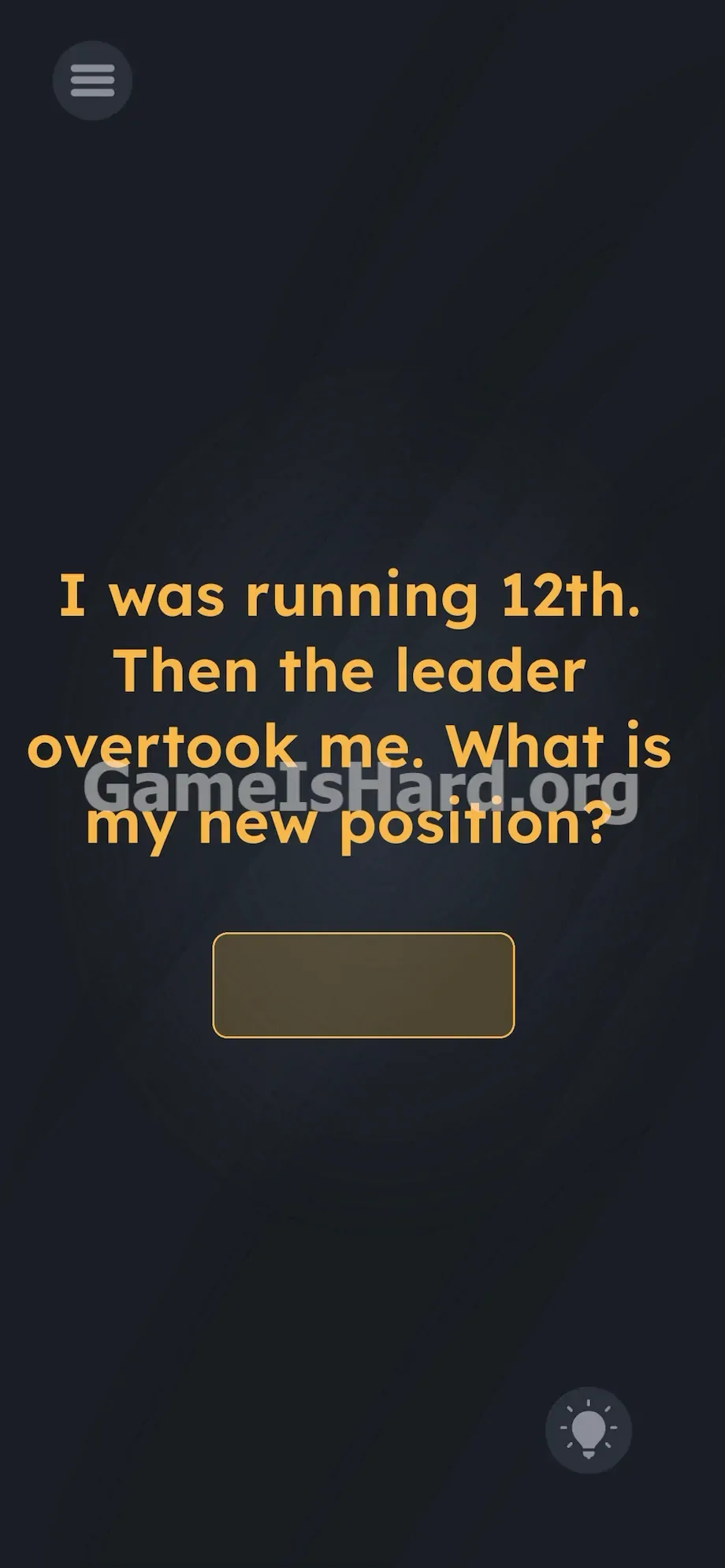
The layout is minimalist. A muted, grainy gray background fills the screen. Centered in glowing yellow text, four lines read: I was running 12th. Then the leader overtook me. What is my new position?
Beneath the prompt sits a single, unadorned input field—rounded corners, soft yellow border—ready for your answer.
In the bottom-right corner, a faint lightbulb icon glows quietly.
No letters are missing. No characters are hidden. No spacing is off. Everything hinges on the sentence itself—and that waiting input box.
Common Mistakes to Avoid
The Trap
After solving over 200 levels packed with gestures, shakes, and drag mechanics, your brain defaults to interacting with the interface. You try pulling “12th” down into the box. You attempt to swipe “leader” offscreen. Nothing responds. That frustration? It’s the trap. The game trained you to ignore the words—and now it demands you listen to them.
First Instincts That Fail
Most players jump straight to calculation: “If someone passes me, I go down a spot.” So they type 13, get the shake animation, and feel stuck. Some reverse it—thinking “overtake” means they moved up, so you did too—and try 11. Others test spelling (“twelfth”, “twelve”) or even symbols. Every wrong guess reinforces the illusion that math is involved—when the real answer is already spelled out.
Player Reactions
I stared, rewound the audio, checked for typos, and mentally sketched lap diagrams. I tried dragging the question mark. I even held my phone sideways. Then it hit me: the sentence wasn’t hiding anything. I just hadn’t read it without assumptions.
Step-by-Step Solution
Preparing the Move
Pause. Lift your fingers. Read the prompt aloud—slowly. Zero in on the word leader. That’s the clue: the person in first place passed you. If you’re in 12th and the racer ahead of everyone else catches up and goes by, they’re not stealing your spot—they’re completing an extra lap.
Executing the Solution
- Tap the blank input box located below the main question.
- Wait for your device's on-screen keyboard to appear.
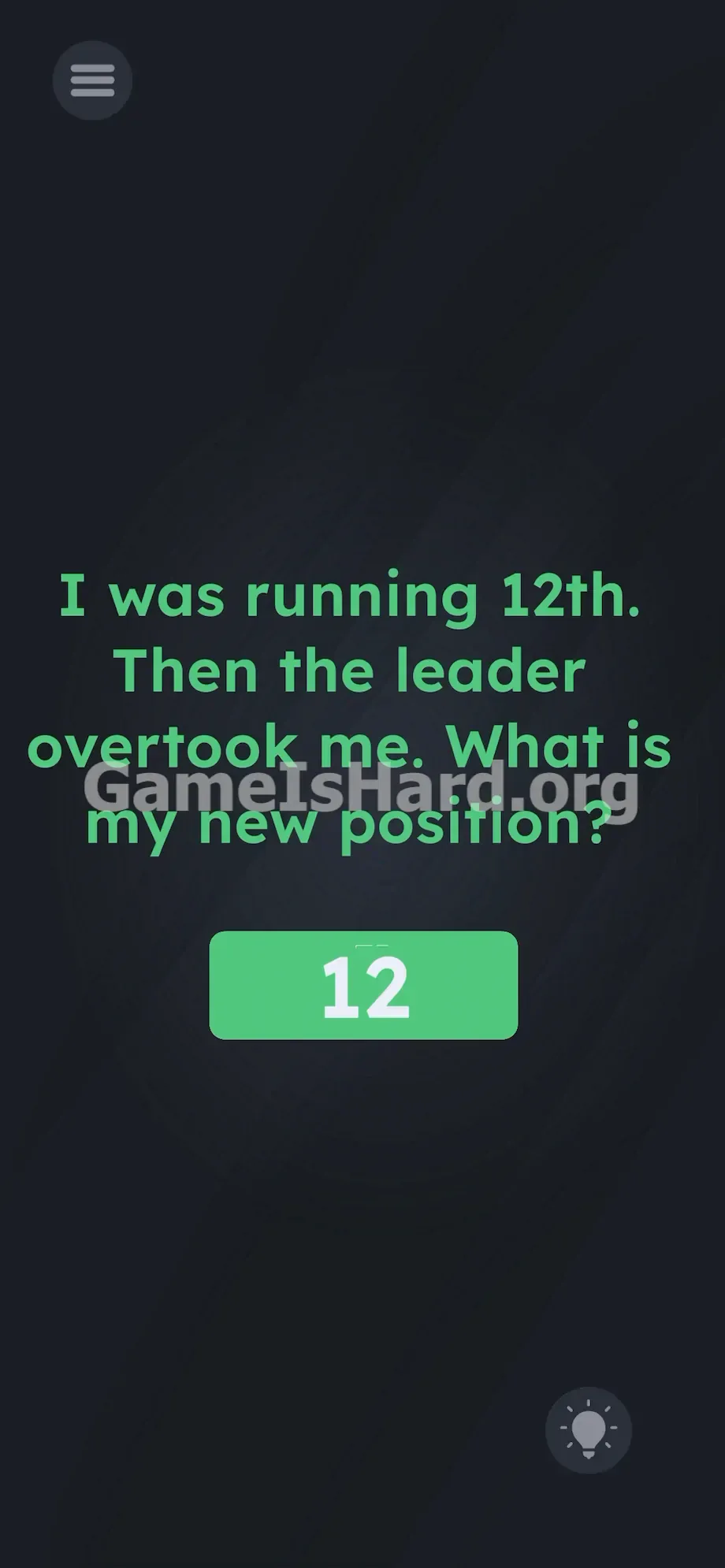
- Type the number 12 using the numerical keypad.
- Tap the return or enter key on your keyboard to submit your answer.
If It Did Not Work
Sometimes mobile keyboards obscure the input box or freeze input. If typing “12” doesn’t register, tap the dark background once to collapse the keyboard—this often forces the game to accept what’s already typed. Avoid spelling the number—only the digits 12 will work. If the app locks up while the keyboard is open, close and relaunch the game; your progress is saved.
Why This Solution Works
This level tests how well you separate relative motion from ranking. Imagine a looped track with 15 runners. You’re 12th—so 11 people are ahead of you, 3 behind. Now the leader (1st place) sprints ahead, finishes a full lap, and pulls up behind you—then passes.
Did anyone behind you move forward? No. Did you fall behind anyone ahead? No. Your position among the other 14 runners is unchanged. The leader simply gained ground on you, not in front of you. You remain the 12th person in the official race order.
Game is Hard Level 234 exploits a reflex: hearing “overtake” and instantly assuming rank shift. It’s not lying—it’s asking you to read past the reflex.
Bonus Tip
When you see a clean input box, stop hunting for UI tricks. Apply these quick checks instead:
- Identify the subject of the sentence first.
- If the subject is the leader, ignore arithmetic—it’s irrelevant.
- Tap the input box .
- Type 12 .
- Hit submit. Dragging, combining, or reshuffling text won’t help. This level is static—treat it like a logic puzzle on paper.
Frequently Asked Questions (Short, Useful)
Why doesn't typing 13 work for this level? Typing 13 assumes you lost a spot—but only the runner directly behind you (13th place) passing you would change your rank. The leader passing you just means you were lapped.
Can I drag the number 12 from the text into the box? No. Drag-and-drop is disabled for the prompt text here. You must type the answer manually using your device’s keyboard.
Does spelling out the word work? No. The game validates strictly numeric input. “Twelve” or “twelfth” will be rejected. Enter the digits 12 only.
What if my keyboard won't pop up when I tap the box? This is a known mobile quirk. Tap the lightbulb icon once to refresh the screen, dismiss the hint, then tap the input box again—the keyboard should load properly.
More Game Is Hard Solutions
Our guides skip filler and deliver precise, actionable solutions. When you’re stuck mid-puzzle, you need clarity—not commentary. Share this page with your squad if they’re overcomplicating lap math. Explore the rest of the site for sharp, no-nonsense breakdowns of every trick this game throws your way. Keep solving. Keep leveling up.