App updates can sometimes shuffle the order of puzzles. If this level 190 walkthrough doesn't match your screen, don't worry! You can browse our All Levels guide to find your exact puzzle by its picture.
Level Overview
What Makes This Puzzle Tricky
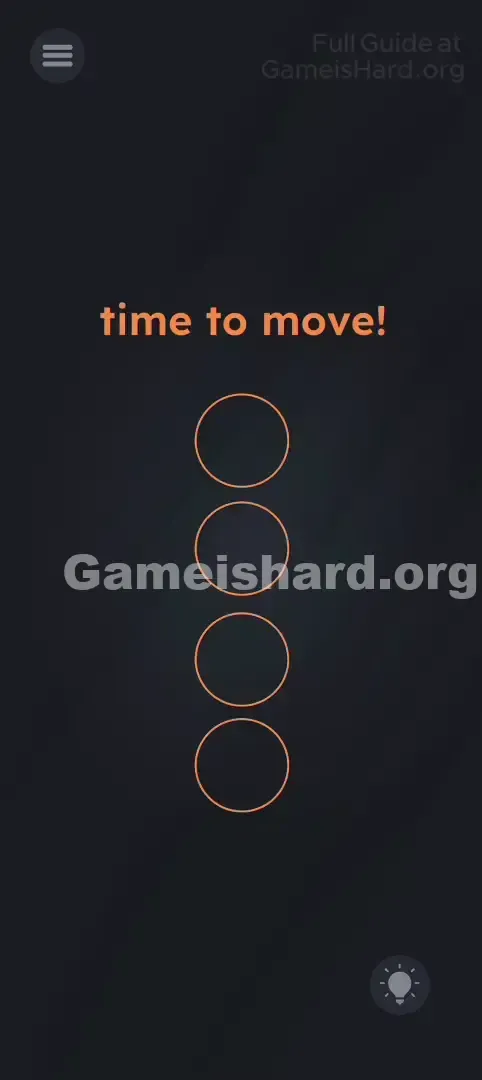
You’re faced with a black screen and four hollow rings. Tapping does nothing. Dragging does nothing. Swiping the text gets you nowhere. Level 190 is one of those clever curveballs where the puzzle stops being about screen logic—and starts demanding real-world movement. Your screen isn’t frozen, and the app isn’t broken—it’s just waiting for you to physically interact with your device instead of just your fingertips.
Your Goal
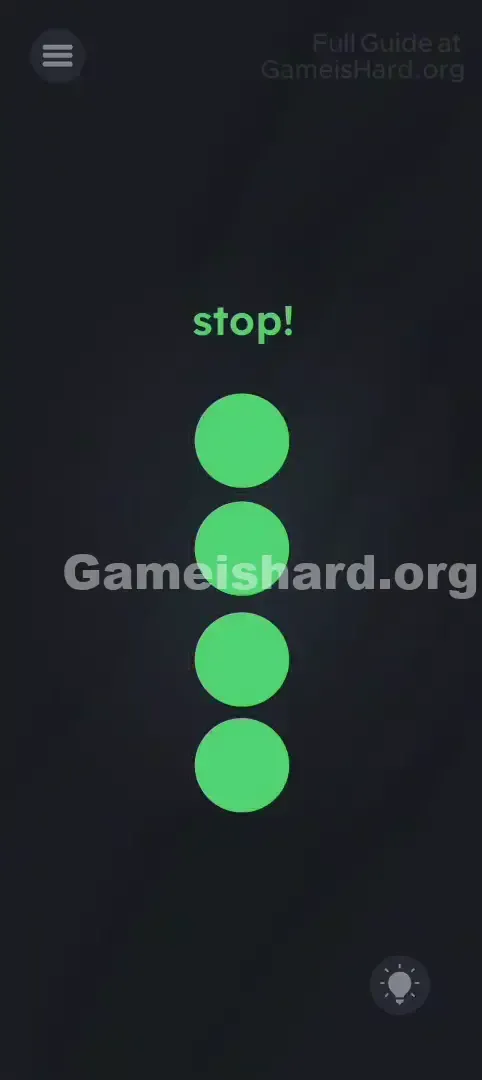
Your mission is straightforward: fill all four vertical circles with solid orange. Unlike earlier levels where you might drag color into shapes, here the orange “fill” responds directly to motion—meaning you have to prove, in real time, that you’re following the on-screen commands.
Key Mechanics at
Touch input takes a back seat here. What matters is:
- Device Sensors (Accelerometer/Gyroscope): The game monitors how your phone moves in space.
- Timing: You must respond instantly the moment the instruction changes.
- "Red Light, Green Light" Logic: Move when told—and hold absolute stillness when instructed to stop. This isn’t a bug or oversight. It’s a deliberate sensor-based challenge.
What Appears on Your Screen
Let’s clarify the layout so there’s no confusion. The interface is intentionally bare—no distractions, no hidden UI elements—just clean minimalism hiding a physical interaction trick.
- The Text: Centered at the top in orange, it begins with time to move! . This phrase flips instantly to stop! without transition or warning.
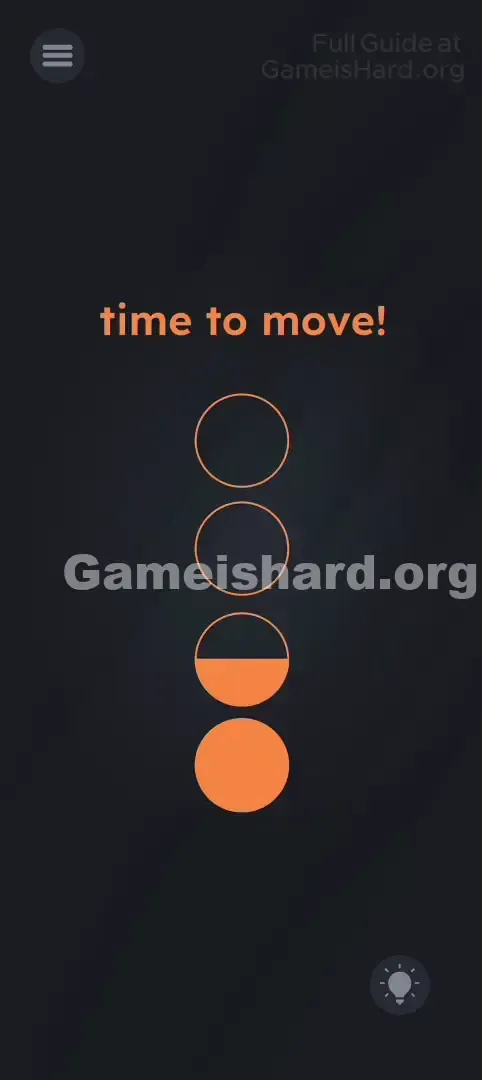
- The Circles: Four empty ring outlines stacked vertically down the center. They begin invisible against the dark background, then gradually fill from bottom to top with bright orange as you succeed.
- The Background: Pure black. No secret buttons, no floating icons, no visual clutter—just focus on the text and rings.
Common Mistakes to Avoid
The Trap
After dozens of touch-based puzzles, your brain defaults to tapping, swiping, and dragging. Level 190 weaponizes that habit—luring players into frantic screen taps while ignoring the real input channel: the phone’s motion sensors.
First Instincts That Fail
- The Tap-Spam: Seeing progress bars (the circles) makes many assume rapid tapping will speed things up. In reality, tapping has zero effect here.
- The Drag: Some try pulling the words time to move! into the rings—usually a winning tactic elsewhere, but useless here since the text is purely instructional.
- The Mic Shout: A few even yell “Move!” or “Stop!” at their device, thinking voice recognition is involved. Nope—the game feels movement, not sound.
Player Reactions
I wasted nearly three minutes trying to drag the exclamation mark’s dot into the circles, convinced it was the missing “ingredient.” Frustrated, I tossed my phone onto the couch—and watched the first circle fill up by accident as it bounced. That’s when it clicked.
Step-by-Step Solution
Preparing the Move
Hold your phone comfortably in your hand—screen visible, grip secure. Don’t lay it flat yet. Make sure screen rotation lock is off (though most accelerometers bypass this setting anyway).
Executing the Solution
- Check the Command: Look at the top-center text—it should start as time to move! .
- Shake the Device: While that message is displayed, gently shake or wave your phone. A smooth side-to-side motion works best—no need for wild flailing.
- Watch the Fill: As you move, the lowest circle will begin filling with orange from the bottom up. Keep shaking steadily.
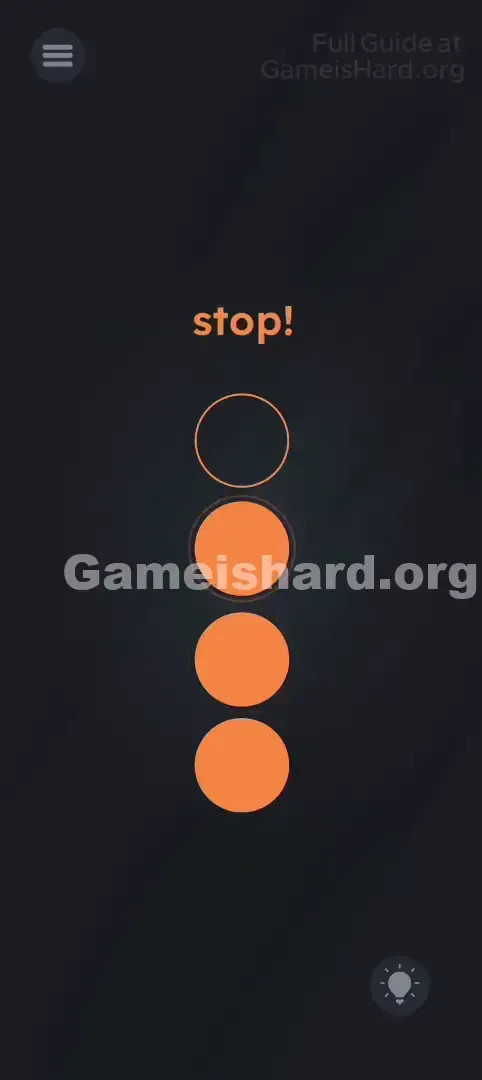
- The Freeze: The second the text flips to stop! , stop moving immediately. Hold your phone perfectly motionless.
- Verify Progress: If timed right, the orange stays. If you move during stop! , the fill may pause or recede.
- Repeat: Once the text cycles back to time to move! , resume shaking. Continue alternating until all four circles are fully orange.
If It Did Not Work
- "It's not filling!" - Try a slightly stronger shake. Also check if your phone case is too thick or slippery to control well.
- "It keeps draining!" - Even tiny movements during stop! count. If your hands shake, place the phone flat on a table or your knee the instant stop! appears.
- "The text is stuck." - Force-close the app and relaunch. Sensor logic can hang if the level sits idle too long without action.
Why This Solution Works
This level is essentially “Simon Says”—but translated into hardware feedback.
The game continuously polls your phone’s accelerometer:
- State A (Move): If acceleration exceeds a threshold, the fill meter advances.
- State B (Stop): If acceleration drops near zero, progress holds. Any motion during this phase halts or reverses it.
The brilliance lies in breaking the “screen-only” expectation. Instead of tapping through puzzles in a daze, you’re forced to engage physically—shaking yourself awake before the next mental challenge.
Bonus Tip
If holding still feels impossible during stop!, try the “Table Method”:
- Sit at a desk or table.
- Hold the phone just above the surface.
- When time to move! appears, wave it steadily in the air.
- The instant stop! shows up, gently set the phone flat on the table and remove your hands.
- Tables eliminate hand tremors—and give the sensor a true zero-movement reading.
Frequently Asked Questions
Q: Does shaking faster fill circles quicker? A: Yes—up to a point. A consistent, rhythmic shake gives better control than jerky motions, especially when switching to stop!.
Q: Can I tilt instead of shake? A: Tilting might register, but it’s unreliable. The level expects clear acceleration changes—so shaking or waving is the safest, most responsive method.
Q: The circles look full, but the level won’t complete. A: Go one extra cycle. Visual fill often lags slightly behind the internal counter—especially near completion.
Q: Does this work on tablets/iPads? A: Absolutely—tablets have the same motion sensors. Just be mindful of size and weight. The Table Method (sliding it across a desk) is especially helpful for larger devices.
More Game Is Hard Solutions
Cleared the shake test but hit a wall on the next puzzle? No sweat—we’ve got every solution ready. Our guides skip the fluff and deliver precise answers so you never lose momentum. Head to the main page for the full level index. And feel free to share this with friends still angrily tapping their phones!