App updates can occasionally shift puzzle order. If this level 191 guide doesn’t match what you’re seeing, no problem! Check our All Levels directory to locate your exact puzzle using its screenshot.
You are physically building the number 365 with the block towers.
Level Overview
What Makes This Puzzle Tricky
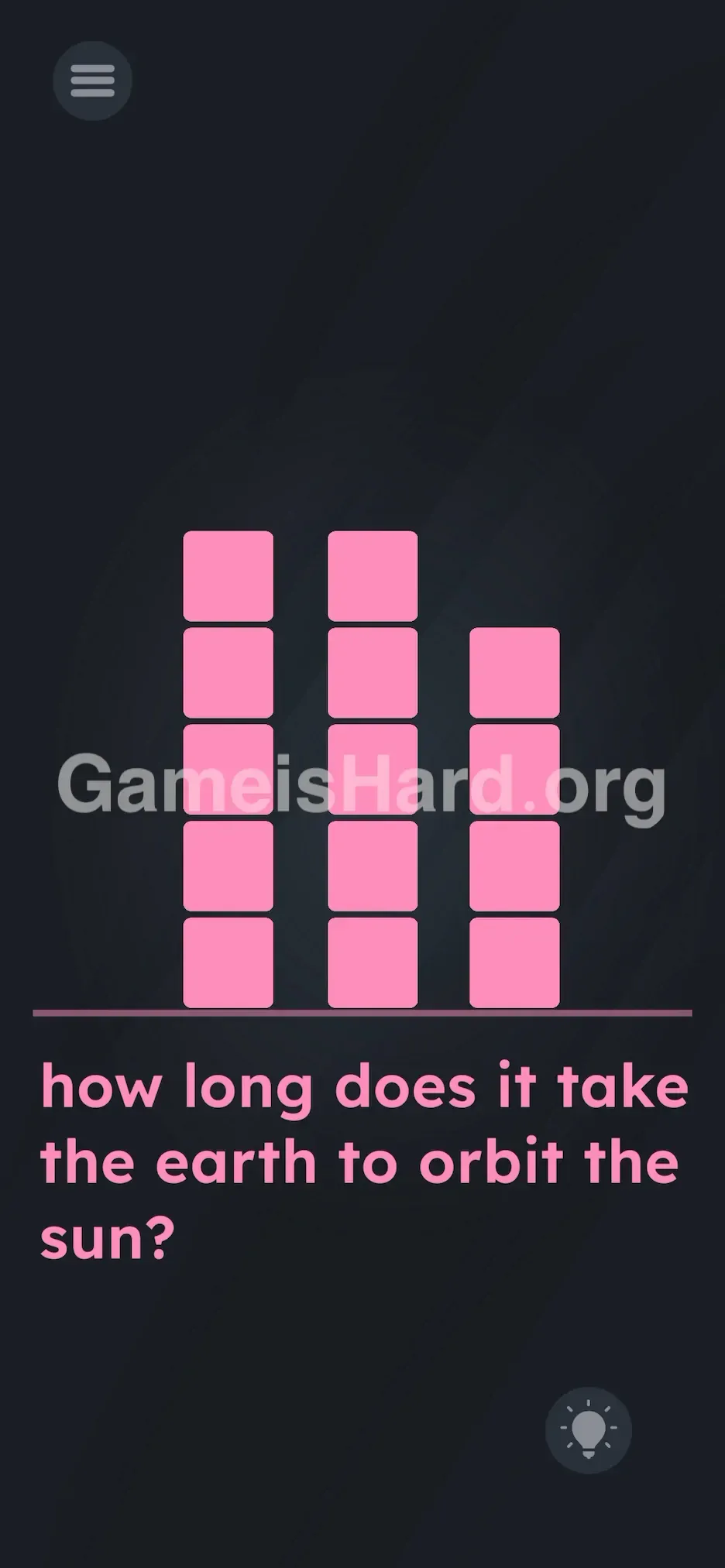
You land on the screen and see three uneven stacks of pink squares—like a messy pixel art bar chart—and a straightforward science question: "how long does it take the earth to orbit the sun?" You instantly know the answer is 365 days. But there’s no keyboard, no input field, no buttons labeled “3”, “6”, or “5”. Tapping the blocks just makes them jiggle. The level mimics a quiz—but it’s really a hands-on construction challenge.
Your Goal
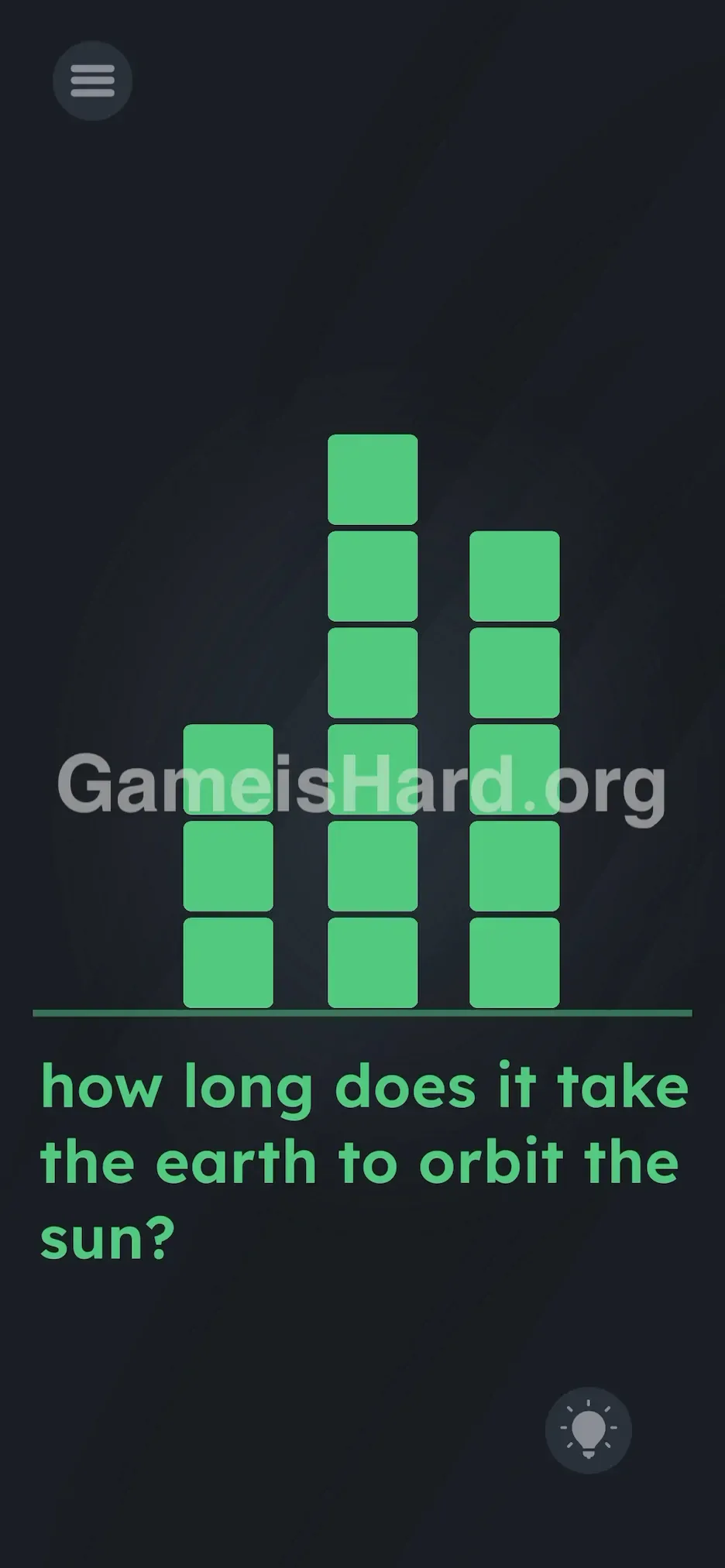
You’re not typing or speaking the answer—you’re building it. The question asks for a number, and the game hands you three vertical stacks as raw material. Your job is to reshape those stacks into a visual representation of 365: three blocks tall on the left, six in the middle, five on the right.
Key Mechanics
- Drag and Drop: This is how you interact—pick up a block and move it between columns.
- Visual Logic: The solution isn’t typed—it’s assembled.
- Counting: You must count each stack precisely to match the digits of 365. It’s not a mistake—it’s intentional design. Those pink blocks are your tools.
What Appears on Your Screen
The layout resembles a minimalist bar graph or audio equalizer.
- Three vertical columns of pink square blocks resting on a base line.
- The left column starts with 5 blocks.
- The middle column starts with 5 blocks.
- The right column starts with 4 blocks.
- Beneath the base line, the question reads: "how long does it take the earth to orbit the sun?"
- A lightbulb hint icon sits in the bottom-right corner (ignore it—you’ve got this). No hidden numbers, no operators, no extra UI elements—just blocks and text.
Common Mistakes to Avoid
The Trap
The biggest mental hurdle is expecting a traditional trivia interface. Most quiz-style games train us to hunt for an answer box or keypad—but here, there’s none. Players often tap blocks repeatedly, hoping to cycle values or trigger a counter. But tapping has zero effect. That confusion stalls progress—until someone accidentally drags instead of taps.
First Instincts That Fail
- Shaking the device: A reflexive move in many puzzle games, but it won’t rearrange anything here.
- Tapping the question text: Words like “sun” or “earth” aren’t interactive—tapping them does nothing.
- Waiting for a timer or animation: This isn’t time-based. The Earth may take a year—but you don’t need to wait that long.
Player Reactions
I wasted nearly 60 seconds tapping each column like it was a button—thinking maybe three taps on the left, six on the middle would register. Nope. Then my finger slipped sideways mid-tap, and I dragged a block. Lightbulb moment.
Step-by-Step Solution
Preparing the Move
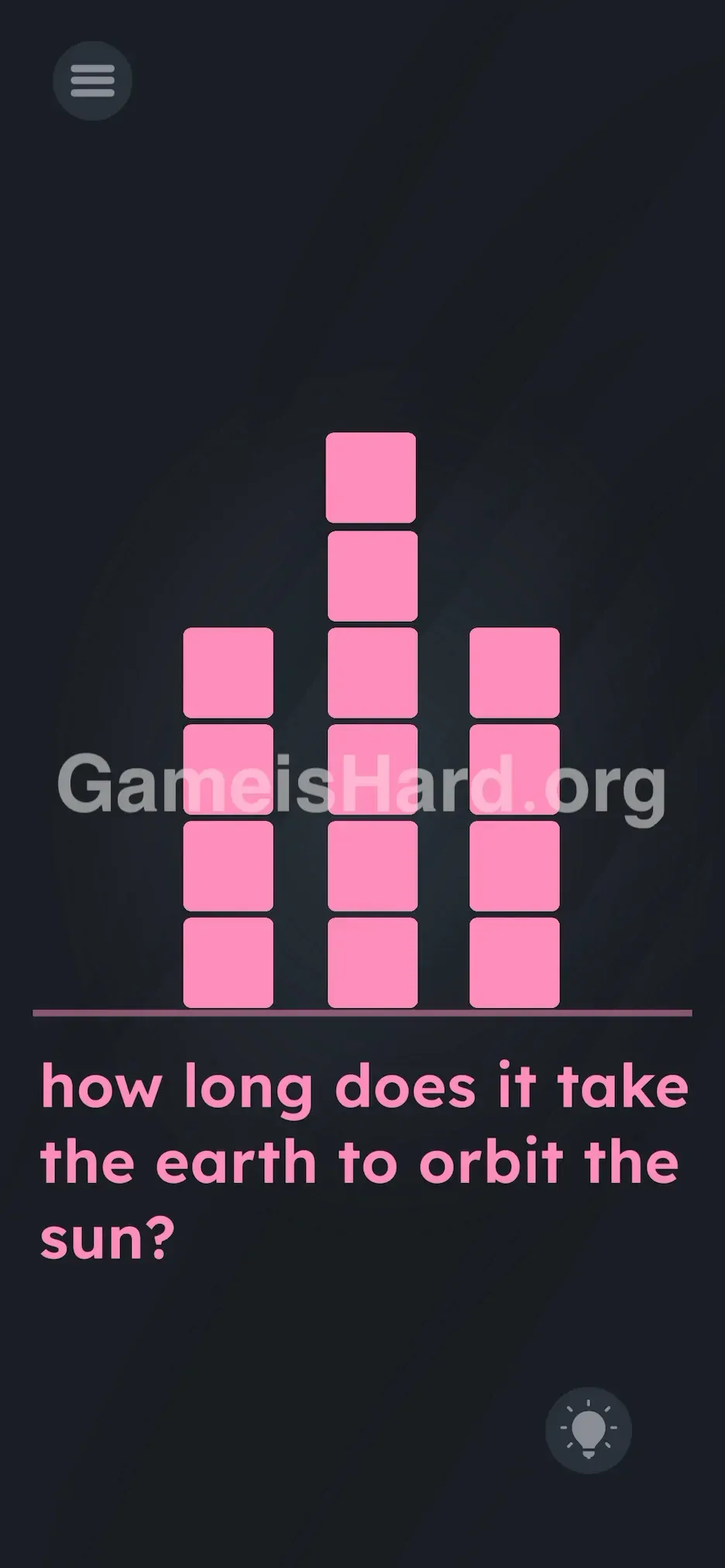
Pause the question for a moment. Zero in on the three pink columns—treat them like real-world stacks you can reorganize. Your goal is to convert them into a physical display of the number 365 .
Executing the Solution
- Identify the Target: Left Column = 3 blocks , Middle Column = 6 blocks , Right Column = 5 blocks .
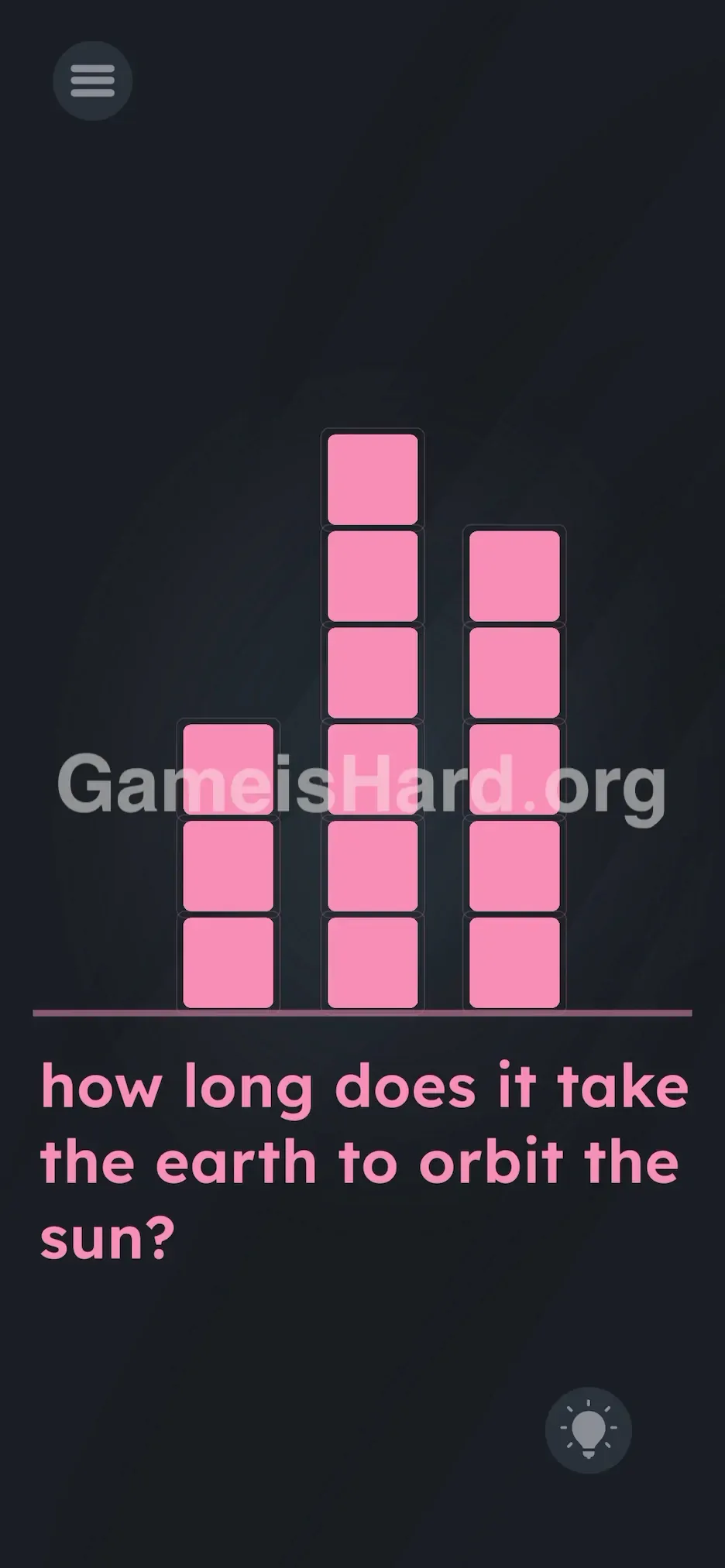
- Move Blocks to the Middle: Pull blocks from the left or right and place them onto the middle column until it reaches exactly 6 blocks tall.
- Adjust the Left: Trim the left column down to exactly 3 blocks—shifting extras elsewhere if needed.
- Fix the Right: Add or remove blocks to set the right column at exactly 5 blocks high.
If It Did Not Work
- Blocks won’t stay? Ensure you drop each one directly on top of a stack—not beside it. Off-center drops snap back.
- Lost track of counts? Re-count carefully—the final arrangement must be: short (3), tallest (6), medium (5).
- No win confirmation? The level completes instantly once the 3-6-5 configuration locks in. If nothing happens, double-check every stack.
Why This Solution Works
This level tests how well you bridge knowledge with interaction—turning abstract data into spatial form.
- Context 1: A factual question demanding a numeric response.
- Context 2: A static-looking UI that’s actually fully manipulable. The puzzle bridges both worlds: you know “365” in your head, but the game requires you to construct it using physics-based movement. That’s the signature “Game is hard” twist—the interface isn’t decoration; it is the puzzle.
Bonus Tip
For speed or clarity:
- Skip counting all blocks first—focus on one column at a time.
- Anchor your work around the middle column—build it to 6 first, since it’s the tallest and easiest to verify visually.
- Then distribute remaining blocks to hit 3 on the left and 5 on the right.
- Resist the urge to search for a hidden keyboard or input prompt—it doesn’t exist here.
Frequently Asked Questions
Q: Can I skip if I don’t know the trivia fact? A: Not directly—you must solve the block arrangement. But the answer is always 365 . Either recall it or quickly look it up.
Q: I moved blocks but nothing registered? A: Likely a miscount. The configuration must be exact: 3, 6, 5. One block too many or too few will block completion.
Q: Does leap year (366) work? A: No—the puzzle uses standard 365-day year logic. You also lack enough blocks for 3-6-6 anyway.
Q: Can I discard blocks off-screen? A: No. Every block is needed to reach the correct totals. Keep them all in play.
More Game Is Hard Solutions
Stuck on the next challenge? Our guides are built for speed, fairness, and quick searching—so you spend less time stuck and more time playing. If this helped you complete the orbit, pass it along to anyone still puzzling over pink squares. Onward to level 192!