App updates sometimes reorder puzzles. If this level 146 walkthrough doesn’t match what’s on your screen, no stress! Flip through our All Levels directory to locate your exact puzzle by image.
Each dot must complete full, uninterrupted rotations—no shortcuts—to align with the displayed numbers.
Level Overview
What Makes This Puzzle Tricky
You’re met with “4-1-2” and three identical green dots on separate rings. You tap. Nothing. You swipe sideways. Still nothing. It feels like a riddle—but the clues are all physical, not symbolic. The real challenge? Realizing these aren’t buttons or numbers to be selected—they’re dials waiting to be turned.
Your Goal
Your job is to act out the sequence using the dots as rotary controls. This isn’t arithmetic—it’s mechanical input, like dialing a safe combination.
Key Mechanics in Game is hard Level 146:
- UI Drag: Interaction only works via direct, sustained dragging—not tapping or swiping.
- Hidden Rotation Counter: The game tracks each full lap silently.
- Safe-Cracking Logic: Each number tells you how many complete turns to make on its corresponding ring—not a value to compute or display. It’s not about math. It’s about motion.
What Appears on Your Screen
The interface is minimal and moody—dark gray background, clean layout.
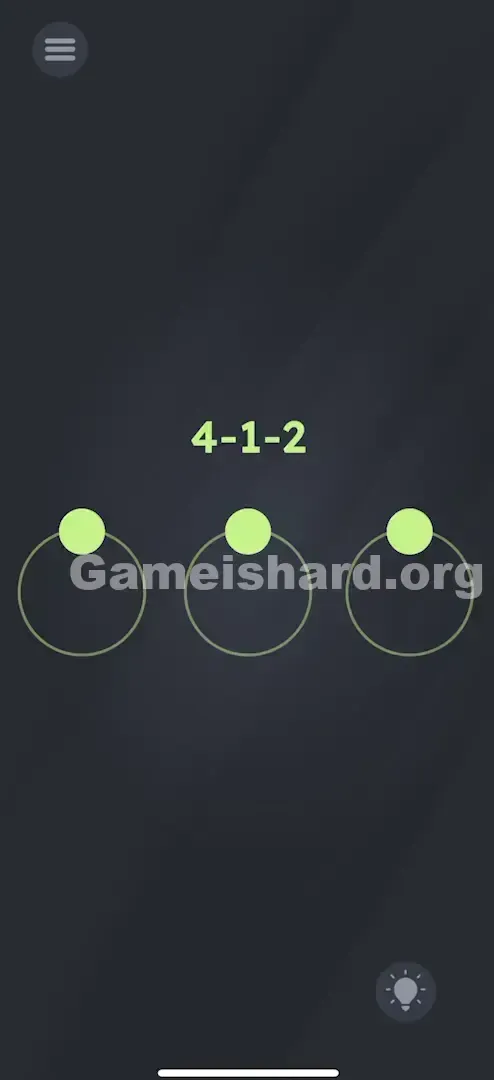
- Top center: Bold green “4-1-2” text.
- Center stage: Three slim concentric rings, aligned horizontally.
- One green dot per ring, all resting at the top (12 o’clock).
- Standard menu icon (top-left) and hint bulb (bottom-right). No buttons, no operators—just rings, dots, and that cryptic triplet.
Common Mistakes to Avoid
The Trap
“4-1-2” screams equation, so players instinctively try subtraction (4 − 1 − 2 = 1) or sequential tapping (tap left dot four times, middle once, right twice). Others attempt to trace the shapes of the digits. The real snag? The game gives zero feedback for wrong inputs—so tapping fatigue sets in fast, and dragging gets overlooked entirely.
First Instincts That Fail
- Tapping: Repeated taps on any dot produce zero response.
- Math Thinking: Interpreting “4-1-2” as a calculation distracts from the physical task.
- Multi-Touch Attempts: Trying to spin all three dots at once confuses the input system—and rarely works.
Player Reactions
I tapped. I held. I wiggled. Then—on accident—I dragged the left dot. It followed my finger smoothly. Oh. They’re dials. Not switches. Not icons. Dials.
Step-by-Step Solution
Preparing the Move
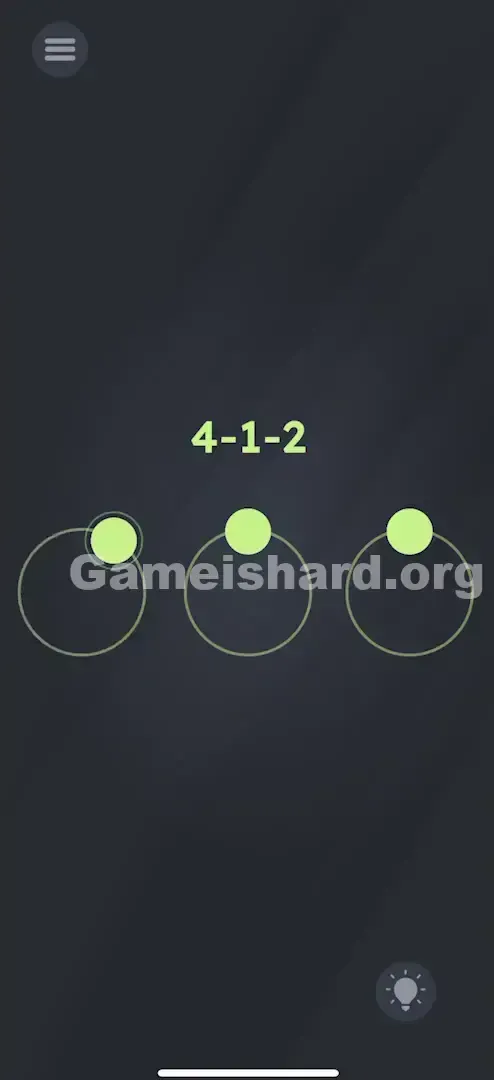
Treat each ring like a standalone dial—think old-school rotary phone or bike lock. Focus on one at a time, starting leftmost.
Executing the Solution
- Left Ring: Press and hold the green dot. Sweep it clockwise (or counter-clockwise) around the full circle—4 complete revolutions .
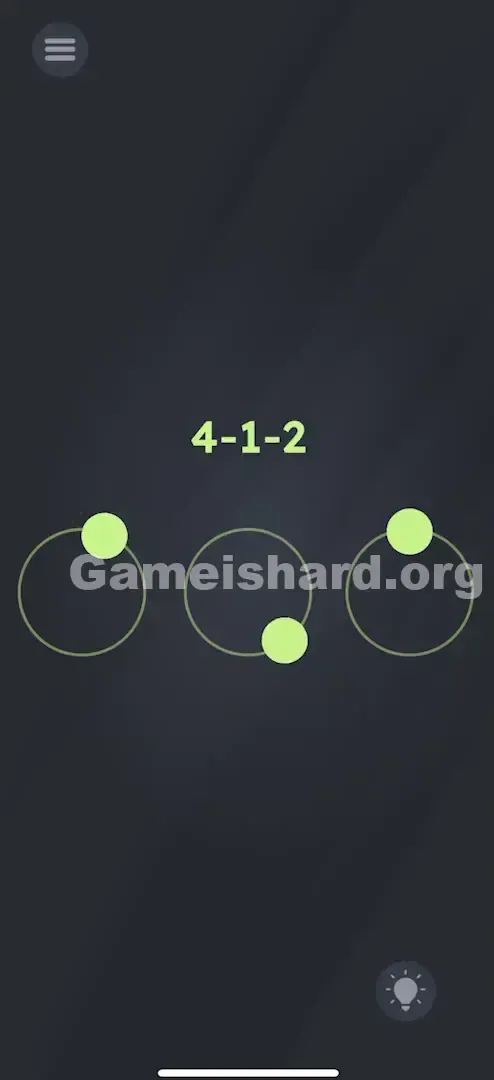
- Middle Ring: Press and hold the center dot. Rotate it fully around its ring—exactly 1 time .
- Right Ring: Press and hold the rightmost dot. Spin it fully—2 clean laps .
If It Did Not Work
- Did it register? Watch for a subtle visual pulse or soft audio cue when crossing the top position—but if unsure, just ensure you pass the 12 o’clock mark clearly each lap.
- Overspinning: Going beyond the required count usually locks the attempt. Restart to reset the internal counter.
- Speed & Control: Spinning too quickly risks losing contact. Keep it steady—precision beats speed here.
Why This Solution Works
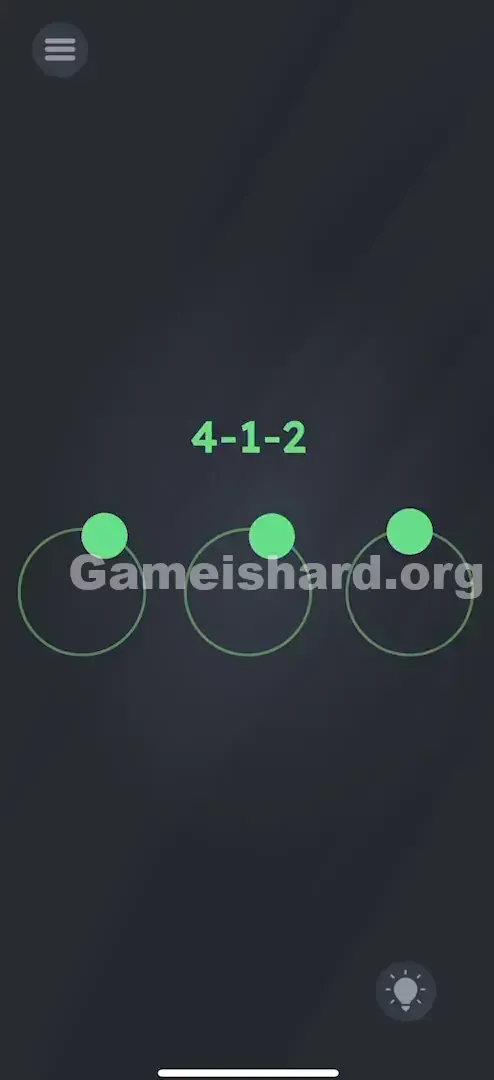
This level flips expectations: numbers aren’t data—they’re verbs. “4” doesn’t mean quantity; it means rotate four times. It leans into tactile intuition, mimicking real-world rotary mechanisms. Game Is Hard excels at turning flat screens into interactive hardware—and this is a textbook example.
Bonus Tip
If rotations aren’t registering:
- Slightly widen your grip—drag just outside the ring edge so the dot stays visually anchored.
- Pause briefly at the top (12 o’clock) after each lap to confirm the counter advances.
- Keep your finger planted until all required laps for that ring are done—don’t lift mid-sequence.
Frequently Asked Questions
Does direction matter? Typically, no—clockwise or counter-clockwise both count, as long as each rotation is a full 360° loop.
What if I overshoot? The level won’t unlock. You’ve entered the wrong combo. Restart to zero out the hidden tally.
Must I follow left-to-right order? Yes—stick to the sequence shown: 4 (left), then 1 (middle), then 2 (right).
Spun correctly but nothing happened? You likely didn’t close the loop cleanly. Ensure your drag path fully circles back past the starting point each time—no partial arcs.
More Game Is Hard Solutions
Hit a wall on the next puzzle? Our guides are built for speed, clarity, and zero filler. If this helped you crack the code, pass it along to someone still frantically tapping away. Happy solving!