- Home
- All Levels
- Game Is Hard Level 140
Doesn't look like your level?
App updates occasionally reorder puzzles. If this level 140 guide doesn’t match what you’re seeing, no stress! Jump over to our All Levels page and locate your exact puzzle by image.
Level Overview
What Makes This Puzzle Tricky
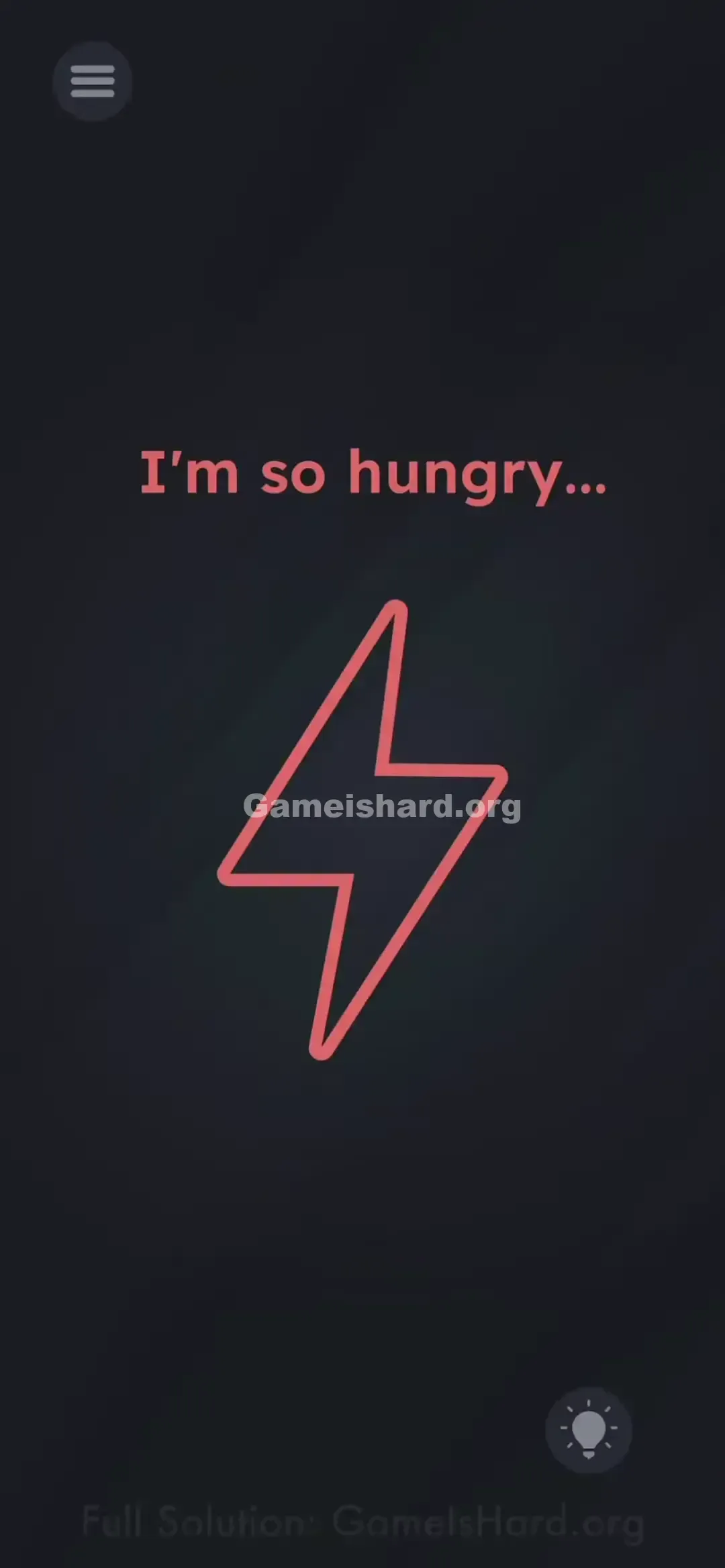
You launch the level and see a large, empty red lightning bolt. A line of text reads, “I'm so hungry…” Your first moves? Tapping the bolt, dragging the words toward it, or shaking your device — all dead ends. The screen mimics a real low-battery warning so well, it’s easy to forget you’re playing a game.
Your Goal
Your goal is to “feed” that lightning bolt — and since it’s a battery symbol, you need to supply actual power to your device. This isn’t about pattern recognition or timing; it’s a real-world hardware interaction.
Key Mechanics involved in Game is hard Level 140:
- Hardware Sensor: The game reads your device’s charging status in real time.
- Real-world Action: You must connect physical power via cable or wireless pad.
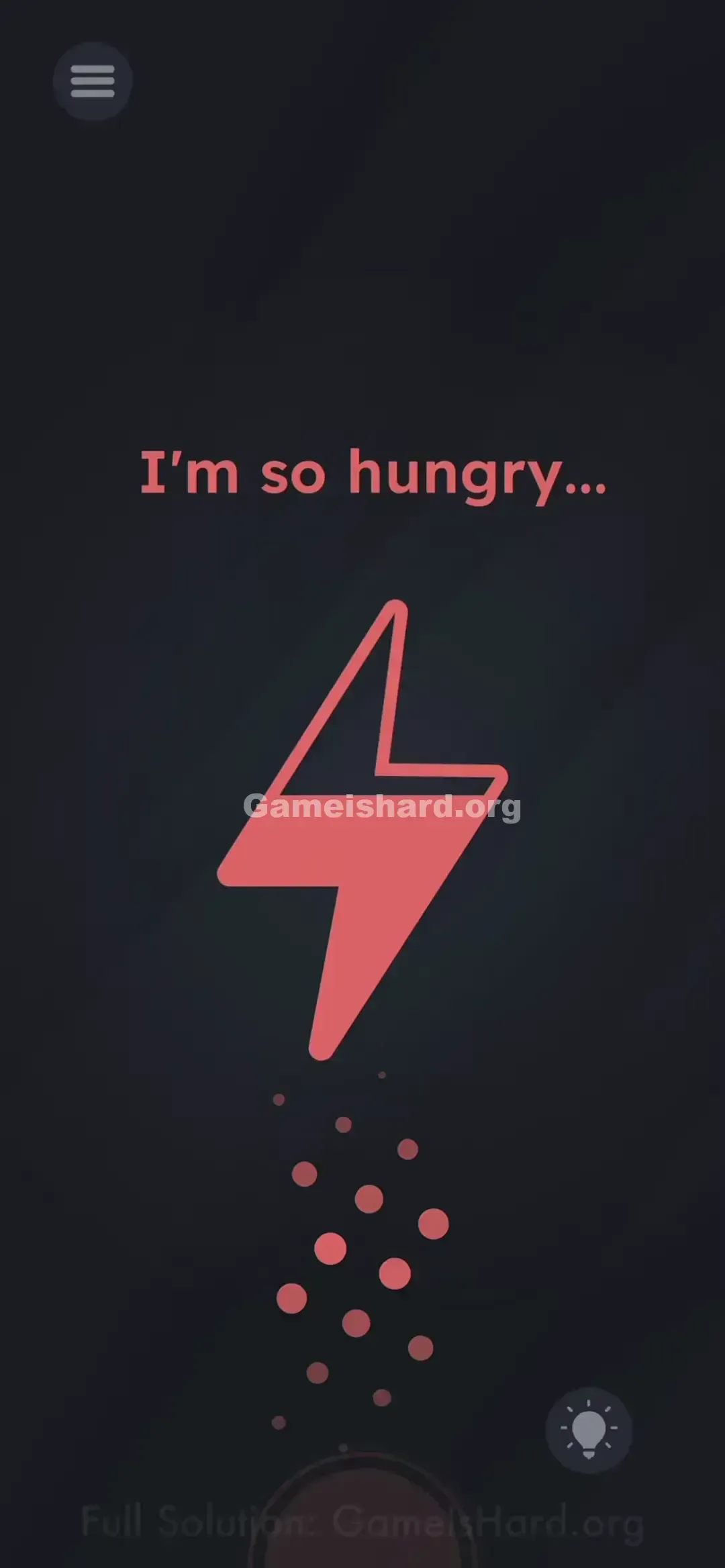
- Visual Feedback: The bolt fills smoothly, just like a real battery charging animation.
No metaphor here — it really is hungry.
What Appears on Your Screen
The interface is stark and dim, styled like an emergency low-power screen.
- Top Center: Red text says “I'm so hungry...”
- Center: A big, hollow red lightning bolt — completely drained.
- Bottom Right: Standard hint bulb icon.
- Background: Deep grey/black — zero hidden elements or interactive zones.
Common Mistakes to Avoid
The Trap
We’re trained to solve puzzles on screen. Tap, swipe, drag — those are our instincts. Level 140 breaks that expectation entirely by requiring action outside the app: plugging into a charger. Without one nearby, you could waste minutes trying to drag “hungry” into the bolt.
First Instincts That Fail
- Rubbing the screen: Hoping for static? Nope — no response.
- Shaking the phone: Works elsewhere in the game, but useless here.
- Dragging the text: Usually, feeding characters involves moving words — but here, “I'm so hungry…” is just flavor text, not an object.
Player Reactions
I swiped at that lightning bolt nonstop — even tried tracing its outline with my finger. When the “aha” hit, I had to sprint across the room for my cable. It’s brilliantly meta… and deeply frustrating if you’re stuck on a train with no outlet.
Step-by-Step Solution
Preparing the Move
You’ll need a working charging cable (Lightning for iPhone, USB-C for Android) hooked to a power source — wall adapter, laptop USB port, or portable power bank. No cable? You’re physically blocked until you find one.
Executing the Solution
- Grab your charger.
- Plug it into your phone while Game Is Hard is open and showing Level 140.
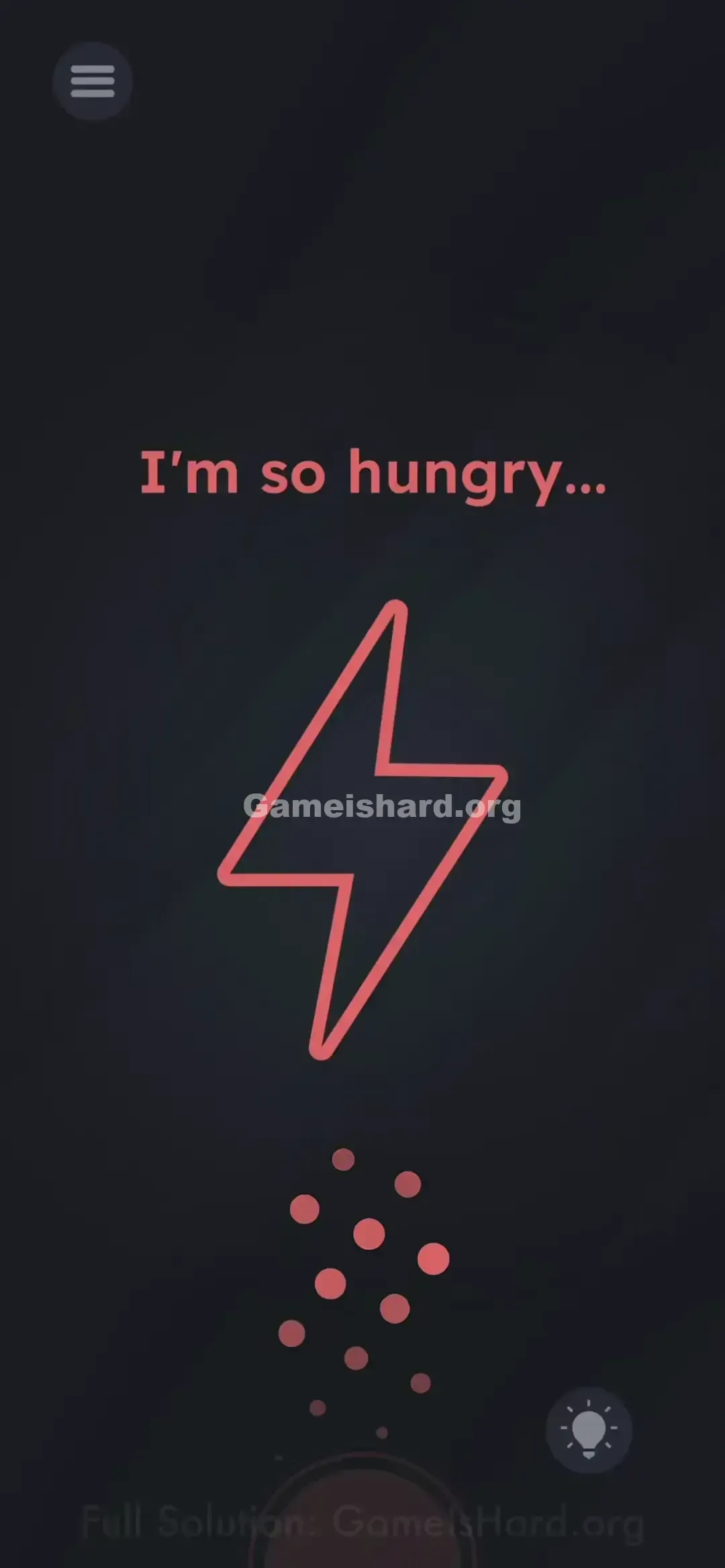
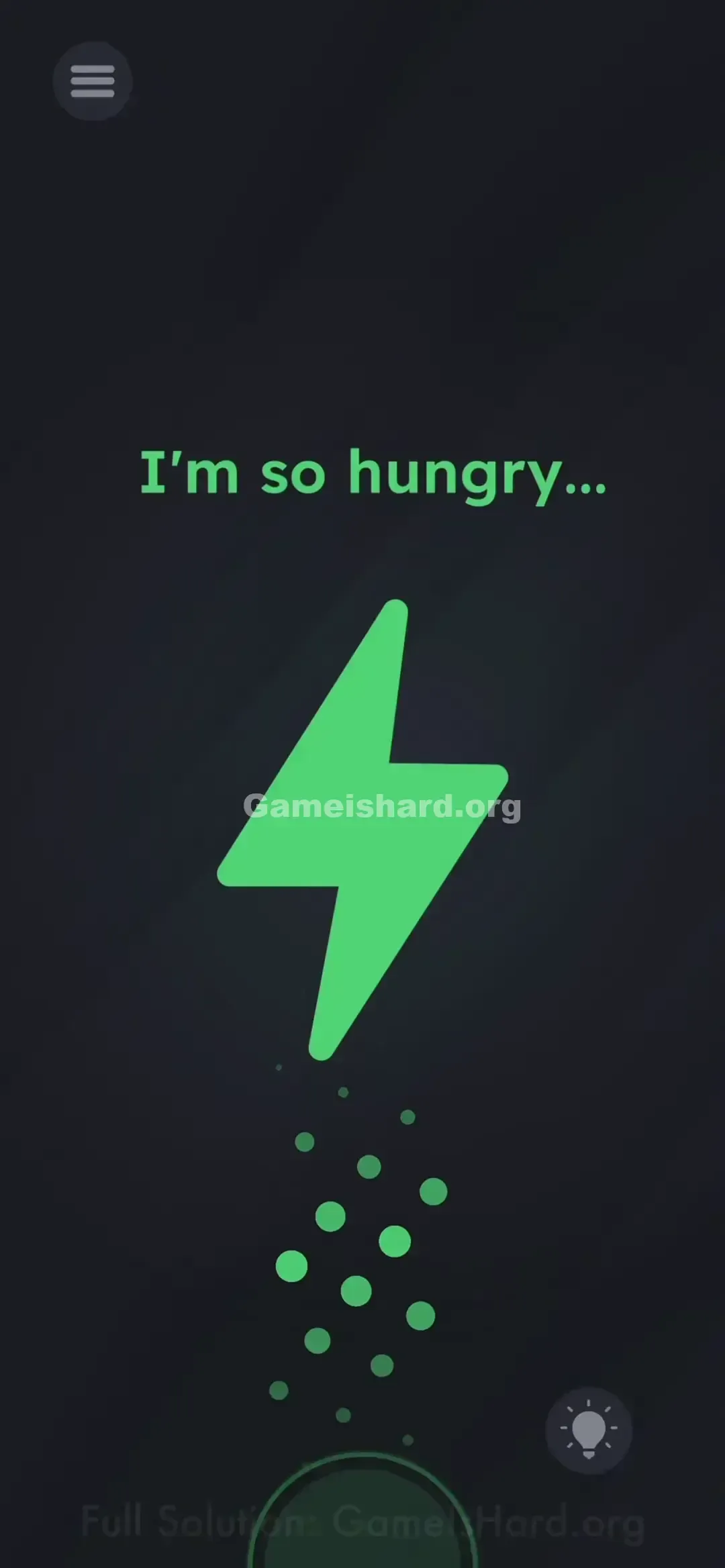
- Watch closely — the red lightning bolt will begin filling (often turning green or yellow, depending on OS or version).
- As soon as charging registers, the level completes instantly.
If It Did Not Work
- “I plugged it in — nothing happened.” Try unplugging and reinserting firmly. The game often needs to detect the state change from not charging → charging.
- Using an emulator? Most (like BlueStacks) offer a simulated battery setting — check Developer Options or the toolbar to toggle “charging mode.”
- Got a damaged port? Wireless charging works too — just place your phone on the pad. The game treats it the same as a wired connection.
Why This Solution Works
This level taps directly into your device’s hardware sensors — specifically, the system-level battery API that reports whether your phone is charging.
Game Is Hard loves challenging the illusion that games live only inside the screen. By demanding real-world power, it turns gameplay into a seamless blend of software and hardware — a textbook meta-puzzle where victory hinges on something happening outside the app.
Bonus Tip
- No cable handy? A wireless charging pad does the job perfectly.
- Truly out of options? Close the app and resume later when power’s available — there’s no cheat or workaround.
- Skip the hint button. It’ll just say “Charge your phone,” which feels like salt in the wound if you’re stranded without a charger.
Frequently Asked Questions
Q: Can I pass Level 140 without plugging in? A: No. The code checks for the OS-level isCharging flag — and that only triggers with real power input.
Q: Does wireless charging count? A: Yes — as long as your phone reports it’s receiving power, the bolt lights up.
Q: My battery is already at 100% — will it still work? A: Absolutely. The game ignores charge level — it only watches for the connection to power.
Q: Why can’t I drag the text? A: Because here, “I'm so hungry…” isn’t interactive — it’s pure atmospheric storytelling. The only active element is your device’s charging state.
More Game Is Hard Solutions
If another level has you baffled — especially when the answer feels impossible — head to our main index. We skip the fluff and tell you exactly where to tap, shake, or swipe. Share this with the friend still vigorously rubbing their screen hoping for static sparks. Good luck on the next one!