App updates occasionally reorder puzzles. If this level 139 walkthrough doesn’t match what you see, no stress! Use our All Levels directory to locate your puzzle by image instead.
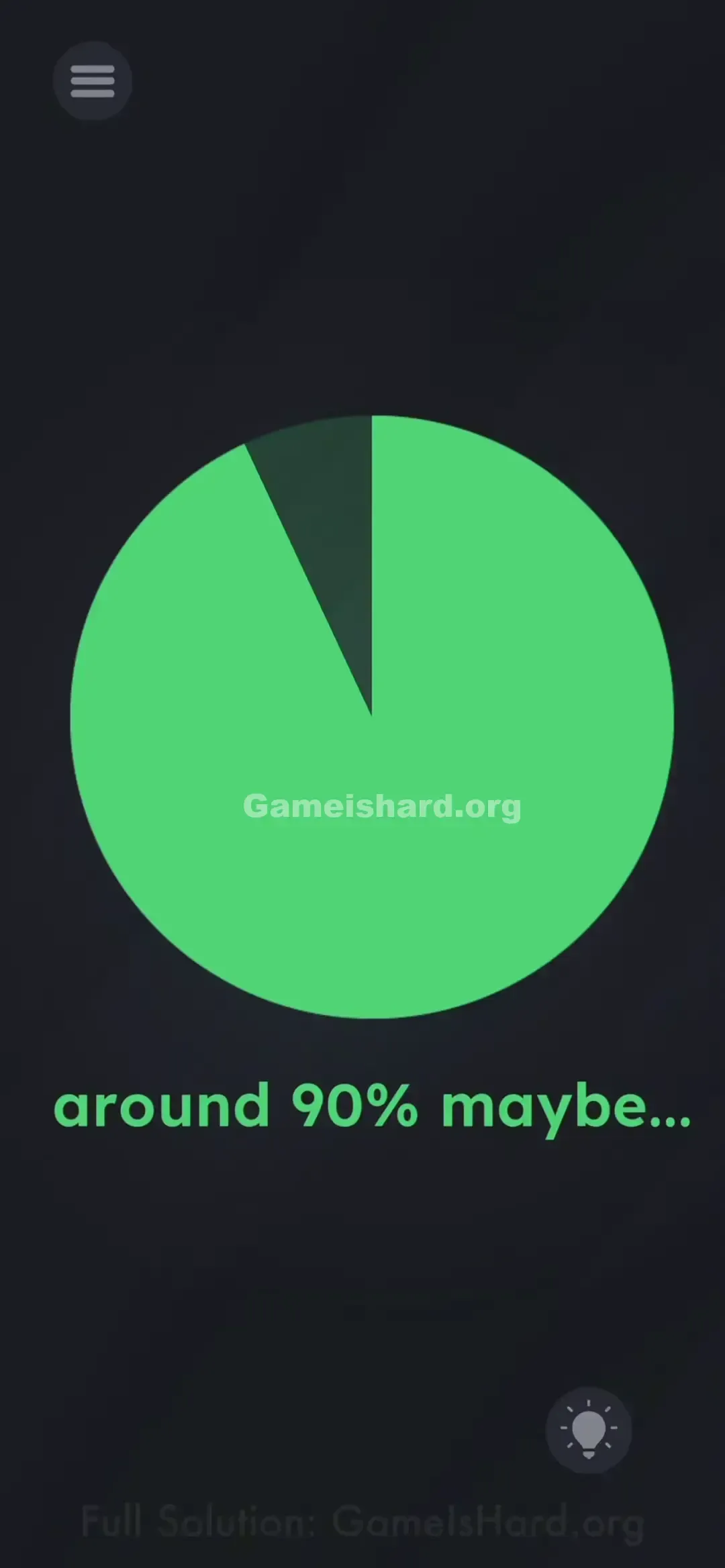
Stop when there is only a small slice of darkness left at the top left.
Level Overview
What Makes This Puzzle Tricky
You’re met with a nearly empty circular chart. The caption reads “around 90% maybe…”, but tapping does nothing. There’s no obvious interactivity — it just looks like a static graphic. That’s the illusion.
Your Goal
Your task isn’t to calculate or guess — it’s to manipulate the pie chart itself until its visual fill matches the phrase “90%.” You’re editing the display directly.
How the Game Responds
- UI Drag: That blue slice doubles as a hidden radial slider.
- Precision: Accuracy matters — overshoot or undershoot, and the level won’t register.
- Visual estimation: No markers or percentages appear on screen. You’ll rely entirely on your eye. It’s not about math — it’s about control.
What Appears on Your Screen
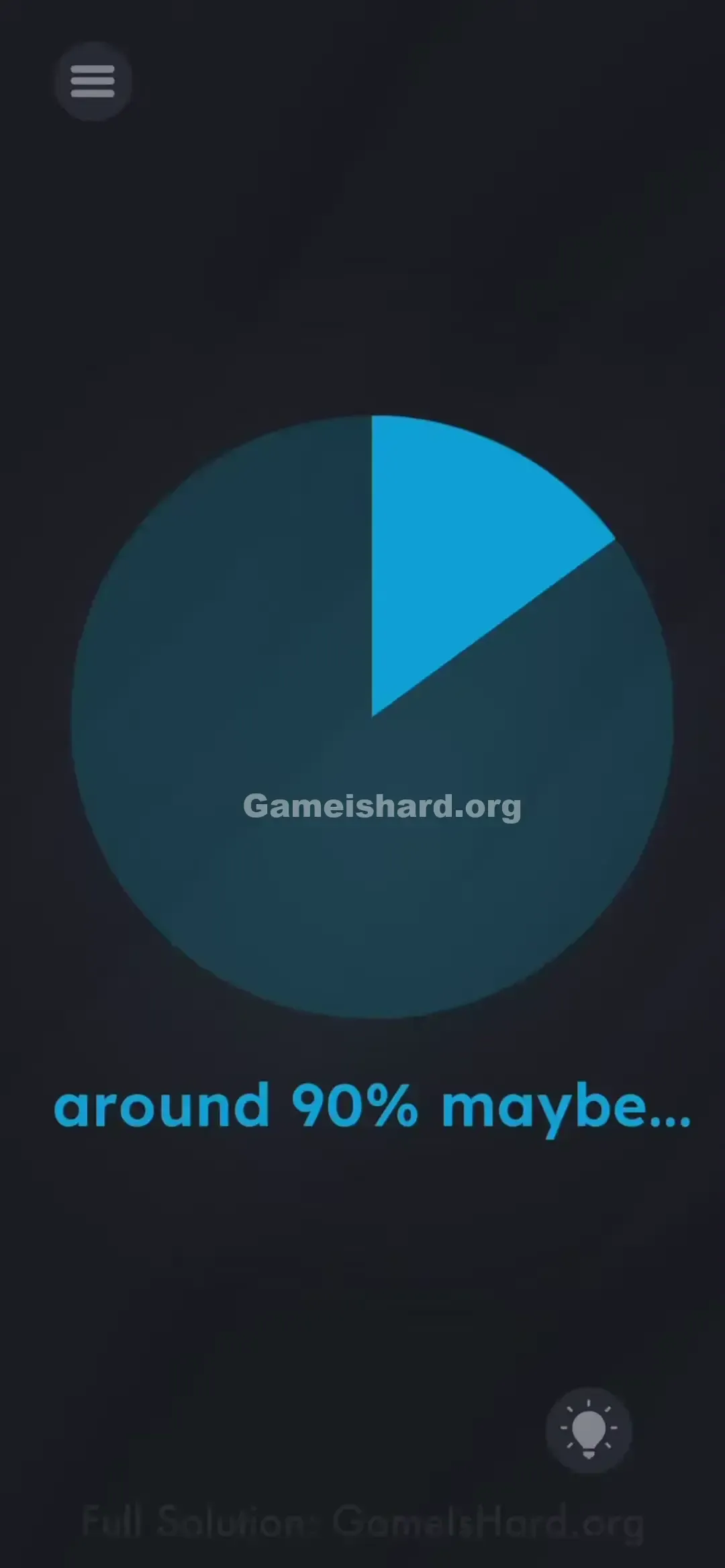
The background is dark. Centered is a large navy-blue circle containing a smaller, lighter blue wedge — currently aligned from roughly 12 o’clock to about 2 o’clock (15–20% filled).
Beneath it, bold blue text states: “around 90% maybe...”
No buttons, no prompts, no hints — just a deceptively still-looking pie chart.
Common Mistakes to Avoid
The Trap
We’re conditioned to view charts as passive visuals — data to absorb, not elements to grab. Your brain dismisses the slice as decoration, not a handle. This level exploits that instinct: UI blindness.
First Instincts That Fail
- I shook my phone hoping the blue would “flow” into place. It didn’t.
- I tapped the “90%” text, expecting auto-fill. Nothing responded.
- I waited, assuming it was a loading animation. It wasn’t loading — it was waiting for your finger.
Player Reactions
I stared at it for over sixty seconds, convinced I’d missed a clue. Then, while adjusting my grip, my fingertip brushed the blue edge — and it rotated. Instant facepalm. That slice was a dial all along.
Step-by-Step Solution
Preparing the Move
Find the crisp, straight outer boundary of the light blue wedge inside the circle. Right now, it points near the 2 o’clock position if the circle were a clock face.
Executing the Solution
- Press and hold your finger directly on that outer edge of the blue area.
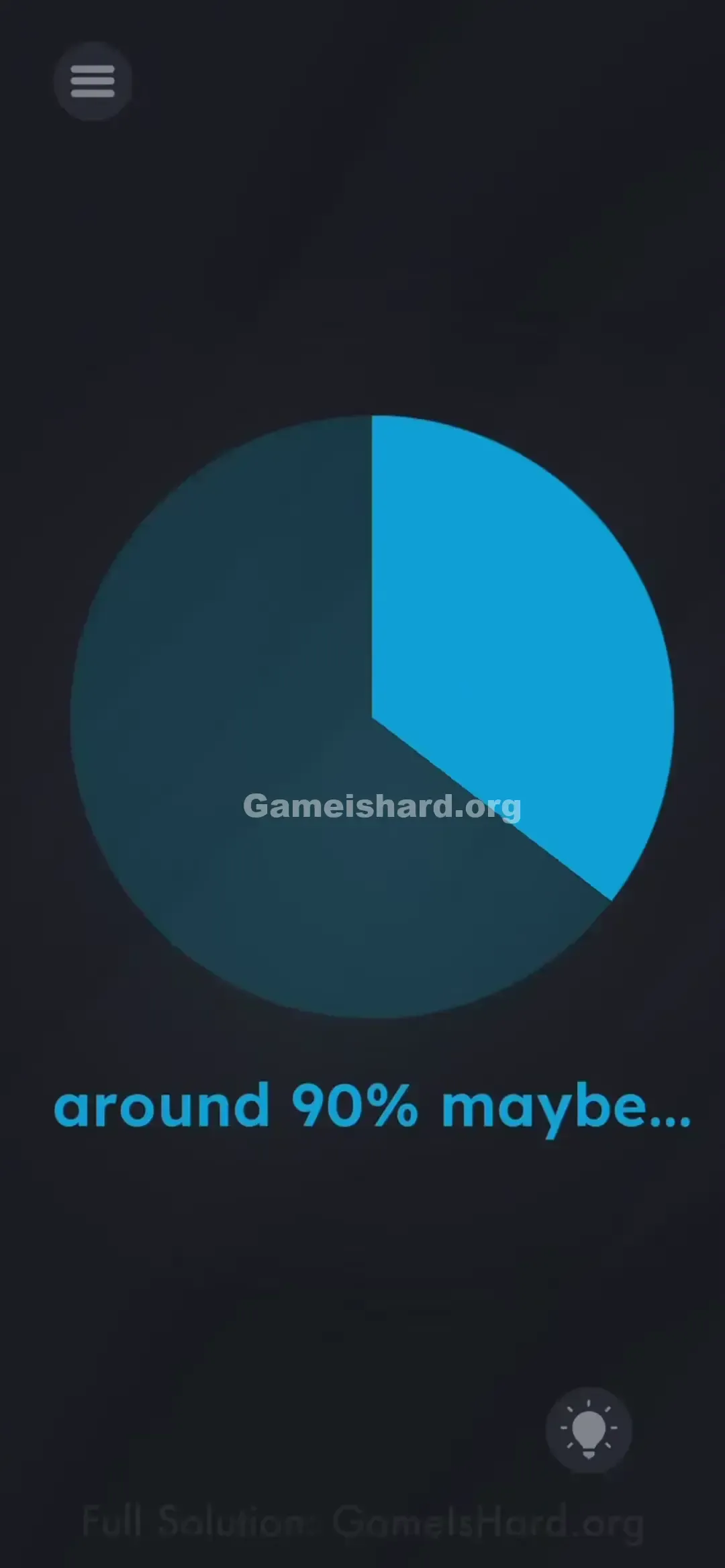
- Slowly drag your finger clockwise around the circle’s center.
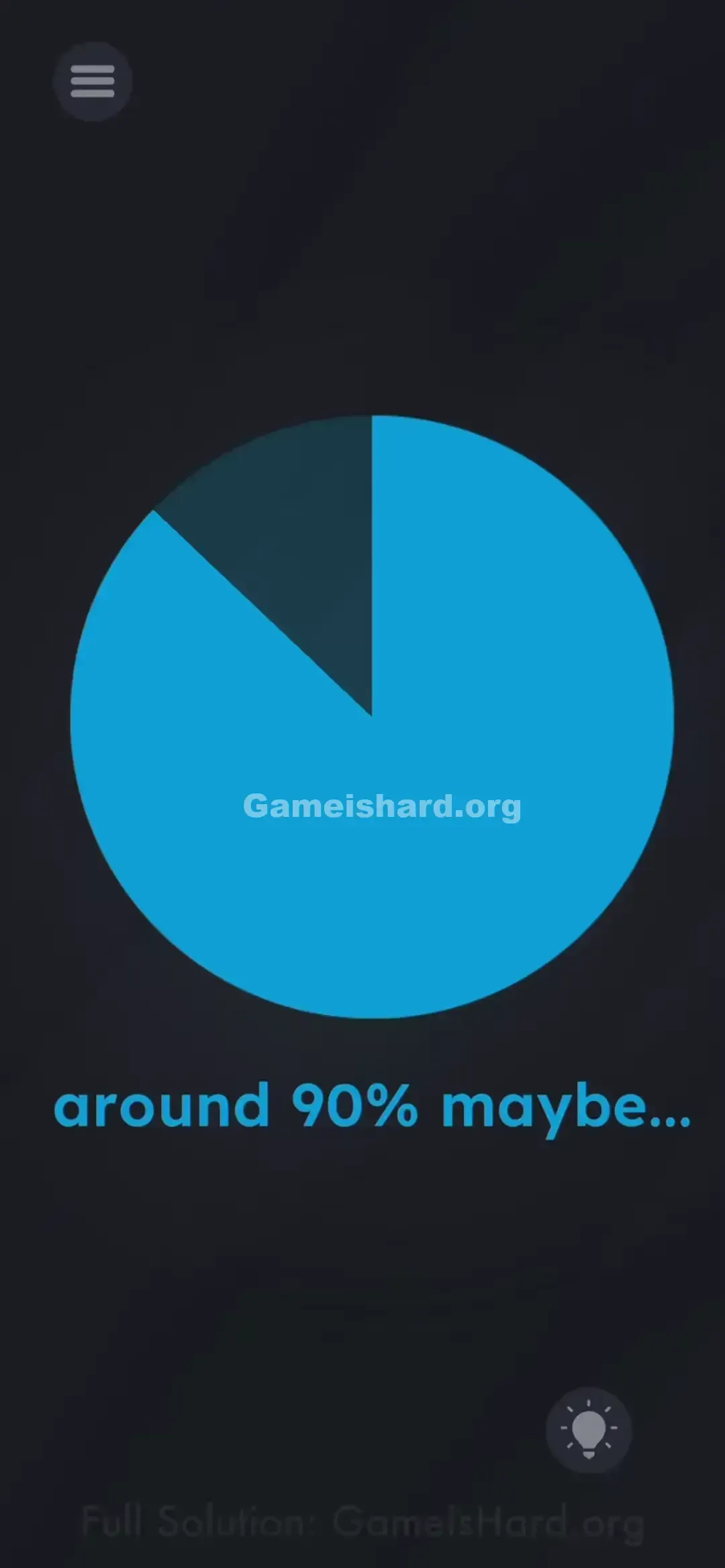
- Watch the blue portion expand outward as you drag.
- Continue until ~90% of the circle is filled — leave just a narrow gap of dark space at the top left.
- Visual Guide: Imagine a clock. Start at 12 and sweep all the way past 3, 6, and 9 — stopping just before completing the full circle, near 11 o’clock.
- Visual Guide: Imagine a clock. You want the blue to start at 12 and go all the way around past 3, 6, and 9, ending roughly at the 11 o'clock position.
- Release. If your estimate is close enough, the level completes instantly.
If It Did Not Work
- It won't move: You’re touching the dark background, not the blue edge. Target the slice’s outer rim — treat it like turning a physical knob.
- It didn't work: Releasing triggered no response? You likely stopped too early (~80%) or overshot (~98%). A true 90% leaves a clearly visible sliver of darkness at the top left. Adjust slightly and retry.
Why This Solution Works
This level challenges how you interpret interface design. In most apps, charts show information — they don’t accept input. Here, the chart is the control. Game Is Hard blurs the line between display and interaction, pushing you to explore every element physically rather than just reading it.
Bonus Tip
- Skip the math. “90%” means almost full, not perfect.
- Move slowly — the drag sensitivity is high.
- Overshot? Just drag counter-clockwise a bit before lifting your finger.
- Ignore the text. Focus solely on shaping the blue wedge.
Frequently Asked Questions of Game Is Hard Level 139 (Short, Useful)
Q: Can I get exactly 90%? A: The game accepts a range — “close enough” is all you need.
Q: Does dragging counter-clockwise work? A: No. Growth only happens clockwise from the starting point. You must rotate the long way around.
Q: I filled the whole circle and failed? A: Yes — 100% ≠ 90%. You must preserve a visible gap.
Q: Is there a time limit? A: None. Take your time lining up the final edge before releasing.
More Game Is Hard Solutions
Stuck on another puzzle? Our walkthroughs cut straight to the solution — no fluff, no videos, just what works. Browse the full list if level 140 (or any other) has you stumped!