App updates can sometimes shuffle the order of puzzles. If this level 138 walkthrough doesn't match your screen, don't worry! You can browse our All Levels guide to find your exact puzzle by its picture.
Level Overview
What Makes This Puzzle Tricky
You land on a still, silent screen. No movement. No cues. Just the phrase “five laps” staring back at you—and zero obvious way to make anything happen. Tapping does nothing. Tilting does nothing. It feels like the game froze—or worse, like you’re missing something obvious. That’s the signature tension of Game is Hard: it gives you a static scene and expects you to realize you hold the controls.
Your Goal
The goal sounds straightforward—deliver five laps—but it’s designed to mislead. Most players instinctively hunt for a start button or hidden trigger, assuming automation is involved. It’s not. This level asks you to treat the interface like a physical object: grab, guide, and complete the motion yourself—no shortcuts, no waiting.
Key Mechanics
- Touch & Drag: Interaction isn’t about tapping—it’s about holding and moving.
- Manual Control: Physics stay dormant until your finger engages directly with the ball.
- Hidden Triggers: The final action only unlocks after you’ve completed the required motion—not before. This isn’t a bug or oversight. It’s intentional friction—you must do the work.
What Appears on Your Screen
Let’s map out exactly what’s visible:
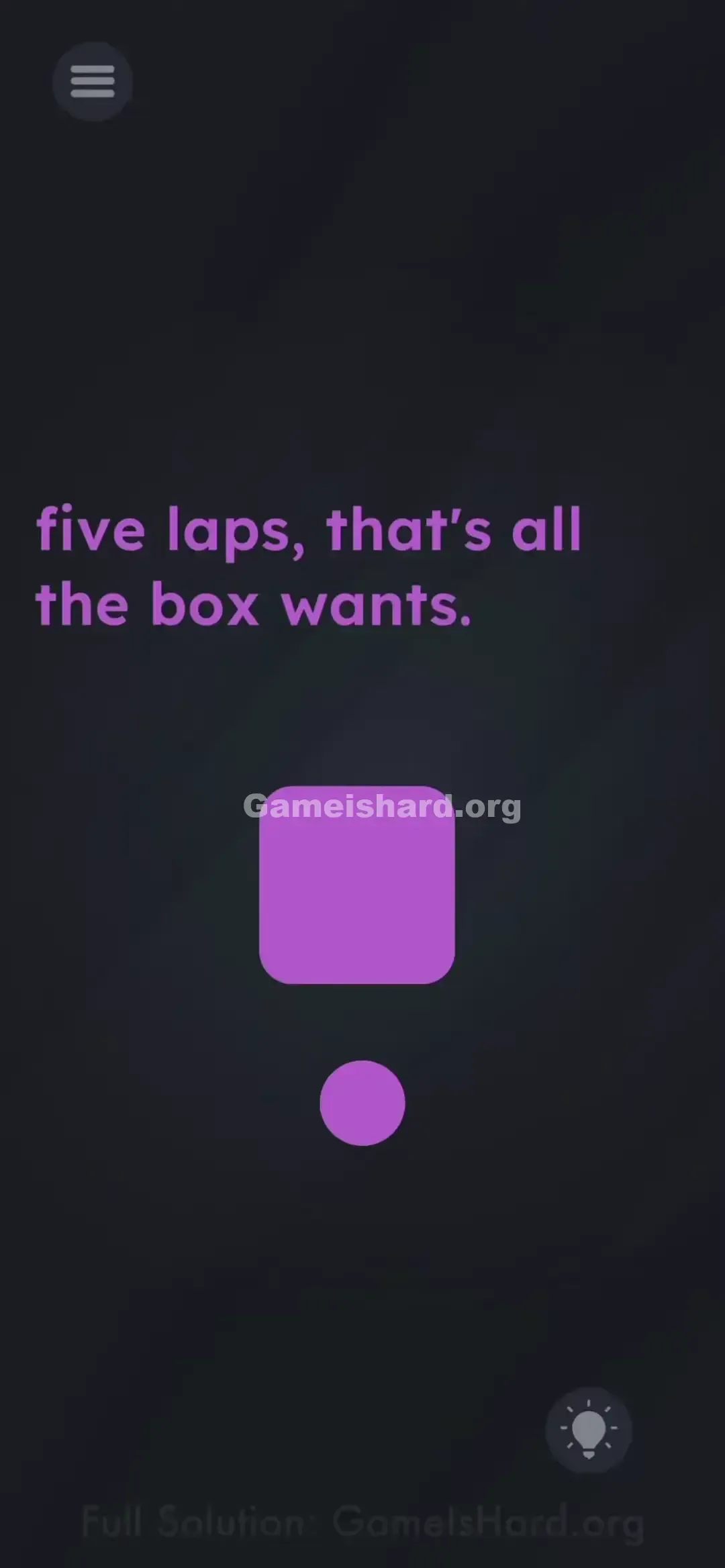
- Top Center: Purple text reads: "five laps, that's all the box wants."
- Middle: A large, solid Purple Square — unmoving, centered, and unresponsive.
- Bottom Center: A small Purple Circle (the ball), placed directly below the square.
- Background: The game’s signature dark, atmospheric gradient. At first glance, it resembles a stalled diorama—like a planetary model mid-rotation, frozen mid-orbit. There are no directional arrows, no glowing buttons, no visual hints pointing to what to do next.
Common Mistakes to Avoid
The Trap
The biggest hurdle is expecting automation. Years of mobile gaming have wired us to tap and watch. So when nothing happens after tapping, we assume we missed a cue—or that the game is broken. But the real test is recognizing that you are the motor, not the spectator.
First Instincts That Fail
- Tapping the ball repeatedly: You might hope each tap nudges it forward. It won’t budge.
- Swiping once: Some try flicking the ball like a slingshot, hoping momentum carries it. It stops instantly.
- Tilting the phone: A natural assumption given the ball’s shape—but no accelerometer input is used here.
- Waiting: Sitting still, watching for a hint or animation to appear, is the most common roadblock.
Player Reactions
I wasted nearly 90 seconds dragging the word “laps” around the square. Then I tried pulling the big purple box itself—nope. Felt ridiculous when I finally realized the tiny ball was just sitting there, fully interactive, waiting for me to take it for a literal lap walk.
Step-by-Step Solution
Preparing the Move
Tune out the text. Zero in on the small purple circle at the bottom—that’s your active element. The large square isn’t an obstacle; it’s your track’s center point.
Executing the Solution
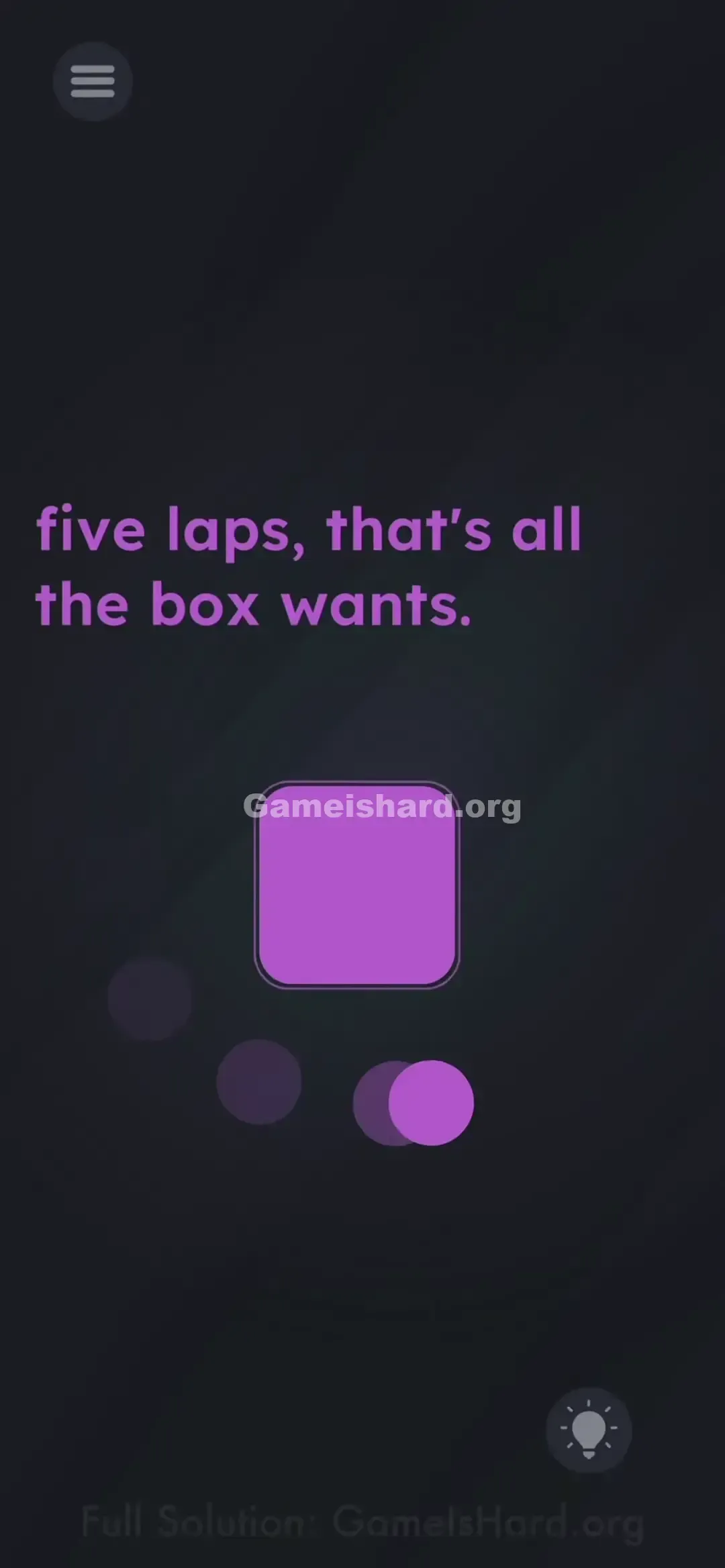
- Grab the Ball: Press and hold your finger directly on the small purple circle . Keep contact steady.
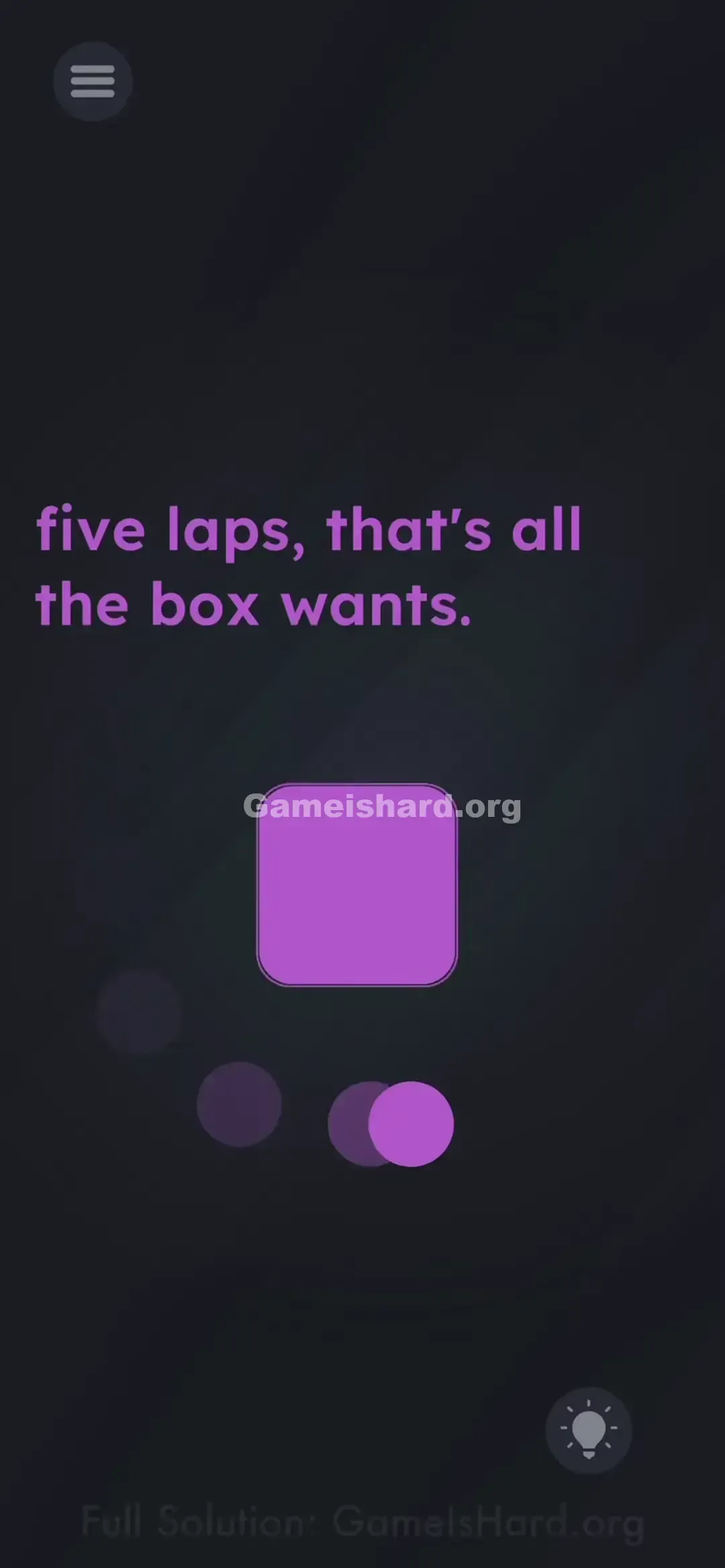
- Start Your Engines: Drag the ball smoothly around the perimeter of the large Purple Square .
- Count the Laps: One full loop (360°) around the square equals one lap. Direction doesn’t matter—but clockwise tends to feel smoother for most players.
- Note: Direction (clockwise vs. counter-clockwise) usually doesn't matter, but clockwise feels more natural for most right-handed players.
- Repeat 5 Times: Maintain finger contact and complete four more full circuits. Speed isn’t critical—just ensure each lap clears all four corners cleanly.
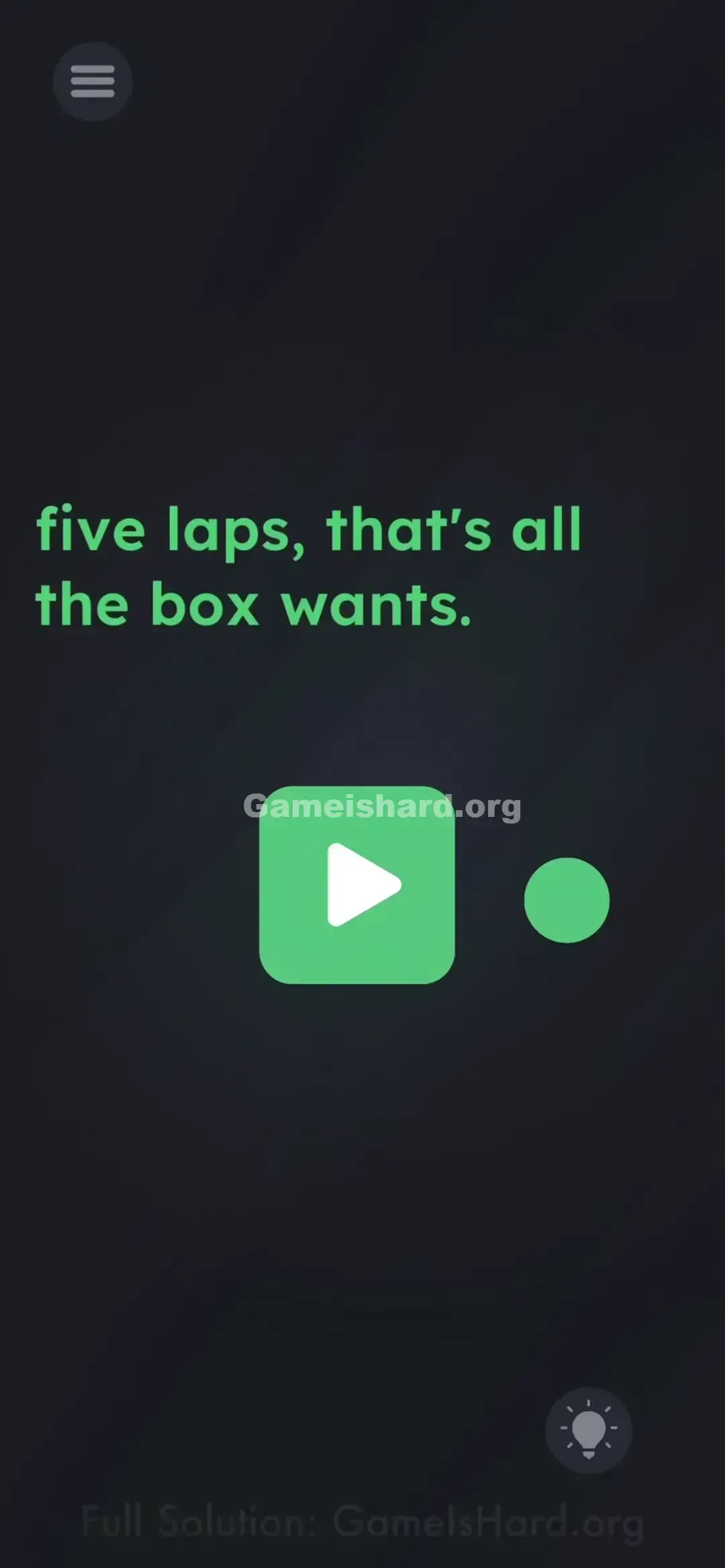
- The Reveal: After finishing the fifth lap, a Play button (triangle icon) will appear—or the level may auto-complete, depending on your version. If the button shows up, tap it right away.
If It Did Not Work
- It's not counting! Your path may be too tight—if the ball grazes or touches the square, the lap likely won’t register. Give the square breathing room.
- I lost count: No problem—just keep going. The system triggers on “5 or more,” so overshooting is safe.
- My finger slipped: If you lift off mid-lap, just re-grab and continue. Most versions retain lap progress, but doing five clean loops back-to-back guarantees success.
Why This Solution Works
This level tests direct manipulation—a UI principle where users interact with objects themselves instead of using abstract controls (like buttons or menus).
Game is Hard strips away those layers deliberately.
- Standard Game: Press “Jump” to leap.
- This Game: Drag the character upward with your thumb to simulate the jump. It forces you to stop searching for the interface—and become the interface. It also follows strict “Simon Says” logic: the prompt says “five laps,” not “watch five laps.” It demands action—not observation.
Bonus Tip
If you're racing through or just done overthinking:
- Skip hesitation—grab the ball the second the level loads.
- Move it fast and confidently around the square.
- Keep your finger down until you see the visual change—don’t lift early.
Frequently Asked Questions
Does the direction of the spin matter? No. Clockwise or counter-clockwise works fine. Pick one and stick with it for consistency.
Do I have to move slowly? Not at all—in fact, faster motion helps avoid accidental lifts or edge slips.
I did 5 laps and nothing happened. Why? One or more laps probably didn’t complete a full 360°, or you clipped the square too closely. Add two or three extra laps to be certain.
Is there a hidden timer? Nope. You can pause, think, or restart anytime—but once you begin dragging, smooth, continuous motion gets you there fastest.
More Game Is Hard Solutions
If this guide saved your streak, you’ll love what’s next. Game is Hard stops being clever the moment you’ve stared at the same screen for 20 minutes. Our guides skip the fluff and deliver answers straight up. Share this with a friend who’s already spiraling on Level 139.
Go crush it.