App updates can sometimes shift puzzle order. If this level 197 walkthrough doesn’t match what you’re seeing, no stress! Flip through our All Levels directory to spot your exact puzzle by image.
Level Overview
What Makes This Puzzle Tricky
You’re greeted with a family tree—and a puzzling blank space at the bottom. It feels like a logic puzzle straight out of a science textbook or IQ quiz. Your eyes lock onto the empty spot above the question mark, instinctively assuming you’ll need to tap something or select an option to “generate” the missing piece. But there’s no button. Just silence and shapes.
Your Goal
Your goal is to fill the ? slot at the base of the family tree. While it looks like a genetics-style logic challenge—determining which traits pass down—it’s really about reusing what’s already visible. No creation needed—just smart relocation.
Key Mechanics:
- Drag and Drop: The answer isn’t built—it’s relocated.
- Visual Logic: You must infer how color and shape inheritance work across generations.
- Hidden interactables: Elements that seem decorative are actually draggable assets. It’s not testing recall. It’s testing whether you’ll challenge the layout itself.
What Appears on Your Screen
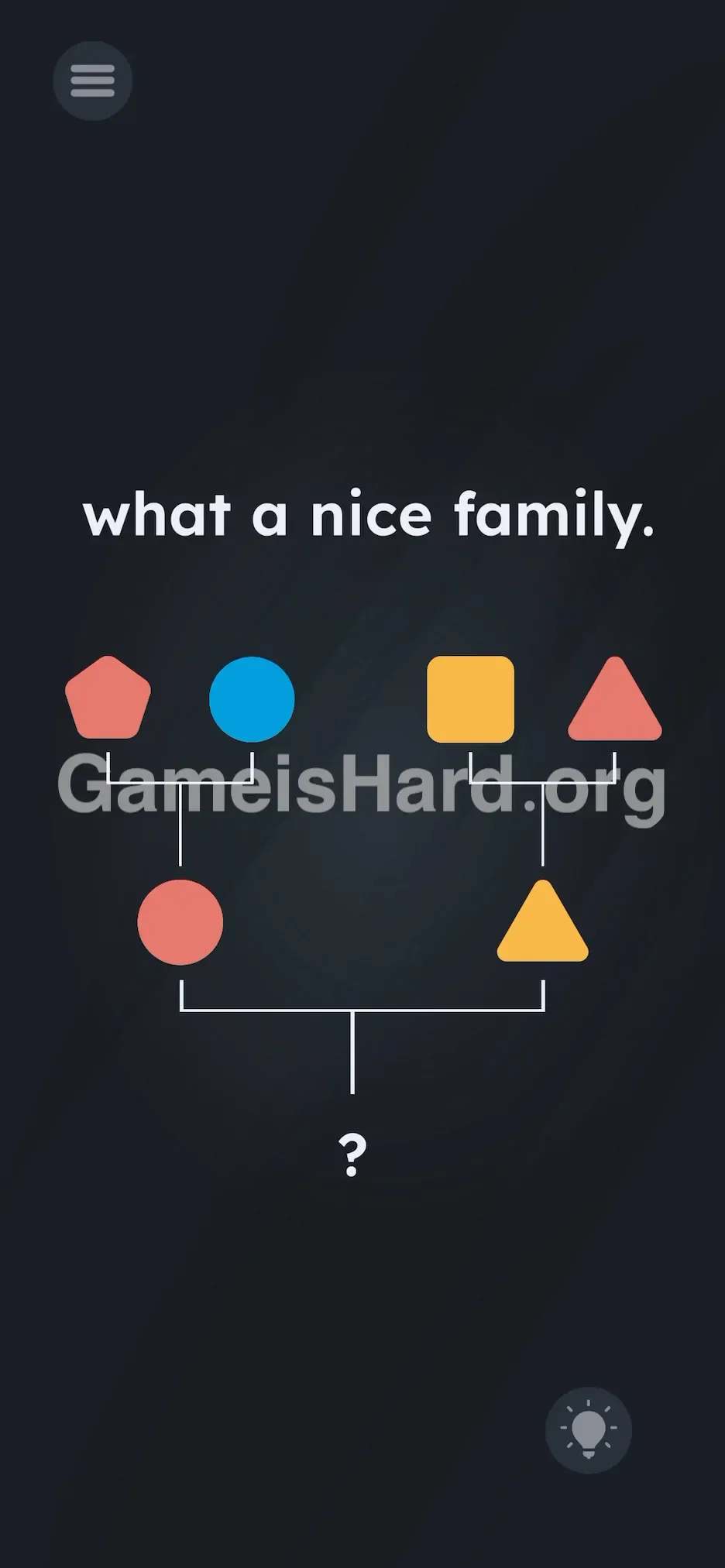
The screen shows a diagram labeled "what a nice family."
- Top Row (Grandparents): Left side: A red pentagon and a blue circle . Right side: A yellow square and a red triangle .
- Left side: A red pentagon and a blue circle .
- Right side: A yellow square and a red triangle .
- Middle Row (Parents): Left side: A red circle (descended from the pentagon/circle pair). Right side: A yellow triangle (descended from the square/triangle pair).
- Left side: A red circle (descended from the pentagon/circle pair).
- Right side: A yellow triangle (descended from the square/triangle pair).
- Bottom Row (The Child): A white bracket connecting the two middle shapes, pointing down to a question mark ? .
- A white bracket connecting the two middle shapes, pointing down to a question mark ? . No inventory panel. No multiple-choice buttons. Just the tree—and everything you need, right in plain view.
Common Mistakes to Avoid
The Trap
Years of standardized tests condition us to treat diagrams as fixed images. You study the family tree and think, “Okay—I’ve got to compute the answer.” You land on “red triangle” logically—but then hit a wall: no submit button, no tap zone, no response when you press the ? or shake your device.
First Instincts That Fail
- Tapping the parents: Many players tap the middle-row shapes hoping they’ll combine.
- Waiting: Some puzzles reward patience—but this one demands action.
- Searching for hidden menus: You might drag text or UI elements, thinking the answer hides off-screen.
Player Reactions
I spent nearly a minute trying to tap both parents at once—like pressing “conceive” in a cartoon. Felt silly the second I realized grandma’s red triangle was sitting idle in the corner. Why invent a shape when the perfect one’s already on display?
Step-by-Step Solution
Preparing the Move
First, map out the inheritance pattern in your head.
- Look at the left "parent" (Red Circle). Its color (Red) came from its left grandparent; its shape (Circle) came from its right grandparent.
- Look at the right "parent" (Yellow Triangle). Its color (Yellow) came from its left grandparent; its shape (Triangle) came from its right grandparent.
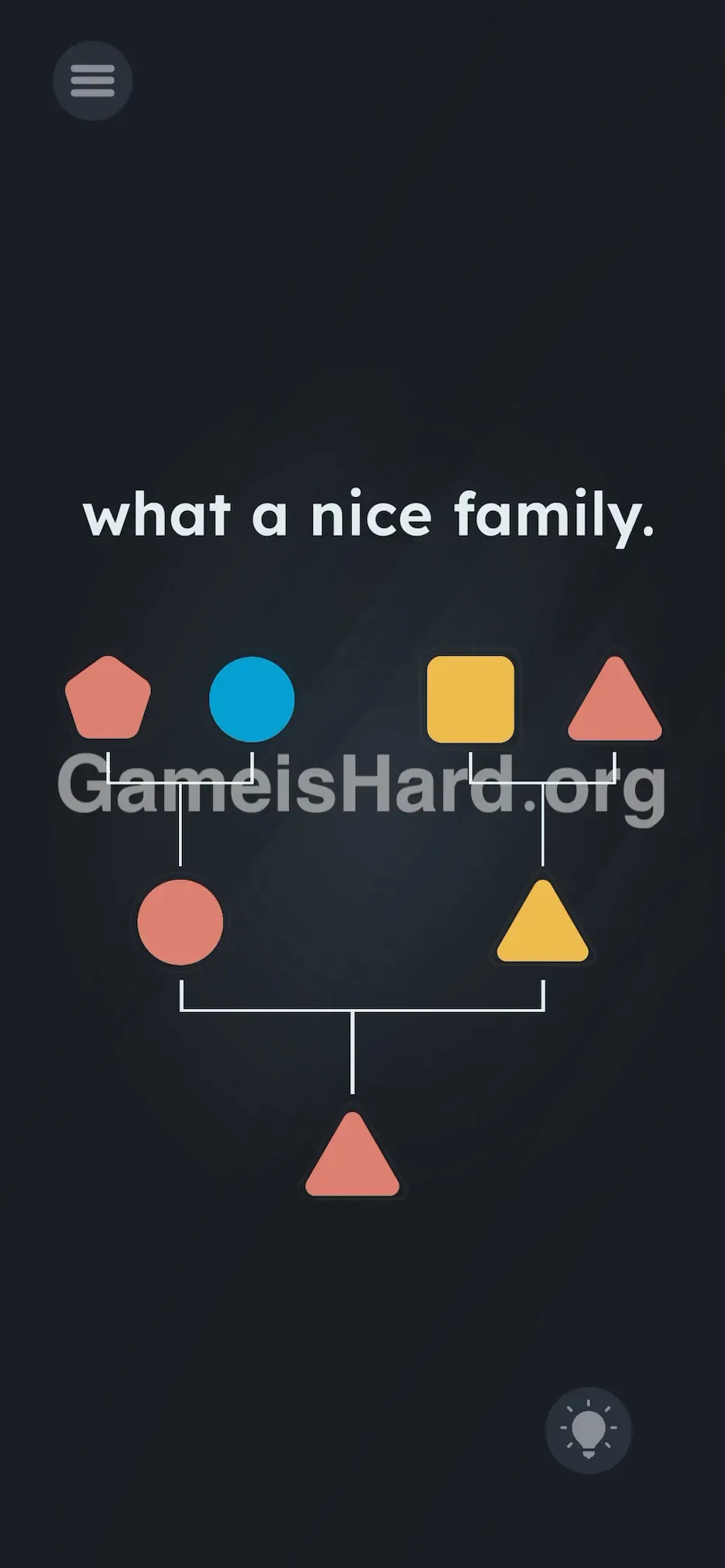
- So the child needs Red (from left parent) + Triangle (from right parent) = Red Triangle .
Executing the Solution
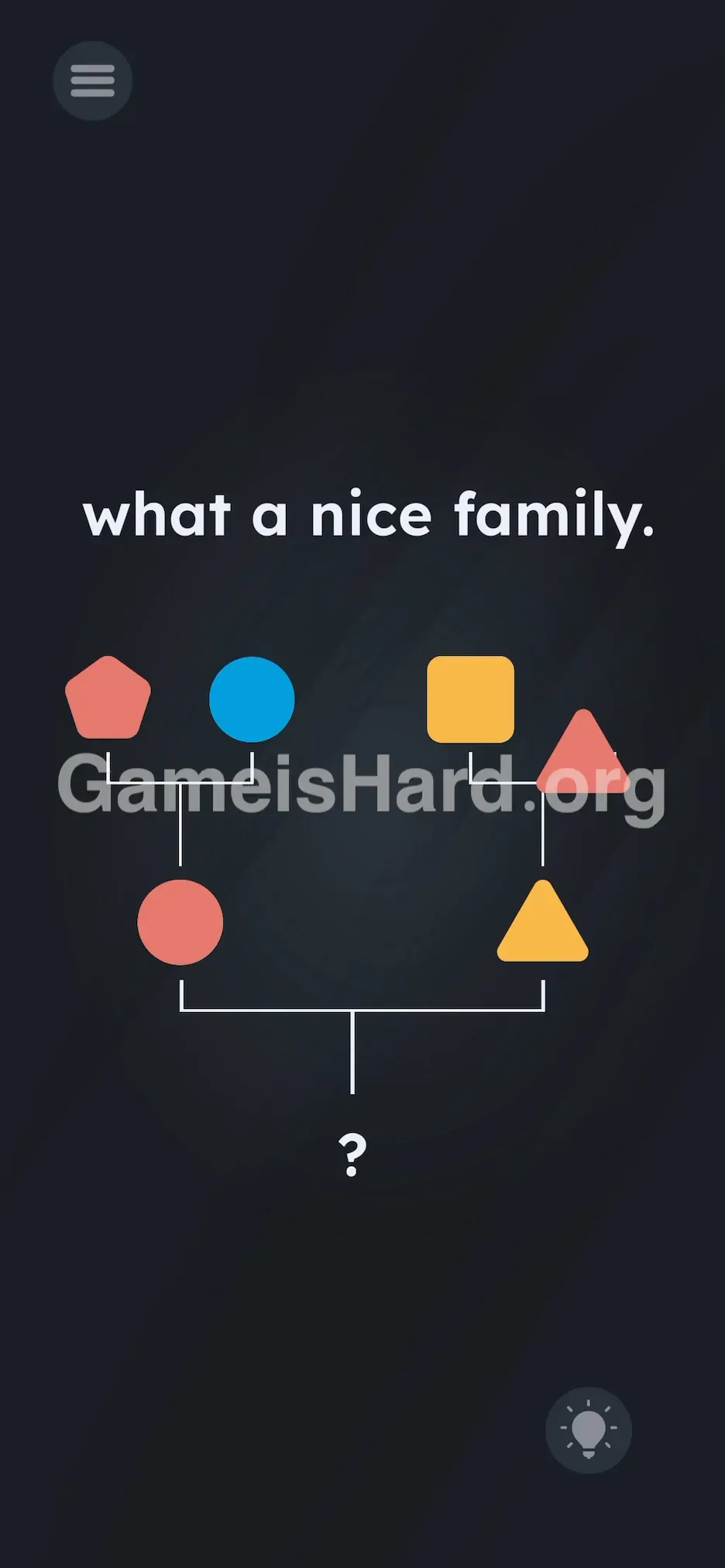
- Spot the Red Triangle in the top-right corner (one of the grandparents).
- Tap and hold it.
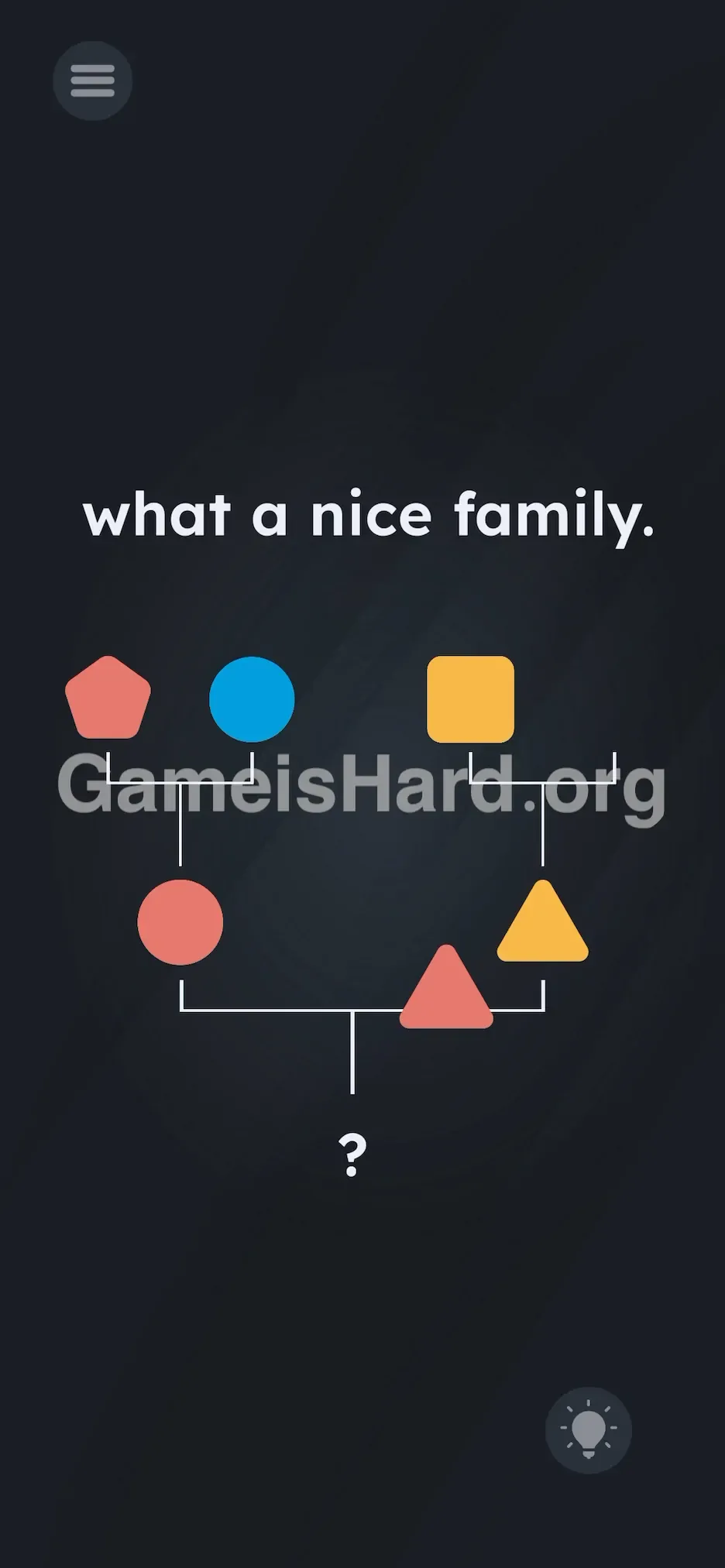
- Drag it smoothly all the way down to the bottom row.
- Release directly over the ? .
If It Did Not Work
- It bounced back: You likely didn’t position it precisely enough—the drop zone centers where the bracket lines meet.
- I dragged the wrong shape: If you pick something that doesn’t match the logic (e.g., the red circle), the game rejects it. Only the correct shape locks into place.
Why This Solution Works
This level asks you to spot a pattern—but flips expectations on execution. The inheritance rule is straightforward:
Left Parent contributes Color .
Right Parent contributes Shape . So for the final child:
Left Parent is the Red Circle → Child inherits Red .
Right Parent is the Yellow Triangle → Child inherits Triangle . The “Game is Hard” twist? Resource reuse. Usually, the top row is just context—but here, it doubles as your answer bank. The game breaks immersion by turning the question itself into an interactive toolkit.
Bonus Tip
If you’re speed-running or replaying:
- Skip the logic if time’s tight.
- Go straight for the top-right shape.
- Drag it down to the ? .
- That’s it. Skip tapping parents or shaking your phone—those won’t help here.
Frequently Asked Questions
Why is the answer the Red Triangle? The child inherits color (Red) from the left-side parent and shape (Triangle) from the right-side parent.
Can I combine the Red Circle and Yellow Triangle? No—the game doesn’t support merging shapes in this level. You must locate and move the pre-made shape that fits the criteria.
I tried dragging the Red Pentagon—why didn’t it work? Though it’s red, its shape (pentagon) doesn’t match the required triangle. Only the exact match—Red + Triangle—will register.
Is there a hidden shape somewhere? Nope. Every element you need appears from the start. The solution is literally part of the question—just waiting to be moved.
More Game Is Hard Solutions
If this guide kept your streak alive, explore our full walkthrough library. We zero in on actual interaction points—no filler, just functional steps so you can jump back into gameplay. Share this with anyone stuck staring at abstract shapes!