App updates can occasionally shift puzzle order. If this level 125 walkthrough doesn’t match what you see, no stress! Browse our All Levels hub to locate your exact puzzle by image.
You need to repeat this rotation and dragging process four times—once for each colored ball and wall pair.
Level Overview
What Makes This Puzzle Tricky
You’re literally boxed in. The screen shows four vivid balls locked inside a tight square formed by thick gray walls. You instinctively try dragging each ball straight into its nearest wall—but they just bounce off, untouched. It feels like the physics engine glitched… but really, the rules are just waiting for you to discover them.
Your Goal
Your mission is to destroy all four walls . Once every gray barrier is gone, the balls are free—and the level completes. Simple goal, clever execution.
Key Mechanics at
- Tilt / Rotation Sensors: The game taps into your device’s gyroscope.
- Color Matching: Interaction only happens when ball and wall share the same color.
- Drag & Drop: You must actively launch each ball—you can’t rely on gravity or auto-launch. It’s less about strength, more about syncing color and motion.
What Appears on Your Screen
The setup feels tight—but intentionally minimal.
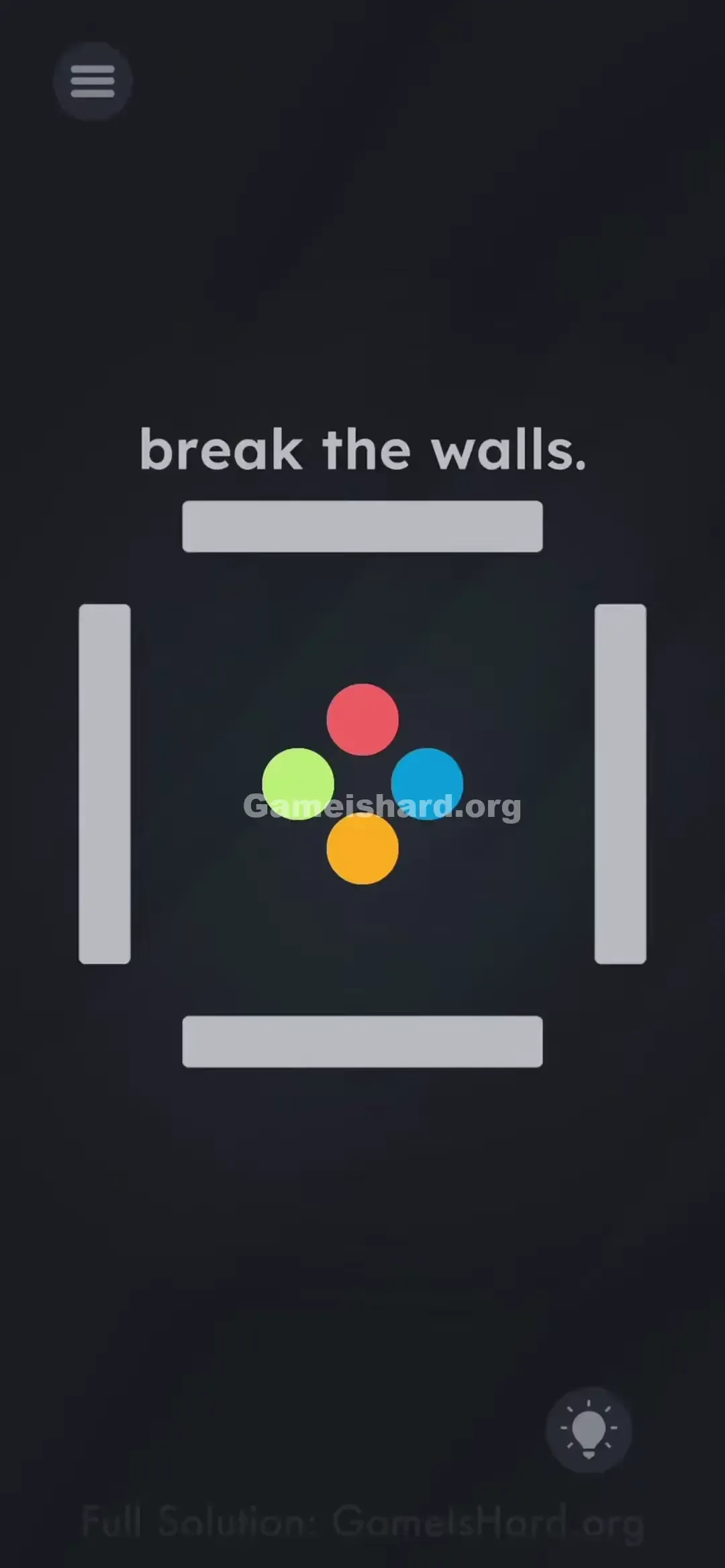
- Center Stage: Four brightly colored circles grouped closely: Red (top), Green (left), Blue (right), and Orange (bottom).
- The Cage: Four solid gray rectangular bars encircle them, forming an unbroken perimeter.
- The Text: A single directive sits at the top: "break the walls."
- The Background: Deep, neutral backdrop—designed to make those bold colors stand out. At first glance, everything seems frozen—but tilt your phone even slightly, and you’ll notice the walls subtly shift hue. That’s your first real clue.
Common Mistakes to Avoid
The Trap
Most players assume the walls are static, indestructible barriers—or that brute-force dragging will eventually crack them. Others attempt pinching, zooming, or aggressive shaking. The real trap? Believing those gray walls are inert. They’re not—they’re dynamic, responsive, and color-shifting.
First Instincts That Fail
- Forceful trial-and-error: Repeatedly flinging the red ball at the gray wall yields zero progress.
- Device shaking: While useful in many physics puzzles, here it only jostles the balls—not the walls.
- Passive waiting: This isn’t a wait-and-watch level. Real-world movement is required to trigger change.
Player Reactions
I spent nearly two minutes hurling the green ball at the left wall, convinced it had hidden durability or needed repeated hits. Then, pausing to rethink, I tilted my phone sideways—and watched the wall instantly turn green. Instant “aha!” moment. The solution was in how I held the device all along.
Step-by-Step Solution
Preparing the Move
Start with your phone held upright or flat. Identify the four center balls by color. Choose one to begin with—say, Red .
Executing the Solution
- Rotate/Tilt your phone physically. Shift its orientation until the gray walls visibly respond—cycling through hues or locking onto a new tone.
- Match the Color. Keep adjusting until the wall closest to your chosen ball (e.g., the top wall for Red) turns Red .
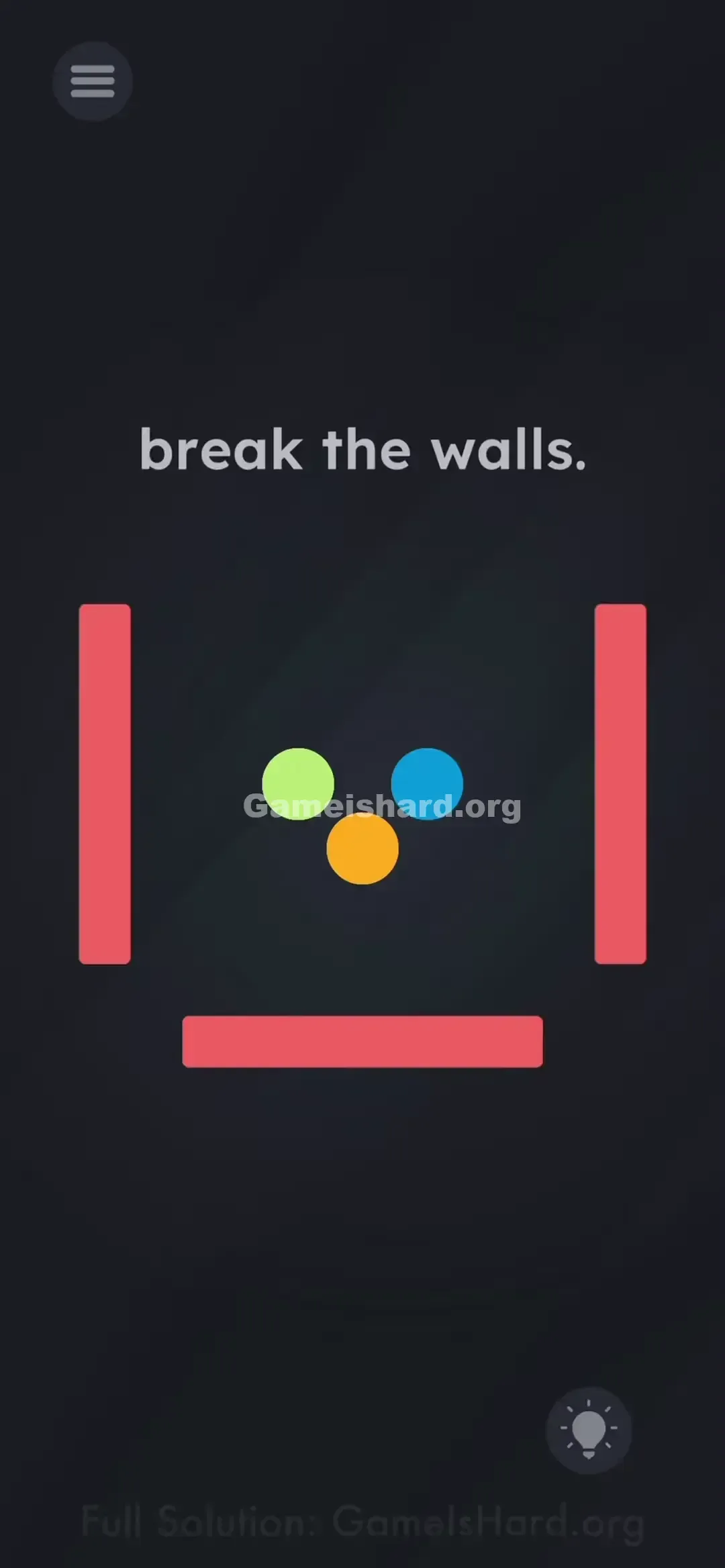
- Smash it. Hold that precise angle steady, then drag the Red ball directly into the now-red wall—it’ll vanish on impact.
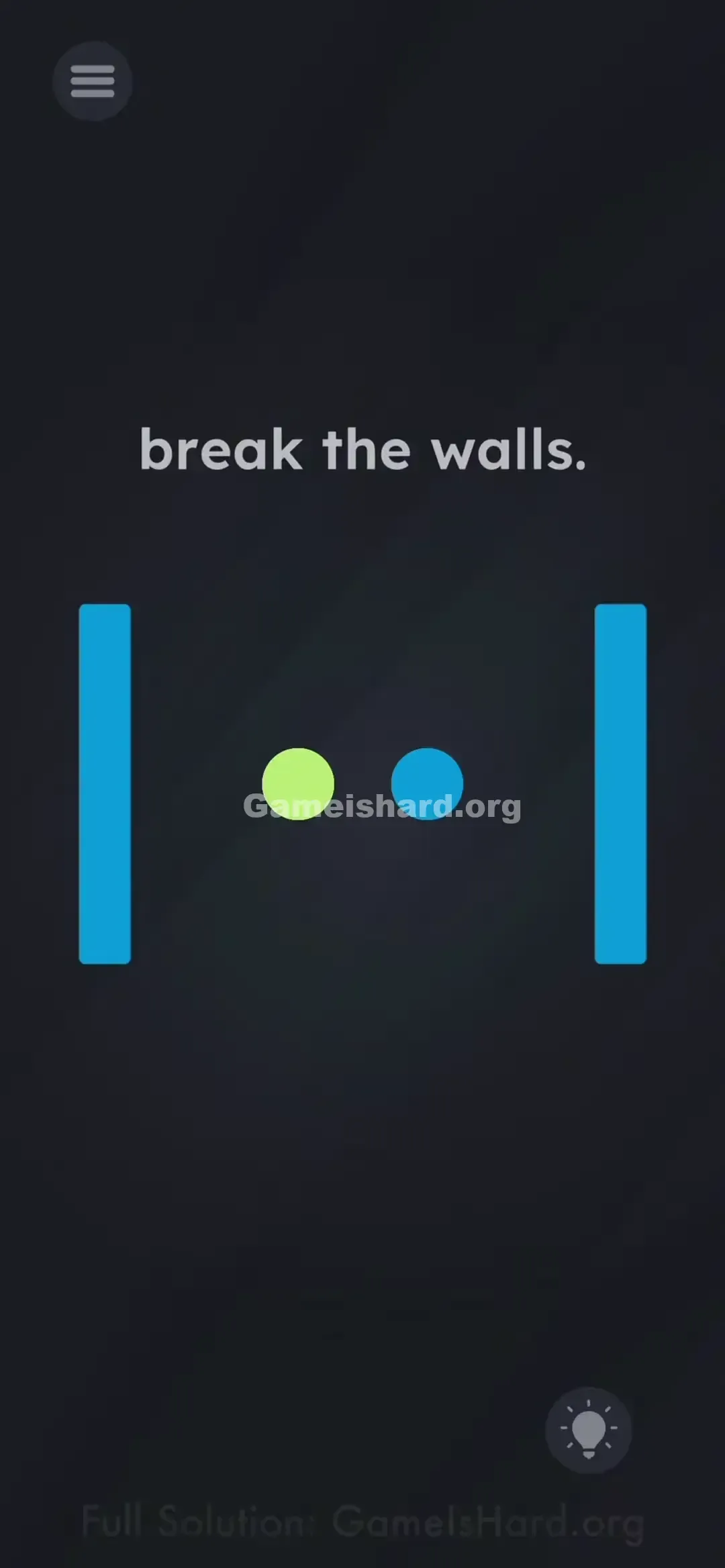
- Repeat. Move to the next color—like Blue—tilt again until a remaining wall shifts to Blue , then drag the Blue ball into it.
- Continue this for Green and Orange until all four walls are gone.
If It Did Not Work
- The wall color keeps switching back: You may be tilting too quickly or inconsistently. Once you land on the right angle where the wall changes, hold still while dragging with your other hand.
- Ball bounces off: The wall wasn’t fully colored at impact. Wait until it’s solidly matched—not fading or transitioning—before launching.
- Can't find the color: Try rotating 90°, flipping to landscape, or gently rocking the phone front-to-back. Each orientation triggers different color responses.
Why This Solution Works
This level hides a classic pattern-matching mechanic behind realistic physics visuals.
Under the hood, the rule is simple: Collision = True only when Object.Color == Wall.Color . Since walls start as #Gray , no collision registers. The tilt sensor acts as your color selector—turning the environment into an interactive palette. It teaches that in Game Is Hard, your physical world matters just as much as your screen taps.
Bonus Tip
If juggling tilt and drag feels awkward:
- Lay your phone flat on a stable surface.
- Rotate it slowly, like turning a dial—this gives smoother, more controlled color shifts.
- It’s often easier than holding and tilting mid-air, especially for spotting subtle hue changes.
- Take your time—the walls won’t reset or fade while you adjust.
Frequently Asked Questions
Why won't the walls break when I hit them? Gray walls are invincible. They only become breakable the instant they match the color of the ball you’re dragging.
Do I have to break them in a specific order? Nope—you’re free to tackle Red, Blue, Green, or Orange in any sequence, as long as color alignment is perfect on impact.
Does this work with screen rotation locked? Absolutely. The game reads from your phone’s internal motion sensors—not system-level orientation settings—so lock status doesn’t interfere.
My gyroscope seems broken, the colors won't change? First, fully close and relaunch the app to refresh sensor calibration. Also, double-check that motion permissions are enabled if the app requests them.
More Game Is Hard Solutions
Hit a mental roadblock elsewhere? We deliver clean, straightforward guides for every Game Is Hard level—no filler, no delays. Keep your solving streak alive—explore our full walkthrough library and pass this guide along to anyone else wrestling with those stubborn gray walls!